manuals.online logo
Brands
  1. Home
  2. •
  3. Brands
  4. •
  5. cassini
  6. •
  7. Binoculars
  8. •
  9. cassini K-9 User manual

cassini K-9 User manual

Popular Binoculars manuals by other brands

Bushnell POWERVIEW 2 owner's guide

Bushnell

Bushnell POWERVIEW 2 owner's guide

Celestron VistaPix 72218 user guide

Celestron

Celestron VistaPix 72218 user guide

ATN PS-15 Operator's manual

ATN

ATN PS-15 Operator's manual

Levenhuk Atom Digital DNM200 user manual

Levenhuk

Levenhuk Atom Digital DNM200 user manual

Bresser TOPAS 7x50 instruction manual

Bresser

Bresser TOPAS 7x50 instruction manual

Berger & Schroter LN-G3-B50 user manual

Berger & Schroter

Berger & Schroter LN-G3-B50 user manual

Leica geovid 8x42 HD-R user manual

Leica

Leica geovid 8x42 HD-R user manual

Noblex NF 8 x 42 inception user manual

Noblex

Noblex NF 8 x 42 inception user manual

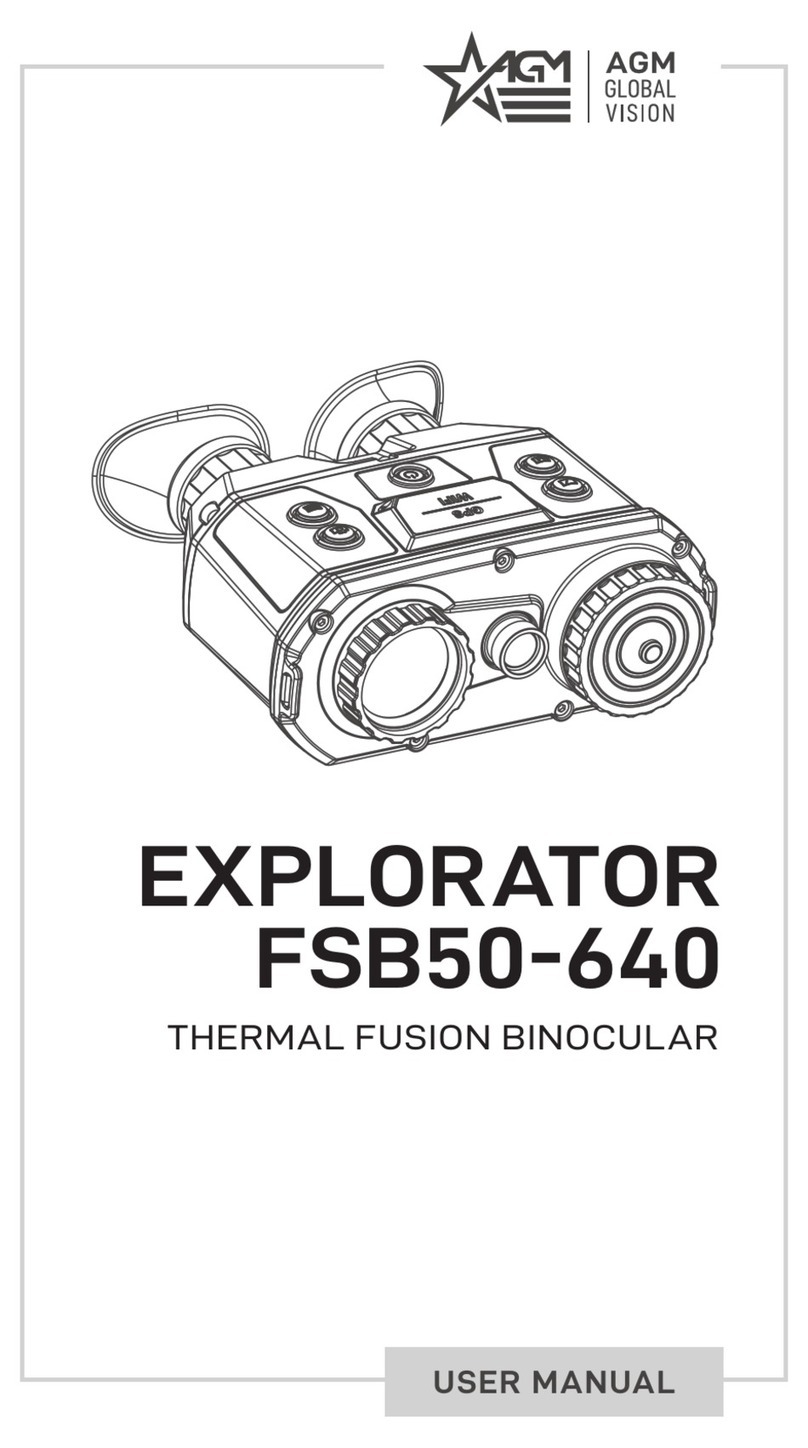
AGM EXPLORATOR FSB50-640 user manual

AGM

AGM EXPLORATOR FSB50-640 user manual

Opticron Marine-3 7x50 BIF.GA User instructions and warranty

Opticron

Opticron Marine-3 7x50 BIF.GA User instructions and warranty

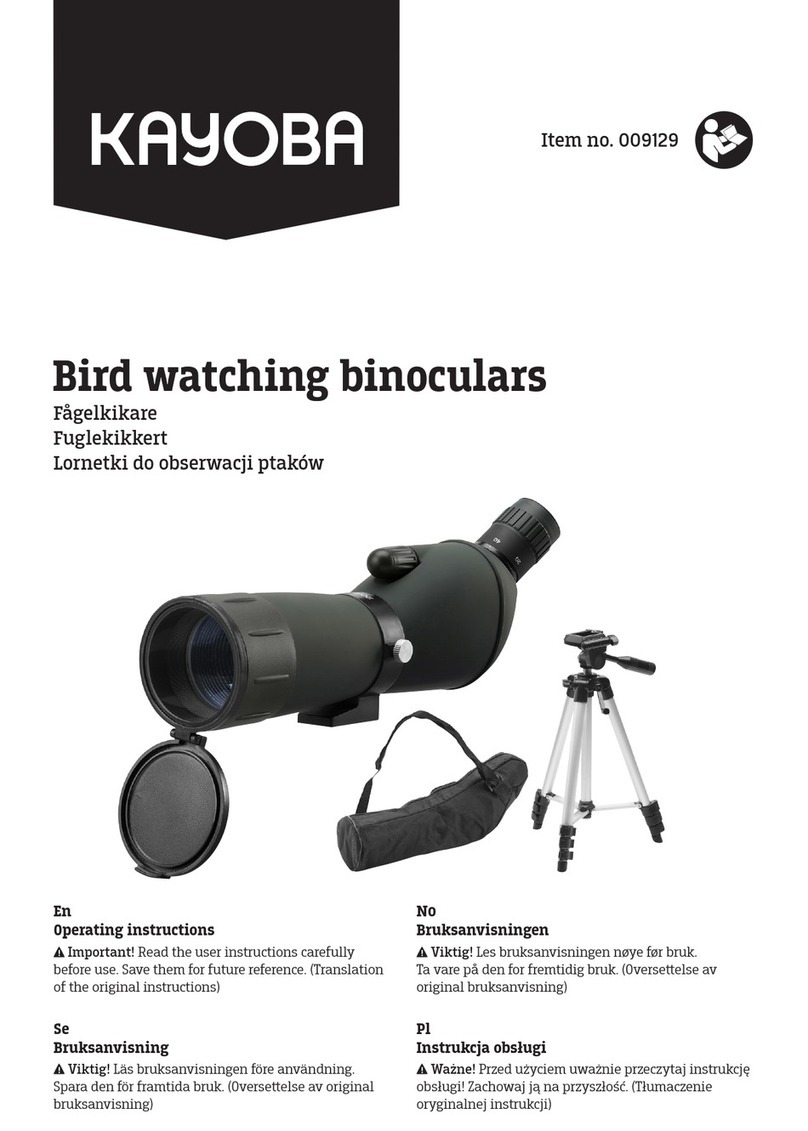
Kayoba 009129 operating instructions

Kayoba

Kayoba 009129 operating instructions

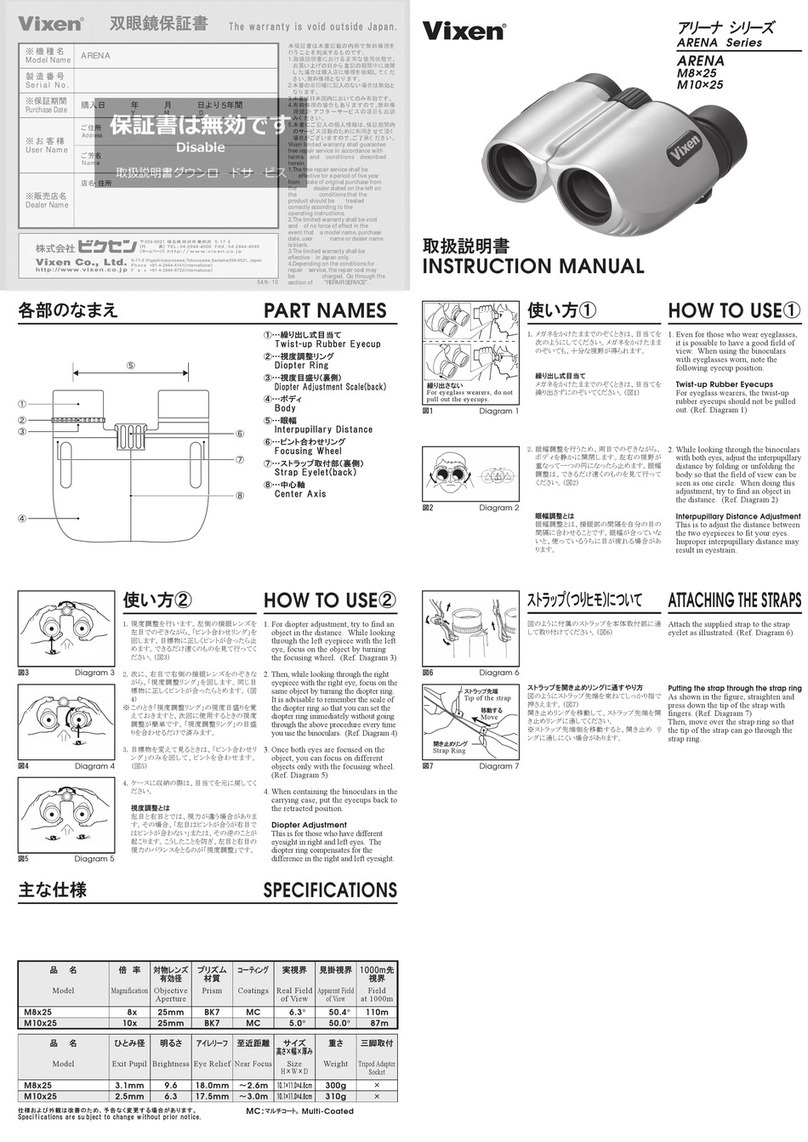
Vixen ARENA Series instruction manual

Vixen

Vixen ARENA Series instruction manual

MAGINON NVB 60 user manual

MAGINON

MAGINON NVB 60 user manual

Leica GEOVID PRO quick start guide

Leica

Leica GEOVID PRO quick start guide

Celestron LandScout Instructions for use

Celestron

Celestron LandScout Instructions for use

APM ED Apo Series instruction manual

APM

APM ED Apo Series instruction manual

PHOTONIS VYPER quick start guide

PHOTONIS

PHOTONIS VYPER quick start guide

Ricoh PENTAX UD9x21 owner's manual

Ricoh

Ricoh PENTAX UD9x21 owner's manual

manuals.online logo
manuals.online logoBrands
  • About & Mission
  • Contact us
  • Privacy Policy
  • Terms and Conditions

Copyright 2025 Manuals.Online. All Rights Reserved.

GREEN LASER BINOCULAR
INSTRUCTION
CAUTION !
Cautions
‧Never immerse green laser binoculars into any fluid or liquid.
Remove dust or stains with a soft cloth dampened with water or neutral
detergent. Keep in a dry and cool dust-free environment or a container
when it is not used.
‧Avoid dropping the green laser binoculars. Do not disassemble green
laser binoculars.
Usage of the battery
Please always use CR123A 3V Lithium Battery.
Please remove battery when not using your green laser binoculars for
long periods of time.
About usage
To avoid damage do not use the green laser binoculars under the following
conditions.
1.Places at a temperature higher than 100° F(35 °C )
2.Damp or dusty places
3.Places with strong electromagnetic field.
Please do not disassemble or repair the product to avoid malfunction.
Please do not drop the product on the ground to avoid malfunction.
Looking at or near the sun will cause instant and irreversible damage to your
eye. Eye damage is often painless, so there is no warning to the observer that
damage has occurred until it is too late. Do not use green laser binoculars to
look at or near the sun.
Children should always have adult supervision while observing.
WARNING !
Never use a green laser binoculars to look at the sun !
1.Notice to User
Please note the green laser is a device and can be harmful
if used improperly , and laser radiation can be harmful to the eyes,
Do not look directly into the laser beam output aperture during
operation .Laser light when reflected off of a mirror like surface
can cause serious damage and injury ,Since the Laser binocular
is not a toy, please keep out of reach of children.
Retain for future reference
K-9
3.How to use the green laser binoculars
Adjusting the eyepieces
To adjust the eye-relief for eyeglass wearers: Fold down the rubber eyecups
and place them against your glasses to get the best viewing result.
The distance between your eyes is called inter pupillary distance.
The inter pupillary distance is different from one person to another.
It is important to adjust to your inter pupillary distance before using your green
laser binoculars:
- Hold the green laser binoculars firmly in the normal viewing position.
- Adjust the barrels by pushing together or pulling apart until you see a single
circle field with both of your eyes.
Open the battery compartment lid.
Push up on battery compartment lip as shown.
Place one finger on the hinge of battery compartment for leverage
if needed.
A. Set the Diopter Knob on underside of green laser binoculars to its center
point between - and + .
B. Choose an object that is at least 15 meters (49 ft) away.
C. Looking with just your left eye, rotate the Center Focus Knob(2) until the object
you are viewing is in best focus.
D. Looking with just your right eye, rotate the Diopter Knob(1) until the object you
are viewing is in best focus.
E. Viewing your object with both eyes, turn the Center Focus Knob(2) to bring it in
best focus.
Press and hold the button, the green laser spot light will be
projected continually. Release the button, the laser light will be
turned off
4.Warning label
A. Set the Diopter Knob on underside of green laser binoculars to its center
point between - and + .
B. Choose an object that is at least 15 meters (49 ft) away.
C. Looking with just your left eye, rotate the Center Focus Knob(2) until the object
you are viewing is in best focus.
D. Looking with just your right eye, rotate the Diopter Knob(1) until the object you
are viewing is in best focus.
E. Viewing your object with both eyes, turn the Center Focus Knob(2) to bring it in
best focus.
Press and hold the button, the green laser spot light will be
projected continually. Release the button, the laser light will be
turned off
3.How to use the green laser binoculars 5.Specification
Coatings
Eye Relief
Close Focusing
Exit pupil
Field of view
Size
Binocular
Range
Spot diameter
Operating current
Operating voltage
Wave length
Green laser
532nm
DC 3V
200~350mA
4M@50M
Up to 100 Meters
8X32
114m@1000m
4.0mm
5M(13ft)
13.7mm
Multi coated
342ft@1000YDS
Battery
polarity
For 5mW Product
Optical power 5mW
Install ONE CR123A 3V Lithium battery.
10X32
101m@1000m
3.0mm
5M(13ft)
12.5mm
303ft@1000YDS
Multi coated
light on button