1110
4. Using your Monitor for the First Time
4.1. System Settings
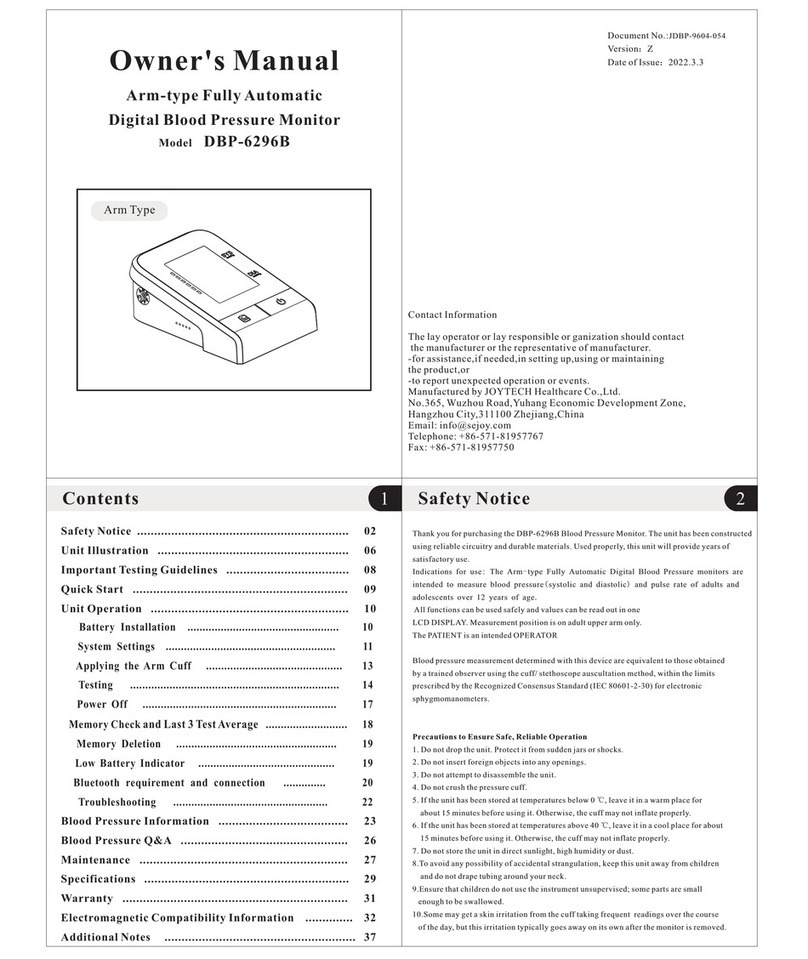
Insert the cuff tube into the opening on the left side of the monitor indicated
by the drawing of a cuff.
4.2. Cuff tube connection
After you load the battery or connect power for the monitor, Press the SET
button to select User A or User B.
Then press the SET button and hold it for more than 3 seconds, and then you
can start to set the following:
Setting the Year:
Initial Month/Date is 1/01, when the Month display is flashing, press the MEM
button, the month will increase by 1, press SET button to confirm, and do in
the same way to set the date. Press SET button to confirm.
Setting Month/Date:
When the year display is flashing, press the MEM button continuously and it
will increase continuously 1 by 1 until 2049, and then return the original year ,
once the year set is OK, press SET button to confirm.
When the hour display is flashing, press the MEM button, the hour will
increase by 1, press SET button to confirm, and do in the same way to set
the minute. Press SET button to confirm.
Setting Time :
When you checking the memory data, long press the MEM button to delete
all users measurements data existing in the device.
Record Delete :
Note:
You can’t delete single measurement record. If you delete the record, you will
delete all. Please keep the record in another way, in case you need it some
days later.
Take the battery out won’t lead to a record missing.
5. Measurement Procedure
You should always be seated and calm before and during measurement.
Note:
• Avoid eating and smoking as well as all forms of exertion directly before
measurement. These factors influence the measurement result. Find time to
relax by sitting in an armchair in a quiet atmosphere for about ten minutes
before taking a measurement.
• Remove any garment that fits closely to your upper arm.
• Always measure on the same arm (normally left).
• Always compare measurements taken at the same time of day, since blood
pressure changes during the course of the day, as much as 20-40 mmHg.
5.1. Before measurement:
Note: Comparable blood pressure measurements always require the same
conditions! •Conditions should always be quiet.
•All efforts by the user to support the arm can increase blood pressure. Make
sure you are in a comfortable, relaxed position and do not flex any of the
muscles in the measurement arm during the measurement. Use a cushion for
support if necessary.
• If the arm artery lies considerably lower or higher than the heart, an
erroneously high or low blood pressure will be measured! Each 25-30cm
difference in height between your heart and the cuff results in a measurement
error of 10 mmHg!
• Cuffs that are too narrow or too short result in false measurement values.
Selecting the correct cuff is extremely important. Cuff size is dependent upon
the circumference of the arm (measured in the center). The permissible range
is printed on the cuff.
Cuff works Under the pressure range 0-300mmHg
The wide range rigid cuff is : 22 - 40cm
Note: Only use approved cuffs!
• A loose cuff or a sideways protruding air pocket causes false measurement
values.
• With repeated measurements, blood accumulates in the arm, which can
lead to false results. Consecutive blood pressure measurements should be
repeated after a 5 minute pause or after your arm has been held up in order
to allow the accumulated blood to flow away.
5.2. Common sources of error: