logo
Brands
  1. Home
  2. •
  3. Brands
  4. •
  5. Celestron
  6. •
  7. Telescope
  8. •
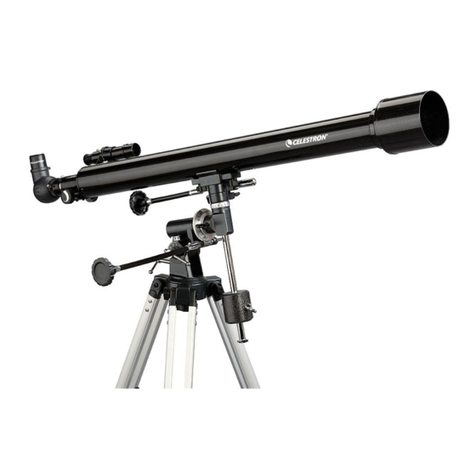
  9. Celestron AstroMaster 114EQ User manual

Celestron AstroMaster 114EQ User manual

Other manuals for AstroMaster 114EQ

1

This manual suits for next models

7

Other Celestron Telescope manuals

Celestron 31036 User manual

Celestron

Celestron 31036 User manual

Celestron 22014 User manual

Celestron

Celestron 22014 User manual

Celestron StarSeeker User manual

Celestron

Celestron StarSeeker User manual

Celestron Inspire 70AZ User manual

Celestron

Celestron Inspire 70AZ User manual

Celestron StarSense Explorer DOB User manual

Celestron

Celestron StarSense Explorer DOB User manual

Celestron FirstScope 114EQ User manual

Celestron

Celestron FirstScope 114EQ User manual

Celestron PowerSeeker Square 60 User manual

Celestron

Celestron PowerSeeker Square 60 User manual

Celestron NexStar 80SLT User manual

Celestron

Celestron NexStar 80SLT User manual

Celestron 91073 User manual

Celestron

Celestron 91073 User manual

Celestron PowerSeeker 50AZ # 21039 User manual

Celestron

Celestron PowerSeeker 50AZ # 21039 User manual

Celestron 80AZS User manual

Celestron

Celestron 80AZS User manual

Celestron CPC DELUXE 800 HD User manual

Celestron

Celestron CPC DELUXE 800 HD User manual

Celestron Novice 60 User manual

Celestron

Celestron Novice 60 User manual

Celestron 60EQ User manual

Celestron

Celestron 60EQ User manual

Celestron Ultima 9 1/4 User manual

Celestron

Celestron Ultima 9 1/4 User manual

Celestron Tabletop 76 User manual

Celestron

Celestron Tabletop 76 User manual

Celestron PowerSeeker 127EQ User manual

Celestron

Celestron PowerSeeker 127EQ User manual

Celestron StarSeeker 80mm User manual

Celestron

Celestron StarSeeker 80mm User manual

Celestron POPULAR SCIENCE TRAVEL SCOPE 60 User manual

Celestron

Celestron POPULAR SCIENCE TRAVEL SCOPE 60 User manual

Celestron 91518 User manual

Celestron

Celestron 91518 User manual

Celestron OMNI AZ 102 User manual

Celestron

Celestron OMNI AZ 102 User manual

Celestron 80ED User manual

Celestron

Celestron 80ED User manual

Celestron NexStar 80 User manual

Celestron

Celestron NexStar 80 User manual

Celestron 21013 User manual

Celestron

Celestron 21013 User manual

Popular Telescope manuals by other brands

Meade 81005 Condor instruction manual

Meade

Meade 81005 Condor instruction manual

Meade 114 EQ-DS instruction manual

Meade

Meade 114 EQ-DS instruction manual

Meade LX200 CLASSIC instruction manual

Meade

Meade LX200 CLASSIC instruction manual

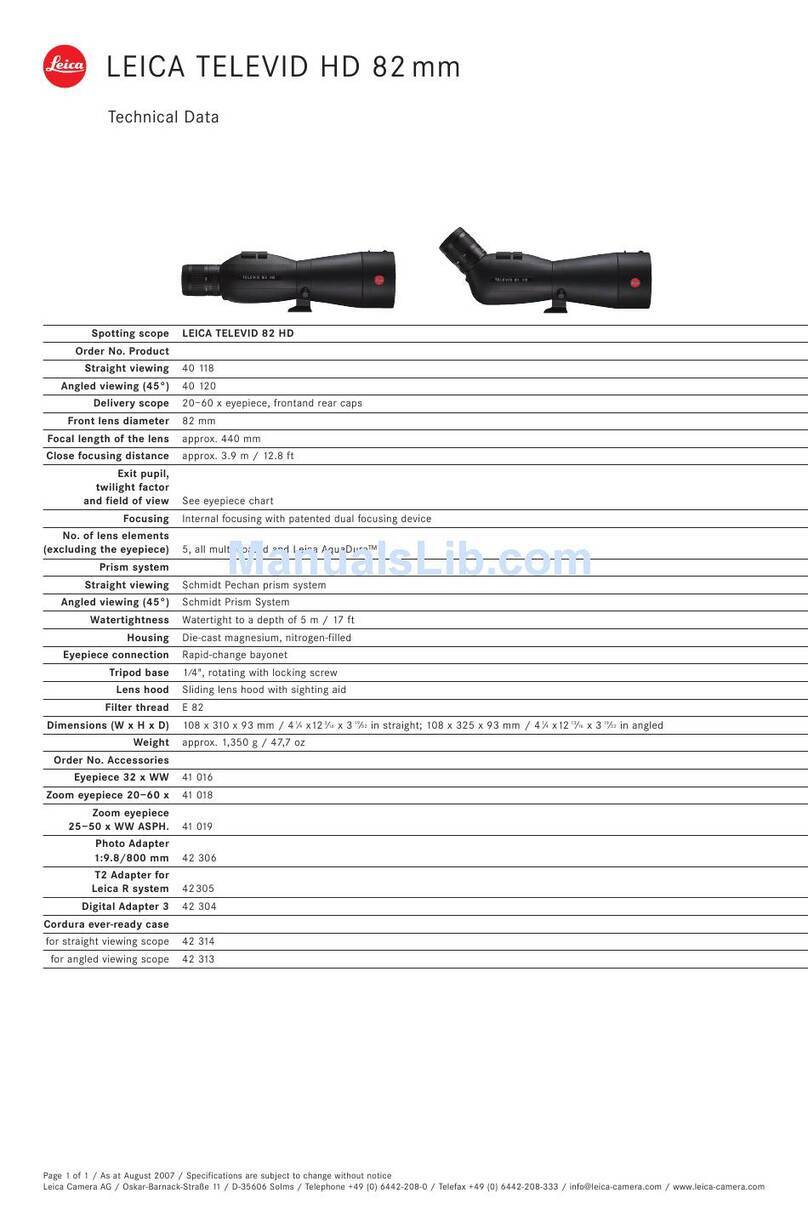
Leica 82 HD Specifications

Leica

Leica 82 HD Specifications

EASTCOLIGHT 9920 instruction manual

EASTCOLIGHT

EASTCOLIGHT 9920 instruction manual

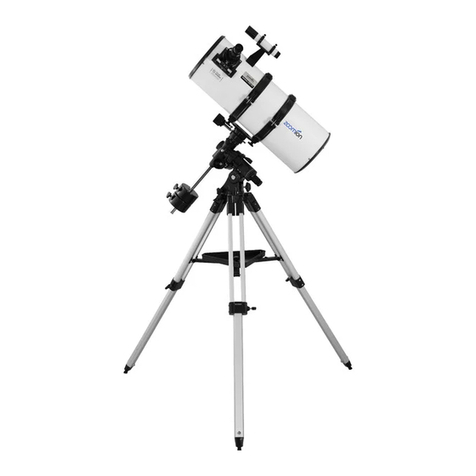
zoomion Genesis 200 EQ instructions

zoomion

zoomion Genesis 200 EQ instructions

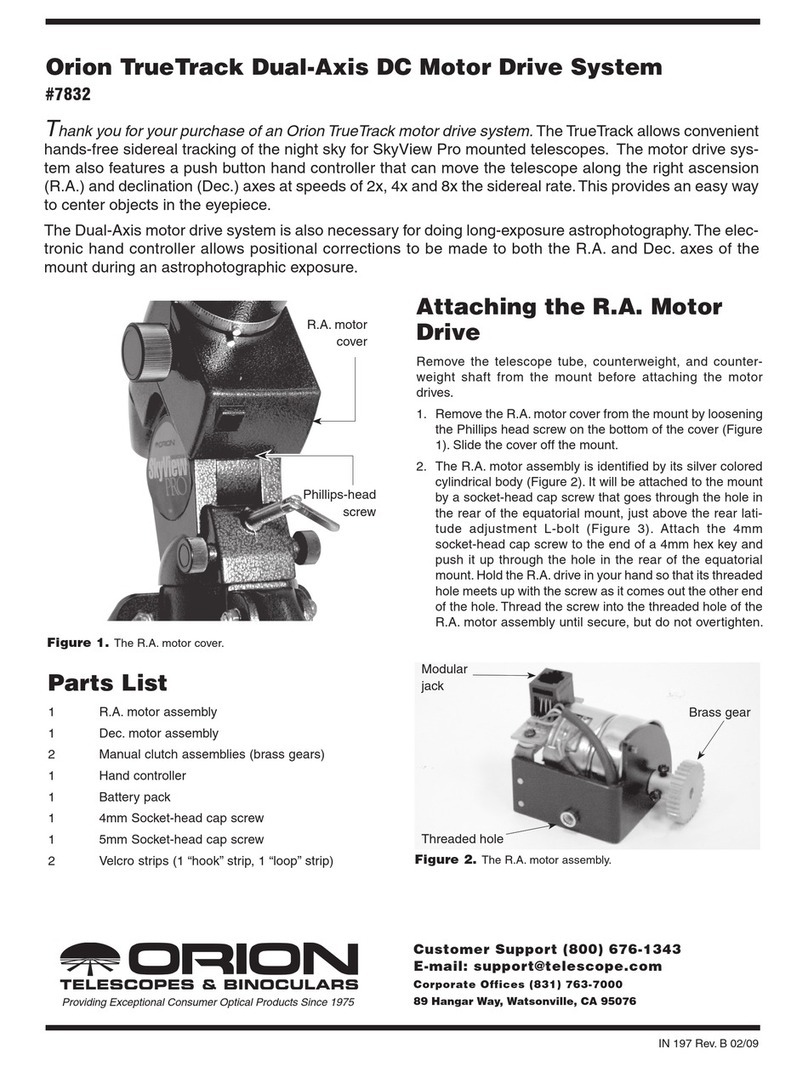
Orion 7832 manual

Orion

Orion 7832 manual

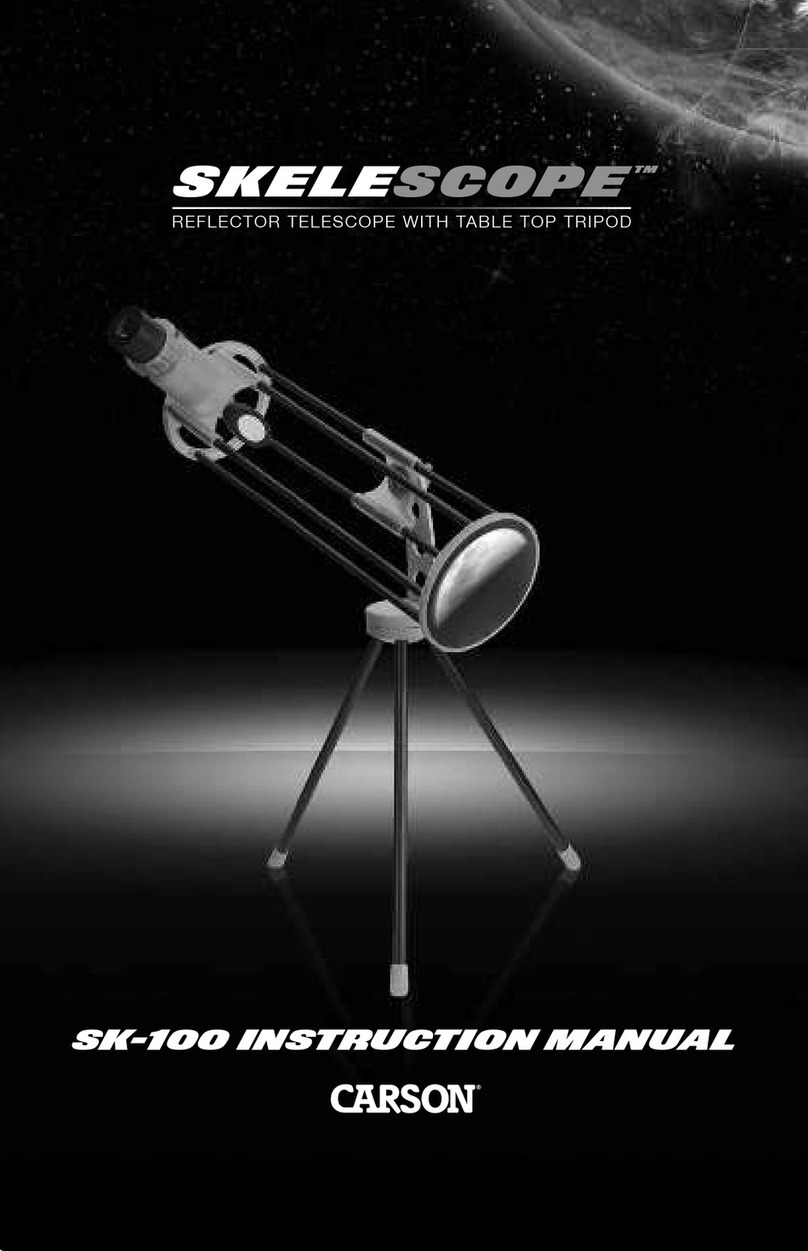
Carson Skelescope SK-100 instruction manual

Carson

Carson Skelescope SK-100 instruction manual

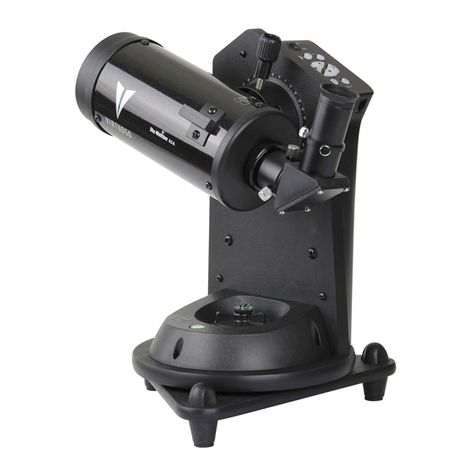
SKY-WATCHER VIRTUOSO instruction manual

SKY-WATCHER

SKY-WATCHER VIRTUOSO instruction manual

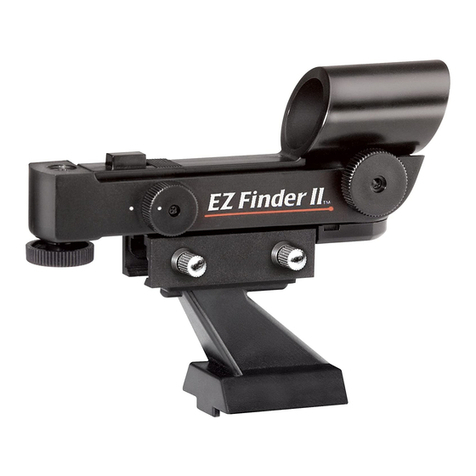
Orion EZ Finder 7228 manual

Orion

Orion EZ Finder 7228 manual

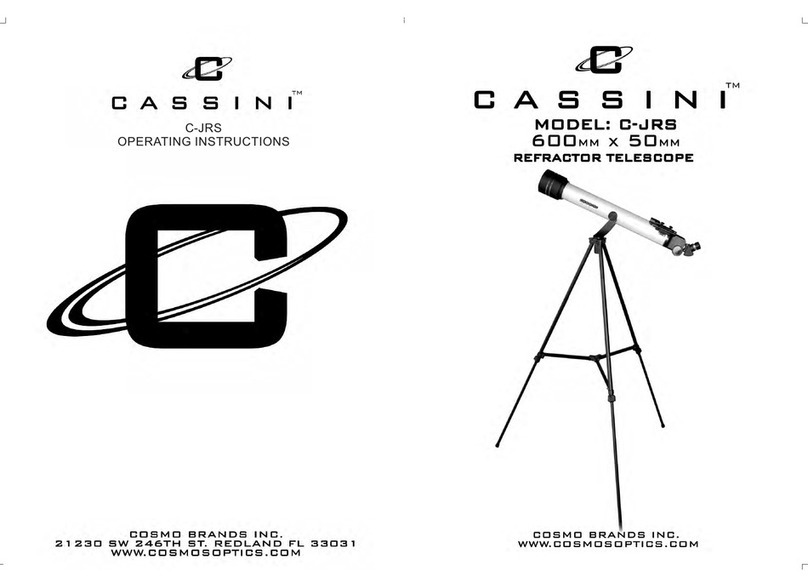
cassini C-JRS operating instructions

cassini

cassini C-JRS operating instructions

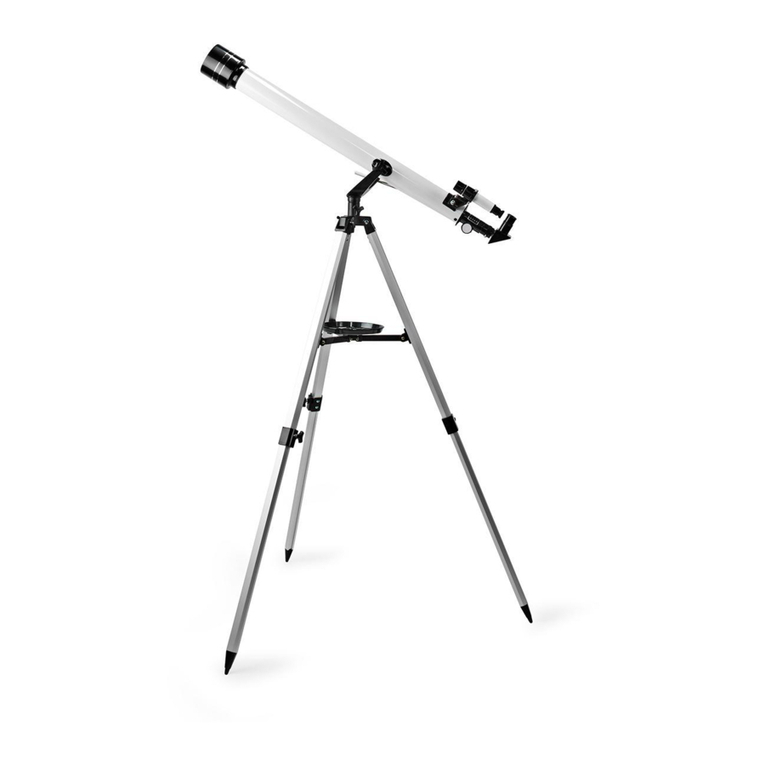
nedis SCTE5060WT quick start guide

nedis

nedis SCTE5060WT quick start guide

Meade Polaris 60EQ-D instruction manual

Meade

Meade Polaris 60EQ-D instruction manual

PlaneWave CDK700 manual

PlaneWave

PlaneWave CDK700 manual

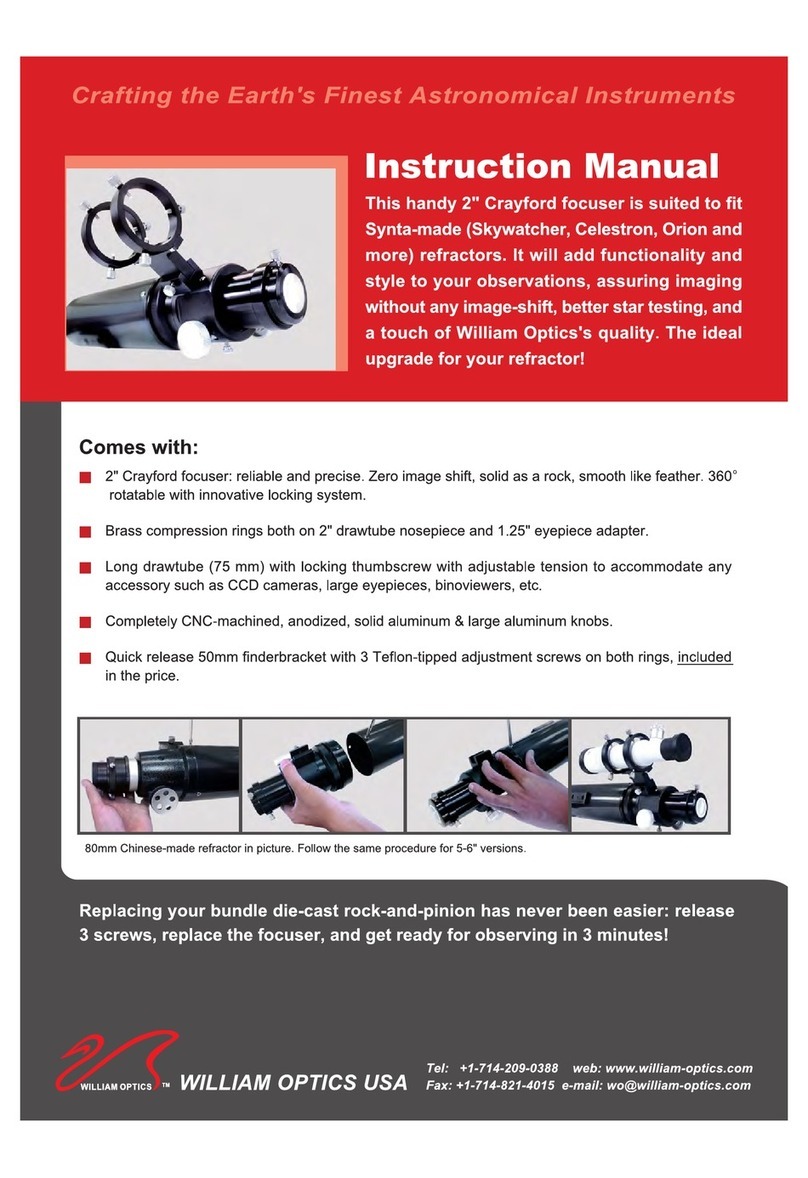
William Optics Synta Crayford user guide

William Optics

William Optics Synta Crayford user guide

Orion FUNSCOPE instruction manual

Orion

Orion FUNSCOPE instruction manual

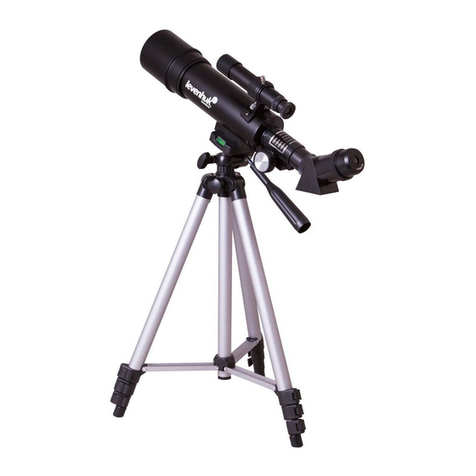
Levenhuk Skyline Travel user manual

Levenhuk

Levenhuk Skyline Travel user manual

Meade 6600 operating instructions

Meade

Meade 6600 operating instructions

https://manuals.online logo
https://manuals.online logoBrands
  • About & Mission
  • Contact us
  • Privacy Policy
  • Terms and Conditions

Copyright 2025 Manuals.Online. All Rights Reserved.

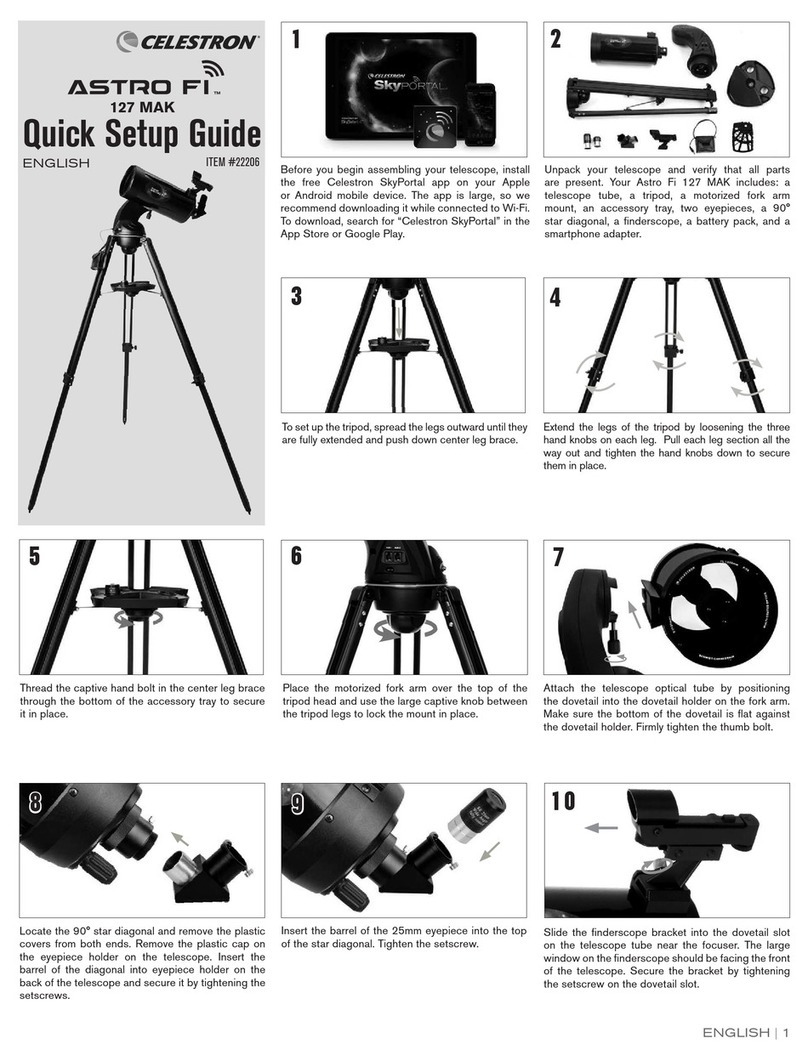
Quick Set-up Guide
Quick set-up guide for:
Model #31035 – AstroMaster 76EQ
Model #31042 – AstroMaster 114EQ
Model #31045 – AstroMaster 130EQ
Model #31051 – AstroMaster 130EQ-MD
Questions or Problems with Set-up?
CONTACT: Celestron Technical Support:
310.803.5955
www.celestron.com
Use the three tightening screws located at the
bottom of each leg to secure the extended legs
in place.
To set up the tripod, spread the legs outward until
they are fully extended. Extend the center portion of
each of the three tripod legs down 6-12".
123
All three legs should be the same length to
provide a level platform for the telescope.
4
7
Locate the equatorial mount and place the base of
the mount through the hole in the center of the
tripod mounting platform.
5
Properly assembled, the accessory tray should
appear as pictured above.
6
From underneath the tripod mounting platform,
thread the mounting nut into the threaded hole on
the bottom of the equatorial mount.
8
Thread the latitude adjustment screw into the
equatorial mount until the screw is touching the
inside of the mount.
9
Your AstroMaster 76EQ/114EQ/130EQ includes: optical
tube w/ built-on StarPointer finderscope, tripod with
center support bracket, equatorial mount, two
eyepieces, two counterweights, counterweight bar, two
slow motion cables, accessory tray, battery, owner’s
manual, and The Sky™ CD Software.
To attach the accessory tray, line up notches and
turn clockwise until tray tabs lock into place with
the tripod brackets.
Quick Set-up Guide [cont]
WARNING: Never attempt to view the sun through any telescope
without proper filtering!
11
Tighten the threaded end of the counterweight bar
into the Dec axis of the equatorial mount.
12
13
The other cable attaches to the R.A. axis gear shaft.
14
Place the telescope tube on the equatorial mount
so that the tube is facing forward as pictured
above.
15
Center dovetail in the mount and tighten fastening
screw. For added security tighten the angled lock
down screw next to the fastening screw.
16
Loosen the set screw on the focuser. Remove the
plastic cap covering the end of the focuser.
17 18
Unscrew battery cover for the StarPointer
finderscope. Insert battery with “+” side facing
out.
19 20
Remove the lens cap from the front of the
telescope before you begin observing.
21
You are now ready to start using you AstroMaster
telescope.
10
Insert the chrome barrel of the 20mm eyepiece
into the focuser and tighten the set screw.
Slide the chrome end of the slow motion control
cable onto declination axis gear shaft.
Replace battery cover and tighten. For longer
battery life be sure to turn off finderscope when
not in use.
For detailed usage information please consult your owner’s manual.
Remove safety screw from the end of the
counterweight bar. Slide the counterweights half
way up the bar and tighten the locking screw to
secure in place. Replace safety screw.
safety
screw
locking
screw mount
battery
battery
cover
on/off
switch