! IMPORTANT: Before You Begin (Windows®)
1 If your computer does not have .NET Framework installed, the BounceBack CD will install Framework before
continuing the installation, follow the on screen prompts.
2 Activation codes: BounceBack software requires an activation code, the code may be found on the ap of
the BounceBack CD shipped with the product.
3If you are running a virus protection program, temporarily disable it (if you can) by clicking on the icon for the
anti-virus program in the system tray found in the lower right corner and following the disable instructions.
This will increase the speed of your rst backup.
4If you are running Windows®XP or 2000 in a corporate environment, you will need to log on as a local
administrator. Check with your local System Administrator for more details.
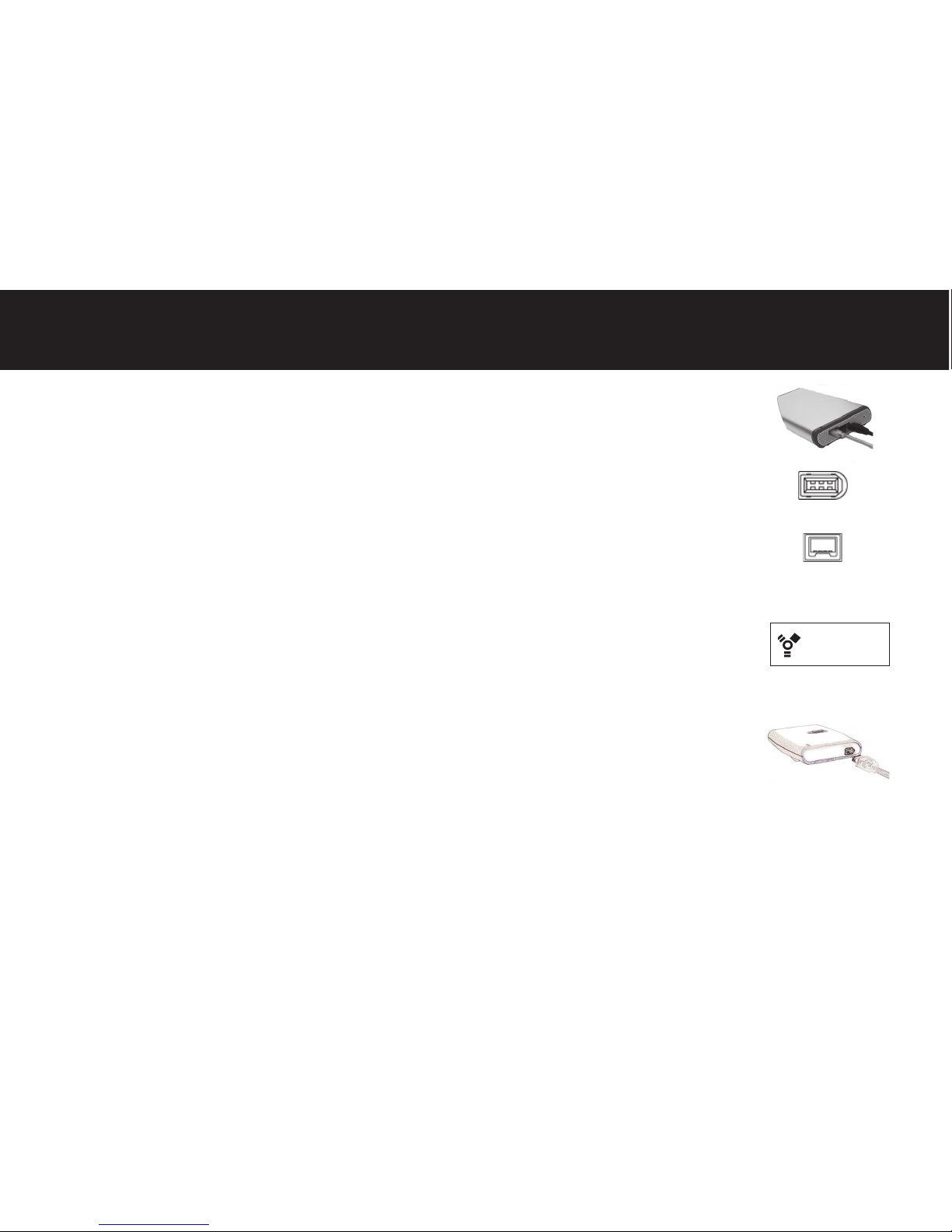
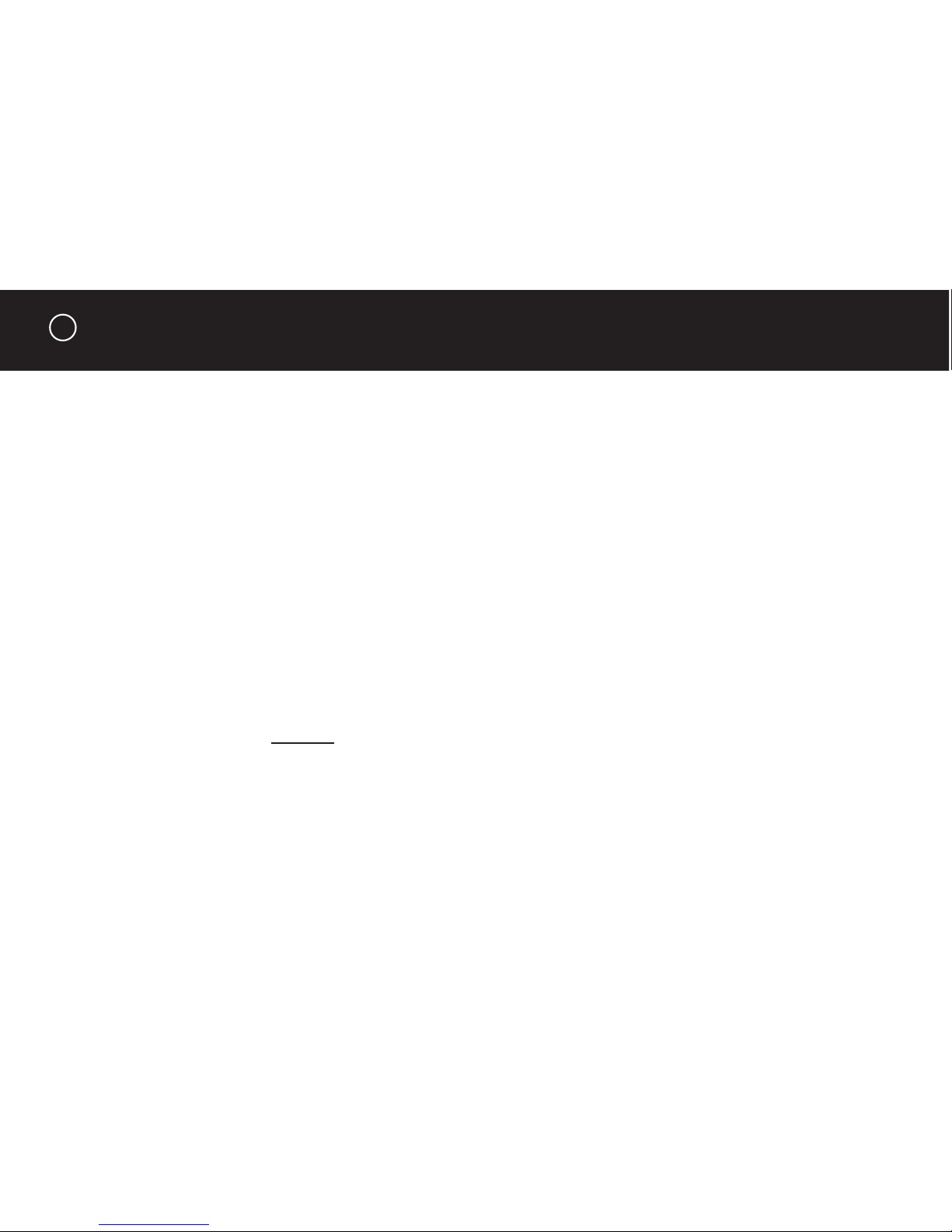
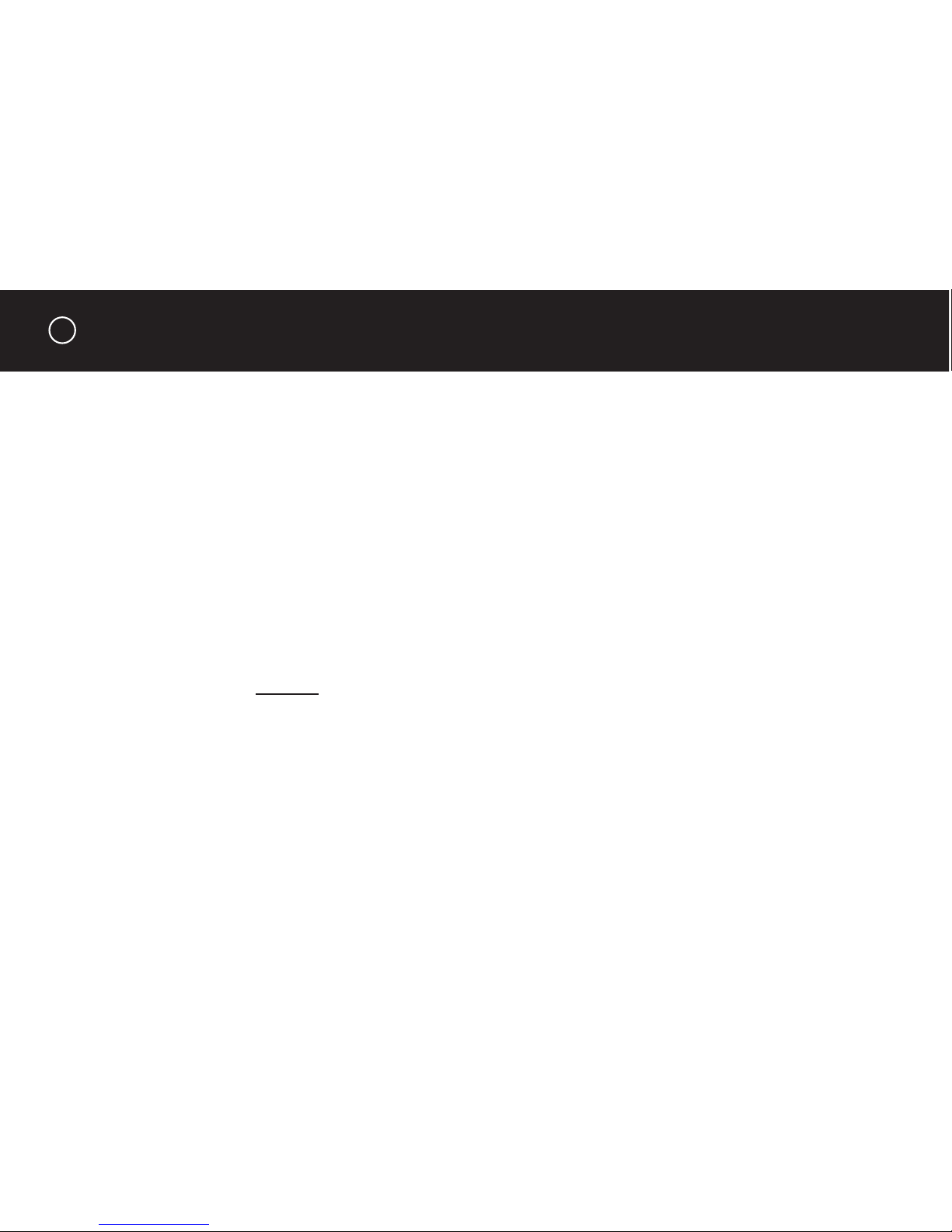
5If you are using an external device for the backup, make sure it is connected and working correctly with the
Windows operating system.
6Disconnect any other external storage devices (i.e., HDD, DVD, CDR, MP3 players, etc.) including any
devices in or attached to notebook docking stations.
Windows Installation
4