Flip Race C
Introduction and overview
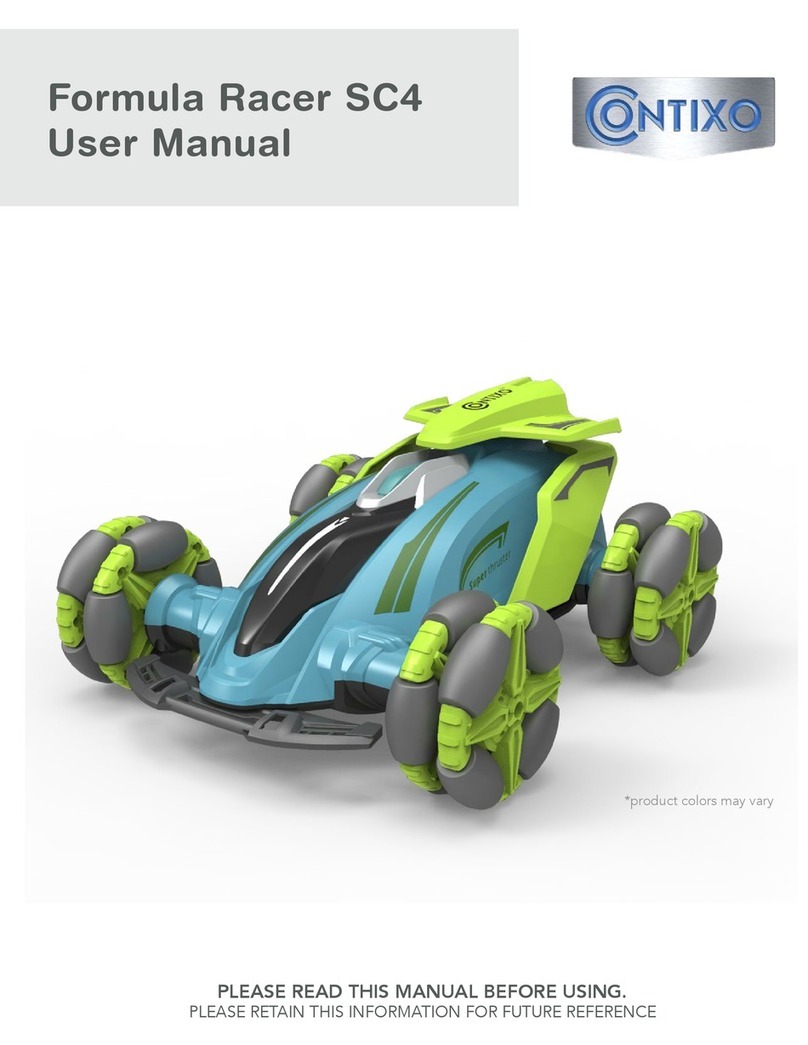
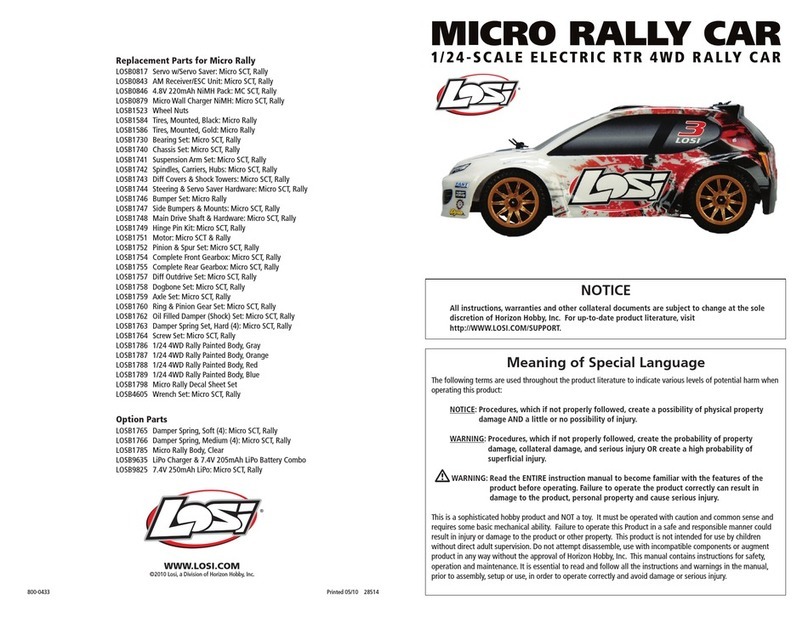
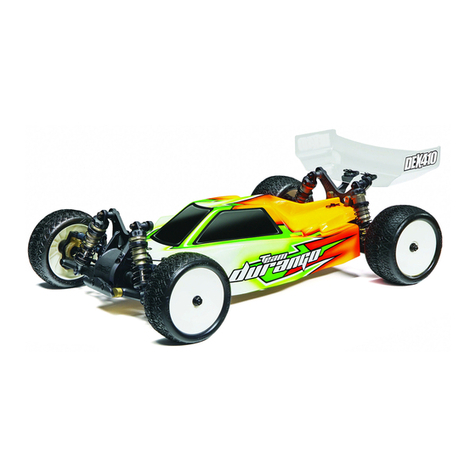
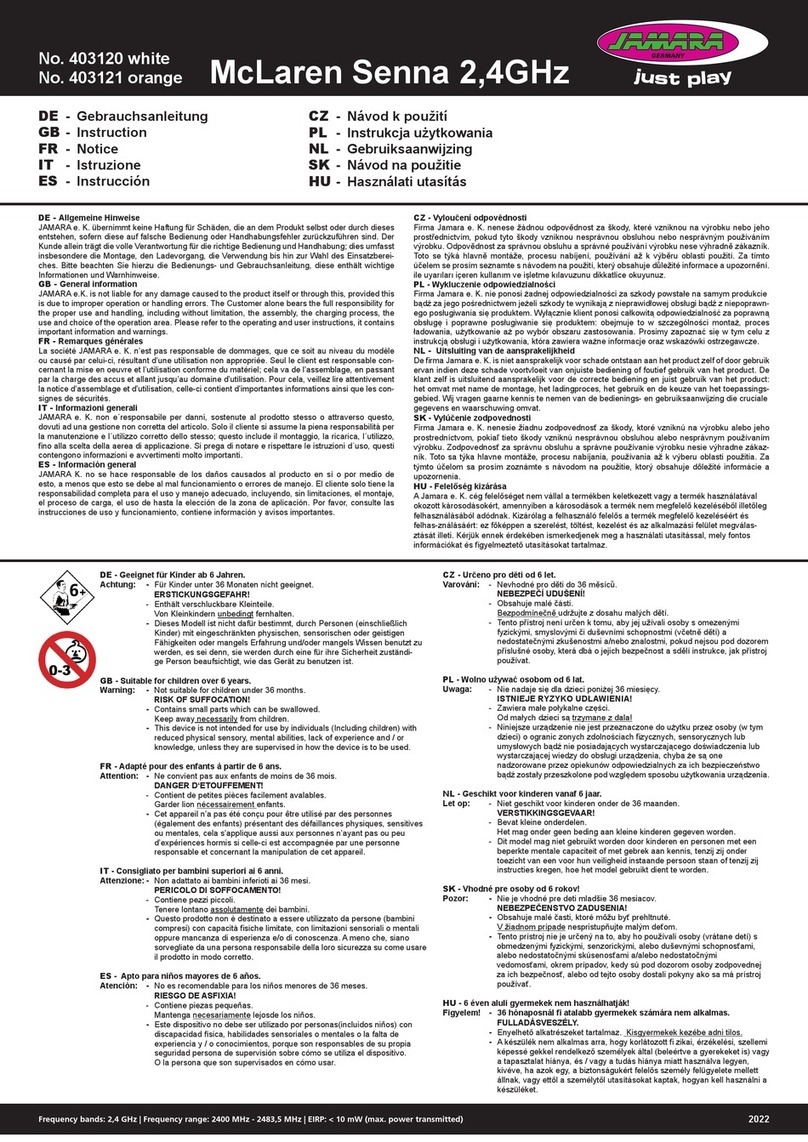
Contixo Flip Racer SC3 RC Stunt Car. This is a super fast rear wheel
drive ip stunt car with 2.4Ghz remote control. The SC3 is a dou-
ble sided 360° rotating RC Car with very bright and intense LED
lights in the wheels that illuminate in multi-colors. Equipped with
a programmable remote and wrist band for easy access.
BaTTey
Chaging
BATTERY CHARGING:
1. Plug your battery in your computer USB port or a USB plug.
2. The charging light will come on when charging and turns o when charging is
complete (40 Minutes).
3. Unscrew battery compartment and plug it into the SC3.
4. Charing time is 40 minutes. Run time is 20 minutes.
5. Battery Size 3.7V 300MAH Pre-Installed in car UNPLUGGED (Must be plugged in).
5. Remote control (2 x AAA batteries (NOT included)
WARNINGS:
1. Use only original USB battery cable.
2. Do not use damaged or cable from other brands.
3. Do not charge or use expanded, leaking or damaged batteries.
4. Do not overcharge battery.
5. Do not charge near heat or ammable materials (eg. carpets, wood ooring, wood
furniture or liquids.
6. Do not charge battery when it becomes hot.
7. Battery heat should not exceed 0-40ºC (32-404ºF)
8. 5V 1A charger recommended for charging (Not included).
ADDITIONAL WARNINGS:
1. There is a certain risk when using lithium batteries, which may cause signicant
damage to people and property. The end user must use caution and bear all related
responsibilities.
2. If the battery leaks, avoid contact with hands, skin and eyes. If contact occurs, wash
with soap and water immediately . If contact with eyes occurs, rinse immediately
with cool water for at least 15 minutes and seek medical attention.
3. If charger begins to emit a suspicious odor, noise or smoke, unplug the power
supply immediately.
RECYCLING AND DISPOSING
This equipment consists of electronic components and batteries. Please dispose of
according to local waste disposal laws and ordinances.
TO PROGRAM YOUR FLIP RACER
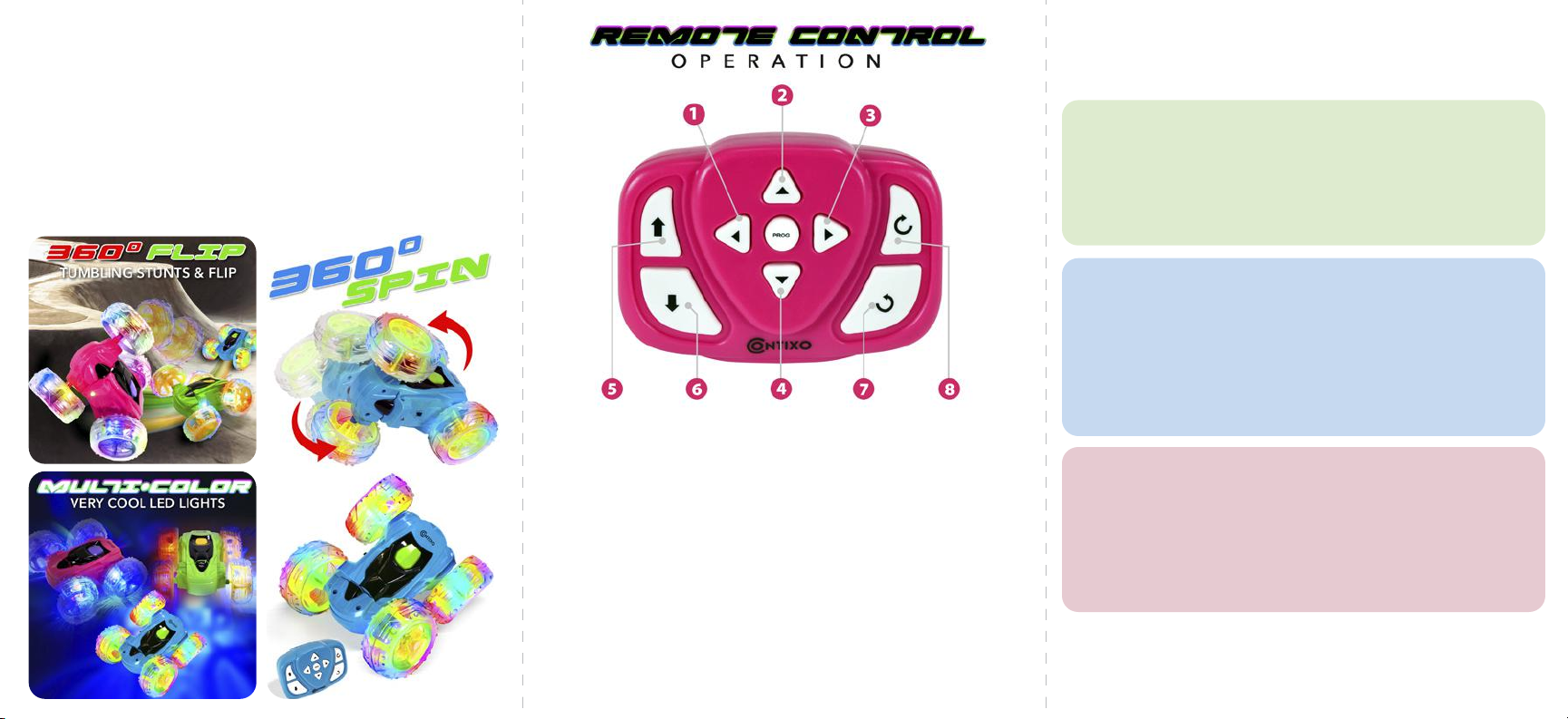
Buttons 1, 2, 3, 4 are PROGRAM action buttons. Press actions buttons 1, 2, 3, 4 upto 5 times each for one single program.
Action Buttons: 1 - Left Flip • 2 - Forward • 3 - Right Flip • 4 - Backward • Center - PROGRAM Button
Example 1: Press 2 once and PROG once.The SC3 will move forward a short distance. Press PROG again and it will repeat.
Example 2: Press 2 twice and PROG once.The SC3 will move forward a longer distance. Press PROG again and it will repeat.
Example 3: Press 2 once, 3 once and PROG.The SC3 will move forward and ip right once. Press PROG again and it will repeat.
Example 4: Press 2 once, 1 once and PROG.The SC3 will move forward and ip left once. Press PROG again and it will repeat.
Example 5: Press 2 once, 4 once and PROG.The SC3 will move forward and backward. Press PROG again and it will repeat.
The more times (Upto 5 times) you press action buttons the farther it goes and the more it ips and spins.
SINGLE BUTTON MOVEMENT
Button 5 Move Forward • Button 6 Move Backward • Button 7 Flip/Spin Left • Button 8 Flip/Spin Right
DUAL BUTTON MOVEMENT (REPEATEDLY)
Buttons 5 & 7 moves forward and ips left • Buttons 6 & 8 moves forward and ips right
NOTE: SC3 body needs to be right side up. If the body is with the battery compartment facing up the SC3
will respond opposite meaning every action in reverse.
6
6