The Copper Chef Induction Cooktop™ 9
Using the Digital Control Panel
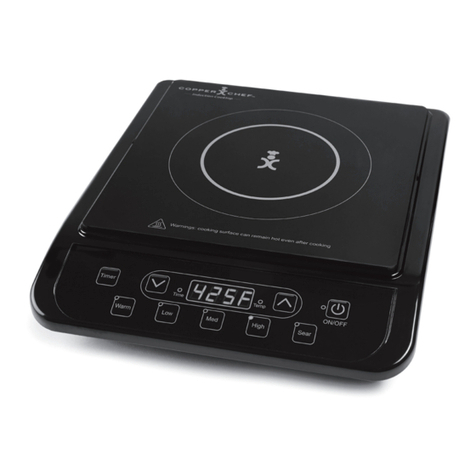
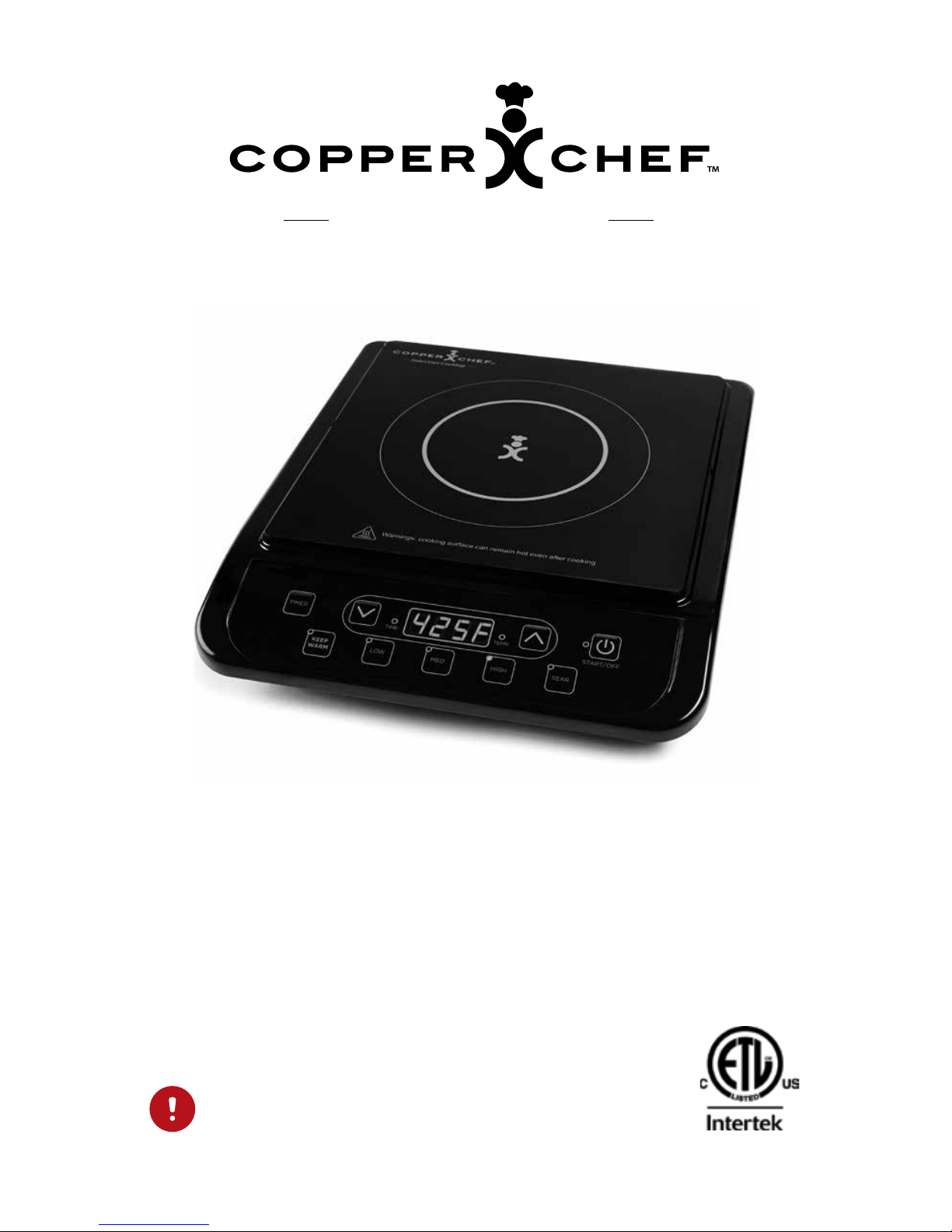
e Copper Chef Induction Cooktop
The Copper Chef Induction Cooktop makes cooking easy. A series of preset functions
combined with full control of precise, maintainable heat settings and time, guarantees
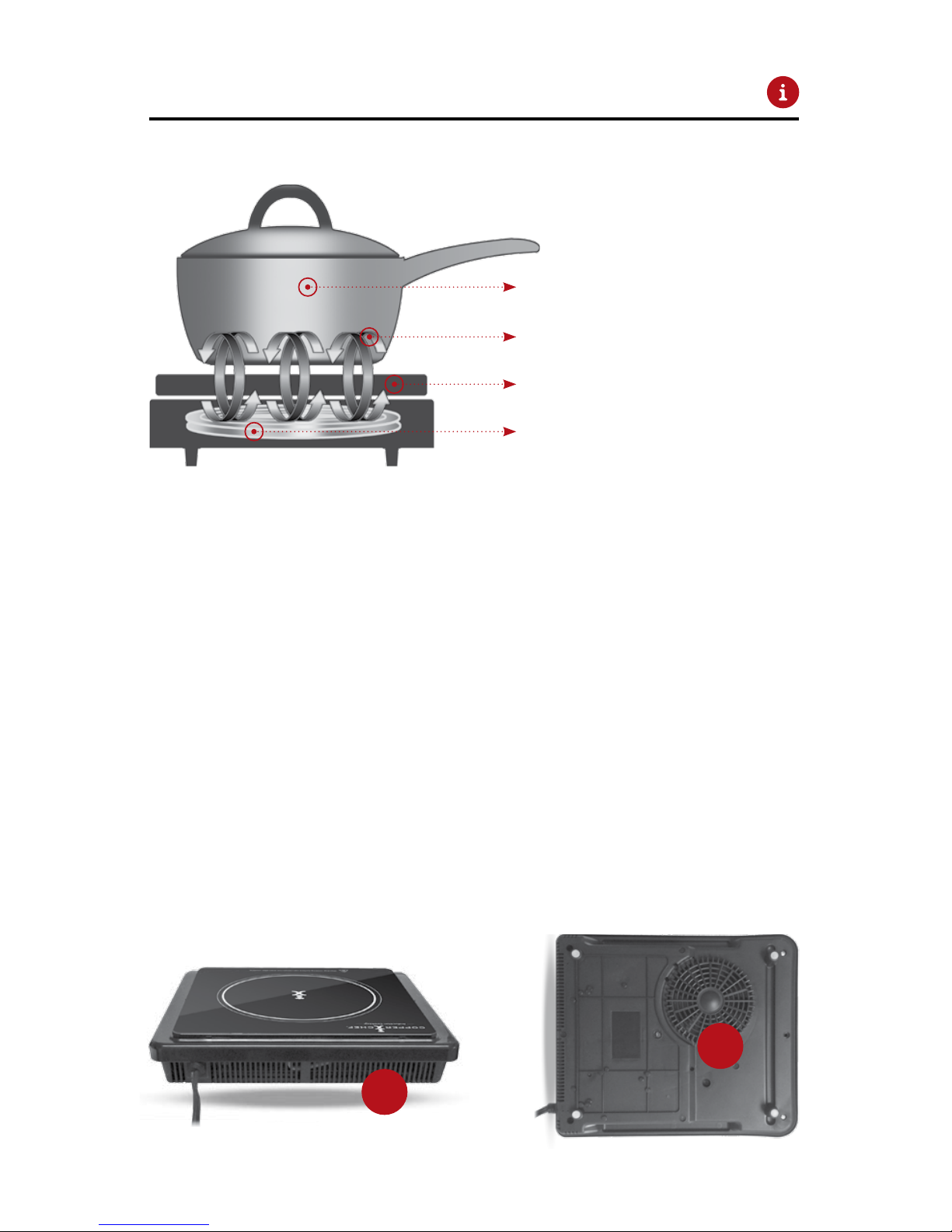
perfect results. Induction cooking conserves energy while reducing kitchen heat and
methods. Note: Any of the preset temperatures may be increased or reduced and time
may be added or reduced at any point during the cooking cycle.
To Set Your Own Cooking Temperature
A.
B.
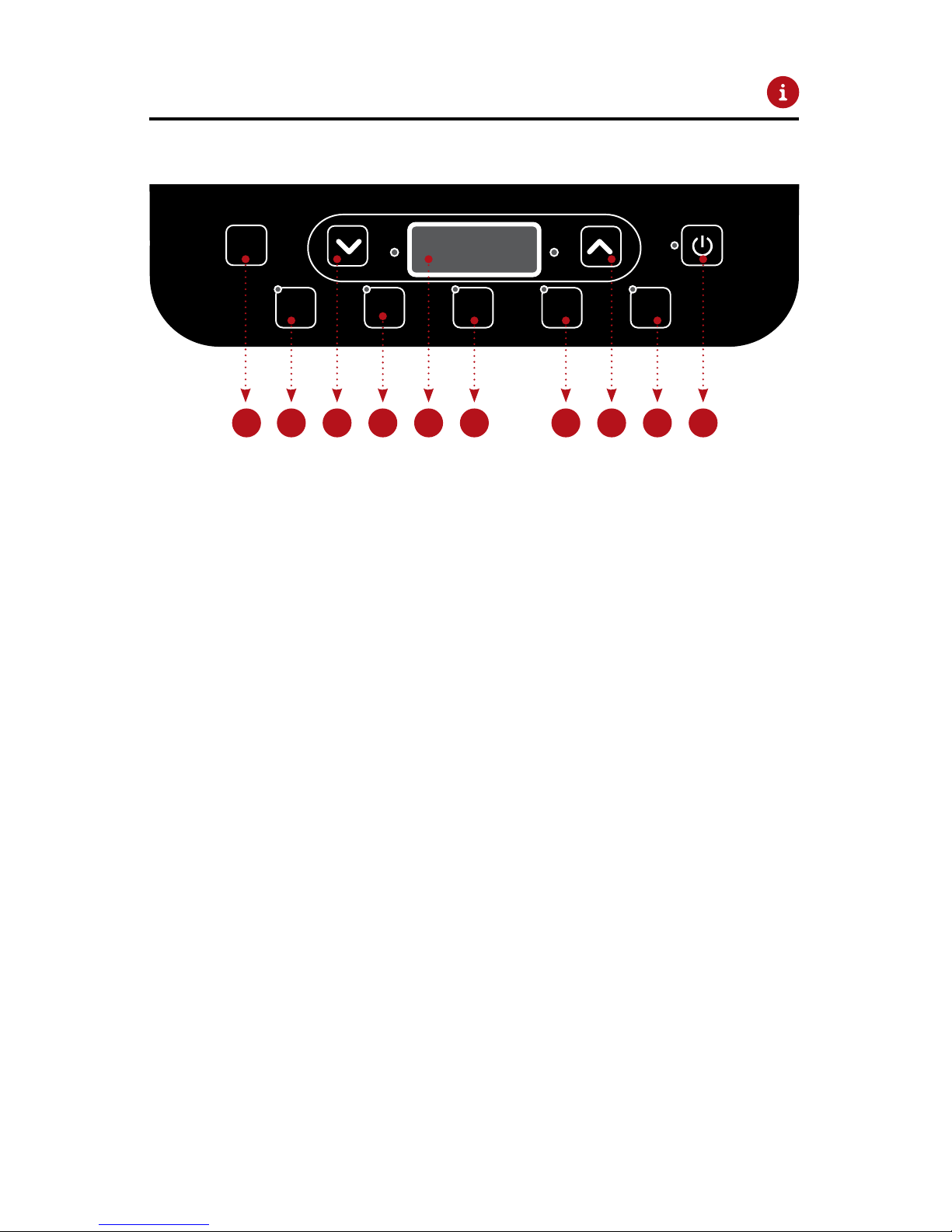
C. Press the UP or DOWN BUTTONS
increments. Press START/OFF button to start cooking cycle. The Temperature can be
adjusted if the Unit is in operation by adjusting temperature up or down. The internal
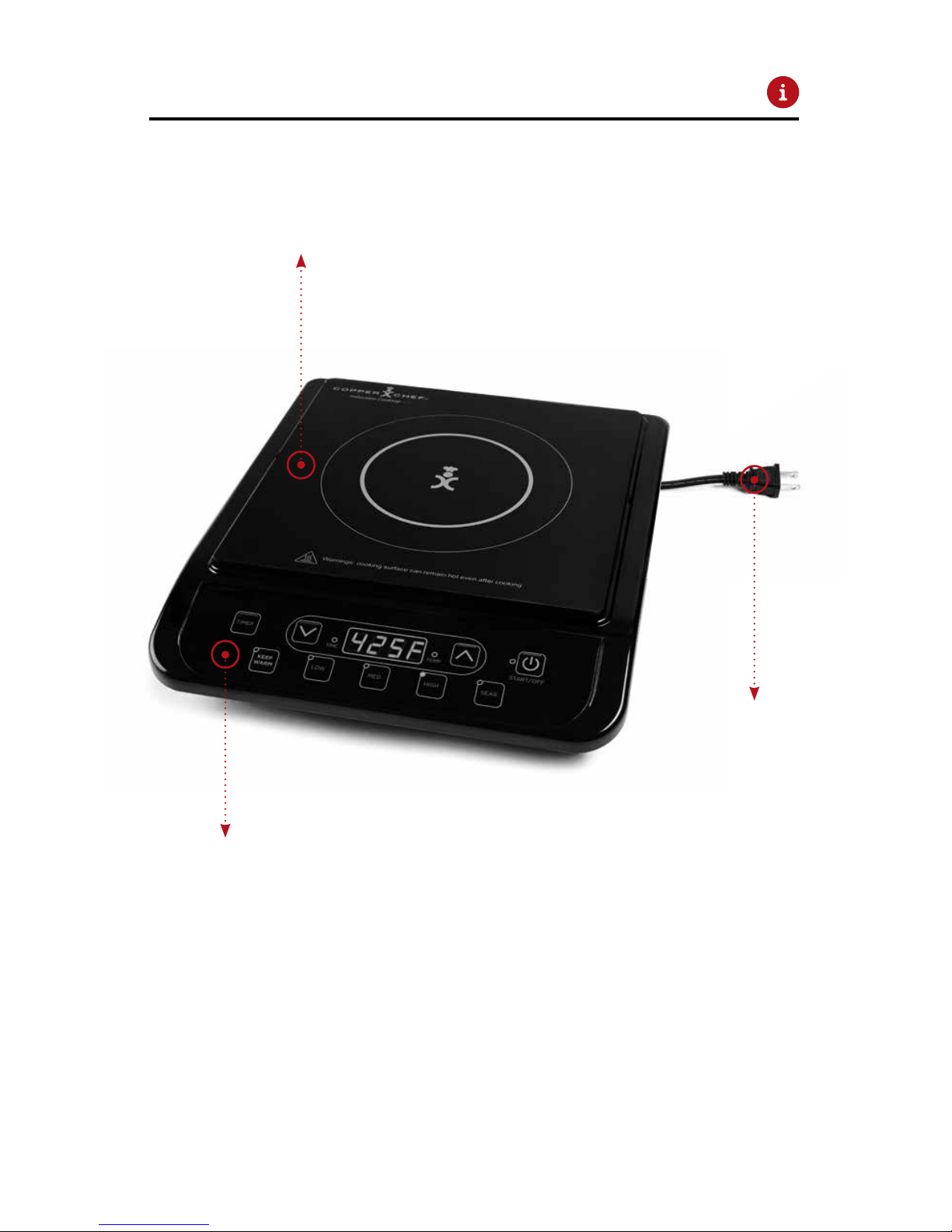
cooling fan will activate when unit is in operation. The Induction circuit will cycle on
cooking cycle for a period of time as a cool down. Keep unit plugged in until this cool
down cycle completes.
Slow Cook:
TIMER button. Change time
setting to hours by initially selecting DOWN
DOWNUP button (#8) will increase
Keep Warm: KEEP WARM
For best results, it is recommended to use a lid.
To Set Your Cooking Time
A.
B. TIMER
of all temperatures by selecting the temperature setting and then the time setting.
TIMER button. Change time setting
by initially pressing the UPDOWN
Timer can be set for timed
-
TIMER button. Change time setting to
DOWNUP button (#8) will
warm. Extended cooking times at higher heats is not recommended. Note: LED will
alternate between time & temperature when timer is set and unit is in operation.