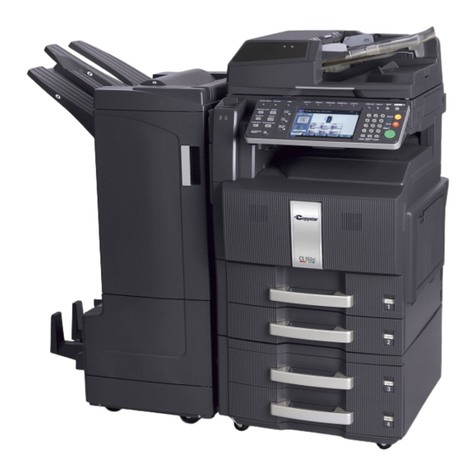
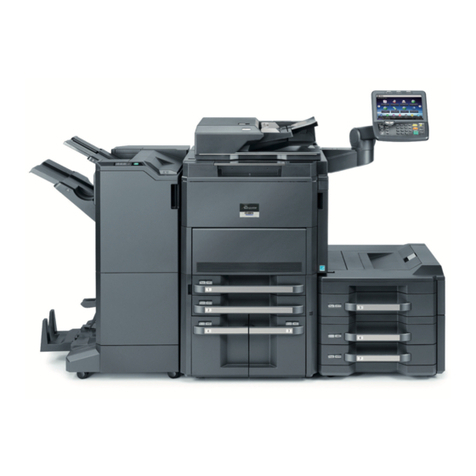
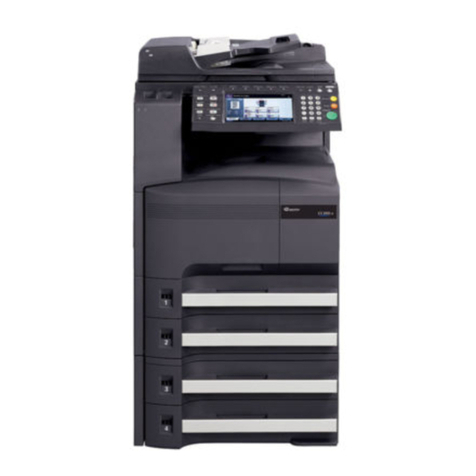
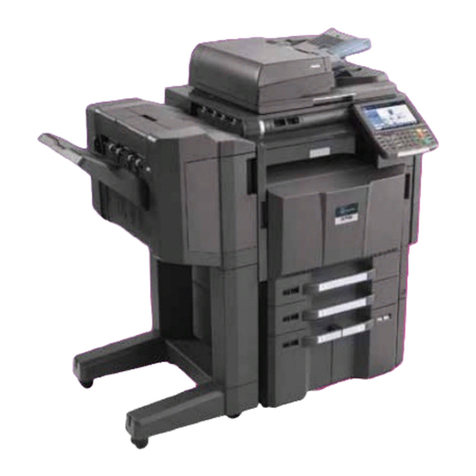
Specifications and design are subject to change without notice.
For the latest on connectivity visit www.copystar.com
All trademarks are the property of their respective owners.
Kyocera Mita America, Inc. Headquarters:
225 Sand Road, PO Box 40008, Fairfield, NJ 07004-0008, USA
©2007 Kyocera Mita America, Inc.
Item Code# 855D400086
CS-C4035E Specifications
www.copystar.com
Basic Specifications:
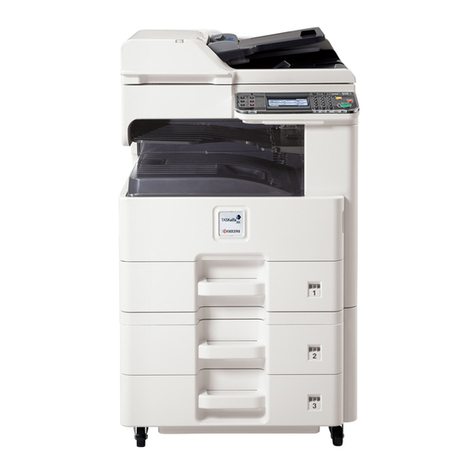
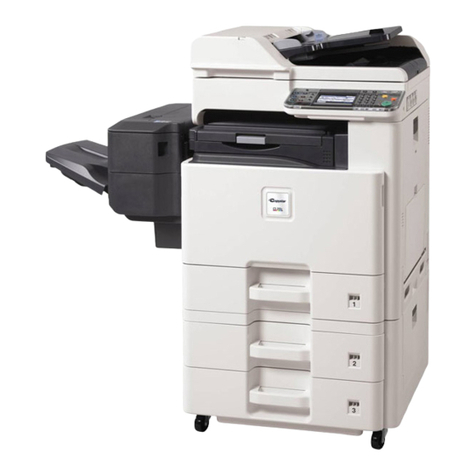
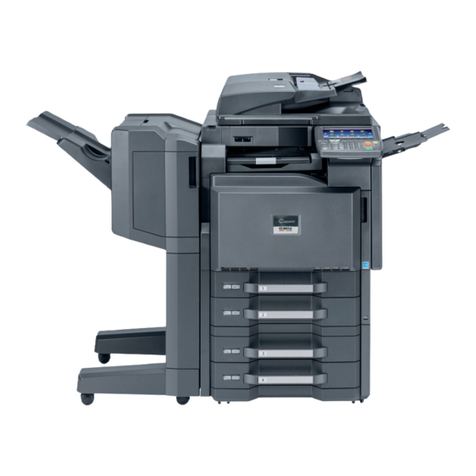
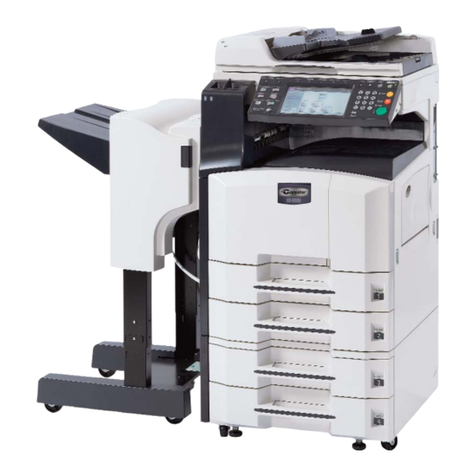
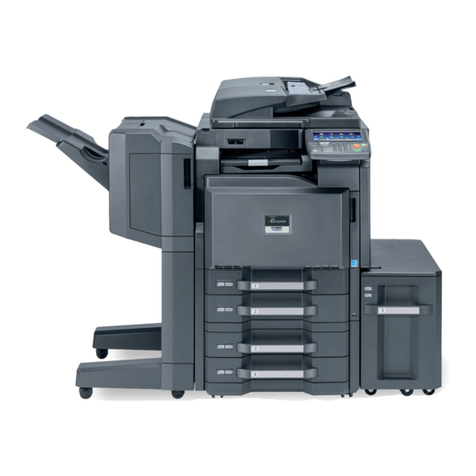
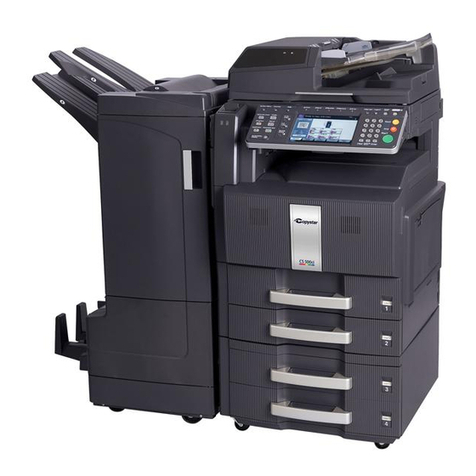
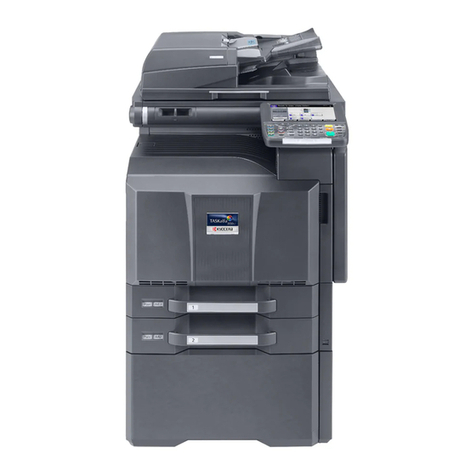
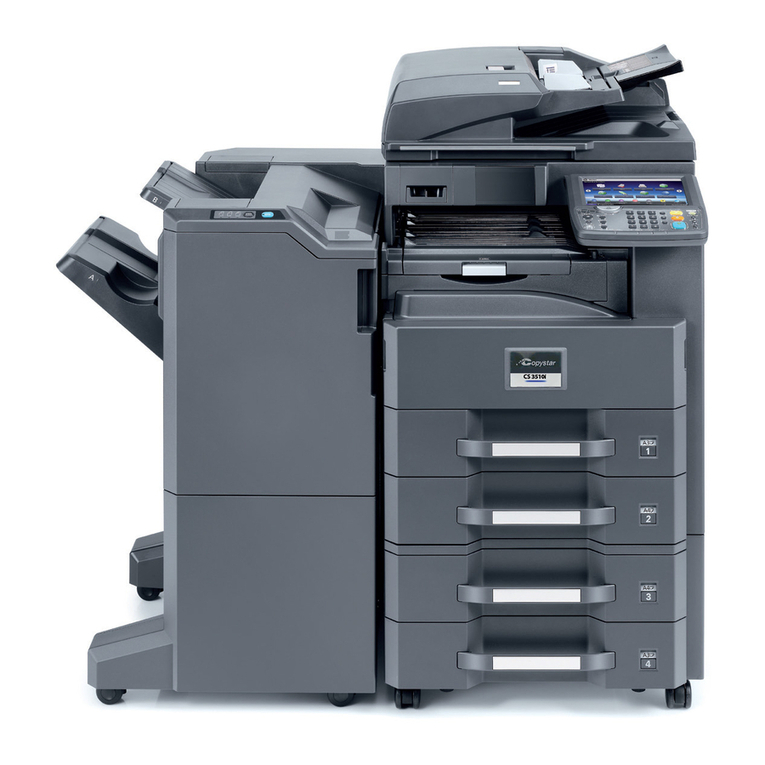
Configuration: Workgroup Color Multifunctional with Standard Network
Print / Scan and Optional Fax / Network Fax. Standard Duplex,
500 x 2 Sheet Paper Drawers and 100 Sheet Multipurpose
Tray. Standard 40GB System Hard Disk Drive. Optional Document
Processor, Paper Handling and Advanced Finishing.
Resolution: Multi-Bit 600 x 600 DPI Resolution / 256 Levels
System Memory: Standard 768MB RAM; 40GB HDD
Magnification: Full Size, 5 Reduction, 5 Enlargement Preset Ratios, Plus
25-400% Zoom (at 1% increments)
Electrical Requirements: 120V, 60Hz, 12A
Dimensions: 23.82"W x 26.30"D x 29.33"H
Weight: 222.7 lbs
Max Monthly Volume: 150,000 Pages Per Month
Output Speeds:
Warm-Up Time: Within 45 Seconds, Program During Warmup, Auto Start
First Copy Out (Color / Mono): 7.5/5.5 Seconds
First Print Out (Color / Mono): 7.5/5.5 Seconds
Pages Per Minute (Color / Mono): 35/40 Letter, 17/20 Legal and Ledger
Paper Supply:
Standard Paper Sources: Dual 500 Sheet Drawers, 100 Sheet MPT,
Auto Selection / Switching, Add Paper While Running
Drawer Paper Size: 5.5" x 8.5" - 11" x 17"
MPT Paper Size : 5.5” x 8.5” - 11" x 17"
Std / Max Paper Capacity: 1,100 / 4,100
Paper Weight: 16 - 28 lb Bond via Paper Drawers,
16 lb Bond - 120 lb Index via MPT
Input Materials: Bond Paper, Recycled Paper, Transparencies,
Cardstock, Envelopes
Duplex Unit:
Paper Size: 5.5" x 8.5" – 11" x 17"
Paper Weight: 16 - 28 lb Bond
Duplex Modes: Standard 1:2, 2:2, Book: 2, 2:1
Copy Functions:
IImaging Modes: Text, Photo, Text / Photo, Auto, Manual, ECO, Map
Continuous Copy: Up to 999, Auto Reset to 1
Additional Features: Positive / Negative Reverse, Mirror Image, Rotate Copy,
Border Erase, Split Copy, Rotate Sort, Full-Color &
Monochrome copy sets in same run, Electronic Sort,
Margin Shift, XY Zoom
Job Management: Job Interrupt, Job Build, 8 Job Programs, Repeat Copy,
1,000 Department Management Codes
Color Adjustment: OneTouch, Color Balance, Hue, Auto Exposure,
6 Monotone Colors, Manual Exposure, Auto GrayScale,
Sharpness, Color Calibration
Paper Handling Options:
Document Processor: DP-710
Type: Reversing Automatic Document Processor
Acceptable Originals: 5.5" x 8.5" – 11" x 17", Mixed Size Originals
Capacity: 100 Sheet RADF / 35 / 40 Letter Size Originals Per Minute
Paper Weight: 9 - 42 lb Bond
Dimensions / Weight: 22.5"W x 19.2"D x 5.28"H / 25.4 lbs
Finisher: DF-710
Stack Capacity: Main Tray: 3,000 Sheets; Sub Tray (B): 200 Sheets;
Sub Tray (C): 50 Sheets
Paper Size: Main Tray: 8.5" x 11" – 11" x 17";
Sub Tray (B): 5.5" x 8.5" – 11" x 17";
Sub Tray (C): 8.5" x 11"
Paper Weight: 16 - 28 lb Bond
Staple Capacity: 50 Sheets: 8.5" x 11"; 30 Sheets: 8.5" x 14", 11" x 17"
Edge Staple Position: 3 Positions: Top Left, Bottom Left, Center Bind
Punch: Optional 2 and 3 Hole
Saddle Stitch / Fold: Optional Booklet Folder
Dimensions / Weight: 26.9"W x 22.2"D x 42.8"H / 125.6 lbs
Simple Finisher: DF-730
Stack Capacity: 1,000 Sheets
Paper Size: 8.5" x 11" - 11" x 17"
Paper Weight: 16 - 28 lb Bond
Staple Capacity: 30 Sheets: 8.5" x 11"; 20 Sheets: 8.5" x 14", 11" x 17"
Edge Staple Position: 1 Position: Top Left
Dimensions / Weight: 21.9"W x 20.7"D x 36.1"H / 55 lbs
Booklet Folder Unit: BF-710
Folding Capacity: Up to 16 Sheets
Capacity: 1 - 3 Sheets - 30 Booklets; 4 - 6 Sheets - 20 Booklets;
7 - 16 Sheets - 10 Booklets
Paper Size: 8.5" x 11", 11" x 17", 8.5" x 14"
Paper Weight: 16 - 28 lb Bond, Over 20 lb is one sheet only
Dimensions / Weight: 25.7"W x 17.9"D x 10.5"H / 46.3 lbs
Job Separator: JS-710
Stack Capacity: 100 Sheets
Paper Size: 8.5" x 11" - 11" x 17"
Paper Weight: 16 - 28 lb Bond
Multi-Bin Mailbox: MT-710
Number of Trays: 7
Tray Capacity: 100 Sheets: 5.5" x 8.5", 8.5" x 11";
50 Sheets: 8.5" x 14", 11" x 17"
Paper Weight: 16 - 20 lb Bond
Dimensions / Weight: 20.0"W x 15.7"D x 18.5"H / 22 lbs
Punch Unit: PH-5A
Paper Size: 8.5" x 11" - 11" x 17"
Paper Weight: 16 - 28 lb Bond
Number of Holes: 2 and 3
Weight: 6.6 lbs
Large Capacity Tray: PF-750
Paper Capacity: 3,000 Sheets
Paper Weight: 16 - 28 lb Bond
Paper Size: 8.5" x 11"
Dimensions / Weight: 23.0"W x 23.6"D x 12.4"H/ 50.7 lbs
Dual Paper Drawers: PF-710
Paper Capacity: 500 Sheets x 2
Paper Weight: 16 - 28 lb Bond
Paper Size: 5.5" x 8.5" - 11" x 17"
Dimensions / Weight: 23.0"W x 23.2"D x 12.4"H/ 57.3 lbs
Standard Print/Scan:
Print:
Controller: Embedded PowerPC750GL / 800 MHz Controller
Printer Memory: Standard 256MB, Upgradeable to 1GB via 100 Pin DIMMS,
Optional Printer HDD, Standard CF Card Slot (Type 1)
Supported PDL/Emulations: PRESCRIBE, PCL6 (PCL XL,PCL 5c), KPDL3 (PS3),
KCGL (HP-GL/2)
Fonts: 80 Outline Fonts for PCL XL/5c, 136 Outline Fonts for
KPDL3, 1 Bitmap Font
Windows®OS Compatibility: Windows 95/98/Me/NT4.x/2000/XP/2003/Vista
Novell®OS Compatibility: Novell NetWare 3.x/4.x/5.x/6.x
Mac OS Compatibility: OS 8.x/9.x/10.x
UNIX OS Compatibility: Sun OS 4.1.x; Solaris 2.x; AIX, HP-UX (LPR)
Standard Interface: 10/100BaseTX, Parallel IEEE1284, High Speed USB 2.0
KUIO LV Expansion Slots (2): Optional 40GB Printer Hard Disk Drive;
Optional IB-23 Secure NIC
Supported Protocols: TCP/IP, IPX/SPX, AppleTalk, NetBEUI
Driver: KX Driver for Windows, PPD for Mac, PPD for Linux/UNIX,
Certified Uni Driver, Windows 64-Bit Drivers
Utilities: KMnet Admin, KM-NET Viewer, KM-NET for Clients,
KX SpoolCenter, PDF Direct Print, PRESCRIBE Utilities
Web Interface: Kyocera Command Center
Scan:
Type: Color and Monochrome Scanner
Resolution: 200, 300, 400, 600 DPI
Scan Speed (Color / Mono): Up to 35 / 40 Sheets Per Minute
File Formats (Color / Mono): PDF, JPEG / PDF, TIFF
Enhanced PDF Scanning: PDF Encryption, PDF Compression
Connectivity: 10/100BaseTX
Supported Protocols: TCP/IP
Scanning Features: KM Document Flow (Scan to Database) TWAIN (PC/Mac)
Scan to File (PC/Mac), Scan to FTP, Scan to e-Mail
Driver: TWAIN Driver
Utilities: KM DB-Assistant, KM Scanner File Utility, KM Scanner
Address Book, Address Book Editor, LDAP Converter
Utility, Network Advanced Setup Utilities, Scan to Mac Utility
Optional Data Security Kit: (D)
Provides Security Overwrite and Encryption for Print, Copy, and Scan
Optional Fax/Network Fax: FAX SYSTEM (N)
Compatibility: Super G3
Transmission Speed: Approximately 3 Seconds per page
Modem Speed: 33.6 Kbps with Auto Fallback
Data Compression: JBIG, MMR, MR, MH
Fax Memory (Std / Max): 4MB / 32MB
Driver: KM Network Fax Driver
Utilities: Address Book for Network Fax, Address Editor for Fax
Additional Features: Duplex TX/RX, Confidential RX/TX, Polling, Broadcasting,
2 in 1 RX
Additional Options:
KYOcapture, KYOcapture Express, iTag, 32MB Fax Memory (MM13-32),
Platen Cover, Attachment Kit (AK-710), Printer Memory 128, 256, 512 MB RAM,
Printer Hard Disk Drive, Stand
Kyocera Mita is
ISO 14001 Certified for
Environmental Management
65317_CS4035.qxp 7/2/07 8:50 PM Page 2