Operation
USING YOUR DEHYDRATOR
Note:
• Use the dehydrator in a warm, dry room, and
place on a stable, level, heat-resistant surface.
• Depending on humidity in the air and moisture
in the food, dehydration times may vary.
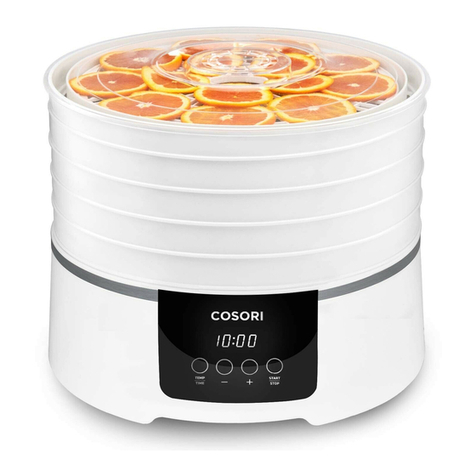
1. Place food on trays. Rearrange the trays
to fit thicker food items. The trays can
safely hold 3.5 kg / 7.7 lb of food. Avoid
overloading the trays or overlapping
food. Close the dehydrator door.
Note: Temperature changes in 1°C increments. Press
and hold +or –to change the temperature rapidly.
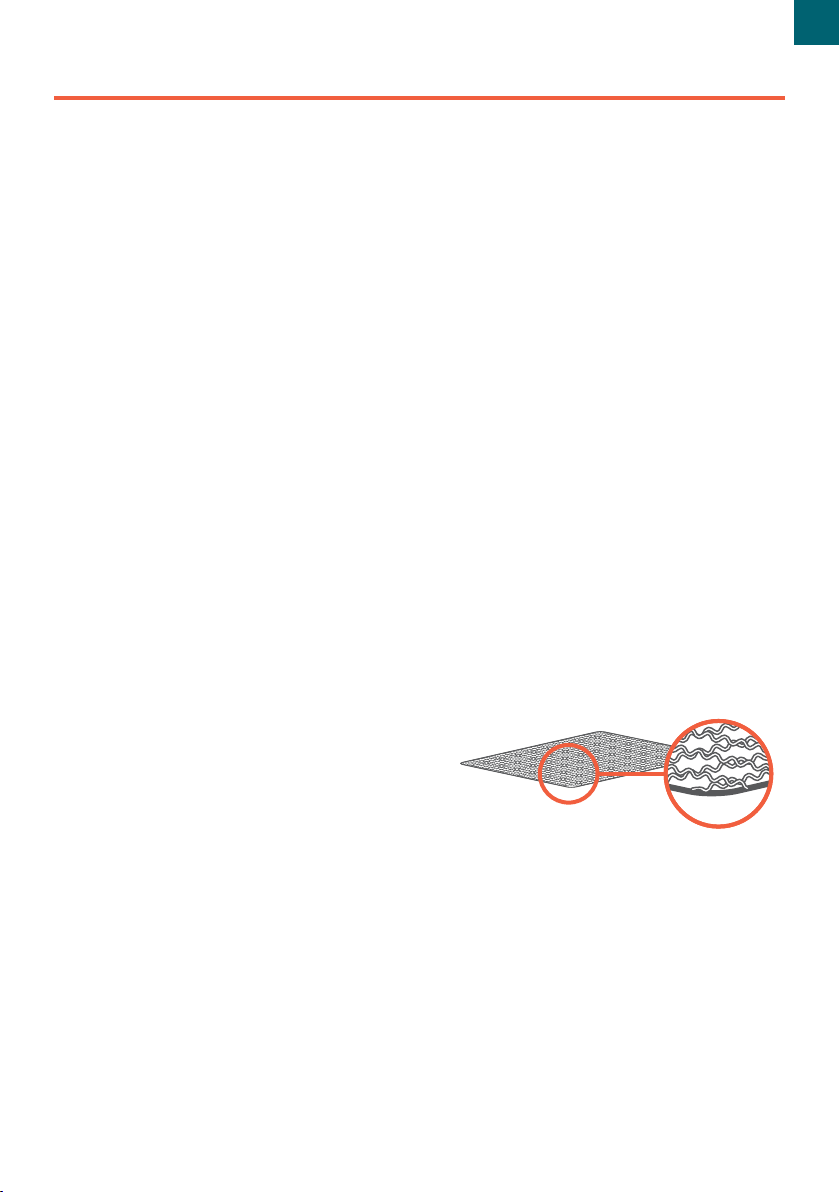
Note: To avoid scratching the inside of your
dehydrator, insert the mesh screen with the smooth
side of the frame facing down [Figure 1.1].
Note: Time changes in 30-minute increments.
Press and hold +or –to change the time rapidly.
Note: If you press START/STOP again to stop
dehydration, the timer countdown will reset and
the dehydrator will go into standby mode.
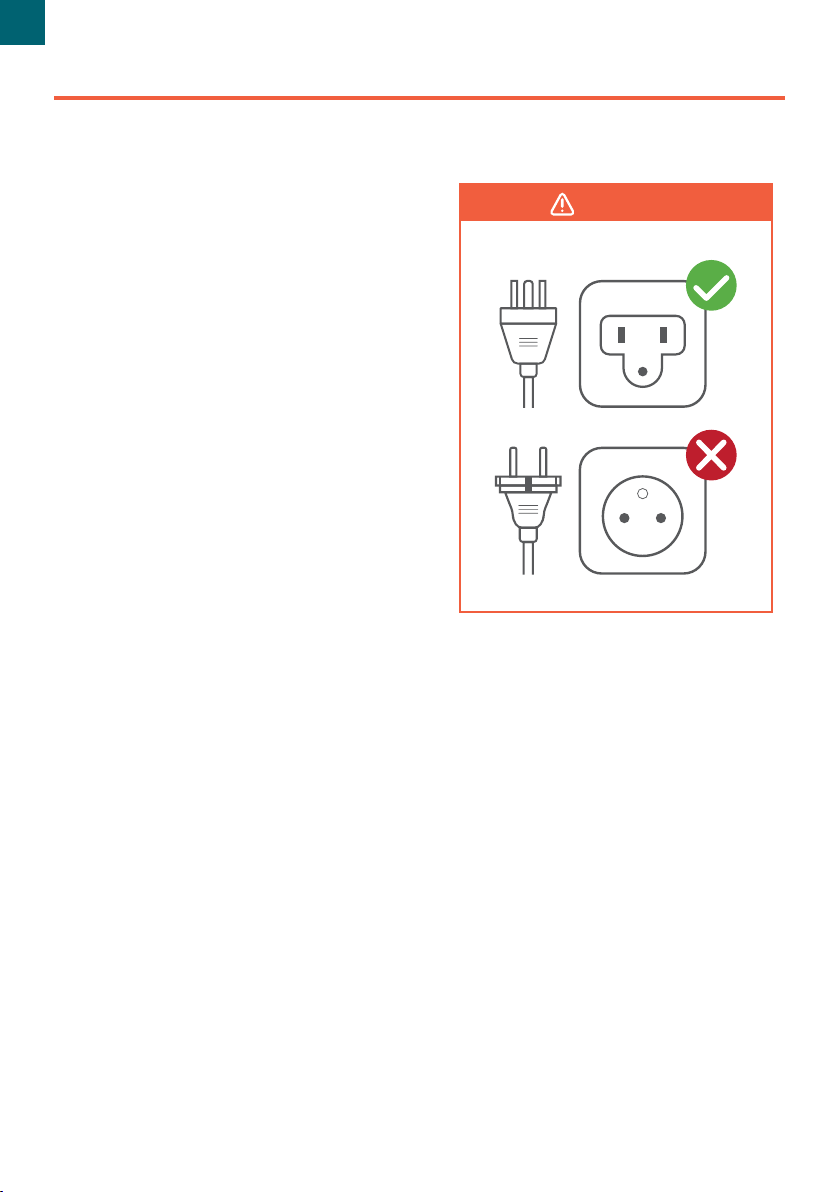
2. Plug in. The dehydrator will beep,
and the display will show “88:88”.
The dehydrator will switch to standby
mode after 3 seconds, and the display
will show “00:00”.
3. Press TEMP/TIME to choose
temperature. The temperature will blink
on the display, and the +or –buttons
will light up. Use +or –to change the
temperature (35°–73°C / 95°–165°F).
4. Press TEMP/TIME again to choose time.
The time will blink on the display, and
the +and –buttons will light up. Use +or
–to change the time (0:30–48:00).
5. Press START/STOP to start dehydrating.
The dehydrator will start heating. START/
STOP will stay lit, and the other buttons
will turn o. Temperature and time will
cycle on the display every 3 seconds.
6. Optionally, you can change the time
and temperature at any time by
pressing TEMP/TIME.
7. When the timer finishes, the display
will show “End” and heat will turn o.
The dehydrator will beep 5 times, and
the fan will stop.
8. Use a kitchen towel, heat-resistant glove,
or oven mitt to handle the trays.
Note: The dehydrator will always remember your
previous temperature and time settings.
Figure 1.1
9
EN