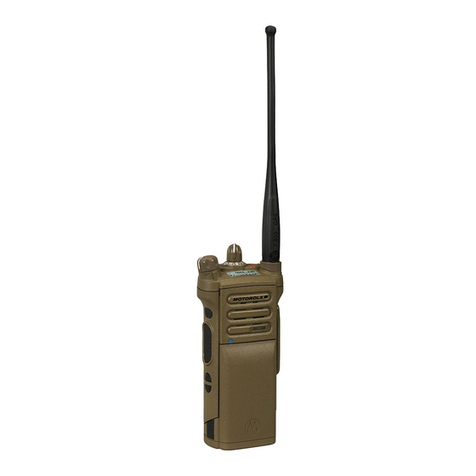
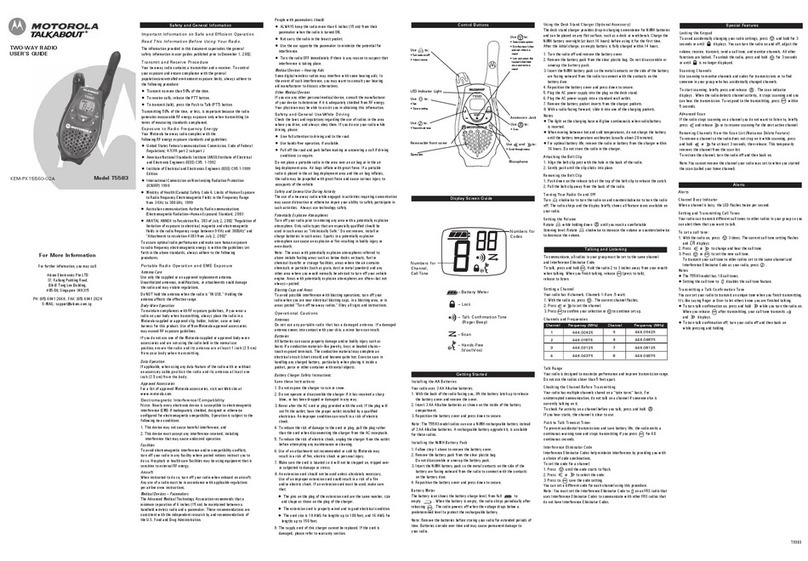
3.1【Charging】
1) Plug the AC adaptor into a standard electrical outlet
2) Insert the Walkie Talkie into the charging tray for charging.
It will take 3 - 4 hours for full charging
4.1【Menu Setting】
Press 〔 〕key and〔 〕key simultaneously to enter Menu mode, press〔 〕key to choose
desired menu and press〔 〕key to select the function then press〔 〕key to save it.
If no operation, 10 seconds will automatically exit the menu setting.
Press and hold the〔 〕key on the top of the unit.
Press〔 〕key and〔 〕key simultaneously until the letter CH is blinking, press
〔 〕key to select the number of Channel.
Press〔 〕key and the screen will display CTC off , press〔 〕key to select your
desired CTCSS/DCS ( CTCSS 1 – 53, DCS 1 – 104 )
Press〔 〕key until “SC***” is blinking, to select the scanning ON/OFF by
pressing〔 〕key and confirm it by pressing〔 〕key. to cancel the scanning by
pressing〔 〕key.
Press〔 〕key until “Po***” is blinking, to select Power HI/Lo by pressing〔 〕
key and confirmit by pressing〔 〕Key.
Press〔 〕key to complete this setting or to press〔 〕key again to have the other
functions , press〔 〕key to select number, you may press〔 〕key at any time
to complete this setting.
Press〔 〕key at the side and〔 〕key simultaneously to LOCK /UNLOCK the unit,
after Lock, the unit can only be allowed to adjust volume or transmit and receive.
3. CHARGING THE BATTERY
4. MENU SETTING
VOL SET
STEP 1-16
CH SET
TONE SET
DCS EDIT
5. CHANNEL SETTING BRIEF NOTE
ENGLISH
SCAN SET
POWER