
D-Link DSN-210-SW - SureSync Continuous Data... User manual
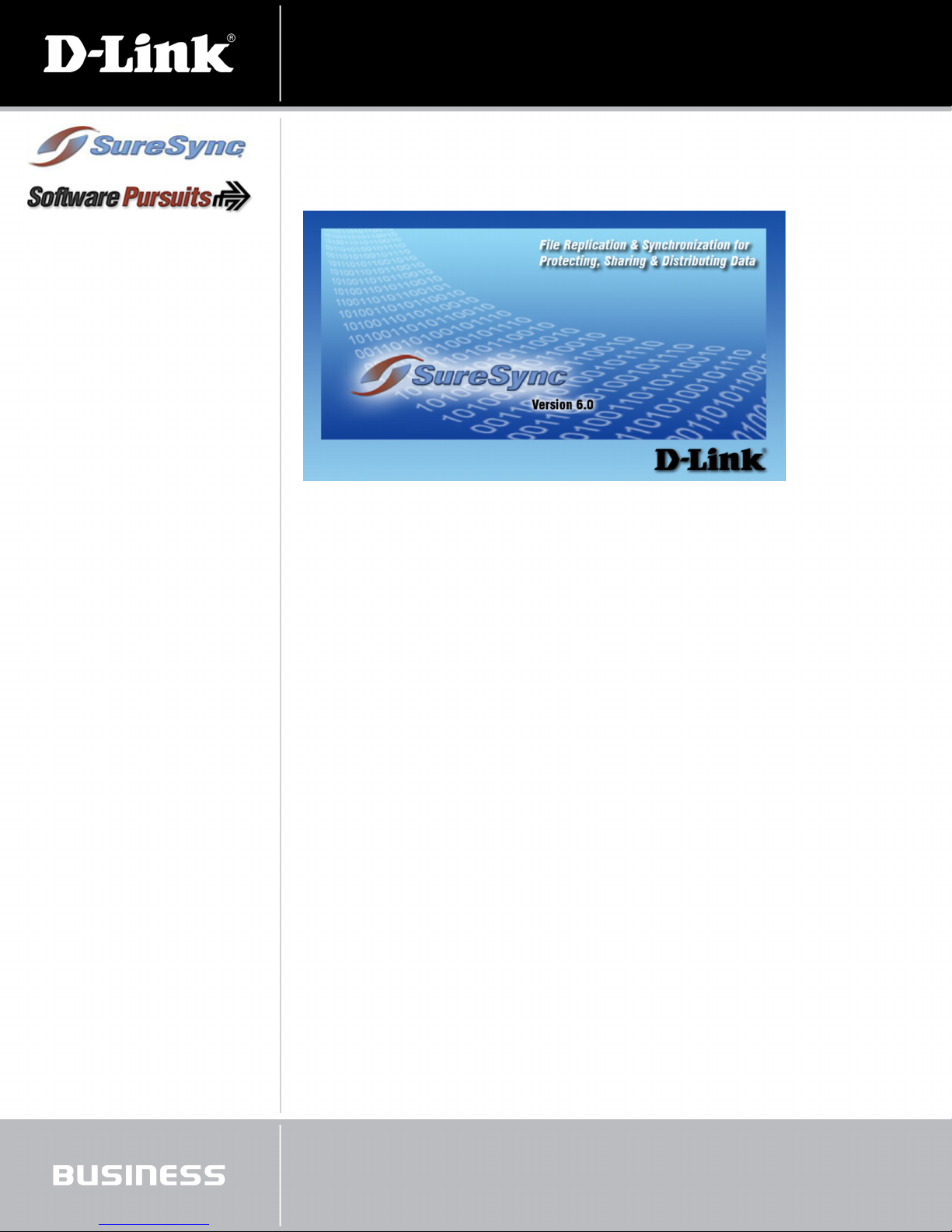
The SureSync Data Management software by D-Link® (DSN-210-SW) provides flexible and reliable file synchronization and
replication, all in one cost-effective solution. SureSync can synchronize files between PCs or between multiple servers, with
byte-by-byte comparisons for every replication task. Anyone who requires efficient data integrity, from individuals to the largest
organizations, is sure to find SureSync a powerful replication and synchronization software package.
A Complete Data Solution
The SureSync Data Management software gives you so many features that your return on investment is practically immediate.
SureSync provides your organization with complete control over how you copy, protect, and synchronize your network data. This
begins with reliable data protection with a high level of availability to complement tape backup methods. Offsite back up can also
be achieved with SureSync as a part of your backup and recovery solution. SureSync can even replicate and synchronize data
residing on PCs, laptops, and workstations, bringing data protection to individual users.
SureSync’s flexible synchronization methods allow data to be shared throughout your organization, anywhere you need
it. SureSync can deliver data to over 32,000 destinations, any type of file, so you have a software solution that can handle
your network’s needs no matter the job. Even as files are created, updated, or deleted, SureSync replicates these to all other
destinations where the data is shared, improving your productivity, service, and data delivery. As data moves consistently faster
over the Internet, flexible data management becomes even more important. SureSync can synchronize web content in real-time
to multiple machines, automating continuous updates while maintaining identical content on multiple web servers.
Bundled with Everything You Need
D-Link has bundled everything you need for the perfect replication and synchronization solution in one package. This starts with
the SureSync Data Management software, which provides a cost-effective solution for data protection, availability, distribution
and file sharing. To this, D-Link combines the SureSync SPIAgent and ArchiveSync add-ons. SPIAgent enables SureSync to
perform replication in real-time. ArchiveSync enables versioned backup of files for disk-to-disk backup solutions. All versions for
servers and workstations are included and each provides three years of free product upgrades.
Features:
SureSync
+ Replication & Synchronization
+ Mirroring Files and Directories
+ Scheduling
SPIAgent Add-on
+ Real-time Replication Monitors Data
Continuously for Updates
+ Adaptive Delta Technology Copies
Only Changes Made at the File Level
ArchiveSync® Add-on
+ Create Versioned Backup Copies of
Files
+ Quickly Restore Files to a Specified
Point-in-Time
+ Provides an Efficient Disk-to-Disk
Backup Solution
DSN-210-SW
SureSync Replication & Synchronization Software

A SureSync Foundation for Data Management
SureSync’s robust features are usually included with software solutions at a much higher price. Multiple replication and
synchronization methods, both one-way and multi-way, allow you to push data one-to-one, one-to-many, many-to-one, or even
peer-to-peer. Replication tasks can be scheduled multiple times each day, at only certain times of the year, whenever you like,
and SureSync’s schedule runs as a true Windows® service, for greater reliability and compatibility.
SureSync’s features do not stop there. Byte-to-byte comparisons ensure the integrity of every data replication. SureSync even
brings database security down to the job level, with permissions allowing different users different levels of access. Remote
Object Technology allows network management on a larger scale, enabling data management activities and storage device
status to be monitored from anywhere within the network. SureSync makes it easy to copy and share data security settings in
both Windows and Netware environments. Group folders help you organize relations, schedules, and monitors for simplified
management of replication jobs and data security. All of this is provided with interfaces and wizards made easy to use with a
clean .NET look and feel.
Real-Time Functionality and More
SPIAgent brings real-time replication to SureSync and a whole lot more. Real-time replication increases data availability by
continuously monitoring data for updates. Incremental backups copy only the changes made to each file; this Adaptive Delta
Technology increases performance while using fewer network resources. Quality of Service (QoS) settings provide you further
control over the amount of bandwidth SureSync uses on your network.
Data Versioning and Backup
ArchiveSync provides a unique versioning tool to back up your data, providing an efficient disk-to-disk backup solution. Versioned
copies can be quickly restored at any point in the file’s history, without requiring you to sift through tape backups. ArchiveSync’s
archiving and restoring tools also provide an effective method of backing up and restoring security privileges.
SureSync Replication & Synchronization Software
DSN-210-SW
Product Specifications
Software Applications + Disaster Recovery and Data Protection + File and Content Distribution
+ Global File Sharing + Synchronizing Web Content
+ PC and Laptop Data Protection
SureSync Software Features + Replication and Synchronization + Scheduling
+ Copy and Preserve Security + Remote Object Technology
+ Job Security Controls + Preview Structure
+ Global Job Progress + Interface & Wizards
+ Group Folders + Maintain Data Integrity
+ Alerts and Reporting + Open File Support
+ Job Progress Status + Intuitive Easy-To-Use Interface
SPIAgent Features + Real-Time Monitors + Adaptive Delta Technology
+ Quality of Service (QoS) + File Compression
+ TCP/IP Transmissions + Encryption
+ Change Journal Support

SureSync Replication & Synchronization Software
DSN-210-SW
ArchiveSync Features + Versioned Backups + Quick Restore
+ Backup and Restore Security Privileges
Technical Specifications
System Requirements + SureSync’s basic operating system and hardware requirements are:
• Supported Operating Systems: Windows Server® 2008 R2; Windows Server 2008; Windows Server 2003 R2; Windows
Server 2003; Windows® 7; Windows Vista®; Windows® XP
• Processor: 400Mhz Pentium Processor or equivalent (Minimum); 1 Ghz Pentium Processor or equivalent
(Recommended)
• RAM (total for system): 256MB (Minimum); 1GB (Recommended)
• Hard Disk: 30MB for application files; 20MB+ for database
• Display: 800x600, 256 colors (Minimum); 1024x768 high color, 32-bit (Recommended)SureSync is a 32-bit application
but will run without issue on 64-bit versions of Windows. 64-bit editions of Windows include full featured emulation for
running 32-bit code which allows SureSync to run on these operating systems without issue. The SPIAgent File Locking
Add-on is 64-bit compatible.
SureSync can synchronize data to operating systems such as Windows 95, Windows 98, Windows NT 4.0, Windows 2000, and
non-Windows machines such as Macintosh and Linux machines via UNC path but the software itself must be insatlled on one
of the supported operatings systems listed above.
+ SureSync requires a database which is used to store configuration information. The following formats are supported:
• Micosoft Access (default)
• MSDE 2000 / SQL Express 2005 / SQL Express 2008
• SQL Server 2000 / SQL Server 2005 / SQL Server 2008
The SureSync installer will check for the appropriate versions of the .NET Framework, MDAC and Jet. If your system needs
to be updated the installer will give you the option to install these components.
Package Contents + One SureSync Server License + Five SureSync Workstation Licenses
+ One ArchiveSync Server Add-on + Five ArchiveSync Workstation Add-ons
+ One SPIAgent Server Add-on + Five SPIAgent Workstation Add-ons
Licenses
Server Licenses One License Included1
Workstation Licenses Five Licenses Included1
Warranty and Support
Warranty 90-Day Limited2
Support Product Upgrades for 3 Years2 through Software Pursuits
Ordering Information
Part Number Description
DSN-210-SW SureSync Replication & Synchronization Software
Works with these xStack® Products: Description
DSN-1100-10 xStack 4x1GbE iSCSI SAN Array, 5 Bays, Desktop Tower, w/o Drives, with Trays
DSN-2100-10 xStack 4x1GbE iSCSI SAN Array, 8 Bays, 2U , w/o Drives, with Trays
DSN-3200-10 xStack 8x1GbE iSCSI SAN Array, 15 Bays, 3U, w/o Drives, with Trays
DSN-3400-10 xStack 1x10GbE iSCSI SAN Array, 15 Bays, 3U, w/o Drives, with Trays
DSN-5110-10 xStack 4x1GbE iSCSI SAN Array, 12-Bays, 2U, w/o Drives, with Trays
DSN-5210-10 xStack 8x1GbE iSCSI SAN Array, 12 Bays, 2U, w/o Drives, with Trays
DSN-5410-10 xStack 1x10GbE iSCSI SAN Array, 12 Bays, 2U, w/o Drives, with Trays
D-Link Systems, Inc. 17595 Mt. Herrmann Street Fountain Valley CA 92708 www.dlink.com
©2008-2010 D-Link Corporation/D-Link Systems, Inc. All rights reserved. D-Link, the D-Link logo, the
xStack, xStack Storage and xStack logo trademarks are registered trademarks of D-Link Corporation
or its subsidiaries in the United States and/or other countries. SureSync, Software Pursuits and
ArchiveSync are trademarks or registered trademarks of Software Pursuits, Inc. Other trademarks
or registered trademarks are the property of their respective owners.
1 Additional Licenses can be purchased directly through Software Pursuits
2 Available only in the USA and Canada
Product specification, size and shape are subject to change without notice, and actual product appearance may differ from that depicted herein.
Updated 10/11/10
Table of contents
Other D-Link Software manuals
D-Link
D-Link PS Admin User manual
D-Link
D-Link AirPlus DP-G310 User manual
D-Link
D-Link DV-600P - D-View Professional Edition User manual
D-Link
D-Link DPH-128MS - VoiceCenter VoIP Phone User manual
D-Link
D-Link DCS-100 User manual
D-Link
D-Link D-View 5.1 User manual
D-Link
D-Link DS-605 - VPN Client - PC User manual
D-Link
D-Link D-View 5.1 User manual
D-Link
D-Link DS-601 - VPN Client - PC Operational manual

















