manuals.online logo
Brands
  1. Home
  2. •
  3. Brands
  4. •
  5. Daavlin
  6. •
  7. Lantern
  8. •
  9. Daavlin 7 Series User manual

Daavlin 7 Series User manual

Other manuals for 7 Series

2

Popular Lantern manuals by other brands

DS Produkte TRF18P0752-1 instructions

DS Produkte

DS Produkte TRF18P0752-1 instructions

Stahl ECOLUX 6610 Series operating instructions

Stahl

Stahl ECOLUX 6610 Series operating instructions

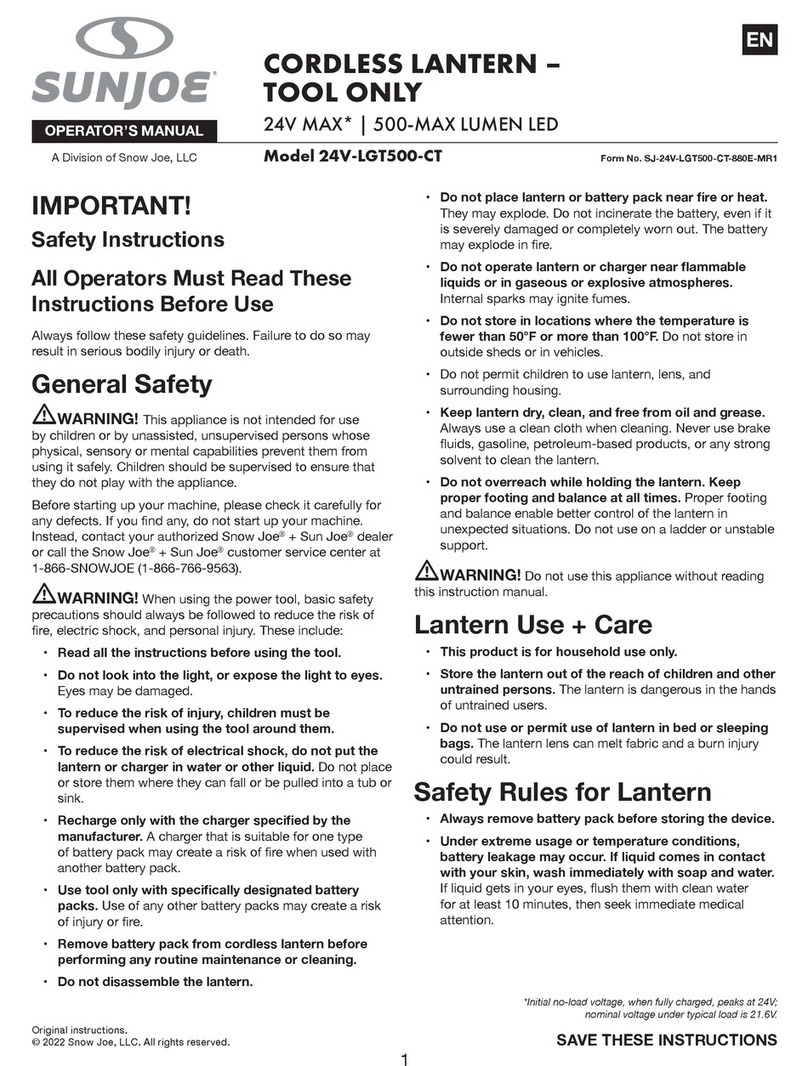
SNOWJOE SUNJOE 24V-LGT500-CT Operator's manual

SNOWJOE

SNOWJOE SUNJOE 24V-LGT500-CT Operator's manual

PRG VARI LITE VL5 Service manual

PRG

PRG VARI LITE VL5 Service manual

Raytec VARIO2 series installation guide

Raytec

Raytec VARIO2 series installation guide

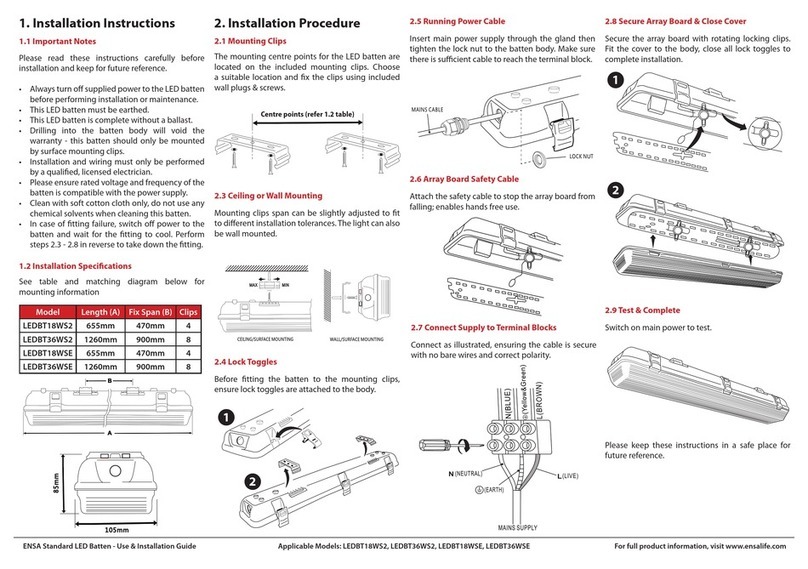
ENSA LEDBT18WS2 installation instructions

ENSA

ENSA LEDBT18WS2 installation instructions

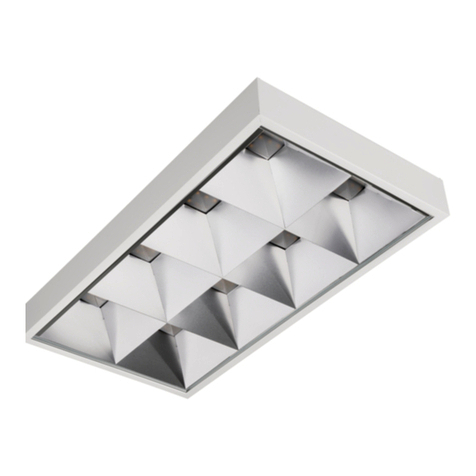
LUG OFFICE LB LED N/T Installation instruction

LUG

LUG OFFICE LB LED N/T Installation instruction

Draper RLEDL19/B instructions

Draper

Draper RLEDL19/B instructions

Green Lighting TRI-SENSOR GL4612LU Assembly & fitting instructions

Green Lighting

Green Lighting TRI-SENSOR GL4612LU Assembly & fitting instructions

Panasonic EY3741B57 operating instructions

Panasonic

Panasonic EY3741B57 operating instructions

Clas Ohlson LCC8T instruction manual

Clas Ohlson

Clas Ohlson LCC8T instruction manual

Coolon WDN-140 manual

Coolon

Coolon WDN-140 manual

shada 1000436 instruction manual

shada

shada 1000436 instruction manual

BEGA 84 036 Instructions for use

BEGA

BEGA 84 036 Instructions for use

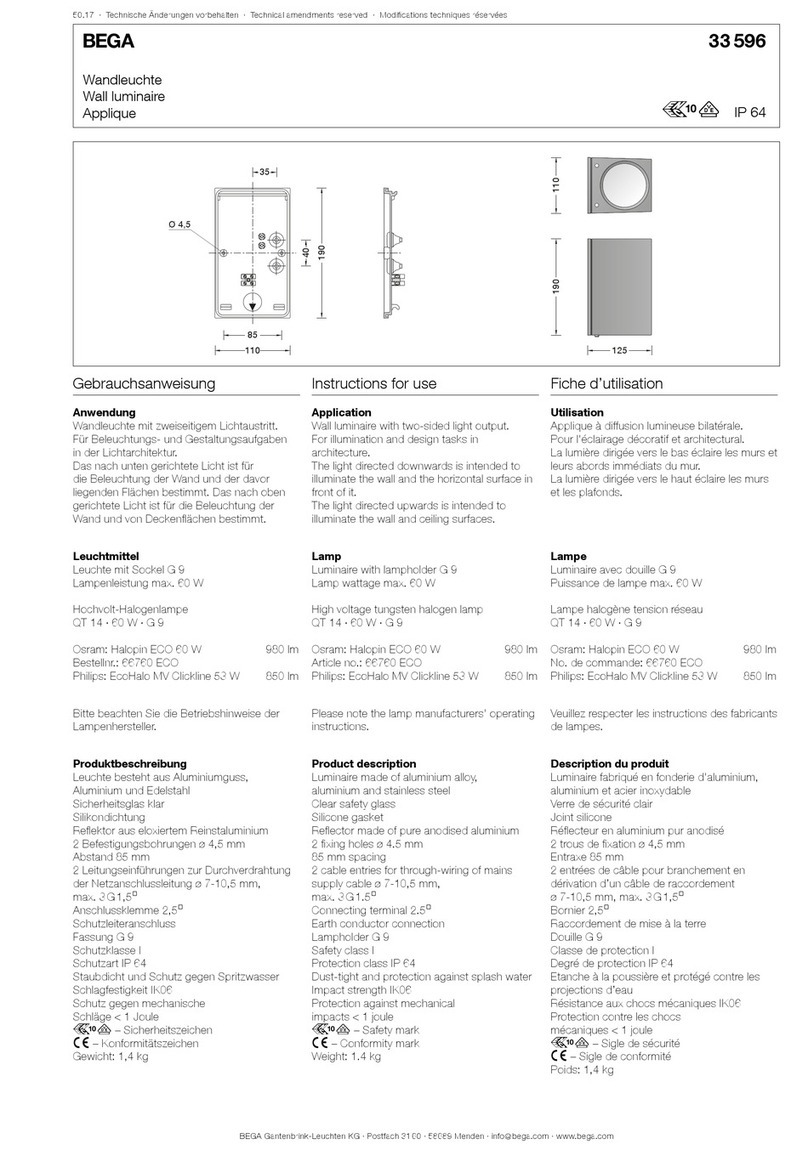
BEGA 33 596 Instructions for use

BEGA

BEGA 33 596 Instructions for use

Dale Tiffany GT701162 Assembly instructions

Dale Tiffany

Dale Tiffany GT701162 Assembly instructions

Wagan Brite Nite Pop-Up USB Lantern user manual

Wagan

Wagan Brite Nite Pop-Up USB Lantern user manual

Eaton Crouse-Hinds Pauluhn DLLA M2 Series Installation & maintenance information

Eaton

Eaton Crouse-Hinds Pauluhn DLLA M2 Series Installation & maintenance information

manuals.online logo
manuals.online logoBrands
  • About & Mission
  • Contact us
  • Privacy Policy
  • Terms and Conditions

Copyright 2025 Manuals.Online. All Rights Reserved.

Step
1
Step
2
Step
3
Roll unit onto its side.
Remove grids from foam
padding and place in secure
location until needed.
Attach feet to the
bottom of unit.To ensure
the stability of the unit, be
sure to place feet at the
proper angle as shown.
Back of 7 Series
7 Series Installation Guide
Front of 7 Series
LIT0112 Rev 0
C: Carefully slide the
unit toward the
bottom of the box far
enough to effectively
attach feet and
stabilizer bars.
B: Remove stabilizer bars
and feet and set aside.
Remove foam padding
from bottom of unit.
A: Unfold bottom of box.
(Bottom of box is where the
stabilizer bars and feet are stored)
Back of 7 Series
Bottom of Box
Grid Tips
Step
4Step
5
Step
6
Attach stabilizer bars
to unit first, then to
feet as shown.
Carefully raise the unit onto its
feet so it sets securely upright.
Front of
7 Series
A: Attach all four grids to unit
by placing grid tips into the
pre-drilled holes. Insert top of
grid first, then bottom.
C: Insert power cord and begin
using your 7 Series.
B: Secure all four grids to
unit by inserting one
screw per grid into place.
Back of 7 Series
1
2