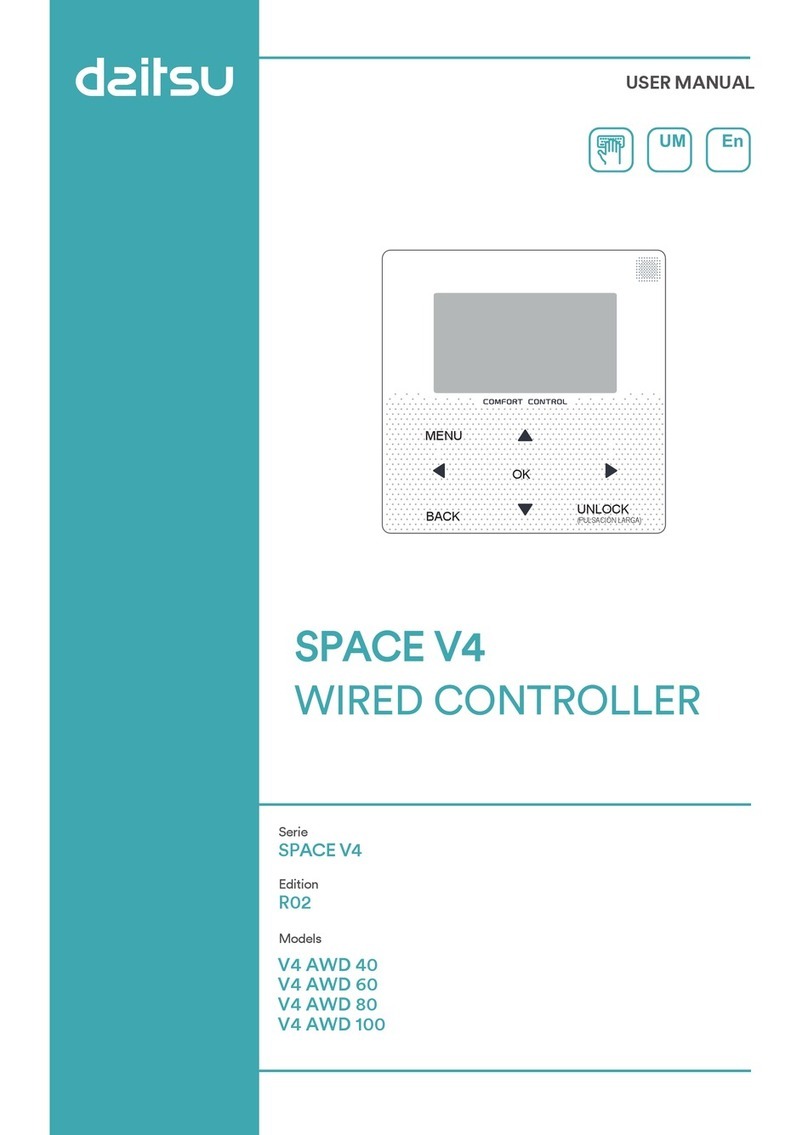
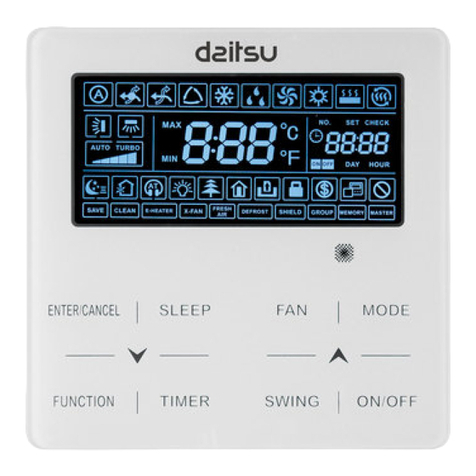
3 Function Introduction
Power on for the first time or restore factory settings, you need to preset: SETTING ADDRESS and
GENERAL SETTING. Click “ ” after setting. Please follow the interface prompts.
3.1 Unlocking/Locking Operation
When the wired controller is locked, press and hold the " " button for 3s to unlock it. Then the lock
icon is not displayed and the wired controller can be operated.
When the wired controller is unlocked. press and hold the " " button for 3s to unlock it. Then the lock
icon is displayed and the wired controller cannot be operated. When there is no operation for
continuous 60s on any page, the wired controller returns to the home page and automatically locks,
displaying the lock icon.
Note: It can only be locked by long pressing the " " button for 3s under the main page, and it is invalid
under the " " page.
3.2 Power-on/off
When the wired controller is unlocked and the unit is on, “ ” can be pressed to power off the unit under
the home page only. And it can be pressed to power on the unit when the unit is off.
In the unlocked state, the set temperature can be adjusted by pressing▲▼button. And you need to
Press “ ”button to confirm after setting. It’s invalid without confirmation within 5s.
Operating Introduction:
Press "▲" "▼" to select TIMER, ACT, TIME ON, TIME OFF, MODE, TWS or SILENT MODE. When
the cursor stays at “TIMER ”, press "◄" and "►" to select “TIMER 1” or “TIMER 2”. When it stays at
other items, we can also use “ ◄”, “ ►” to adjust corresponding settings.
After setting, press " " to confirm saving, or press " " to cancel setting and return to the
previous interface.
If Time1 T.ON is set the same as Time1 T.OFF, then the setting is invalid, the ACT option for the timer
of this segment jumps to "OFF", the setting of Timer2 is the same as that of Timer1, and the timing
interval of Time2 can cross with that of Time1.
For example, if Timer1 T.ON is set to 12:00 and Timer1 T.OFF is set to 15:00, then the values of
Timer2 T.ON and Time2 T.OFF can be set in the range of 12:00-15:00. If the time interval crosses,
the machine will be powered on at the time T.ON which is set in Timer1 or Timer2, and will be
powered off at the time T.OFF which is set in Timer1 or Timer2.
After the daily timer function setting is enabled, there will be corresponding prompts displayed on
the homepage.
When two timers overlap, the second setting takes precedence.
Weekly schedule setting:
Select “WEEKLY SCHEDULE” and press“ ”. Display as follows:
12/04/2019 MON 10:35A
COOL
ON
45% 60%
TWTWS
ONLINE 16
9
C
7
C
12/04/2019 MON 10:35A
COOL
ON
45% 60%
TWTWS
ONLINE 16
9
C
7
C
5