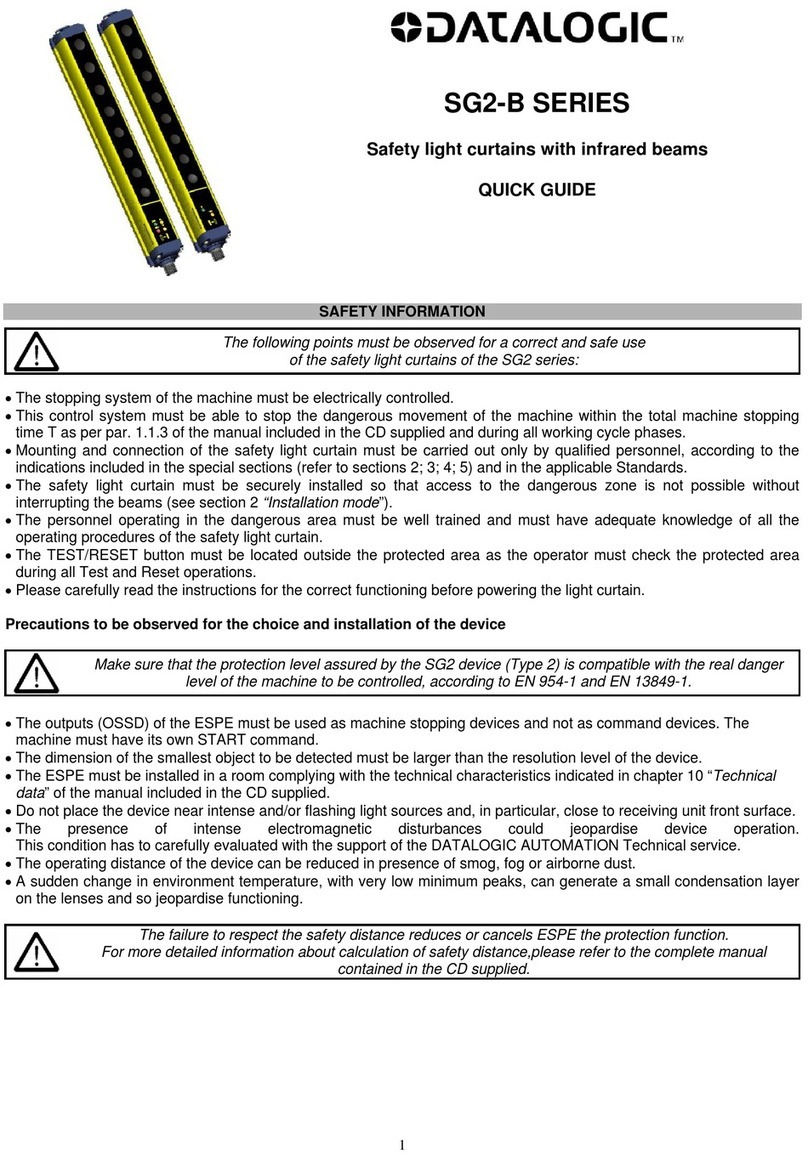
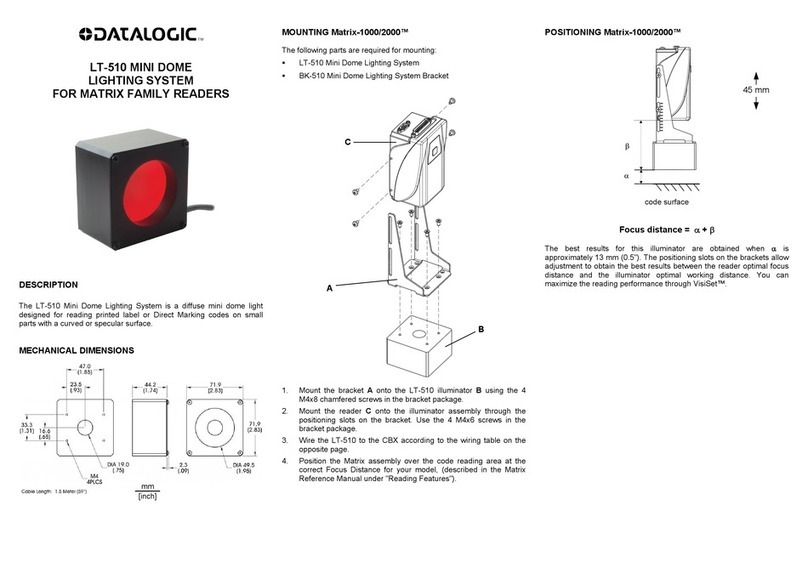
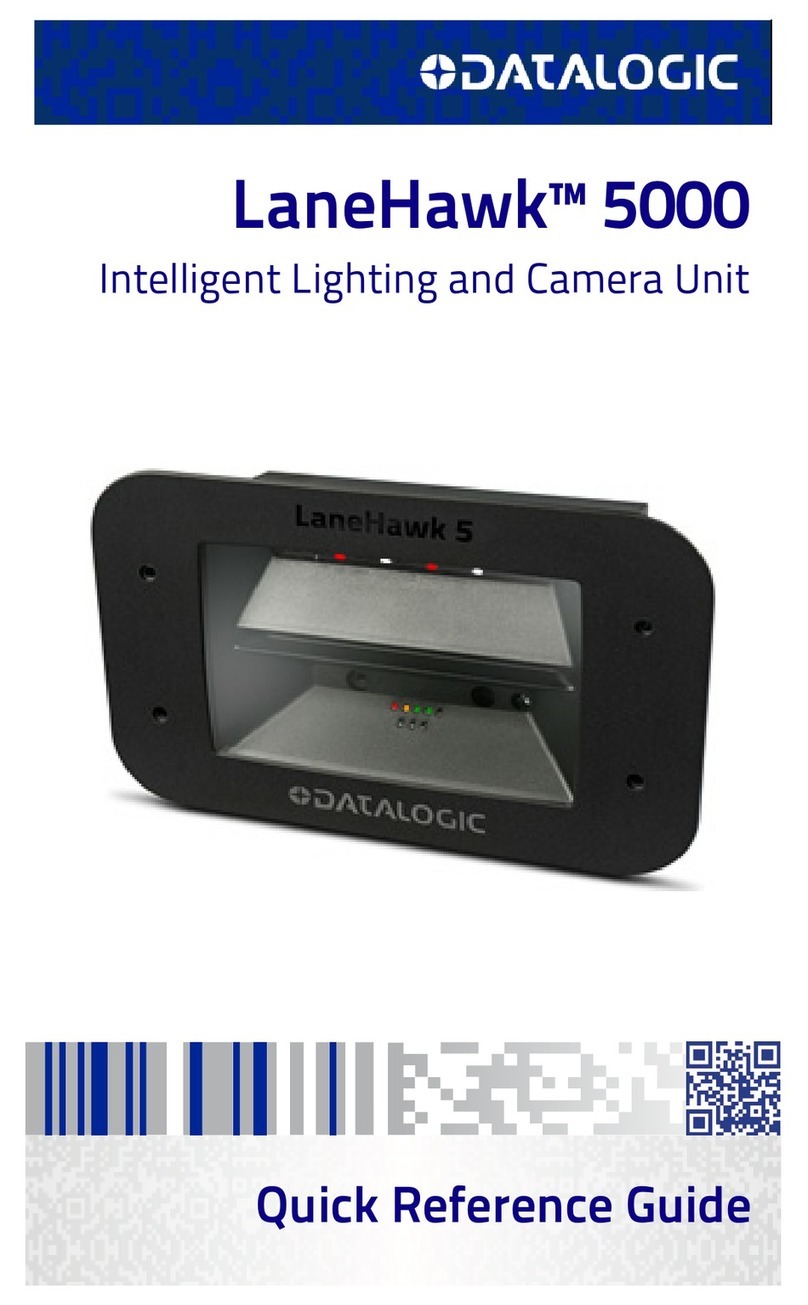
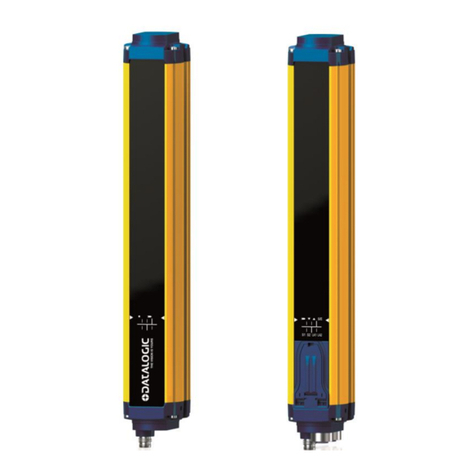
LT-700 POSITIONING FOR MATRIX 210™ STRAIGHT MODELS
LT-700 30° Illumination Angle
LT-700 45° Illumination Angle
LT-700 60° Illumination Angle
NOTE
The positioning drawings, intended to show the various
adjustments, are graphically representative of the Matrx 210™
Medium model and are significantly different for other models.
Matrix 210™ + LT-700 Positioning Reference Table
Straight
Models
Focus
Distance
Clearance Illumination
Angle
M A B
Near 45
(1.8)
43.5
(1.7)
30° 33 (1.3) 66 (2.6)
45° 82 (3.2) 66 (2.6)
60° - -
Medium 65
(2.6)
55
(2.2)
30° 19 (0.7) 75 (3.0)
45° 72 (2.8) 75 (3.0)
60° 97 (3.8) 75 (3.0)
Far 105
(4.1)
55
(2.2)
30° 7 (0.3) 75 (3.0)
45° 53 (2.1) 75 (3.0)
60° 75 (3.0) 75 (3.0)
1. Position and mount the Matrix assembly over the code reading
area at the correct Focus Distance Mfor your model.
2. Using the positioning diagrams and the LT-700 Positioning
Reference Table, you can obtain the given illumination angles at
the given code clearance by adjusting the LT-700 bracket
assembly as follows:
Set measurement Aaccording to the LT-700 Positioning
Reference Table and tighten the LT-700 sliding bracket screws.
Set measurement Baccording to the LT-700 Positioning
Reference Table and tighten the rotating bracket screws.
3. Rotate the LT-700 angle to the indicated Illumination Angle; the
lower corner of the LT-700 matches the Clearance value. Tighten
the LT-700 positioning screws.
4. Run the VisiSet™ configuration program and follow the Setup
Wizard and Data Matrix Setup Wizard procedures in VisiSet™ to
complete installation.
NOTE
The values given for LT-700 positioning are based on three
common angles for DPM applications and demonstrate the
basic positioning procedure. Your application may require
different settings.
NOTE
By reducing clearance, LT-700 can be positioned closer to
the code surface to maximize illumination.
If necessary, clearance can be increased with some reduction
in lighting power on the code surface.
TECHNICAL FEATURES
Supply Voltage 10 to 30 Vdc
Power Consumption 0.25 to 1.0 A; 3 W max.
Optimal Working Distance application dependent
Effective Working Range application dependent
Illumination Area:
@ 50 mm (2 in) 70 × 55 mm (2.75 × 2.16 in)
@ 75 mm (3 in) 80 × 70 mm (3.15 × 2.75 in)
@ 100 mm (4 in) 90 × 85 mm (3.54 × 3.35 in)
Wavelength 630 nm
Typical Irradiance 180 W/m² @ 75 mm
(with Exposure Time 500 s)
Operating Temperature 0 to 50 °C (32 to 122 °F)
Storage Temperature -20 to 70 °C (-4 to 158 °F)
Max Humidity 90% non-condensing
Vibration Resistance
EN 60068-2-6
1.5 mm @ 5 to 9 Hz;
0.5 g @ 9 to 150 Hz
2 hours on each axis
Shock Resistance
EN 60068-2-27
15g; 11 ms; 3 shocks on each axis
Protection Class
EN 60529
IP65
Dimensions (L x H x W)
(without bracket)
68 x 33 x 28 mm (2.7 x 1.3 x 1.1 in)
Weight (without bracket) 113 g. ( 4 oz.)
COMPLIANCE
LED Safety
LED EMISSION ACCORDING TO EN 62471
FCC Compliance
Modifications or changes to this equipment without the expressed written approval of Datalogic
could void the authority to use the equipment.
This device complies with PART 15 of the FCC Rules. Operation is subject to the following two
conditions: (1) This device may not cause harmful interference, and (2) this device must accept any
interference received, including interference which may cause undesired operation.
This equipment has been tested and found to comply with the limits for a Class A digital device,
pursuant to part 15 of the FCC Rules. These limits are designed to provide reasonable protection
against harmful interference when the equipment is operated in a commercial environment. This
equipment generates, uses, and can radiate radio frequency energy and, if not installed and used in
accordance with the instruction manual, may cause harmful interference to radio communications.
Operation of this equipment in a residential area is likely to cause harmful interference in which case
the user will be required to correct the interference at his own expense.
EAC Compliance
Customs Union:
The CU Conformity certification has been achieved; this allows the Product to bear the
Eurasian mark of conformity.
Datalogic S.r.l.
Via S. Vitalino 13 - 40012 Calderara di Reno - Italy
Tel: +39 051 3147011 - Fax: +39 051 3147205 - www.datalogic.com
© 2012 - 2017 Datalogic S.p.A. and/or its affiliates ALL RIGHTS RESERVED. Without limiting the
rights under copyright, no part of this documentation may be reproduced, stored in or introduced into a
retrieval system, or transmitted in any form or by any means, or for any purpose, without the express
written permission of Datalogic S.p.A. and/or its affiliates. Datalogic and the Datalogic logo are
registered trademarks of Datalogic S.p.A. in many countries, including the U.S.A. and the E.U. All other
trademarks and brands are property of their respective owners. Datalogic reserves the right to make
modifications and improvements without prior notification.
821002302 (Rev. B)