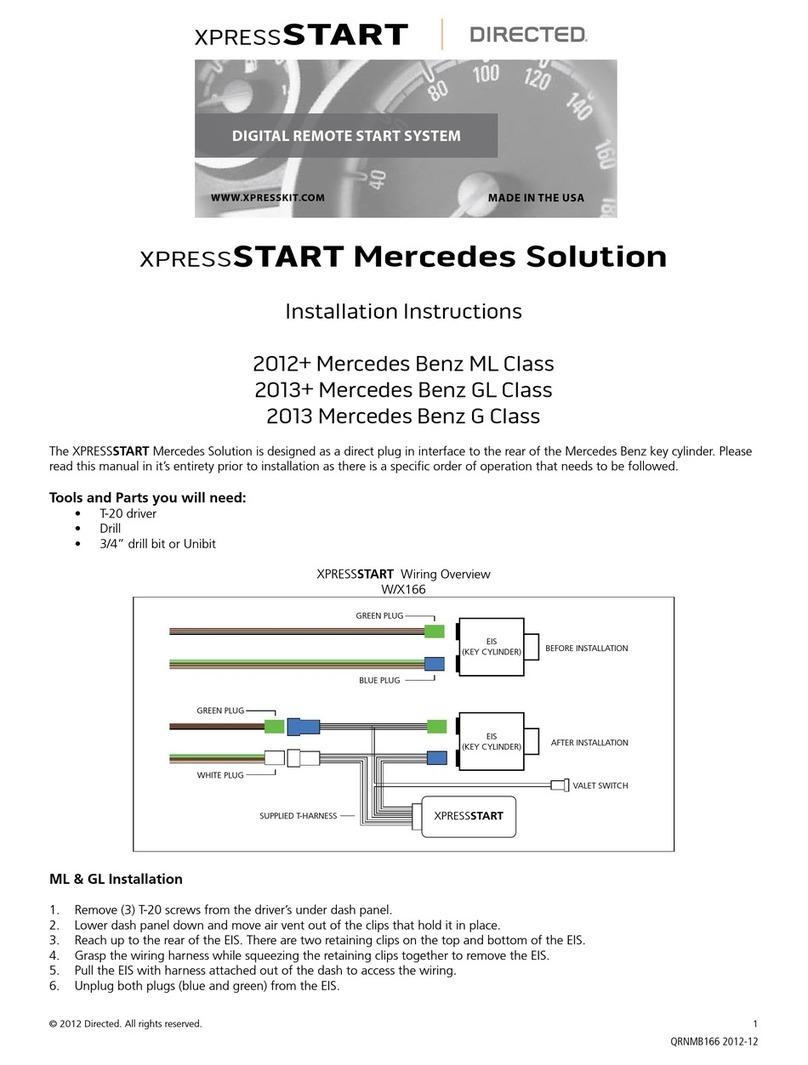
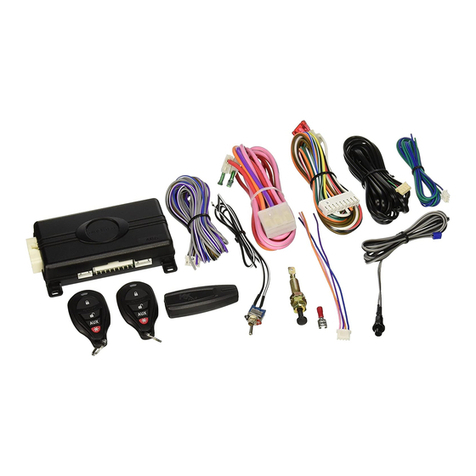
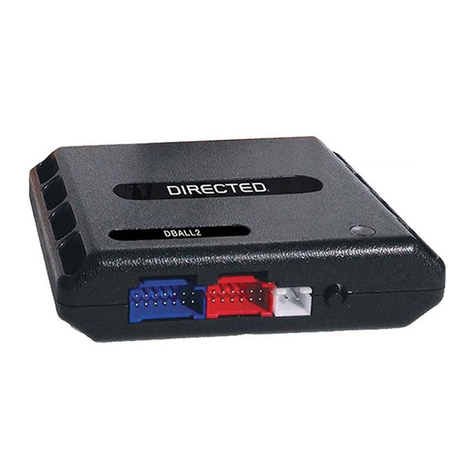
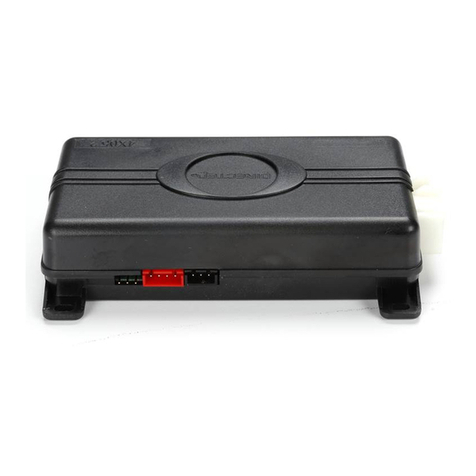
6403.AUDI02 3.10 2015 Audi A4 (Smart Key w/PTS)
©2021 VOXX•DEI LLC. All rights reserved.
Refer to "Pre-installation and application warnings" for important information, such as the description of each special note referenced in the diagram ( ).
Wiring diagram - Key Release Type 1
FT CAN High: Orange/Green: 5
FT CAN Low: Orange/Brown: 6
(+) 12V Input: Red: 13
(-) Ground: Black: 14
HS CAN Low: Tan: 4
HS CAN High: Tan/Black: 3
6: White/Black:
(-) Hood
Remote Start Safety
Override Switch
Hood Pin
You can connect to either a
XL202 RFTD OR a SmartStart
module.
Refer to the SmartStart/XL202
Installation Notes for more
information.
HS CAN High:
Orange/Red, pin 6
HS CAN Low:
Brown/Red, pin 14
OBDII
Diagnostic
Connector
1 8
169
Brake switch
(at brake switch)
FT CAN High: Orange/Green
FT CAN Low: Orange/Brown
3
4
2
1
Twisted pair in driver kick
panel (at door harness)
(+) Brake:
Red/Black, pin 3
Ignition Switch Connector
(at ignition switch)
(-) Starter 3:
Black/Red,
pin 14
(-) Starter 2:
Gray/Blue,
pin 13
(-) Starter 1: Black or Black/Blue, pin 6
(+) Key Release:
Gray/Yellow, pin 15
(-) Keysense: Black/Yellow, pin 5
3x 1A Diodes
BCM
Gray/Yellow
Refer to
‘Vehicle connections’
for wire and connector
details related to the
standard connections in
the vehicle.
(+)12V Input - Type 1: Brown: 7
Key Wrap: Yellow/Red: 11
Key Wrap: Brown/Red: 12
(+) Key Release Output - Type 1 : Yellow: 8
(-) Keysense Output: Black/White: 1
(-) Starter Output: Green/Black: 2
(+) Brake Activation Output: Gray: 6
(-) PTS Output: Blue/Red: 12
These connections will be
made along with the
ones from the Ignition
Switch Plug.
(-) PTS: Blue/White,
pin 3
(-) PTS: Blue/Yellow,
pin 4
PTS Connector
(at PTS button)
ONLY for PTS vehicles
2x 1A
Diodes 1
2
3
4
Key Release Voltage Test
Type 1:
Follow this installation if Gray/Yellow test:
1. IGN OFF: 0 Volts
2. IGN ON: 0 Volts
Type 2:
Follow the installation on the next page if the
Gray/Yellow wire tests with the following results:
1. IGN OFF: 0 Volts
2. IGN ON: 12 Volts
Without Push Button Start Switching the ignition on/off
•Insert the key into the ignition lock.
•Press the key briefly without pressing the clutch pedal
(for manual transmissions) or the brake pedal (for automatic
transmissions).
•To switch the ignition off, press the key again.
With Push Button Start Switching the ignition on/off
•Press the START ENGINE STOP button without pressing the
clutch pedal (for manual transmissions) or the brake pedal
(for automatic transmissions)
•To switch the ignition off, press the button again.
Using a multimeter, follow the type that corresponds with the key
release wire test:
OR