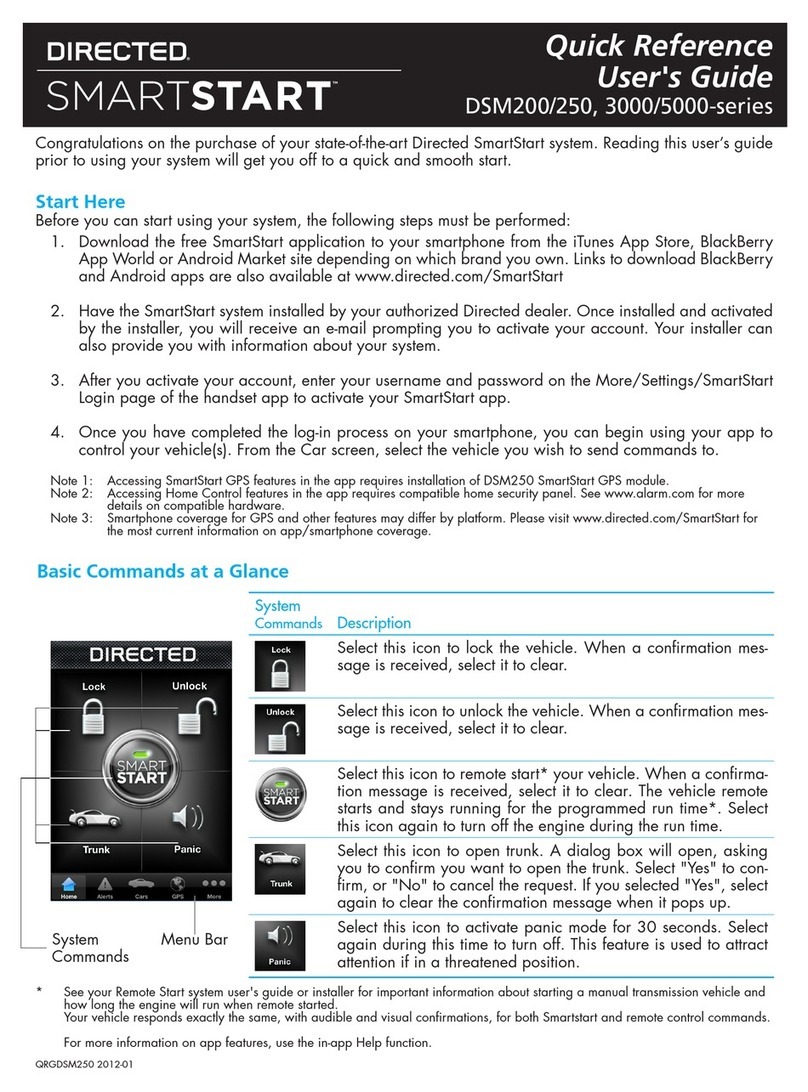
Module Programming
Page 7
Refer to the Diagnostics section on page 11 for more information and for troubleshooting purposes.LED
Important
10-pin
D2D
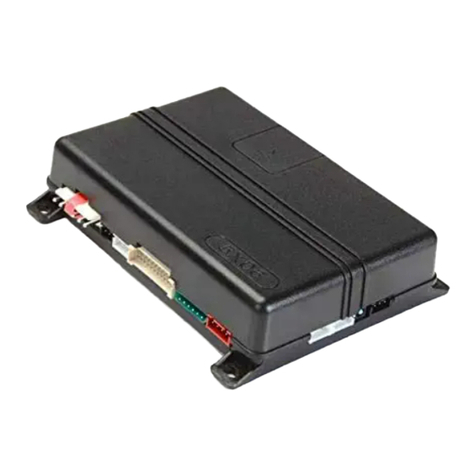
XL202
10-pin
D2D
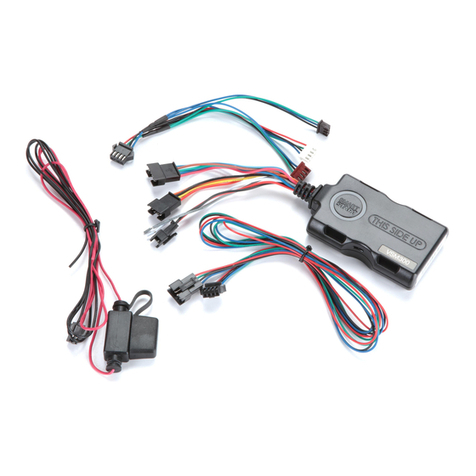
SmartStart
OR
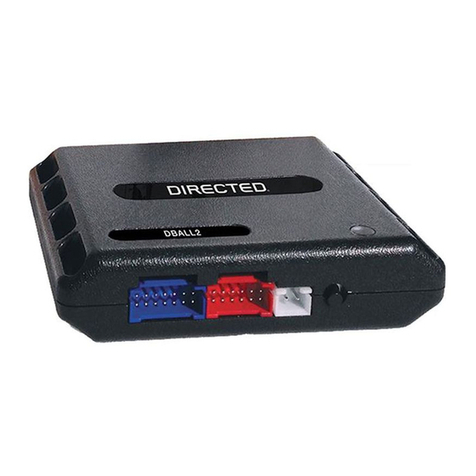
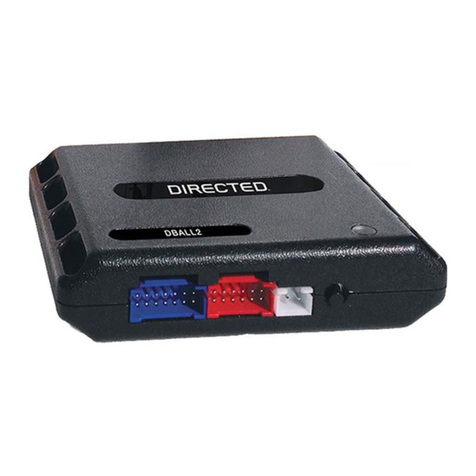
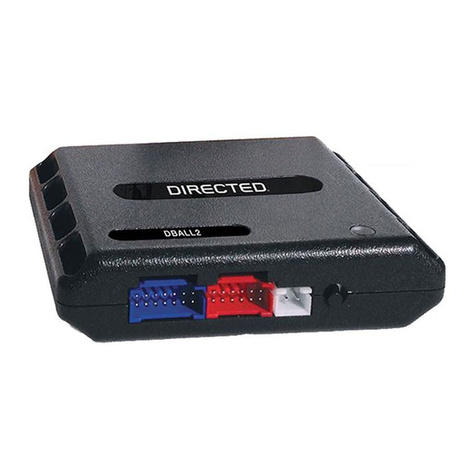
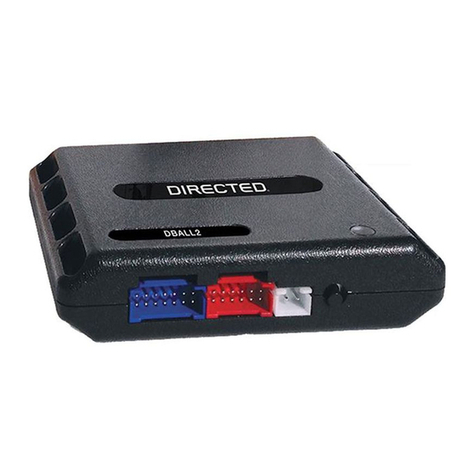
The module be disconnected from any power source before SmartStart canDBALL must
be connected to it. Failing to do so could damage .DBALL
a. To ensure that the D2D communication between SmartStart and works properly, theDBALL
Gray wire must be connected to a ground source ( SmartStart), and the Brown or BlueRev B
loop must be cut ( SmartStart).Rev A
b. Do connect the 2-pin harness (on SmartStart). Power and ground will be provided byNOT
the D2D connector.DBALL
Connect SmartStart to using the D2D port.DBALL
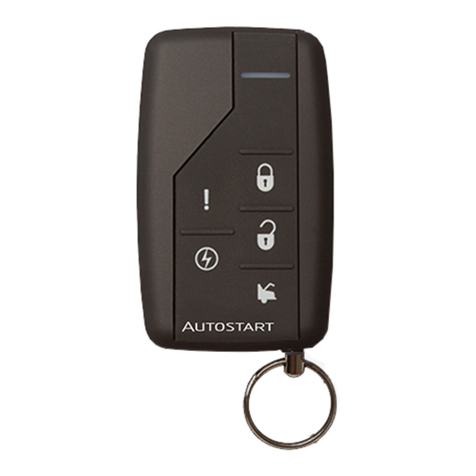
SmartStart Installation
Connect 202 to using the D2D port.XL DBALL
XL202 Installation
Make all the required connections to the vehicle, as described in the wiring diagram(s) found in this guide, and double check to
ensure everything is correct prior to moving onto the next step.
Note: Before connecting either the 202 or SmartStart module to , it is important to ensure that the proper feature andXL DBALL
function programming is selected using Xpress (version 4. or higher). Visit www.directechs.com to download the latestVIP 5
version of the application.
Warning! To take advantage of advanced features, you must use Xpress 4.5 (and higher) or the Directechs Mobile app.VIP
When the flashing operation is successful, you can proceed with the programming instructions below.
Flashing a module using your computer:
1. Connect the interface module to your computer using the
XKLoader2.
2. Go to www.directechs.com using Internet Explorer, and
select the button.Config for RXT
3. Follow the instructions to select your vehicle, installation
type, and configure your options.
4. Once you have configured the firmware options, click on the
FLASH button.
Flashing a module using your smartphone or tablet
1. Connect the interface module to your oader3.XKL
2. Launch the Directechs Mobile app on your smartphone or
tablet.
3. Select and follow the on screenFLASH YOUR MODULE
instructions.
1
Solid
Wait until the LED turns solid red.ON
Note: To skip the transponder programming and use convenience features only, press
the programming button 5 times. The will turn orange then proceed to step 2.LED
2
Press on the Start/Stop button ( ) to turn the ignition (" "PTS ON RUNonce
illuminates on Start/Stop switch). The will flashes orange slowly.LED
Note: If transponder programming was skipped, the turns solid orangeLED ON
for 3 seconds then shuts off once the module is successfully programmed
without bypass.
Note: During the programming sequence, the ignition on the car will be turned
ON OFFand multiple time automatically.
3Press Push-To-Start ( ) button once to turn ignition .PTS OFF ENGINE
START
STOP
PUSH 1x
&
ENGINE
START
STOP
PUSH 1x
Flashes
Slowly
You have successfully completed the programming sequence.module
Go to the next page t complete the programming.o web
Rev.: 20170724
Platform: DBALL2
Firmware: CHRYSLER11 ange Extender (RXT)R Ready Installation
© 2017 Directed. All rights reserved.