manuals.online logo
Brands
  1. Home
  2. •
  3. Brands
  4. •
  5. Door Entry Direct
  6. •
  7. Card Reader
  8. •
  9. Door Entry Direct UPR User manual

Door Entry Direct UPR User manual

Popular Card Reader manuals by other brands
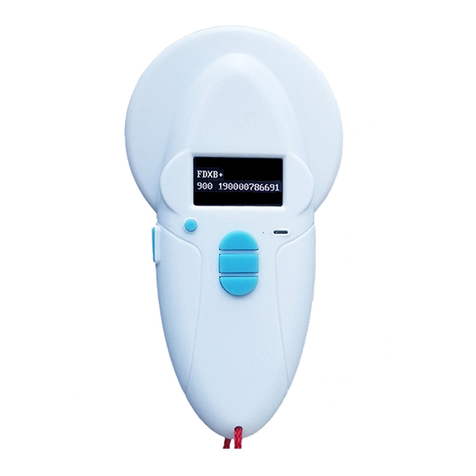
RealTrace V8BT Comprehensive manual

RealTrace

RealTrace V8BT Comprehensive manual

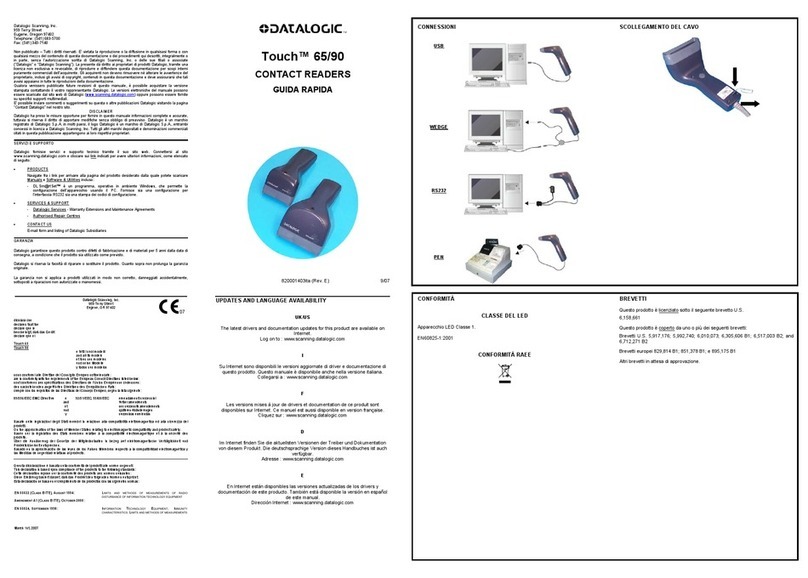
Datalogic Touch 65 pro manual

Datalogic

Datalogic Touch 65 pro manual

Digitus DA-70318 user manual

Digitus

Digitus DA-70318 user manual

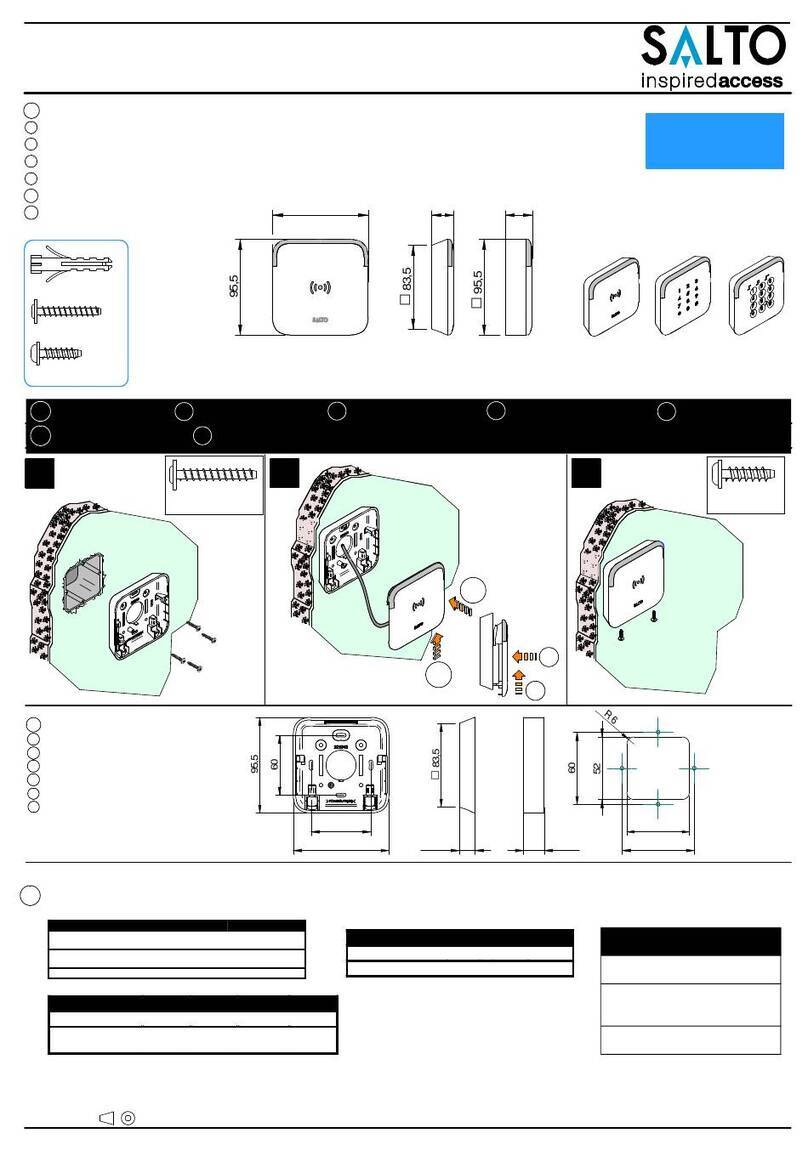
Salto WRDx0E4 Series installation guide

Salto

Salto WRDx0E4 Series installation guide

Lindy 43185 user manual

Lindy

Lindy 43185 user manual

Lindy 43185 user manual

Lindy

Lindy 43185 user manual

ViziT RD-4F operating instructions

ViziT

ViziT RD-4F operating instructions

Jinmuyu Electronics MR811 Series user manual

Jinmuyu Electronics

Jinmuyu Electronics MR811 Series user manual

Conrad PCMCIA operating instructions

Conrad

Conrad PCMCIA operating instructions

Lindy 51541 user manual

Lindy

Lindy 51541 user manual

Diapro T?bbi Ürünler Across System user manual

Diapro T?bbi Ürünler

Diapro T?bbi Ürünler Across System user manual

Johnson Controls Kantech tyco ioSmart installation guide

Johnson Controls

Johnson Controls Kantech tyco ioSmart installation guide

Secukey S2-MF user manual

Secukey

Secukey S2-MF user manual

Elecom MR-SMC07 series user manual

Elecom

Elecom MR-SMC07 series user manual

Alien ALR-9800 Quick installation guide

Alien

Alien ALR-9800 Quick installation guide

ACS ACR310 Operation manual

ACS

ACS ACR310 Operation manual

Datamars R-IN1300 MID user manual

Datamars

Datamars R-IN1300 MID user manual

Alarm Lock AL-PRE2 user guide

Alarm Lock

Alarm Lock AL-PRE2 user guide

manuals.online logo
manuals.online logoBrands
  • About & Mission
  • Contact us
  • Privacy Policy
  • Terms and Conditions

Copyright 2025 Manuals.Online. All Rights Reserved.

Installation Guide
UPR - Universal Proximity Reader
Unit 1, AMC Business Park
12 Cumberland Avenue
Park Royal, London, NW10 7QL
t : 0208 621 6210
e : [email protected]
w: www.doorentrydirect.com
80mm
16mm
58mm
1 Surface mount option - fixing and Installation
The Universal Proximity Reader should be fitted close to the door through which
a) Remove the front cover from the reader using a thin slot screwdriver
b) Drill 2 holes into the wall for the self-tapping screws and 1 hole for the cable
c) Thread the cable through the cable hole
d) Fix the reader firmly onto the wall with 2 self-tapping screws
e) Place the clipping front cover
you wish to control access.
13.5mm
53mm
70mm
40mm
40mm
3mm
2 Panel mount option - fixing and Installation
The Universal Proximity Reader should be fitted inside a panel with
a) Remove the front plate from the entry panel
b) The reader should easily slide on to studs on 40mm x 40mm cut out
c) Secure reader with fixings supplied with entry panel
40mm x 40mm cutout
3 Connections Diagram
Black
Red
White
Green
Blue
Yellow
0V DC
12V DC
D1
D0
LED
Tone
Power Supply 0V DC
Power Supply 12V DC
Control for Tone (require 0V DC)
Control for LED (require 0V DC)
Wiegand Data 1
Wiegand Data 0