manuals.online logo
Brands
  1. Home
  2. •
  3. Brands
  4. •
  5. Dr.Prepare
  6. •
  7. Fan
  8. •
  9. Dr.Prepare DHF-1BKHF3-US User manual

Dr.Prepare DHF-1BKHF3-US User manual

Other Dr.Prepare Fan manuals

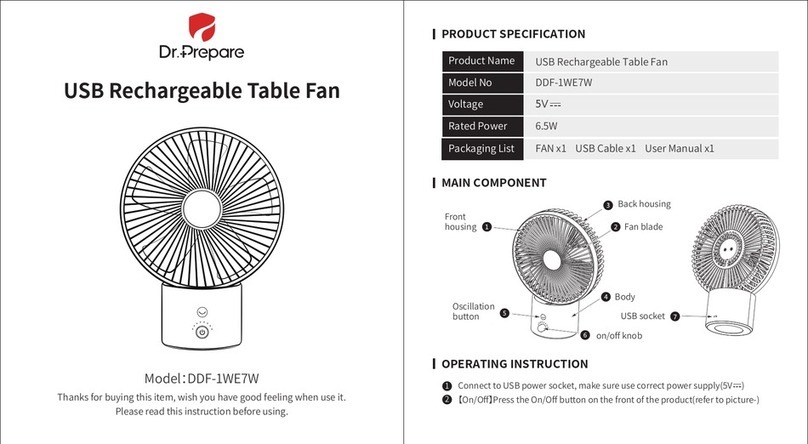
Dr.Prepare DDF-1WE7W User manual

Dr.Prepare

Dr.Prepare DDF-1WE7W User manual

Dr.Prepare D-MF01 User manual

Dr.Prepare

Dr.Prepare D-MF01 User manual

Dr.Prepare DDF-0BKDF8 User manual

Dr.Prepare

Dr.Prepare DDF-0BKDF8 User manual

Dr.Prepare DDF-0BKDF3-US User manual

Dr.Prepare

Dr.Prepare DDF-0BKDF3-US User manual

Dr.Prepare DDF-1BKDF4 User manual

Dr.Prepare

Dr.Prepare DDF-1BKDF4 User manual

Dr.Prepare DDF-1BKDF5 User manual

Dr.Prepare

Dr.Prepare DDF-1BKDF5 User manual

Dr.Prepare DCCFA1 User manual

Dr.Prepare

Dr.Prepare DCCFA1 User manual

Popular Fan manuals by other brands

Minka Group minkaAire Wave F843 instruction manual

Minka Group

Minka Group minkaAire Wave F843 instruction manual

Airflow Adroit DV50 instruction manual

Airflow

Airflow Adroit DV50 instruction manual

Vornado 270 Series owner's guide

Vornado

Vornado 270 Series owner's guide

comfort air TH-10D instruction manual

comfort air

comfort air TH-10D instruction manual

Livoo DOM386 instruction manual

Livoo

Livoo DOM386 instruction manual

Holmes BLIZZARD HAOF-90 owner's guide

Holmes

Holmes BLIZZARD HAOF-90 owner's guide

Taurus GRECO 16 ELEGANCE manual

Taurus

Taurus GRECO 16 ELEGANCE manual

Quorum PINNACLE installation instructions

Quorum

Quorum PINNACLE installation instructions

Monte Carlo Fan Company 3DIR58RBD-V1 Owner's guide and installation manual

Monte Carlo Fan Company

Monte Carlo Fan Company 3DIR58RBD-V1 Owner's guide and installation manual

Craftmade UH52 installation guide

Craftmade

Craftmade UH52 installation guide

Jocel JVA030658 instruction manual

Jocel

Jocel JVA030658 instruction manual

MIKA MFB1211/GR user manual

MIKA

MIKA MFB1211/GR user manual

Harbor Breeze RLG52NWZ5L manual

Harbor Breeze

Harbor Breeze RLG52NWZ5L manual

Allen + Roth L1405 instruction manual

Allen + Roth

Allen + Roth L1405 instruction manual

ViM KUBAIR F400 ECOWATT Technical manual

ViM

ViM KUBAIR F400 ECOWATT Technical manual

HIDRIA R10R-56LPS-ES50B-04C10 user guide

HIDRIA

HIDRIA R10R-56LPS-ES50B-04C10 user guide

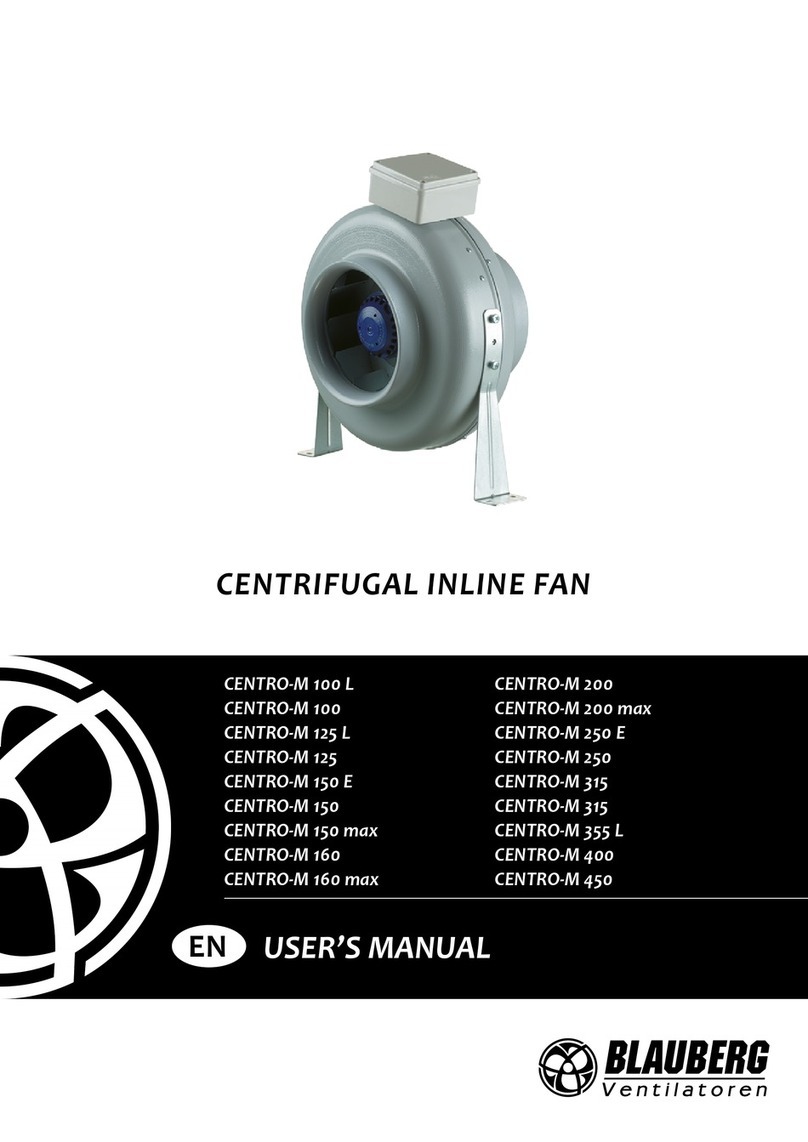
BLAUBERG Ventilatoren CENTRO-M 100 L user manual

BLAUBERG Ventilatoren

BLAUBERG Ventilatoren CENTRO-M 100 L user manual

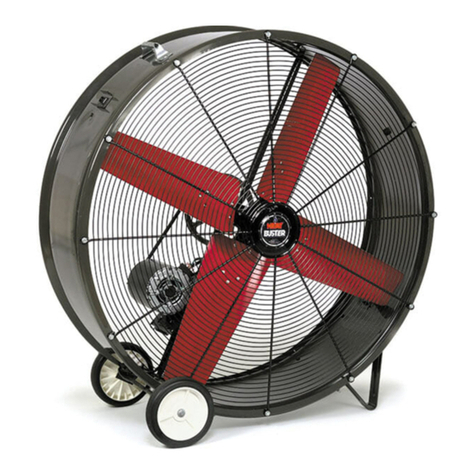
Triangle Engineering HEAT BUSTER SPL Series owner's manual

Triangle Engineering

Triangle Engineering HEAT BUSTER SPL Series owner's manual

manuals.online logo
manuals.online logoBrands
  • About & Mission
  • Contact us
  • Privacy Policy
  • Terms and Conditions

Copyright 2025 Manuals.Online. All Rights Reserved.

SKU: DHF-1BKHF3-US
PORTABLE TRIPOD FAN
User Guide
IDENTIFYING PARTS
SPECIFICATIONS
Name
Size
Net weight
Rated voltage
Rated current
Power
Speed
Battery
Battery life
Portable Tripod Fan
4.7x2.4x10.8 inch
8.3 oz
DC5-9V
≤0.16-0.30A
0.8W~2.7W
2500~3800±10%RPM
Li-ion Battery (3.7V, 2200mAh)
2~5 Hours
1. On/Off Switch
2. USB Charging Port
3. Indicator
5. Grill
4. Stand
6. Nut
8. Tripod
7. Ball Head
WARRANTY
OPERATIONS
Dr.Prepare products are covered by a 12-month limited warranty from
the original purchase date. If any problems occur, please contact our
support team.
Take out the fan, nut, and the tripod from the packaging. Place the nut
at the top of the tripod and screw the fan onto the tripod. Then tighten
the nut to hold the fan steady.
Note: Make sure the ball head fit into the nut from the smaller hole.
CUSTOMER SUPPORT
If you have any questions or concerns, please send us an email at
[email protected]
We only provide after-sales services for products that are sold by
Dr.Prepare or retailers and distributors authorized by Dr.Prepare. If you
have purchased your unit from other channels, please contact your
seller for more information about return and warranty.
1.
You can adjust the tripod to use it as a stand for supporting the fan; or
you can bend the tripod to fasten the fan to a car seat, etc.
2.
Press the On/Off switch and the blue indicator lights up. The fan now
is at Low speed. Press the power button repeatedly to change speed
settings. When the fan operates at High speed (Level 3), press the
power button and the fan will turn off.
3.
The blue indicator starts blinking when the battery is low (less than
20%), indicating the fan needs a recharge. When the battery
percentage is less than 5%, the fan will shut off automatically. Please
recharge your fan in time when the blue indicator flashes.
4.
The indicator turns red when the fan is being recharged. If the indicator
turns green and stays lit, the battery is fully charged.
5.
Smaller side