manuals.online logo
Brands
  1. Home
  2. •
  3. Brands
  4. •
  5. Ducane
  6. •
  7. Heat Pump
  8. •
  9. Ducane LYNX 18 User manual

Ducane LYNX 18 User manual

Other Ducane Heat Pump manuals

Ducane 13HPD-018-230 User manual

Ducane

Ducane 13HPD-018-230 User manual

Ducane 2HP14 User manual

Ducane

Ducane 2HP14 User manual

Ducane 4hp13 User manual

Ducane

Ducane 4hp13 User manual

Ducane 2SH13B User manual

Ducane

Ducane 2SH13B User manual

Ducane RHP13 User manual

Ducane

Ducane RHP13 User manual

Popular Heat Pump manuals by other brands

Daikin RXL12QMVJU Service manual

Daikin

Daikin RXL12QMVJU Service manual
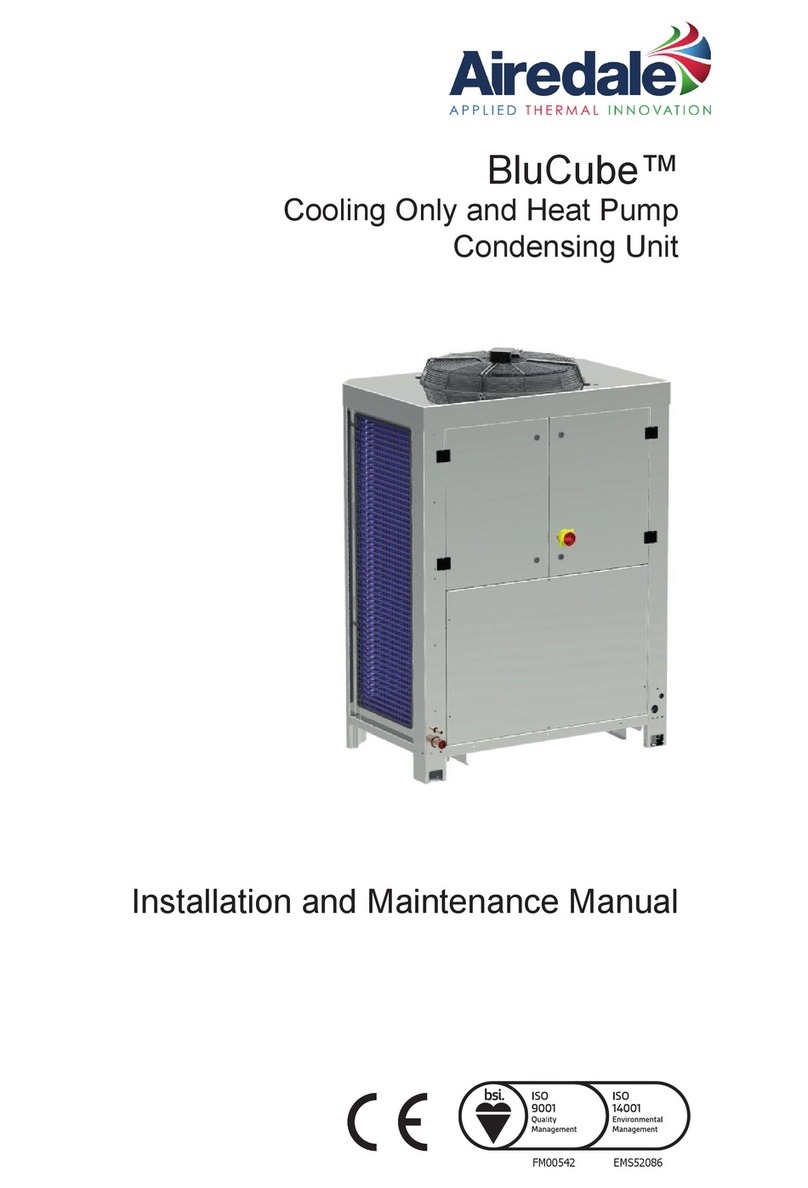
AIREDALE BluCube CUR092V16-1CO-0 Installation and maintenance manual
AIREDALE

AIREDALE BluCube CUR092V16-1CO-0 Installation and maintenance manual

Calyenty RBH 125 Customer's manual

Calyenty

Calyenty RBH 125 Customer's manual

GRE HPGI50 owner's manual

GRE

GRE HPGI50 owner's manual

Carrier 30XW Installation, operation and maintenance instructions

Carrier

Carrier 30XW Installation, operation and maintenance instructions

Hayward SUMHEAT HP5131DT3 Installation instructions manual

Hayward

Hayward SUMHEAT HP5131DT3 Installation instructions manual

REMKO SQW 400 Electrical wiring

REMKO

REMKO SQW 400 Electrical wiring

Sanyo SAP120FCH Service manual

Sanyo

Sanyo SAP120FCH Service manual

Daikin EHYHBH05AA Operation manual

Daikin

Daikin EHYHBH05AA Operation manual
Panasonic WH-SDF03E3E5 Design handbook
Panasonic

Panasonic WH-SDF03E3E5 Design handbook

Airxcel 45000 Series Installation, operation and maintenance instructions
Airxcel

Airxcel 45000 Series Installation, operation and maintenance instructions

Mitsubishi Electric PUZ-SWM60VAA Service manual

Mitsubishi Electric

Mitsubishi Electric PUZ-SWM60VAA Service manual

Dimplex LI 16I-TUR Installation and operating instruction
Dimplex

Dimplex LI 16I-TUR Installation and operating instruction

Carrier WSHP Open v3 Integration guide

Carrier

Carrier WSHP Open v3 Integration guide

Mitsubishi Electric EHSE-YM9EC Service manual

Mitsubishi Electric

Mitsubishi Electric EHSE-YM9EC Service manual

TGM CTV14CN018A Technical manual

TGM

TGM CTV14CN018A Technical manual

Carrier 38MGQ Series installation instructions
Carrier

Carrier 38MGQ Series installation instructions

Kokido K2O K880BX/EU Owner's manual & installation guide

Kokido

Kokido K2O K880BX/EU Owner's manual & installation guide

manuals.online logo
manuals.online logoBrands
  • About & Mission
  • Contact us
  • Privacy Policy
  • Terms and Conditions

Copyright 2025 Manuals.Online. All Rights Reserved.

Quick Start Guide
Basic Installation Steps
Whether you’re an experienced installer and service technician or relatively new to the business, if
you’ve installed a 14 SEER single stage heat pump before, you can install the LYNX™ 18 inverter-driven
heat pump. Powered by our proprietary QuickLink™ technology, the 4HP18V is designed to make
applying the product and installing it easy. All the basic installation steps are the same and a couple
steps you should be aware of before you begin:
• You’ll need select the tonnage the unit will operate in on
the control board
• You’ll also need to select the operating mode – units
ship in Efciency mode in cooling and Efciency mode in
heating
• 3-ton units ship with a suction line lter drier installed while
5-ton models ship with a liquid line lter drier that is eld
installed.
REFRIGERANT CHARGING
There is a specic charging mode to ensure the unit runs at
full capacity. The charging mode is available in both heating
and cooling operation.
• Move the jumper to charge mode for cooling. Weigh-in
is the preferred method for charging in heating, to get the
unit to run at 100% capacity in heating mode, unplug the
wire to the liquid pressure transducer
• Refer to the charging data on the unit sticker for refrigerant
amounts
5 OPERATING MODES:
COOLING:
Efficiency Mode
• Adaptive suction pressure based on outdoor
temperature - warmer coil
• Large range of compressor modulation = highest
efciency
Normal Mode
• Set suction pressure - standard coil temperature
• Descreased modulation range,as compared to
efciency mode
Comfort Mode
• Reduced suction pressure - colder coil
• Maximum dehumidication = longger run times at
high compressor speed
HEATING:
Efficiency Mode
Comfort Mode
High eciency 18 SEER
H
I
G
H
E
F
F
I
C
I
E
N
C
Y
1
8
S
E
E
R
Quick Start Guide
LINE-SET SIZE BY TONNAGE
WIRING
In cooling R, C, Y1 is needed at a minimum to run system. Add in O for heating operation, and W to operate electric
heating while in defrost.
Optional wiring: By also connecting Y2 you’ll get enhanced control over compressor ramp up / down rather than relying
solely on the suction pressure/temperature and outdoor ambient temperature inputs.
High eciency 18 SEER
H
I
G
H
E
F
F
I
C
I
E
N
C
Y
1
8
S
E
E
R
© 2021 Allied Air Enterprises LLC, A Lennox International Inc. Company
Printed in the U.S.A. DC-LX_QSG_900 (06/21)
Standard Refrigerant Line Set - Up to 50 Linear Feet in Length
Tonnage*
Valve Size Connections Recommended Line Sets
Liquid Line Suction Line L15 Line Set Model Line Set Length
-024
3/8” (10mm)
3/4” (19mm)
L15-41-30 30’ (9.1m)
-036 L15-65-40 40’ (12.2m)
-048 7/8” (22mm) L15-65-50 50’ (15.2m)
-060 1-1/8” (29mm)** Field-fabricated
* Applicable to all minor revision numbers unless otherwise specified. ** Some applications may require a field-provided 1-1/8” to 7/8” adapter.
4HP18V Line Set Guidelines - 51 to 150 Linear Feet in Length
Tonnage
Max Total
Equivalent
Length (ft)
Max Linear
(actual) Length
(ft)
Max Vapor Riser
(ft)
Max Linear
Liquid Lift (ft)
Preferred Vapor
Line Sizes for
Horizontal Runs
Required Vapor
Riser Size
-024
180 150 60 60 7/8”
5/8”
-036 3/4”
-048 7/8”
-060
PROGRAMING UNIT TYPE ON 18 SEER HP
1. Press and hold SW1 button on outdoor unit board until the single dash line (-) appears on display and release it.
2. Press and hold the SW1 button again until PU is displayed and release SW1.
3. Press and hold the SW1 button again until the correct unit type is displayed (58 = 2 Ton,60 = 3 Ton,62 = 4 Ton,63 = 5
Ton) and release SW1.
4. The unit will display the unit type for 10 seconds and you must press SW1 button and hold it for 3 seconds and the
unit will store the unit type.