manuals.online logo
Brands
  1. Home
  2. •
  3. Brands
  4. •
  5. Eagle Eye Power Solutions
  6. •
  7. Industrial Electrical
  8. •
  9. Eagle Eye Power Solutions BC-2500 User manual

Eagle Eye Power Solutions BC-2500 User manual

Popular Industrial Electrical manuals by other brands
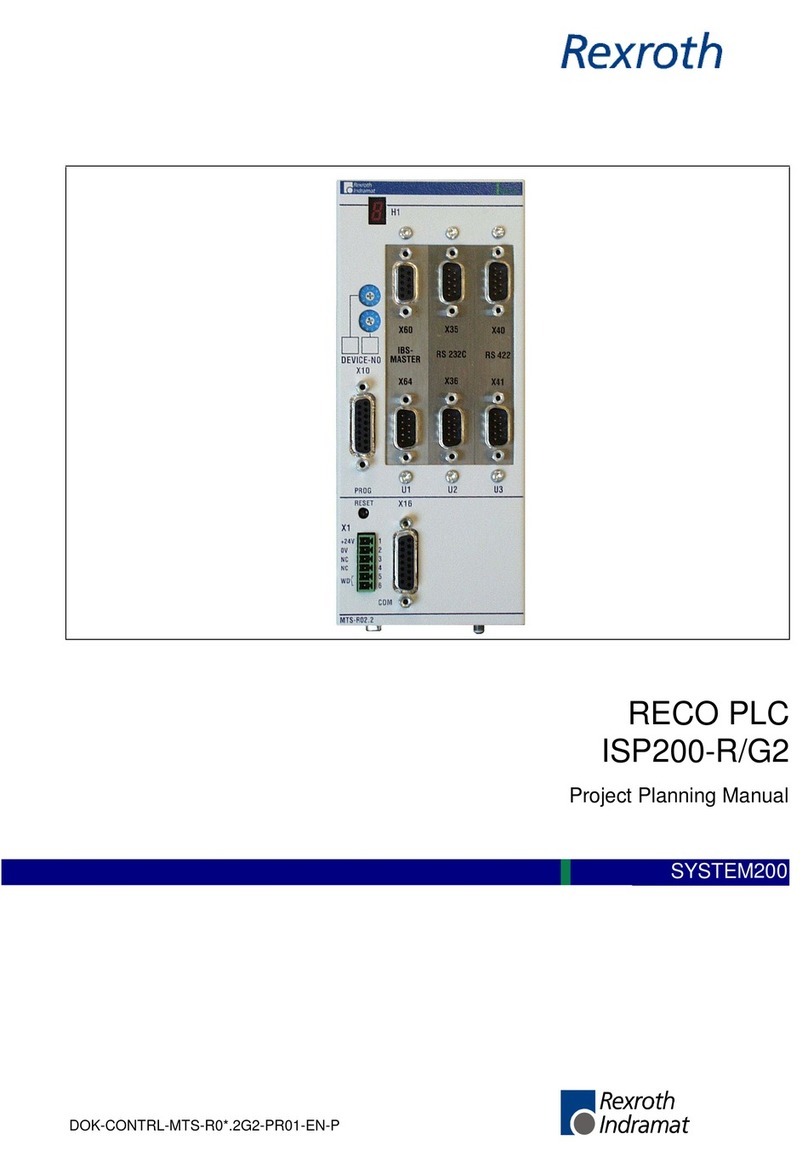
Murata GRM0335C1E3R9BA01 Series Reference sheet

Murata

Murata GRM0335C1E3R9BA01 Series Reference sheet

ARCAIR N6000 Automatic System Safety and operating instructions

ARCAIR

ARCAIR N6000 Automatic System Safety and operating instructions

Murata GRM31CR61E106MA12 Series Reference sheet

Murata

Murata GRM31CR61E106MA12 Series Reference sheet

Murata GQM2195C2A9R1CB01 Series Reference sheet

Murata

Murata GQM2195C2A9R1CB01 Series Reference sheet

MFJ MFJ-918 quick start guide

MFJ

MFJ MFJ-918 quick start guide

Abtech HVJB Series Installation, operation & maintenance instructions
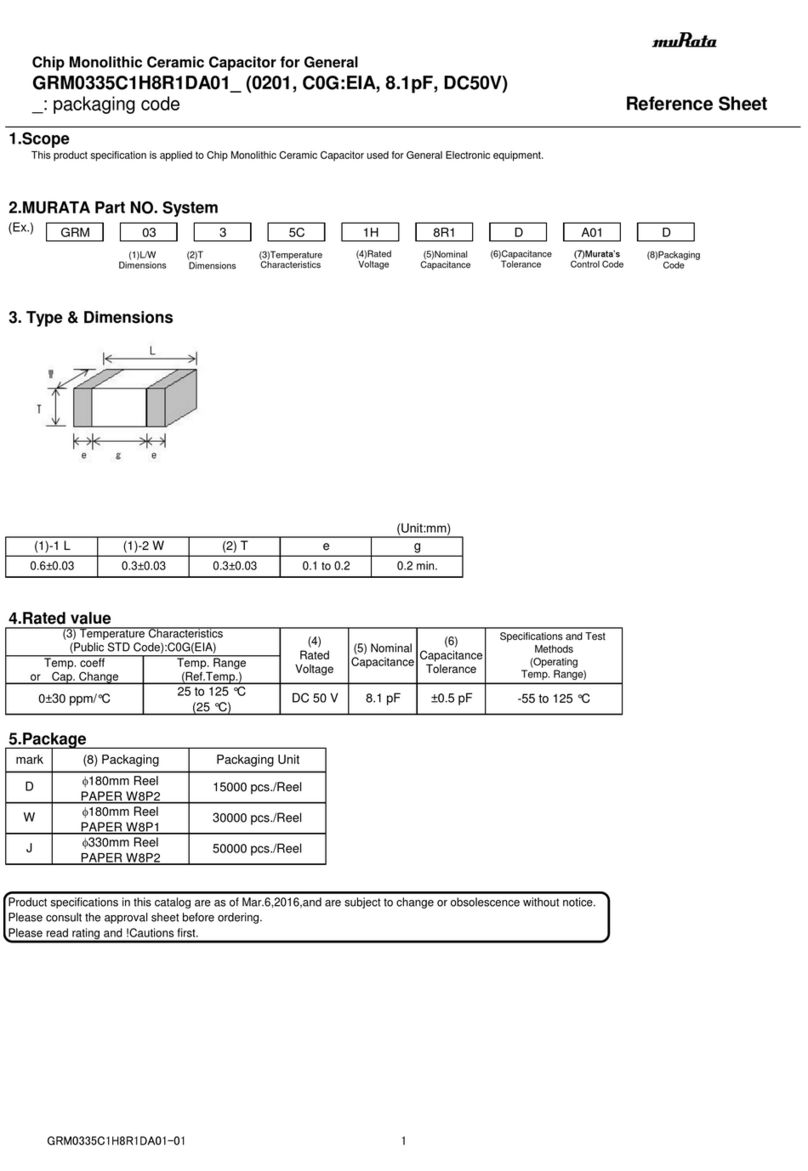
Abtech

Abtech HVJB Series Installation, operation & maintenance instructions

Murata GRM0335C1H8R1DA01 Series Reference sheet
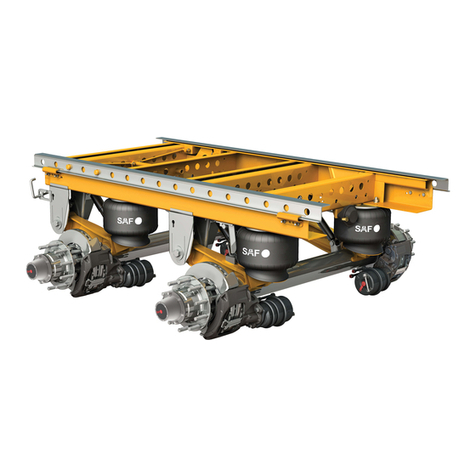
Murata

Murata GRM0335C1H8R1DA01 Series Reference sheet

SAF-HOLLAND CBX 5415.5 Installation and operation manual
SAF-HOLLAND

SAF-HOLLAND CBX 5415.5 Installation and operation manual

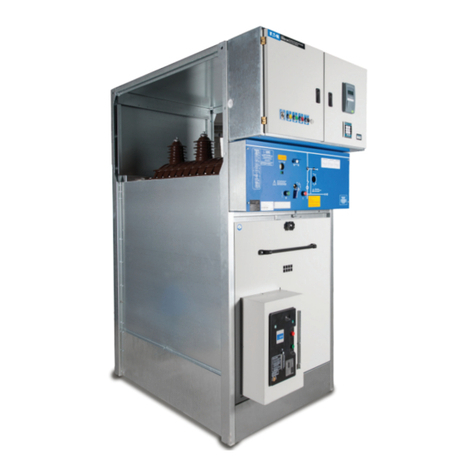
Eaton Ulusoy HMH24-04 user manual

Eaton

Eaton Ulusoy HMH24-04 user manual
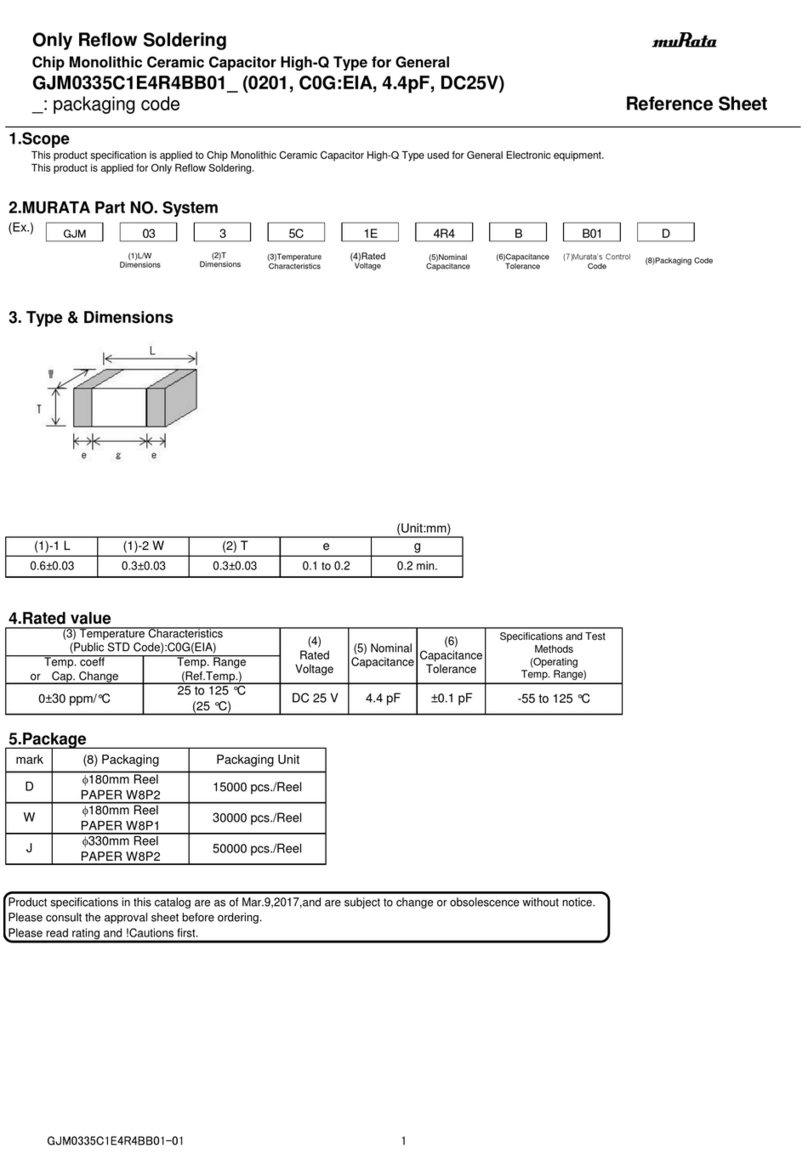
Murata GJM0335C1E4R4BB01 Series Reference sheet

Murata

Murata GJM0335C1E4R4BB01 Series Reference sheet

Newlong NP-7H NSTRUCTION MANUAL/PARTS LIST
Newlong

Newlong NP-7H NSTRUCTION MANUAL/PARTS LIST

Stahl 8575/12 operating instructions

Stahl

Stahl 8575/12 operating instructions
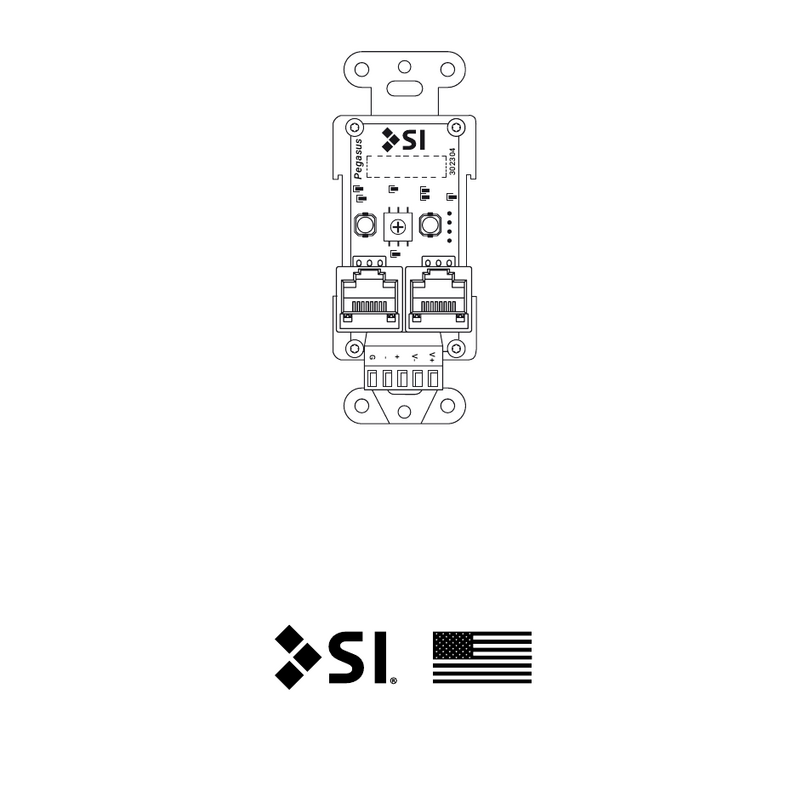
SI Pegasus installation instructions

SI

SI Pegasus installation instructions
Murata GRM1555C1H2R7CA01 Seies Reference sheet
Murata

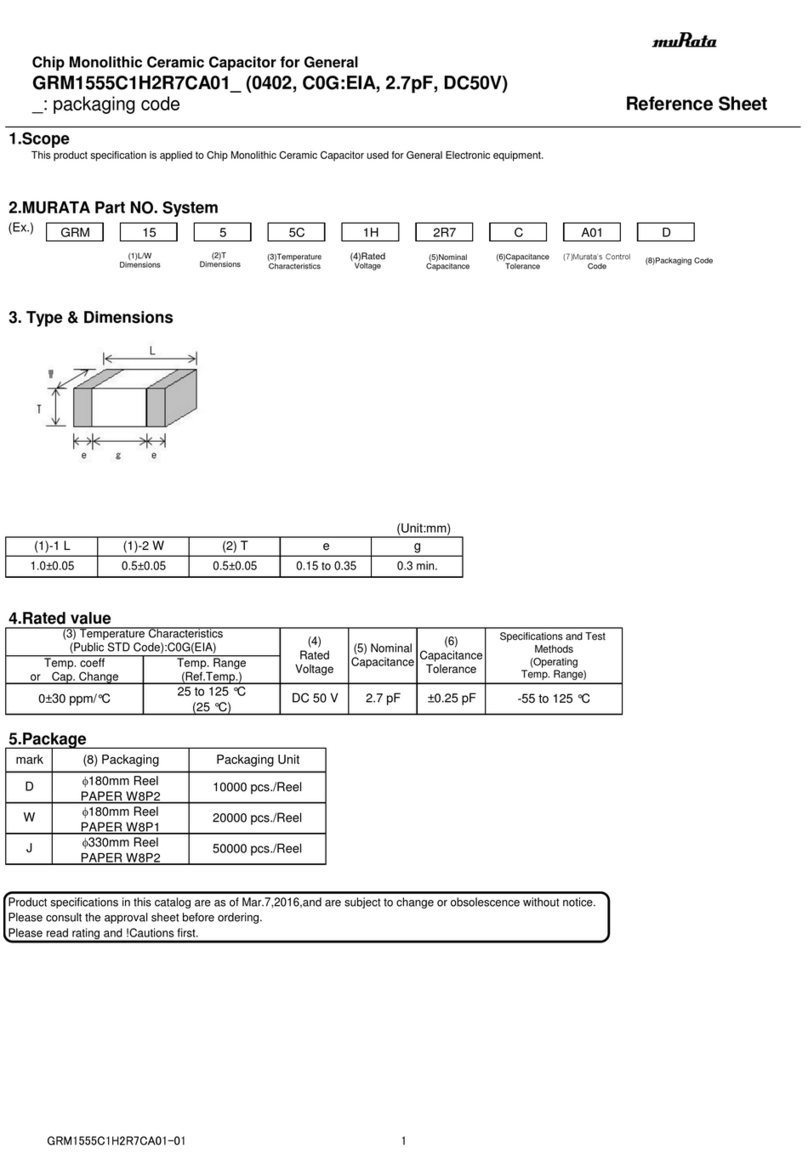
Murata GRM1555C1H2R7CA01 Seies Reference sheet

Murata GRM0225C1E6R4BA03 Series Reference sheet
Murata

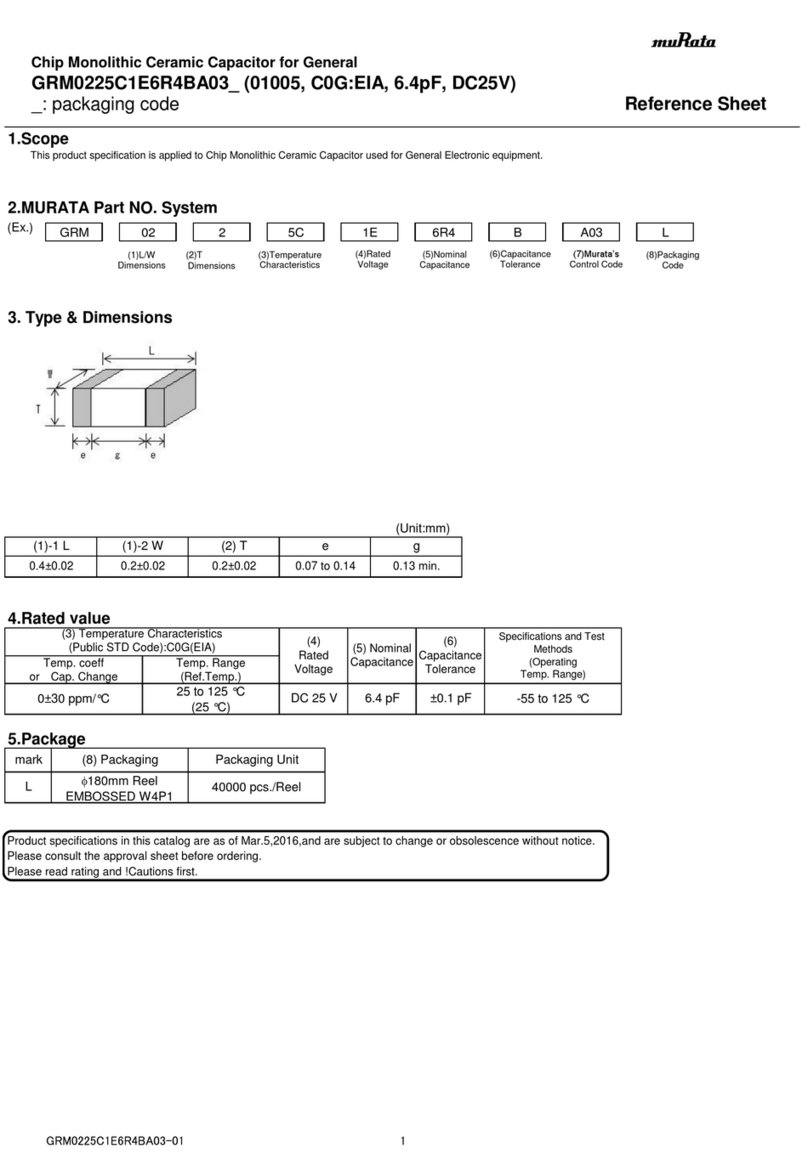
Murata GRM0225C1E6R4BA03 Series Reference sheet

Cooper Power Systems VXE15 Installation and operation instructions
Cooper Power Systems

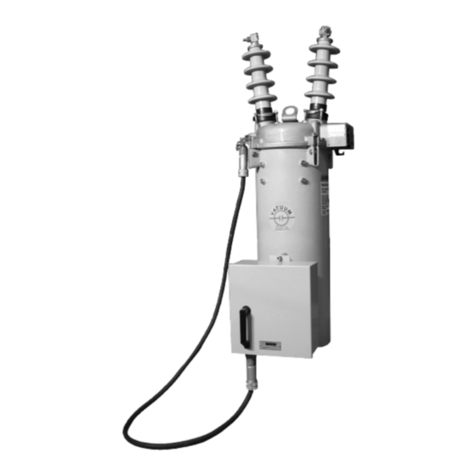
Cooper Power Systems VXE15 Installation and operation instructions

S&C Vista SD manual

S&C

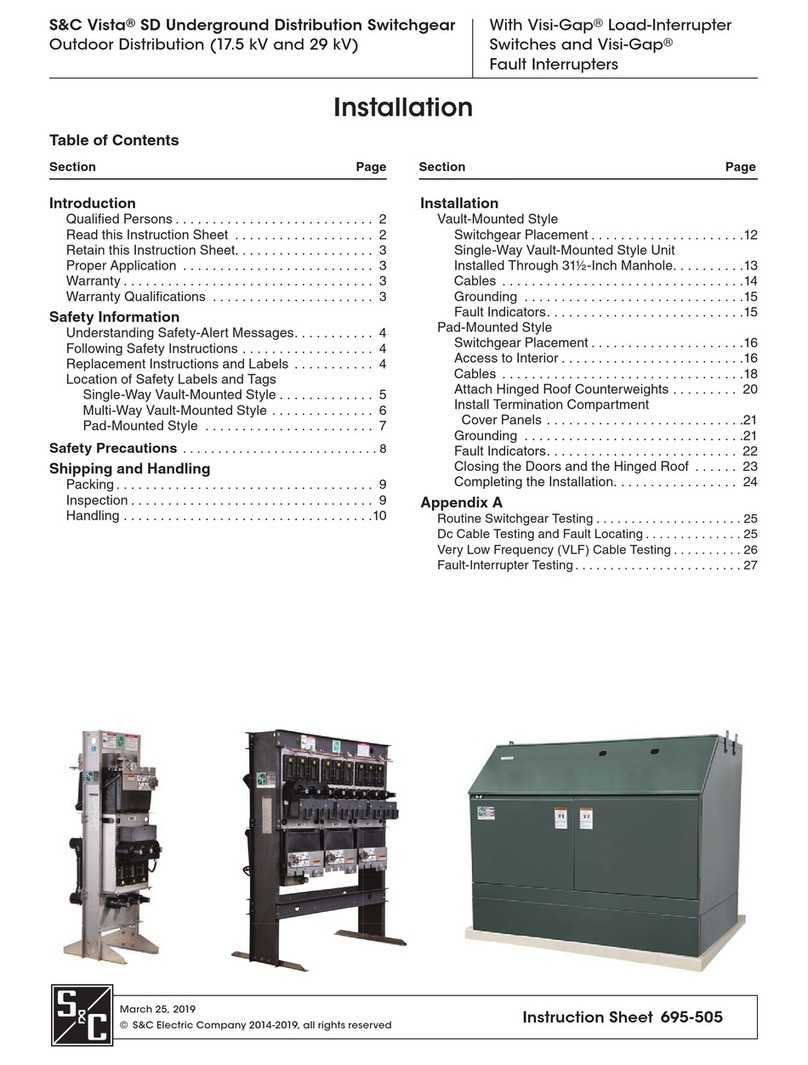
S&C Vista SD manual

Murata GRM0335C2A7R3CA01 Series Reference sheet

Murata

Murata GRM0335C2A7R3CA01 Series Reference sheet

manuals.online logo
manuals.online logoBrands
  • About & Mission
  • Contact us
  • Privacy Policy
  • Terms and Conditions

Copyright 2025 Manuals.Online. All Rights Reserved.

*43154*
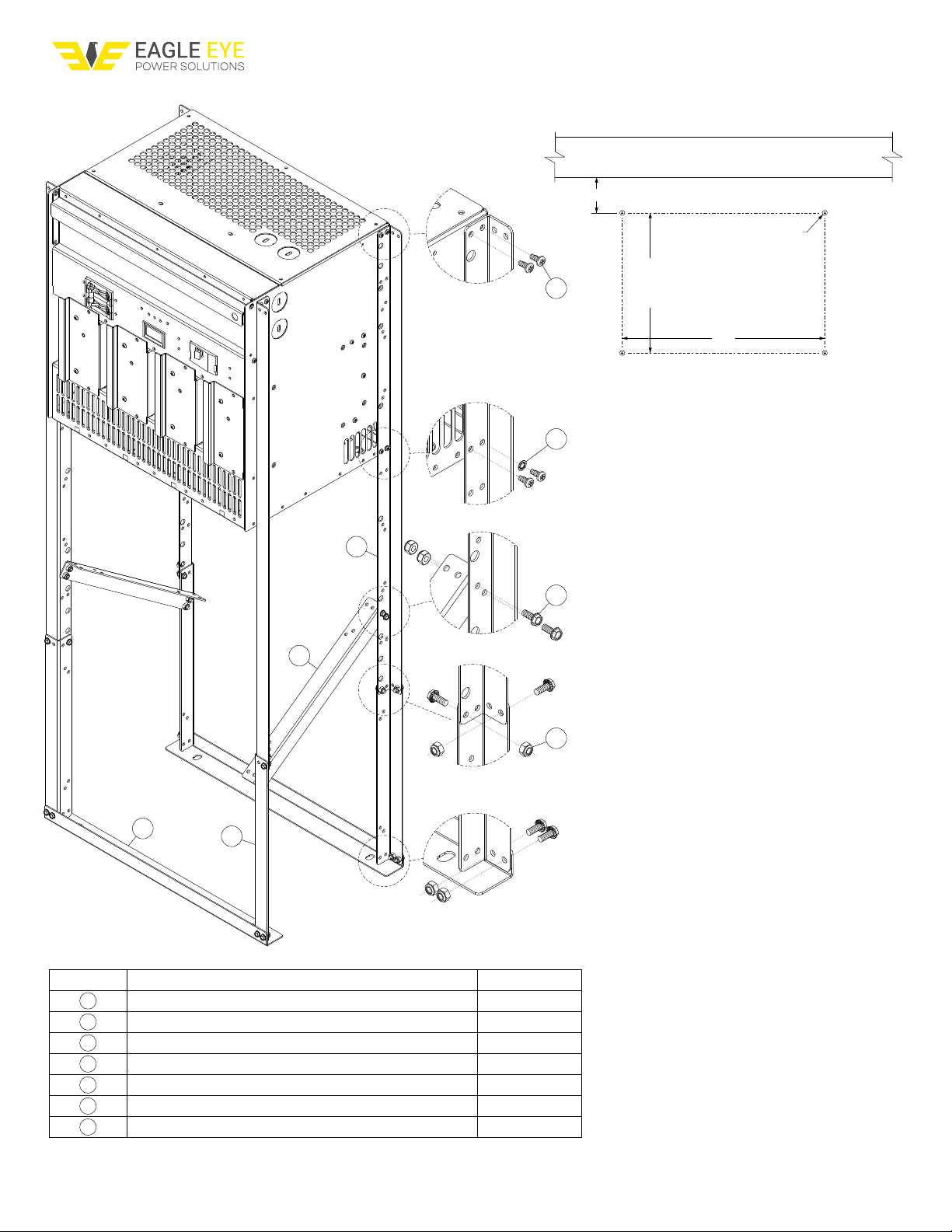
BC-2500 SWITCH MODE UTILITY CHARGER, 8 SLOT
CHASSIS FLOOR MOUNTING INSTALLATION INSTRUCTION
1
2
3
4
5
6
7
ITEM NO. ITEM DESCRIPTION QTY. / ASSY.
2
2
4
16
4
16
16
BRACKET, BASE
BRACKET, BRACE / EXTENSION
BRACKET, LEG
SCREW, #8-32 X .375, SELF TAPPING, PANHEAD
WASHER, #8, LOCK, STAR
SCREW, #10-32 X .250, HEX HEAD
NUT, #10-32, LOCKING
1
2
3
4
5
6
7
8 SLOT CHASSIS FLOOR MOUNTING PATTERN
WALL
2.750” MIN. MAINTAINS 2” CLEARANCE TO WALL
11.750”
15”
4X ø3/8”
STUD MAX.
Recommended Procedure
1. Remove charger supplied rack mounting or pallet
mounting brackets if present.
2. Using two people, place charger on its back side.
3. Attach item #3, leg brackets (4 per charger assembly)
as shown using supplied hardware, item # 4, #8
screws (4 per leg). Use one #8 washer, item #5 (on 1
screw per leg). Torque to 18 in-lbs.
4. Attach item #1, base bracket, to ends of legs as shown
using hardware items #6, #10 screw & #7 #10 lock nut
(2 each per leg). Torque to 22 in-lbs.
5. Attach item #2, brace bracket, in-between front and
back legs as shown using hardware items #6, #10
screw & #7 #10 lock nut (4 each per brace). Torque
to 22 in-lbs.
6. Using two people, place charger back upright on the
desired mounting surface. Use the “floor mounting
pattern provided at top & user supplied hardware,
torque appropriately.
Eagle Eye Power Solutions, LLC ● 4031 W Kiehnau Ave, Milwaukee, WI 53209
P: 1-877-805-3377 I www.eepowersolutions.com
Eagle Eye Power Solutions, LLC ● 4031 W Kiehnau Ave, Milwaukee, WI 53209
P: 1-877-805-3377 I www.eepowersolutions.com
ITEM NO. ITEM DESCRIPTION QTY. / ASSY.
2
6
4
16
4
24
24
BRACKET, BASE
BRACKET, BRACE / EXTENSION
BRACKET, LEG
SCREW, #8-32 X .375, SELF TAPPING, PANHEAD
WASHER, #8, LOCK, STAR
SCREW, #10-32 X .250, HEX HEAD
NUT, #10-32, LOCKING
1
2
3
4
5
6
7
4 SLOT CHASSIS FLOOR MOUNTING PATTERN
WALL
2.625” MIN. MAINTAINS 2” CLEARANCE TO WALL
Recommended Procedure
1. Remove charger supplied rack mounting or pallet
mounting brackets if present.
2. Using two people, place charger on its back side.
3. Attach item #3, leg brackets (4 per charger assembly)
as shown using supplied hardware, item # 4, #8
screws (4 per leg). Use one #8 washer, item #5 (on 1
screw per leg). Torque to 18 in-lbs.
4. Attach item #2, extension bracket, to ends of legs as
shown (1 per leg) using hardware items #6, #10 screw
& #7 #10 lock nut (2 each per leg). Torque to 22 in-lbs.
5. Attach item #1, base bracket, to ends of legs as shown
using hardware items #6, #10 screw & #7 #10 lock nut
(2 each per leg). Torque to 22 in-lbs.
6. Attach item #2, brace bracket, in-between front and
back legs as shown using hardware items #6, #10
screw & #7 #10 lock nut (4 each per brace). Torque
to 22 in-lbs.
7. Using two people, place charger back upright on the
desired mounting surface. Use the “floor mounting
pattern provided at top & user supplied hardware,
torque appropriately.
10.375”
15”
4X ø3/8”
STUD MAX.
1
2
2
3
4
5
6
7
BC-2500 SWITCH MODE UTILITY CHARGER, 4 SLOT
CHASSIS FLOOR MOUNTING INSTALLATION INSTRUCTION