manuals.online logo
Brands
  1. Home
  2. •
  3. Brands
  4. •
  5. Eagle Health Supplies
  6. •
  7. Wheelchair
  8. •
  9. Eagle Health Supplies 55232 User manual

Eagle Health Supplies 55232 User manual

This manual suits for next models

1

Other Eagle Health Supplies Wheelchair manuals

Eagle Health Supplies 72621 User manual

Eagle Health Supplies

Eagle Health Supplies 72621 User manual

Eagle Health Supplies 77963 User manual

Eagle Health Supplies

Eagle Health Supplies 77963 User manual

Eagle Health Supplies 72131 User manual

Eagle Health Supplies

Eagle Health Supplies 72131 User manual

Popular Wheelchair manuals by other brands

Handicare IBIS user manual

Handicare

Handicare IBIS user manual

Neatech JOB User and maintenance manual

Neatech

Neatech JOB User and maintenance manual

Invacare Action 4NG series user manual

Invacare

Invacare Action 4NG series user manual

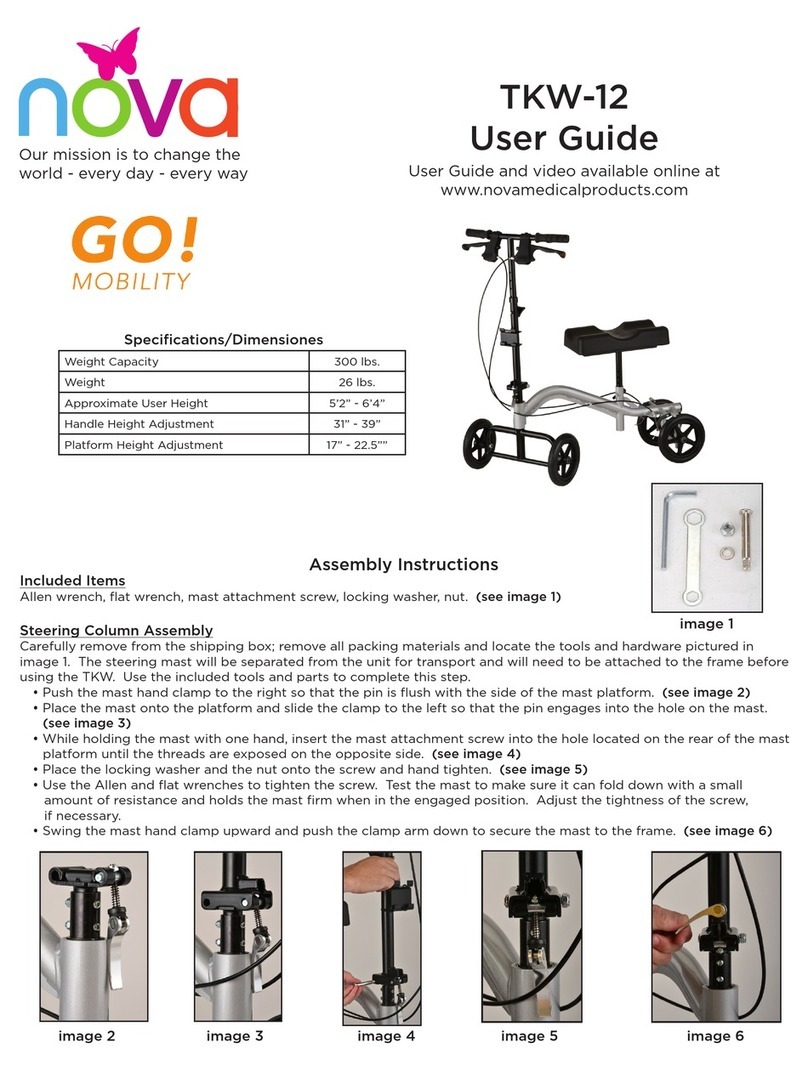
Nova TKW-12 user guide

Nova

Nova TKW-12 user guide

Drive Medical Titan owner's manual

Drive Medical

Drive Medical Titan owner's manual

Autoadapt Carolift 40 user manual

Autoadapt

Autoadapt Carolift 40 user manual

Excel Mobil user manual

Excel

Excel Mobil user manual

Valex M-MU 18-MULTI ONE instruction manual

Valex

Valex M-MU 18-MULTI ONE instruction manual

Sunrise Medical Guardian Escort User instruction manual & warranty

Sunrise Medical

Sunrise Medical Guardian Escort User instruction manual & warranty

Invacare Ranger X Brochure & specs

Invacare

Invacare Ranger X Brochure & specs

REA Clematis Service manual

REA

REA Clematis Service manual

Vicair VECTOR O2 Important notice

Vicair

Vicair VECTOR O2 Important notice

Küschall K-SERIES Service manual

Küschall

Küschall K-SERIES Service manual

dynarex DynaRide 10233 manual

dynarex

dynarex DynaRide 10233 manual

Monarch Ezi-Fold D10 operating manual

Monarch

Monarch Ezi-Fold D10 operating manual

Quickie One-Arm Drive Quickie 2 owner's manual

Quickie

Quickie One-Arm Drive Quickie 2 owner's manual

R82 Wombat Living 1 user guide

R82

R82 Wombat Living 1 user guide

GRIT GRITJunior Assembly guide & user's manual

GRIT

GRIT GRITJunior Assembly guide & user's manual

manuals.online logo
manuals.online logoBrands
  • About & Mission
  • Contact us
  • Privacy Policy
  • Terms and Conditions

Copyright 2025 Manuals.Online. All Rights Reserved.

1.
Take one leg frame (Part B or Part C,
it does not matter which), and lay it
flat on the ground.
2.
Take the seat with the two
pre-assembled tubes located
under the seat
(Part A), and
insert the two
tubes into the leg
frame (Part B
or C). Make sure
the brass buttons
snap firmly into
the leg frame.
3.
Take the other leg frame (Part B or
Part C), and insert the seat tubes on
the opposite side of the seat (Part A)
into the leg frame. Make sure the
brass
buttons
snap firmly
into the
leg frame.
4.
Take the 4 legs (Part D), and insert
them into the bottom of the leg
frames. Set the chair height by
using the same button-hole location
for each leg. Make sure the brass
buttons snap firmly into the leg
frame. For
your safety,
adjust the
rubber tips on
the legs by
turning them
so they make
maximum
floor contact.
5.
Take the backrest (Part E), and
insert it into the two oblong
backrest holes located on top of
the seat towards the back side of
the seat. Push
the backrest
down into the
backrest holes,
snapping it
firmly into
place.
6.
Take armrests (Part F), and remove
the washers and fasteners. Insert
the armrests into the small round
holes at the left and right edges of
the top of the seat. Make sure
armrests are positioned so they
flare out from
the seat. Place a
washer and then
a fastener on
each armrest
bolt underneath
the seat, and
tighten the
fastener until
securely

fastened.
Swivel Seat
Press down on the red tab located under the center of the seat’s front edge to
turn the swivel seat, and rotate the seat slightly. Once the seat starts to swivel,
release the red tab. The swivel seat locks every 90 degrees.
Rubber Tips
Be sure the rubber tips are turned outward for maximum floor contact
and stability.
Cleaning
Rinse off the seat area with water after each use to prevent dirt, soap scum,
and mineral deposits from forming which could block the push button areas.
Armrests
WARNING: Included Armrests are provided to be used as armrests only, and
should not be used to support the user’s body weight. The Armrests should not
be used to push, pull or swivel the seat.
If any push button does not completely snap into place,
or if you feel the bench is not secure, please do not use
the bench, and notify your authorized dealer immediately.
Have Questions? Please contact your authorized dealer for assistance.
Thank you for purchasing an Eagle Health Supplies product!
If you would like to register your product for the 1-year warranty,
please fill out the included Warranty Card, and return to Eagle Health Supplies.
For Bariatric Swivel Shower Chairs
55232
56232
Email: [email protected]om
Phone: (714) 532 – 1777
Fax: (714) 532 – 9777