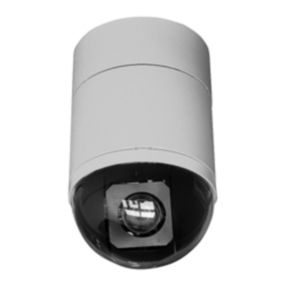
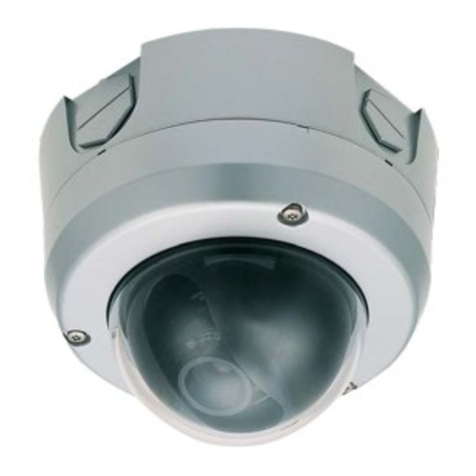
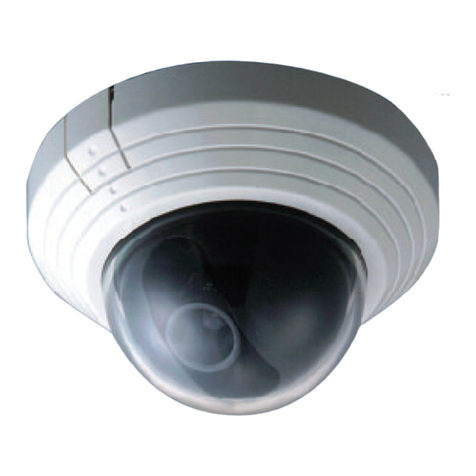
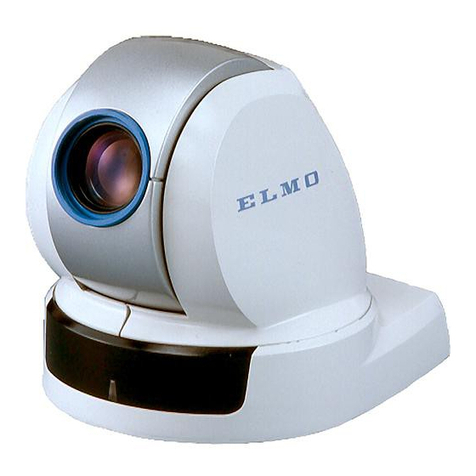
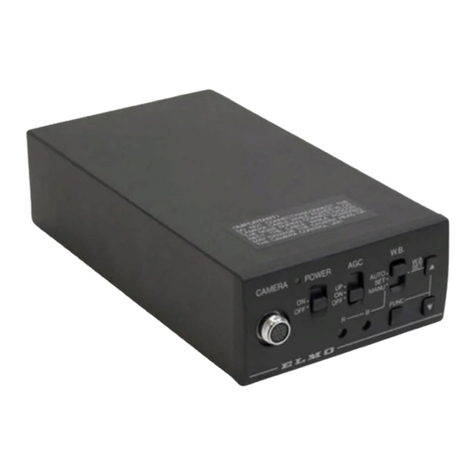
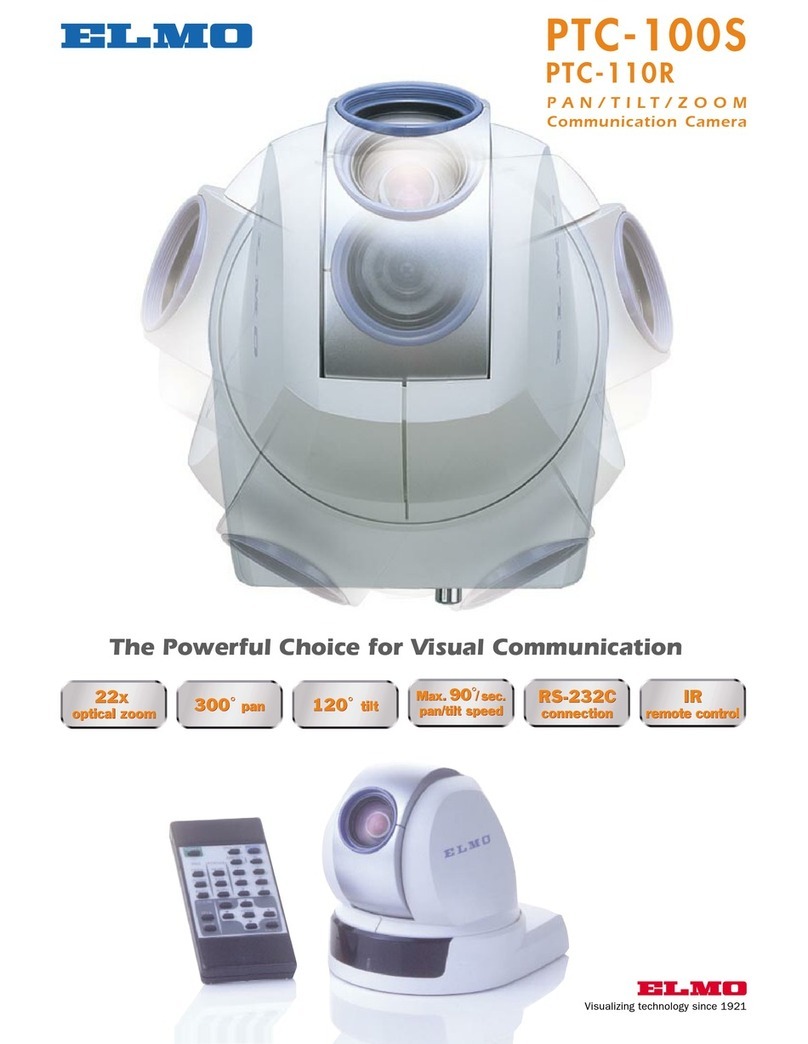
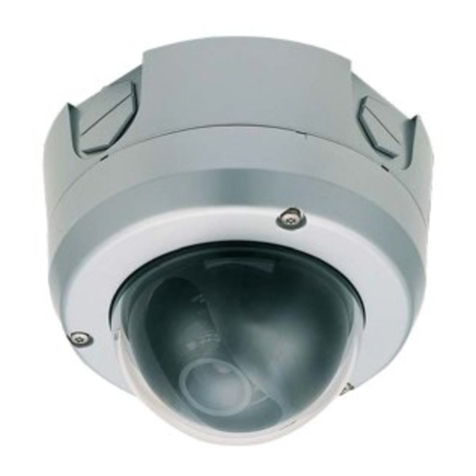
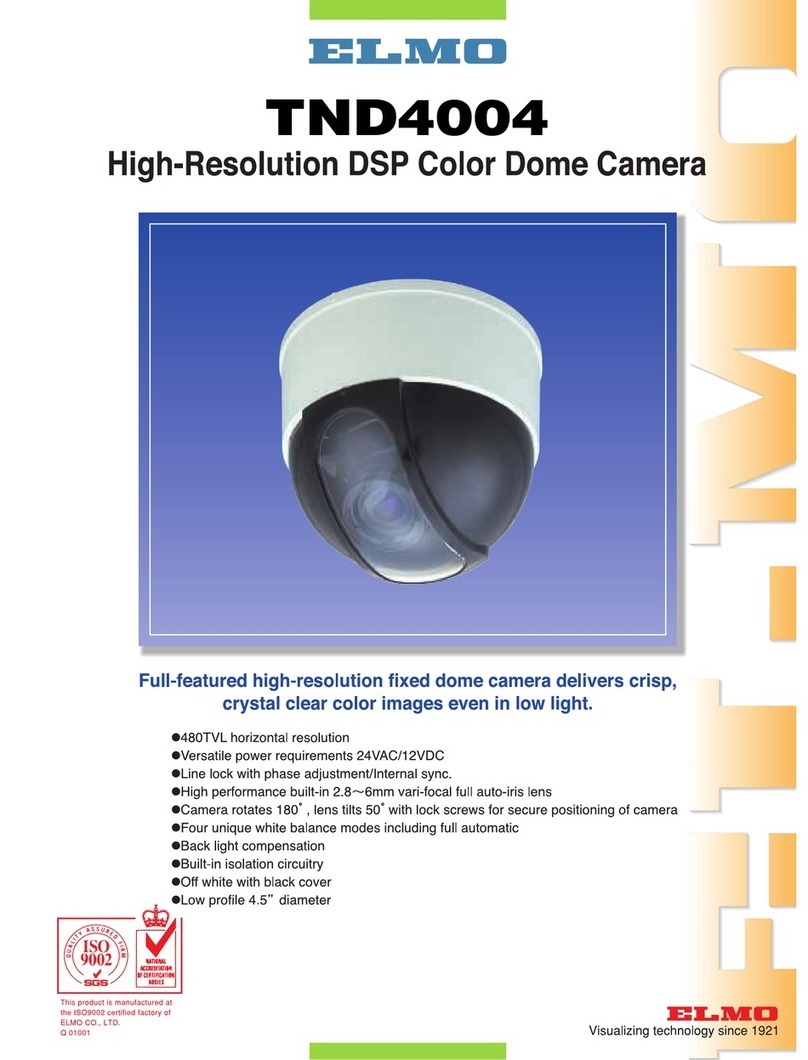
PoE (power over Ethernet) support via the camera's RJ45
port network connection and readily available third-party
PoE bridges simplifies installation. It eliminates the need
for an external power source and reduces cabling
infrastructure requirements to a single cable, simplifying
integration and installation. Ideal for indoor surveillance in
schools, offices, retail shops and for facility management
and AV program applications.
DUAL MPEG4/MJPEG VIDEO OUTPUT
Incorporates a built-in-web server with a dual compression
format, and analog video output. Delivers simultaneous
MPEG4 and MJPEG output over the network to make
high quality video viewable by standard web-browsers or
through PC software, at the same time that its NTSC video
outputs are sent to an analog CCTV system for display or
recording. Users can monitor sites on their network and
view identifiable real time images on a PC from almost
anywhere at anytime. Dual formats permit users to adjust
frame rate up to 30fps and image size/quality up to full
D1 to meet changing network conditions or application
requirements. 30fps rate in both formats provides clear,
detailed moving images. Up to 50 users of MJPEG or
3 users of MPEG4 can access a site simultaneously.
IDENTIFY INTRUDERS AT LOW LIGHT LEVELS
This full-featured day/night camera is designed to make
it possible to identify intruders, even at low light levels. It
has low illumination requirements: 0.5lx, (color); 0.05lx,
(B & W) a removable IR cut filter, DSP circuitry with a 1/3
inch IT 410,000 pixel CCD and backlight compensation.
A 4x digital zoom and high quality 2.5-6.00mm vari-focal
auto iris lens assure detailed close-ups.
CLEAR 2-WAY COMMUNICATIONS
The dome's bi-directional audio capabilities with user
supplied mic and speaker enable clear 2-way voice
communication with remote locations to sound-card
equipped PCs over standard computer networks. It
integrates easily into distance-learning or AV applications
where synchronized quality audio is needed.
OTHER SECURITY FEATURES
JPEG snapshots can be captured and sent to an FTP
server for later viewing by the built-in multi-zone motion
detection or on a periodic schedule defined by the user.
The camera can send email alerts to designated users as
well as trigger its two output ports to control external
devices. The IP filtering assures site security by restricting
access to authorized users. The camera's three-axis lens
mount allows for either wall or ceiling mounting.
ELMO CO, LTD (Head
office and factory)’s
QMS/EMS has been
registered to ISO 9001
& ISO 14001
TD4114IPII SPECIFICATIONS
CAMERA
TV System NTSC
Image Pick Up device 1/3” CCD
Effective picture element 768 x 494
Sync. System Internal
Min. Illumination Color: 0.5 lx (30 IRE)
B&W: 0.05 lx (30 IRE)
White balance AUTO/one-push/Manual/Indoor mode/
Outdoor mode/Fluorescent lamp mode
Day & Night Yes
Back light compensation On / Off
Lens type 2.4X Vari-focal auto iris lens
Focal length f = 2.5 - 6.0 mm
F number F1.3 - 1.9
Digital zoom 4X
Other functions Motion Detection
INTERFACE
Analog video output BNC x 1
Ethernet 10 Base-T / 100 Base-TX (RJ-45)
External control terminal Alarm I/O (6P)
Audio input 3.5mm Mini jack
Audio output RCA Pin jack
NETWORK
Compression format MJPEG/MPEG4 simultaneous output
Protocol IP, ARP, ICMP, TCP, UDP, HTTP, FTP, SMTP
Image size D1 (704 x 480), SIF (352 x 240), QQVGA (160 x 120)
Frame rate MJPEG: Max 30 fps (352 x 240),
MPEG4: Max 30 fps (704 x 480)
Simultaneous client access JPEG: 50 clients / MPEG4: 3 clients
SYSTEM REQUIREMENTS
Operation system Microsoft Windows 2000 / XP
Browser Microsoft Internet EXplorer 6.0 or later
(Sun JAVA2SE Ver. 1.5.0 or later)
GENERAL
Power source DC12V / PoE
Power consumption 0.6A max.
Dimensions 5.75 (W) x 5.24 (H) inches
Weight Approx 2.2 lbs (1000 g)
Operating temperature 14 - 1220F (-10 -500C)
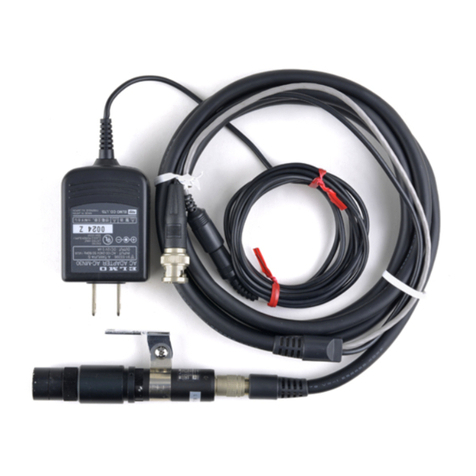
Supplied accessories AC adapter, Relay cable,
Ceiling mounts,
CD (Viewer software, manual)
Options Smoke dome cover
Specifications are subject to change without notice. Windows and Internet Explorer
are Trademarks of Microsoft Corporation. Sun JAVA is Trademark of Sun Microsystems.
ELMO USA Corp. www.elmousa.com
Headquarters: Plainview, NY • T. 516-501-1400 F. 516-501-0429
West Coast: Cypress, CA • T. 714-828-8457 F. 714-828-8429