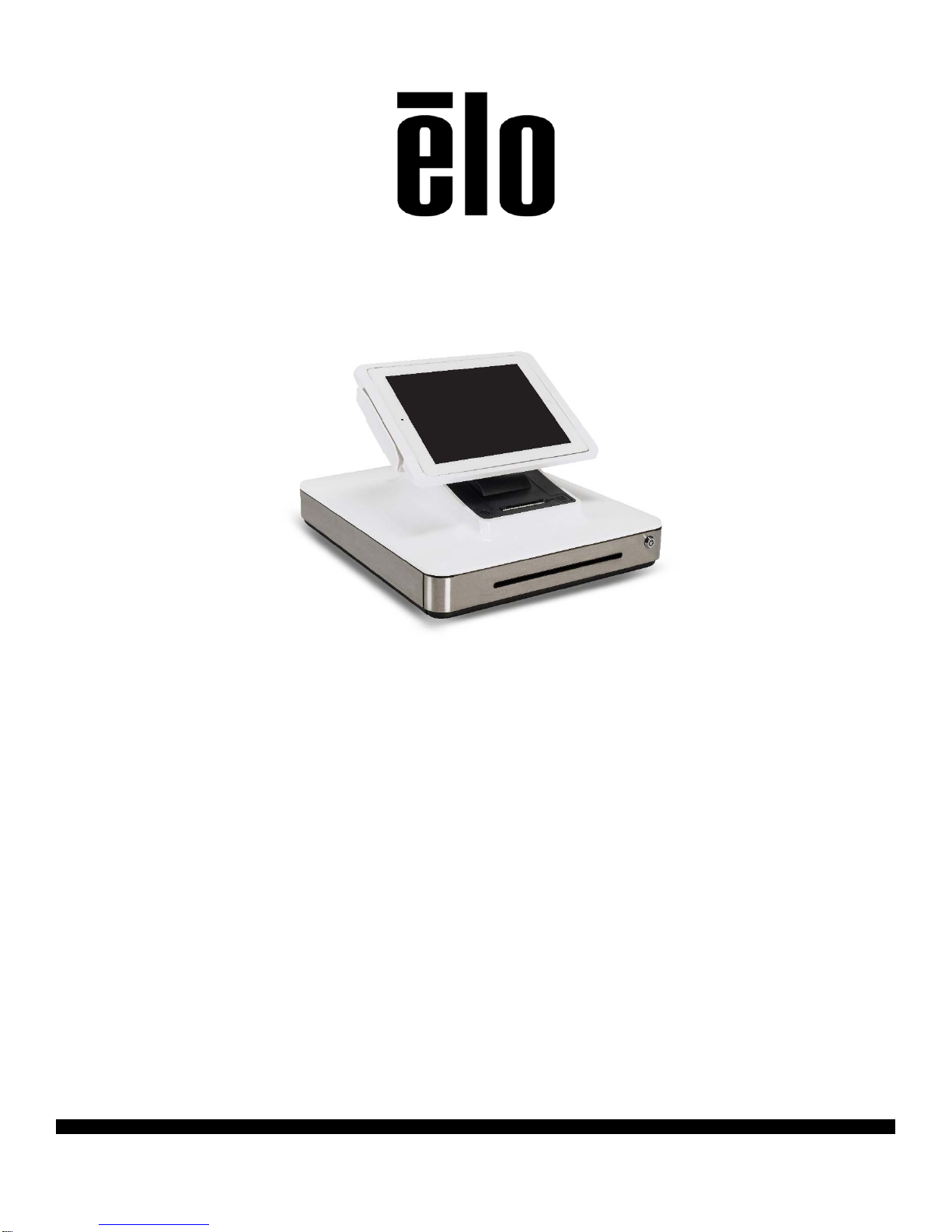
User Manual: Elo®Apple® iPad Dock
SW602291 Rev A, Page 6 of 22
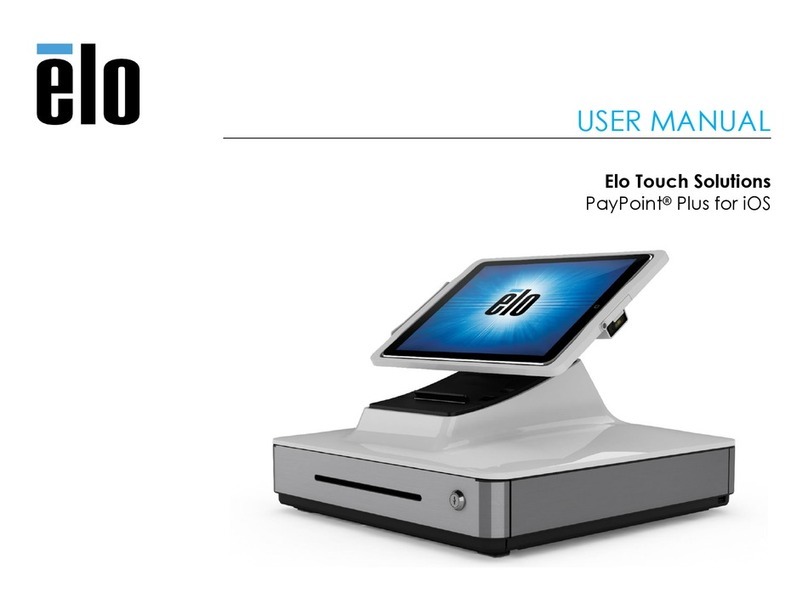
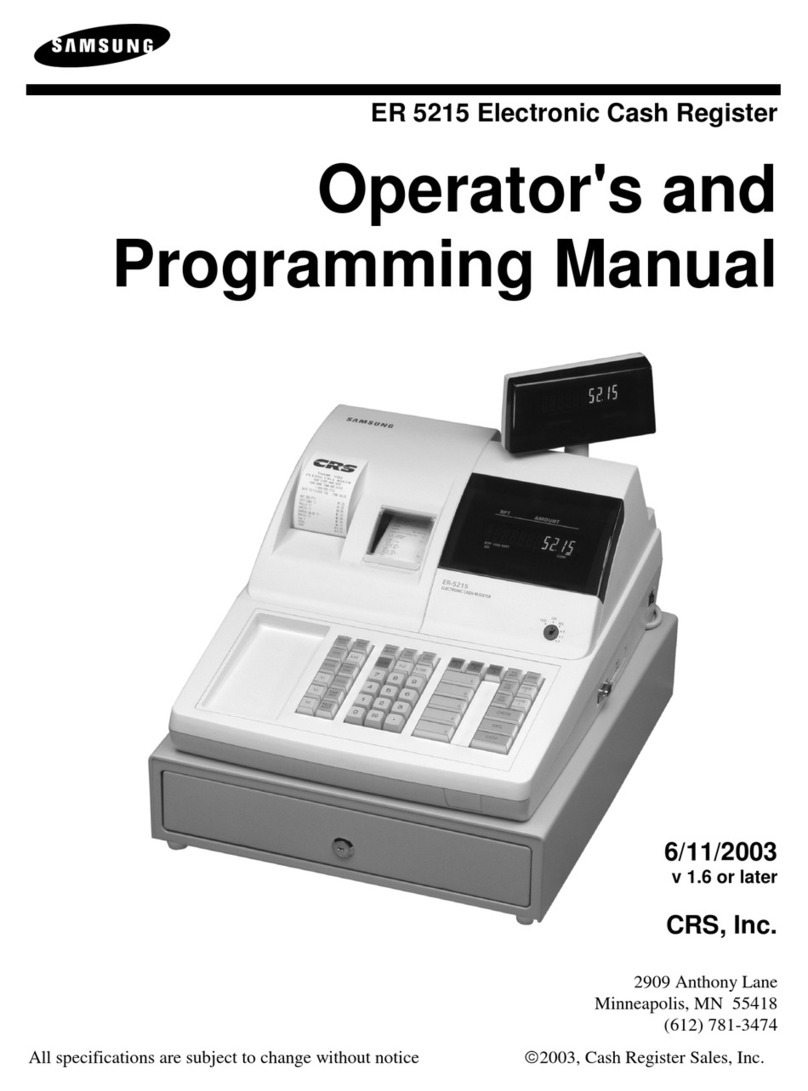
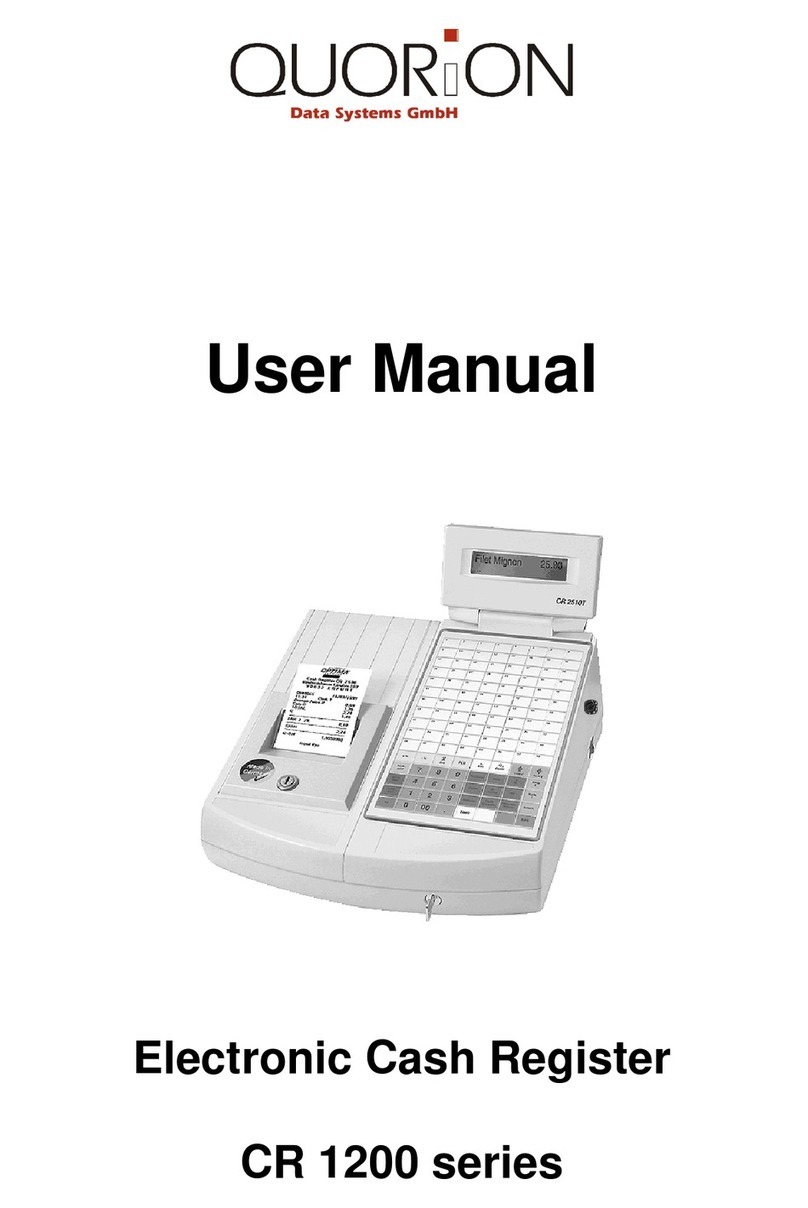
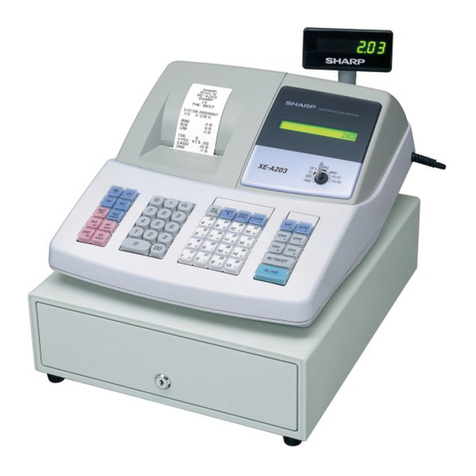
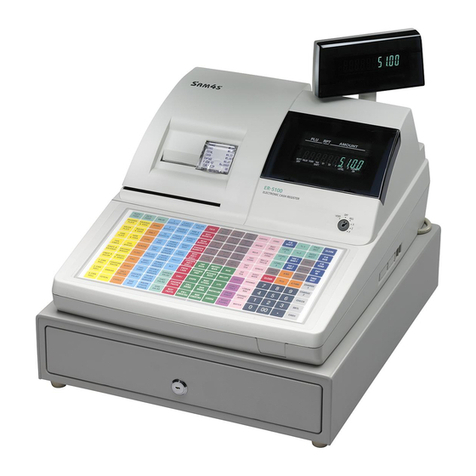
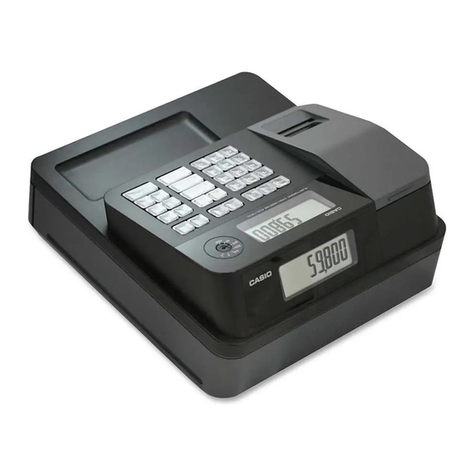
The register is equipped with a cash drawer for storing bills, coins, and checks
5. Check compartment slot
The cash drawer is designed with a slot for slipping checks into the cash drawer.
6. Receipt printer (built-in)
The register is equipped with a built-in receipt printer that is located on the register base.
7. Cash drawer lock
Use the key that comes to lock / unlock the cash register. When cash drawer is locked, cash
drawer will not open even when it is commanded to.
8. Printer head release button
Press this release button to release the printer head cover. For more information on how to
change printer paper on the register, refer to the “Printer Maintenance” section.
9. Lightning™ Connector Cap
Fasten lightening connector to establish connection between the Dock and iPad.
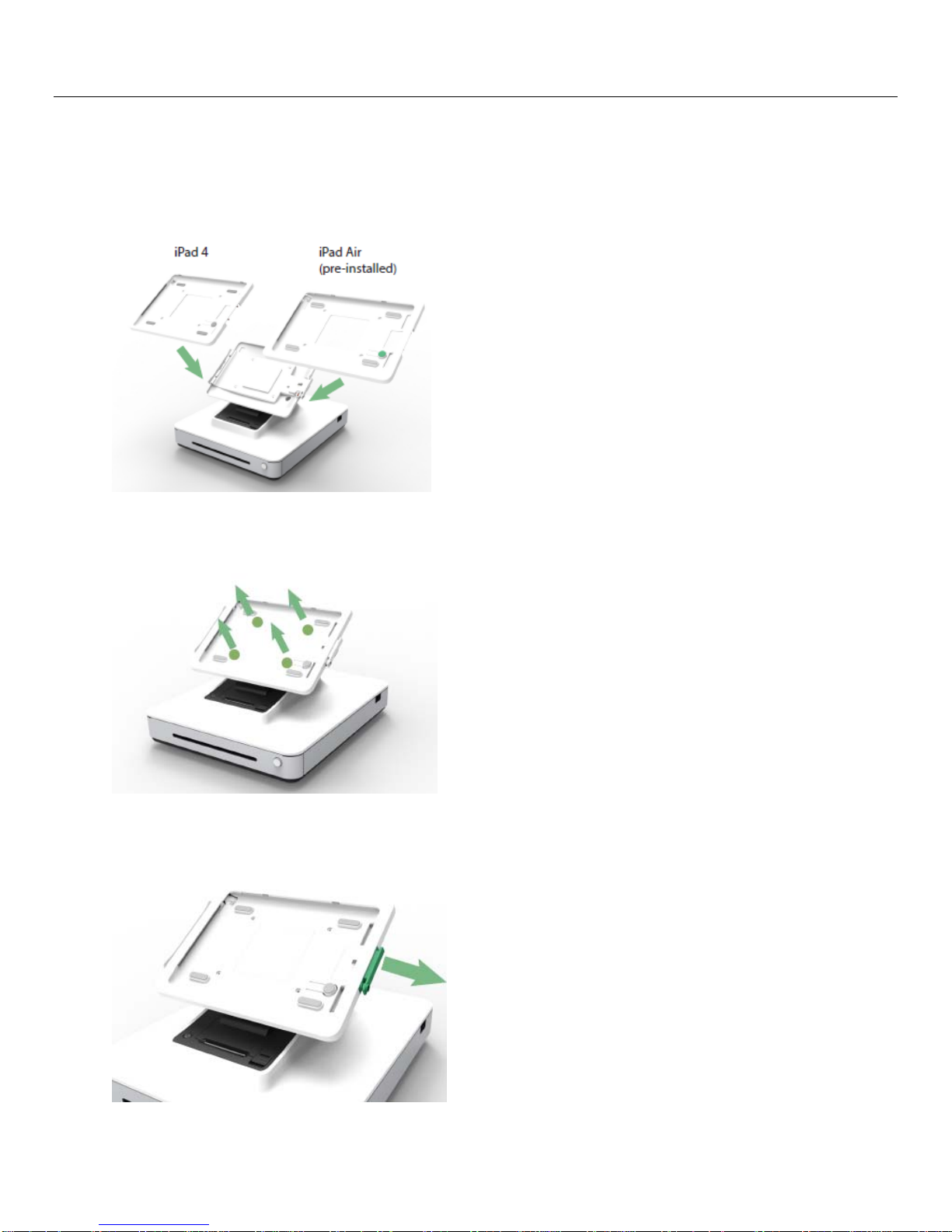
10.Tray Mounting Screws
Use the tray mounting screws to switch between trays.
11.Eject button
Allows to eject the iPad from dock once the lightening connector cap is open.
12.Customer-facing display
The register base is equipped with a customer-facing display. As store clerks ring up customer
orders, the customer facing display will display each order.
13.Cash drawer manual release latch
A latch located on the bottom of the register base can be used to manually open the cash
drawer.
14.Power Port
To power the register, plug one end of the power cable to the register power port, and the other
end to the wall.