Connecting Cameras and Other External Devices
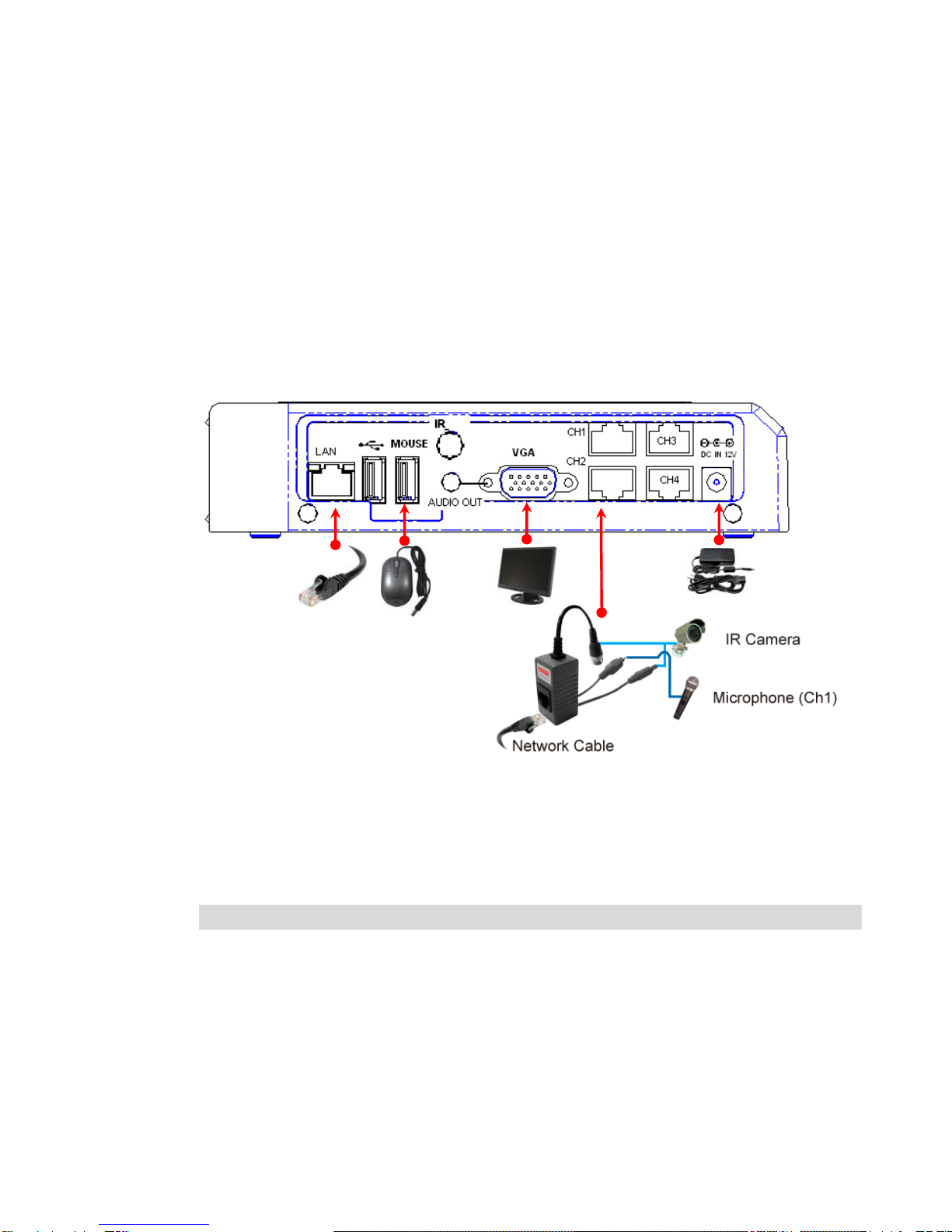
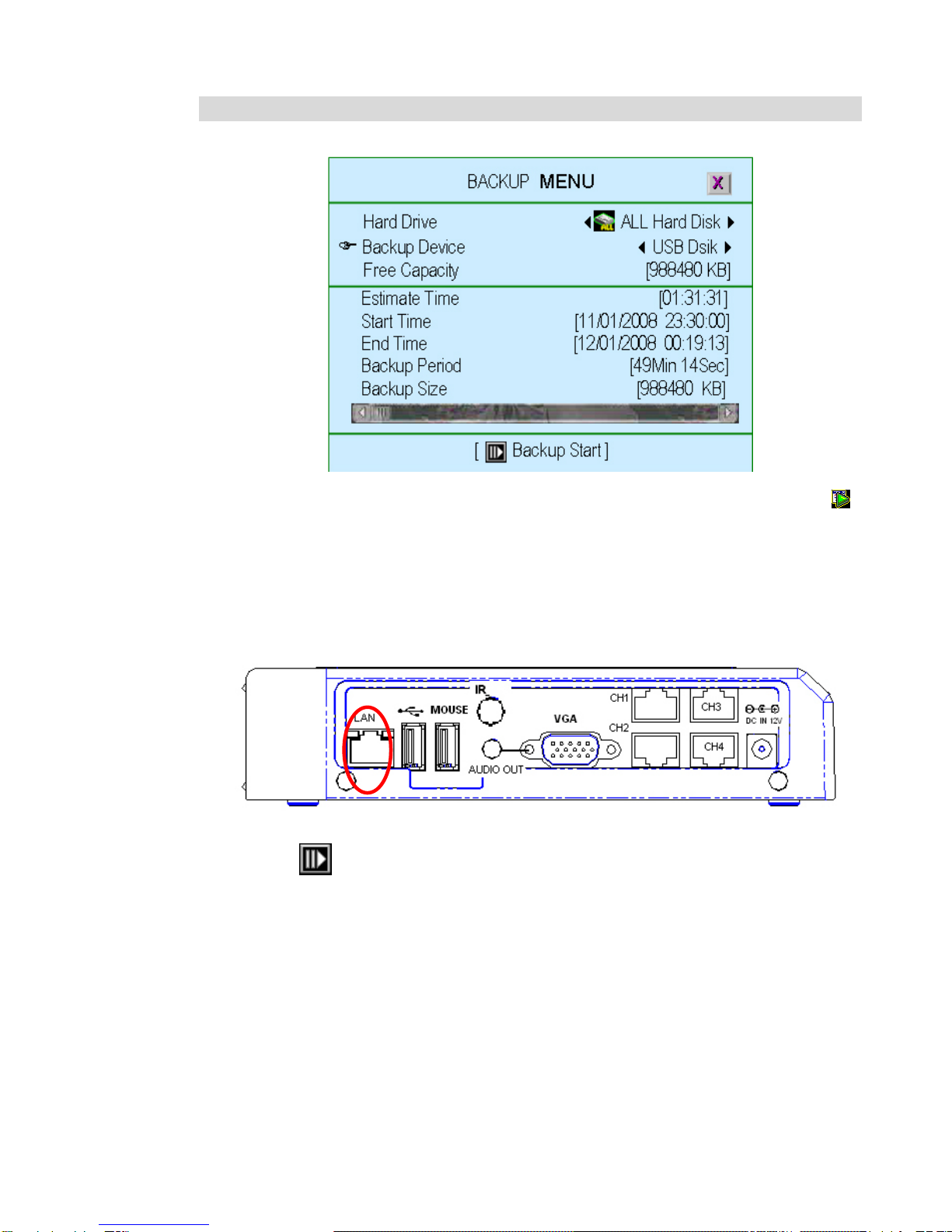
Connect all the security cameras to the RJ45 Channel ports using the included Baluns.
Use an RJ45 Ethernet cable to connect Channel port to BALUNs, then connect
camera to the BNC side of the BALUN.
1.
1.
Connect a computer monitor to the VGA port. Connect camera to the BALUN and
connect the BALUN to the specific Channel port using an RJ45 cable.
2.
.
Connect the USB mouse to the mouse port
2
3.
3.
Connect the power adapter, the DVR unit will turn-on as soon as the power
adapter is plugged-in, there is no power on/off button anywhere in the unit.
)3(
NOTE:
Microphone is not included in this package. Mic works on Channel 1 only.
Before buying a microphone make sure it fits on the Balun’s microphone
RCA connector jack.
STARTINGUPTHEENXDVR-4CDVRSYSTEM
After the DVR unit is properly installed, it is now ready for actions such as to
record and play. After the DVR unit is powered on, the unit will check for the
Hard disk drive and do some initializations that will take place for several
seconds, and then the unit will enter into real-time display mode shown as the
following screen:
4