Important Safety Instructions ........................ 2
Introduction
ProductFeatures ........................................... 9
IncludedItems................................................9
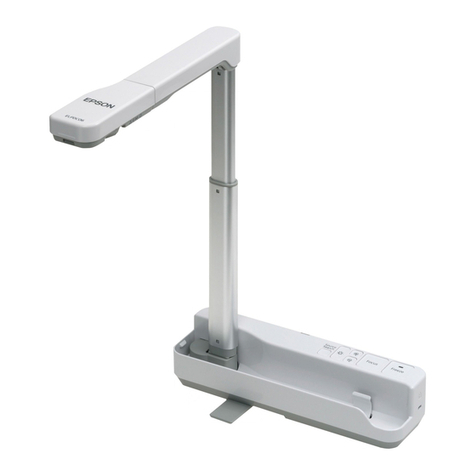
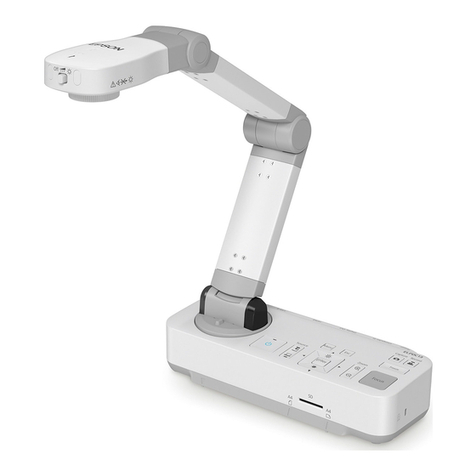
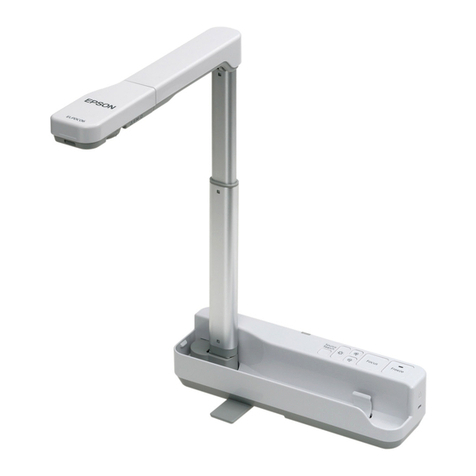
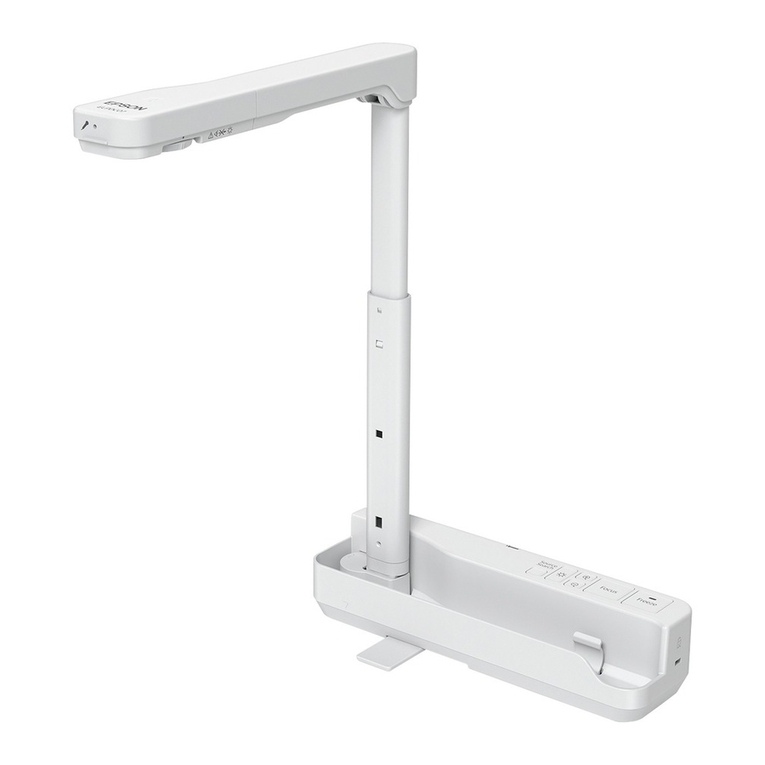
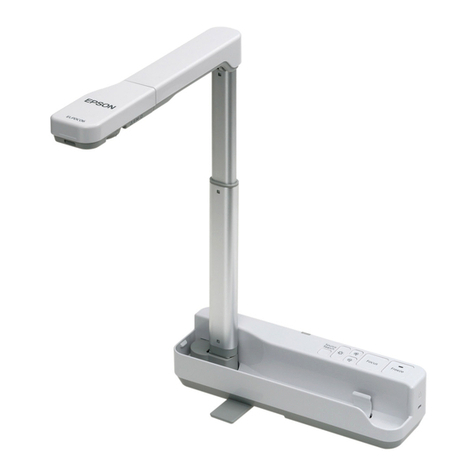
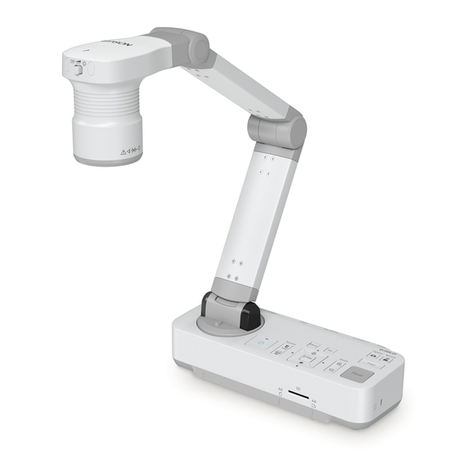
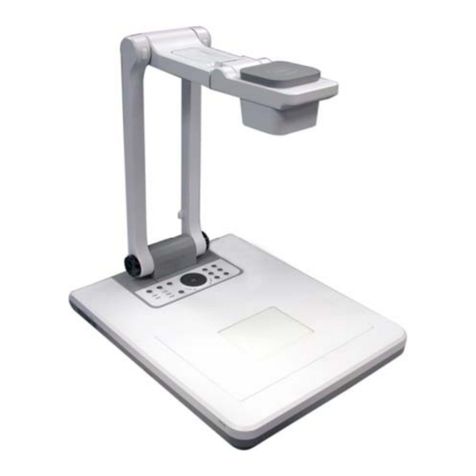
DocumentCameraParts .................................... 10
Top(Controlpanel)/Side/Rear.....................................10
CameraHead................................................11
Base......................................................12
Remote Control Buttons .................................... 13
RemoteControl...............................................13
Storing the Document Camera .............................. 15
Securing the Document Camera ............................. 16
Basic Setup and Use
Plugging In and TurningOn ................................ 18
Connecting to a Projector .................................. 19
Connecting to a Computer .................................. 20
ConnecttoUsetheDocumentCameraSoftware........................20
ConnectWithoutUsingtheDocumentCameraSoftware ...................21
DisplayingaDocumentorOtherMaterials ................... 22
FreezinganImage ............................................. 23
DisplayingSmallObjectsUpClose..................................23
DisplayingLiveActionoraWhiteboard ...................... 24
Switching Between Your Computer and the Live Camera Image
........................................................... 25
Image Adjustments and Effects
Using the On-screen Menu . . . . . ............................. 27
MakingImageAdjustments......................................27
Displaying a Split Screen ................................... 28
MakingOtherSettings ..................................... 30
Saving Images and Displaying a Slideshow
SavingImagestotheInternalMemory ...................... 32
ExportingImagestoaMemoryCard ......................... 33
Viewing and Managing Files fromYourComputer ............ 35
Displaying a Slideshow ..................................... 37
Using the Included Software
Installing the Software ..................................... 39
UninstallingtheSoftware ........................................39
Windows .................................................39
Macintosh ................................................39
StartingtheSoftware ...................................... 40
Annotating Images . . . . . . . . . . . . . . . . . . . . . . . . . . . . . . . . . . . . . . . . 41
CapturingStillImages ...................................... 42
Making Time-lapse Movies ................................. 43
RecordingVideos .......................................... 44
CompatibleFileFormat......................................... 44
Contents
6