R-1 Audio Deck Manual ©1999 Euphonix, Inc.Page 3
TABLE OF CONTENTS
AUDIO DECK ............................................................................................ 4
Component Overview ................................................................................................4
Physical Specifications .............................................................................................5
Physical Specifications .............................................................................................6
Front Panel...........................................................................................................................................6
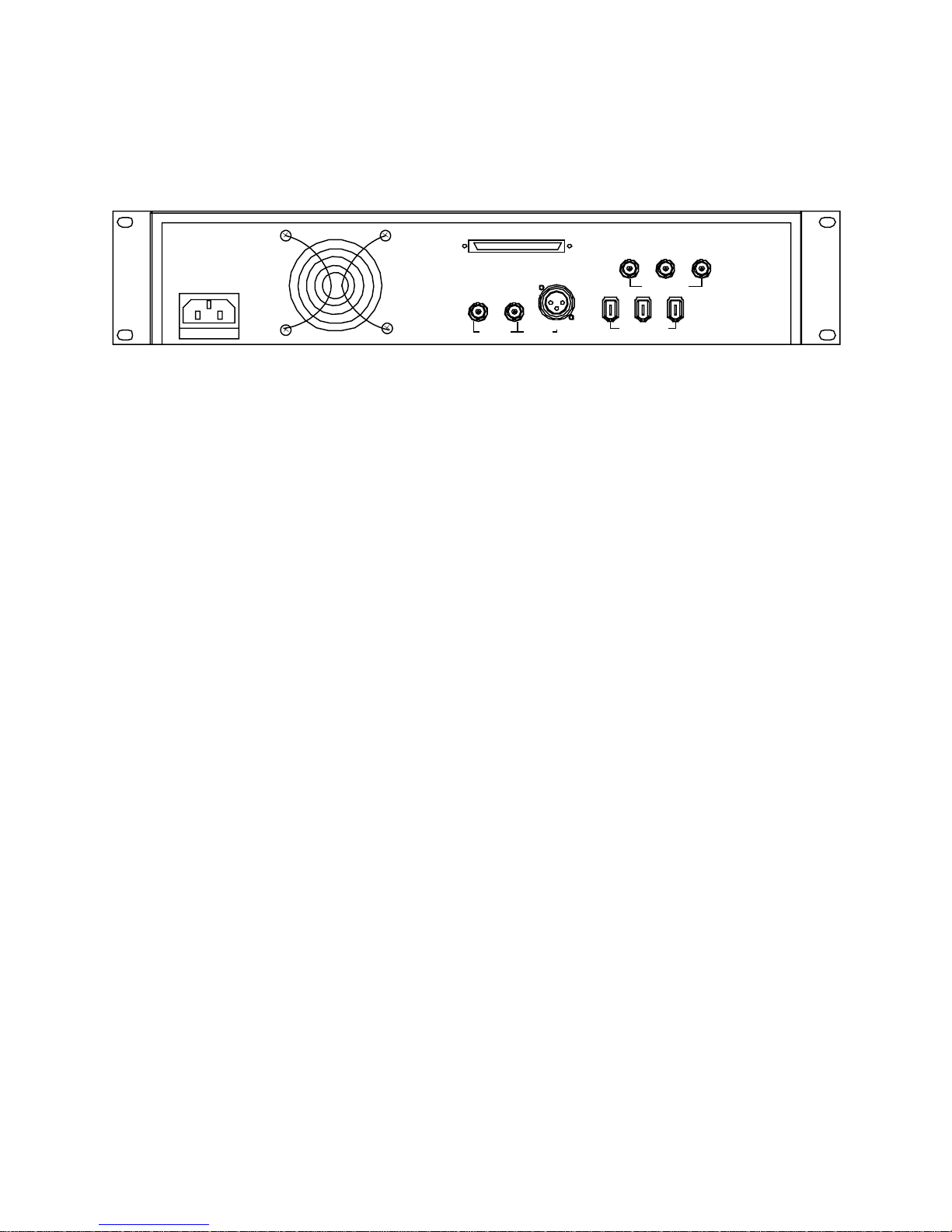
Rear Panel Connectors.......................................................................................................................7
Technical Specifications ...........................................................................................8
Performance Specifications...............................................................................................................8
Environmental Requirements.............................................................................................................8
Power Requirements...........................................................................................................................8
Power Cord Plug Configuration.........................................................................................................8
Synchronization .........................................................................................................9
Sample Rate......................................................................................................................................... 9
Current Time Position......................................................................................................................... 9
MADI..........................................................................................................................10
SCSI...........................................................................................................................11
Approved Real-time Drives and Hardware......................................................................................11
Drive Tray Configuration with IBM Drives ......................................................................................12
Back up & Drive Expansion.............................................................................................................. 12
Back up & Drive Expansion.............................................................................................................. 13
SPECIAL OPERATING PRECAUTIONS ..................................................................14
Do Not Remove Drives without Closing Media .............................................................................. 14
There Must Always Be A Drive in Audio Deck #1 at SCSI ID #1 ................................................... 14
External SCSI Port Is Restricted...................................................................................................... 14
Both Drive Bays Should Be Full.......................................................................................................14
Do Not Change Drive Addresses..................................................................................................... 15
Setup (Standard R-1 Configuration).......................................................................16
Power Up Sequence.................................................................................................16