7700 MultiFrame Manual
7700DA7-HD HD Serial Digital Re-Clocking Distribution Amplifier
Page-6 Revision 1.1
5.3. SELECTING THE RECLOCKING RATE
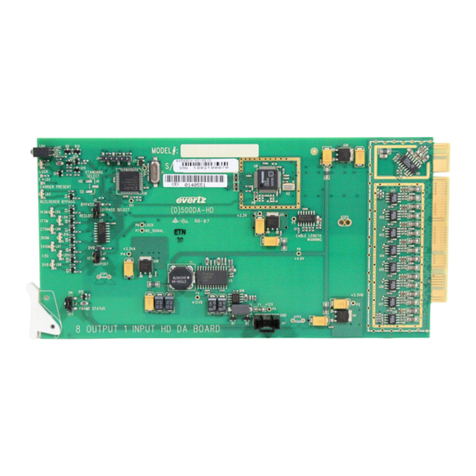
The RATE jumper J18, located at the front of the module near the card ejector, determines whether the
module will operate as a reclocking distribution amplifier with SMPTE 292M, SMPTE 259M or 344M (143
to 540 Mb/s) or DVB-ASI video signals or with SMPTE 310M (19.4 Mb/s) signals.
RATE SELECT: To set the module to operate with SMPTE 292M, SMPTE 259M, SMPTE 344M or
DVB-ASI signals install the jumper in the SMPTE position.
To set module to operate with SMPTE 310M signals install the jumper in the 310M
position.
The SUPPORT jumper J7, located at the front of the module near the card ejector, determines whether
the module will operate as a reclocking distribution amplifier with SMPTE 292M or SMPTE 259M or 344M
(143 to 540 Mb/s) or DVB-ASI video signals.
SUPPORT: To set the module to operate with SMPTE 292M, SMPTE 259M or SMPTE 344M
signals install the jumper in the 177 position.
To set module to operate with DVB-ASI signals install the jumper in the DVB
position.
5.4. CONFIGURING THE MODULE FOR FIRMWARE UPGRADES
UPGRADE: The UPGRADE jumper J16, located at the front of the module near the card ejector,
is used when firmware upgrades are being done to the module. For normal
operation it should be installed in the RUN position. See the Upgrading Firmware
section in the front of the binder for more information.
To upgrade the firmware in the module unit pull it out of the frame. Move Jumper
J16 into the UPGRADE position. Install the Upgrade cable provided (located in the
vinyl pouch in the front of this manual) onto header J24. Re-install the module into
the frame. Run the upgrade as described in the Upgrading Firmware section in the
front of the binder. Once the upgrade is completed, remove the module from the
frame, move J16 to the RUN position, remove the upgrade cable and re-install the
module. The module is now ready for normal operation.