manuals.online logo
Brands
  1. Home
  2. •
  3. Brands
  4. •
  5. Extron electronics
  6. •
  7. Music Equipment
  8. •
  9. Extron electronics FOX AEX 108 User manual

Extron electronics FOX AEX 108 User manual

Other manuals for FOX AEX 108

2

Other Extron electronics Music Equipment manuals

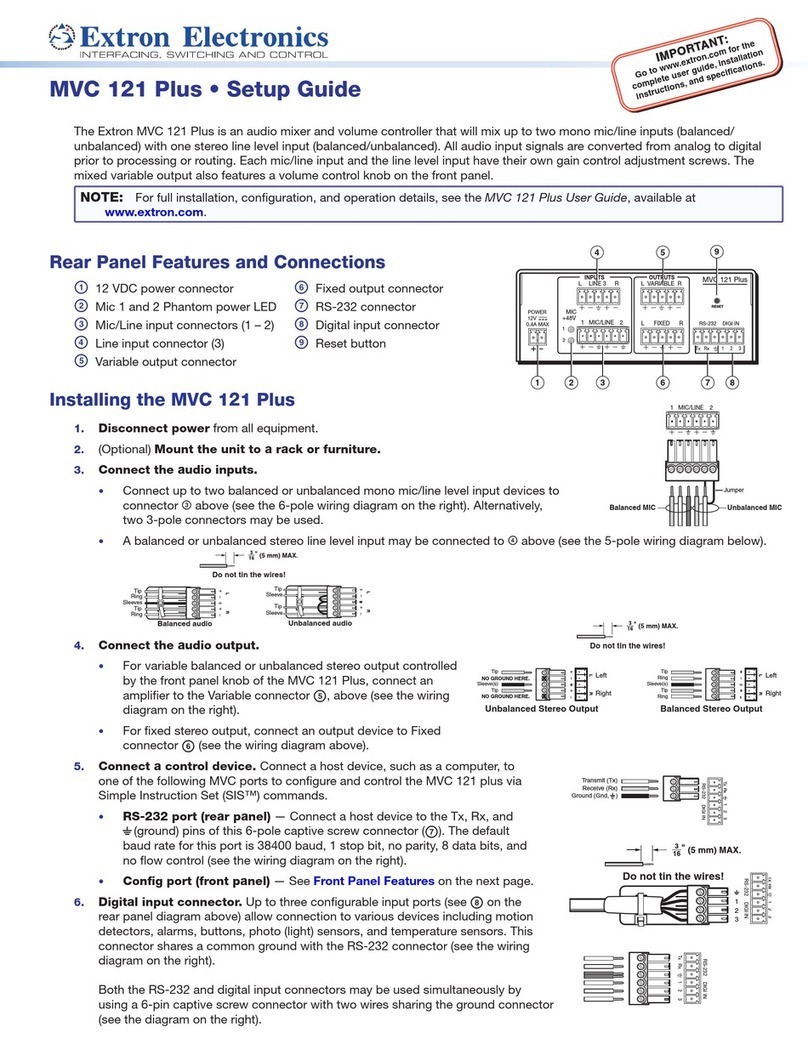
Extron electronics MVC 121 Plus User manual

Extron electronics

Extron electronics MVC 121 Plus User manual

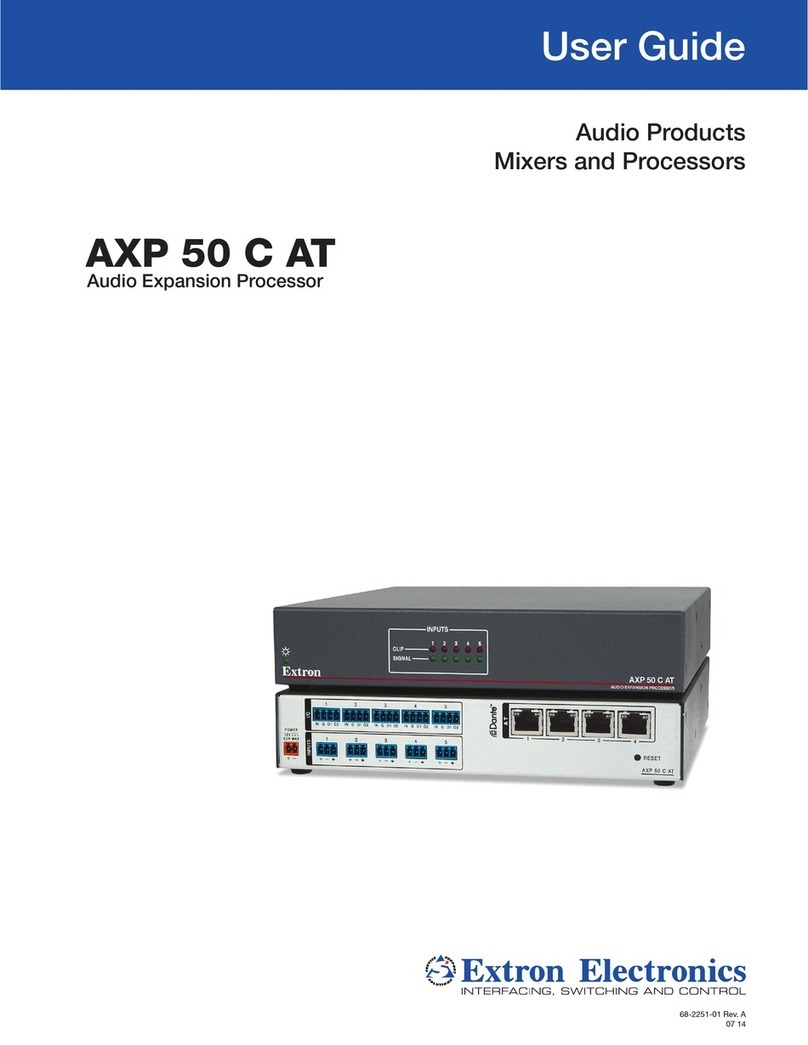
Extron electronics AXP 50 C AT User manual

Extron electronics

Extron electronics AXP 50 C AT User manual

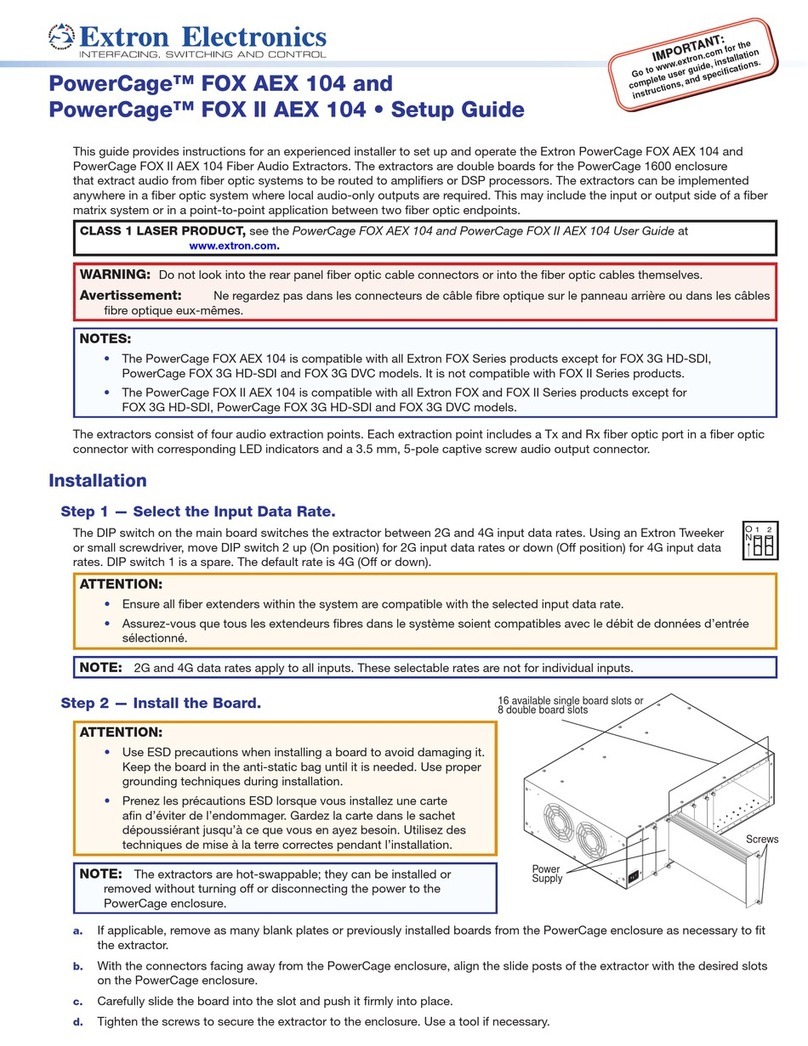
Extron electronics PowerCage FOX AEX 104 User manual

Extron electronics

Extron electronics PowerCage FOX AEX 104 User manual

Popular Music Equipment manuals by other brands

Aguilar CHORUSAURUS user guide

Aguilar

Aguilar CHORUSAURUS user guide

Fishman NEO-D user guide

Fishman

Fishman NEO-D user guide

HEXDEVICES Tama 12 user manual

HEXDEVICES

HEXDEVICES Tama 12 user manual

Mesa/Boogie Flux-drive owner's manual

Mesa/Boogie

Mesa/Boogie Flux-drive owner's manual

DOLFINOS The CARBON Edition user manual

DOLFINOS

DOLFINOS The CARBON Edition user manual

DAPAudio IPS-PT user guide

DAPAudio

DAPAudio IPS-PT user guide

Dynacord DPM 8016 owner's manual

Dynacord

Dynacord DPM 8016 owner's manual

Moen GEC8 Live owner's manual

Moen

Moen GEC8 Live owner's manual

Fender 1 brochure

Fender

Fender 1 brochure

Yamaha MLC-16 operating manual

Yamaha

Yamaha MLC-16 operating manual

Sonuscore TIME TEXTURES manual

Sonuscore

Sonuscore TIME TEXTURES manual

flight of harmony V'Amp user guide

flight of harmony

flight of harmony V'Amp user guide

NANO PERFORMANCE MIXER quick guide

NANO

NANO PERFORMANCE MIXER quick guide

BHI NEIM 1031 MKII user guide

BHI

BHI NEIM 1031 MKII user guide

Befaco KICKALL user manual

Befaco

Befaco KICKALL user manual

Paia 9720 Assembly and using manual

Paia

Paia 9720 Assembly and using manual

limex ALPIN MASTER 128 user manual

limex

limex ALPIN MASTER 128 user manual

nord Electro 3 user manual

nord

nord Electro 3 user manual

manuals.online logo
manuals.online logoBrands
  • About & Mission
  • Contact us
  • Privacy Policy
  • Terms and Conditions

Copyright 2025 Manuals.Online. All Rights Reserved.

IMPORTANT:
Go to www.extron.com for the
complete user guide
, installation
instructions, and specifications.
FOX AEX 108 and FOX II AEX 108 • Setup Guide
This guide provides instructions for an experienced installer to setup up and operate the Extron FOX AEX 108 and
FOX II AEX 108 Fiber Audio Extractors. The ber audio extractors extract audio from ber optic systems to be routed to ampliers
or a DSP processor. The extractors can be implemented anywhere in a ber optic system where local audio-only outputs are
required. This may include the input or output side of a ber matrix system or in point-to-point applications between two ber
optic endpoints.
CLASS 1 LASER PRODUCT, see the FOX AEX 108 and FOX II AEX 108 User Guide at www.extron.com.
WARNING: Do not look into the rear panel ber optic cable connectors or into the ber optic cables themselves.
AVERTISSEMENT: Ne regardez pas dans les connecteurs de câble bre optique sur le panneau arrière ou dans les câbles
bre optique eux-mêmes.
NOTES:
• The FOX AEX 108 is compatible with all Extron FOX Series products except for FOX 3G HD-SDI,
PowerCage FOX 3G HD-SDI and FOX 3G DVC models. It is not compatible with FOX II Series products.
• The FOX II AEX 108 is compatible with all Extron FOX and FOX II Series products except for FOX 3G HD-SDI,
PowerCage FOX 3G HD-SDI and FOX 3G DVC models.
The extractors consist of eight audio extraction points. Each extraction point includes a Tx and Rx ber optic port in a ber optic
connector with corresponding LED indicators and a 3.5 mm, 5-pole captive screw audio output connector.
Installation
Step 1 — Mount the Device.
Turn off or disconnect all equipment power sources and mount the extractor as required (see the FOX AEX 108 and FOX II AEX
108 User Guide at www.extron.com for mounting information).
Step 2 — For Each Desired Extraction Point, Connect Inputs and Outputs.
NOTES:
• Each extraction point works independently from other extraction points.
• Ensure the proper ber cable is used. Typically, singlemode ber optic cables have a yellow jacket and multimode ber
optic cables have an orange or aqua jacket.
• Transmission of HDMI or DisplayPort video with HDCP content requires a return ber optic cable from the receiving
device to the transmitting device.
FOX R DP
DISPLAYPORT
RS-232 RS-232IR
ALARM
Tx Rx Tx Rx 1 2GTx RxG
POWER
12V
1.2 A MAX
OPTICAL
LINK
LINK
Rx
Tx
LR LR
AUDIO
OUTPUTS AUDIO
RETURN IN REMOTE
OVER FIBER
100-240V ~ 0.3 A MAX
50-60 Hz
AUDIO
R
L
Rx
8
Tx
-
+-
+
R
L
Rx
7
Tx
-
+-
+
R
L
Rx
6
Tx
-
+-
+
R
L
Rx
5
Tx
-
+-
+
R
L
Rx
4
Tx
-
+-
+
R
L
Rx
3
Tx
-
+-
+
R
L
Rx
2
Tx
-
+-
+
R
L
Rx
1
Tx
-
+-
+
12
FIBER OPTIC
OUTINOUT IN OUTINOUT IN OUTINOUT IN OUTINOUT IN
FIBER OPTIC
34
ADDRESS
56
78
SMX 88 FOX
Local 2-ch Audio Output
Video/Audio/RS-232
Video/Audio/RS-232
RS-232 (optional)
FOX II AEX 108
FO
X II R DP
Figure 1. Extraction Point Wiring (Output Side of FOX Matrix Application)
68-2060-50 Rev. B
11 14
Extron Headquarters
+800.633.9876 Inside USA/Canada Only
Extron USA - West Extron USA - East
+1.714.491.1500 +1.919.850.1000
+1.714.491.1517 FAX +1.919.850.1001 FAX
Extron Europe
+800.3987.6673
Inside Europe Only
+31.33.453.4040
+31.33.453.4050 FAX
Extron Asia
+65.6383.4400
+65.6383.4664 FAX
Extron Japan
+81.3.3511.7655
+81.3.3511.7656 FAX
Extron China
+86.21.3760.1568
+86.21.3760.1566 FAX
Extron Middle East
+971.4.299.1800
+971.4.299.1880 FAX
Extron Korea
+82.2.3444.1571
+82.2.3444.1575 FAX
Extron India
1800.3070.3777
(Inside India Only)
+91.80.3055.3777
+91.80.3055.3737 FAX
© 2014 Extron Electronics All rights reserved. All trademarks mentioned are the property of their respective owners. www.extron.com
a. On a desired extraction point of the extractor, connect the Tx port of the ber optic connector to the Rx port of a
ber optic connector on the receiving device (ber optic receiver or matrix).
b. On the same extraction point of the extractor, connect the Rx port of the ber optic connector to the Tx port of a
ber optic connector on the transmitting device (ber optic transmitter or matrix).
c. On the same extraction point of the extractor, connect an audio output device or device for DSP processing to the
3.5 mm, 5-pole captive screw connector.
Do not tin the wires!
Balanced Audio Output
Tip
Ring
Tip
Ring
Slee
ves
Unbalanced Audio Output
Tip
No Ground Here
No Ground Here
Tip
Sleeves
LR
LR
d. For option bidirectional RS-232 and HDCP-compliance, connect the Tx port of the receiving device to the Rx port of the
transmitting device.
NOTE: Use the ports on the same connector that is connected to the extractor.
Step 3 — Power the Device.
Plug a standard IEC power cord into the connector to connect the FOX AEX 108 or FOX II 108 to a 120 V or
240 VAC, 50 or 60 Hz power source. All LEDs will blink together once for a multimode model or twice for a
singlemode model.
Operation and Features
After the ber audio extractor and all associated devices in the system are connected and powered on, the system is fully
operational.
Input Data Rate Switch
The recessed toggle switch on the font panel switches the ber audio extractor between 2G and 4G input data
rates. Move the toggle switch up for a 2G input data rate or down for a 4G input data rate. The default rate is 4G.
NOTE: 2G and 4G data rates apply to all inputs. These selectable rates are not for individual inputs.
After switching between 2G and 4G, cycle power to the FOX AEX 108 or FOX II AEX 108 in order to properly lock onto the
selected input data rate.
ATTENTION:
• Ensure all ber extenders within the system are compatible with the selected input data rate.
• Assurez-vous que tous les extendeurs bres dans le système soient compatibles avec le débit de données d’entrée
sélectionné.
Indicators
Tx Link and Rx Link LEDs — For each fiber connector, the Tx Link and Rx Link LEDs indicate the associated link is
transmitting or receiving light (not necessarily that there is data encoded in the optical light).
Audio Signal LEDs — The front panel Audio Signal LEDs light green when an audio signal
above -35 dBV is detected on the associated fiber input. The light turns off after the audio
signal level drops below the threshold for 10 continuous seconds.
Power LED — The front panel Power LED lights green when power is applied to the fiber
audio extractor.
R
x
Tx
100-240V ~ 0.3 A MA
X
50-60 Hz
INPUT DATA RATE
2.125G
4.25G
4
3
2
1
8
7
6
5
AUDIO SIGNAL
INPUT DATA RATE
FIBER AUDIO EXTRACTOR
2.125G
4.25G FOX AEX 108

INPUT
DATA
RATE
FIBER AUDI
O
EXTRA
C
T
O
R
2
.12
5G
4
.25
G
FOX AEX 108
Rx
Tx