manuals.online logo
Brands
  1. Home
  2. •
  3. Brands
  4. •
  5. Extron electronics
  6. •
  7. Switch
  8. •
  9. Extron electronics EBDB Mini User manual

Extron electronics EBDB Mini User manual

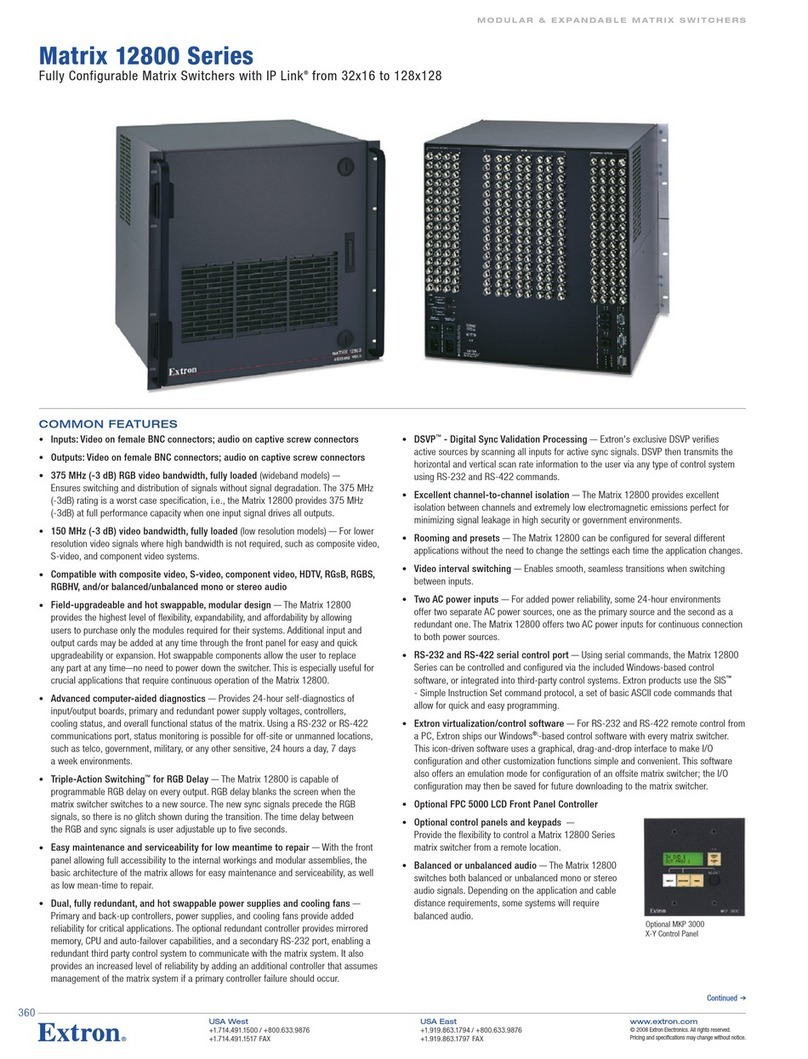
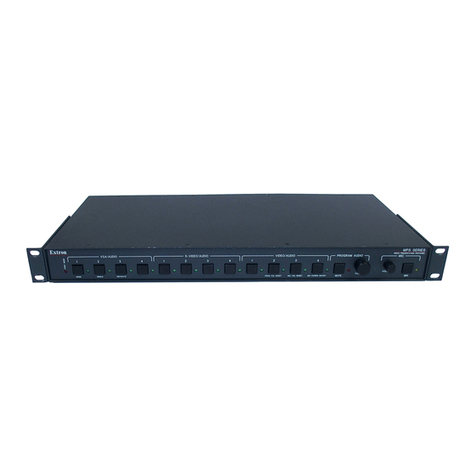
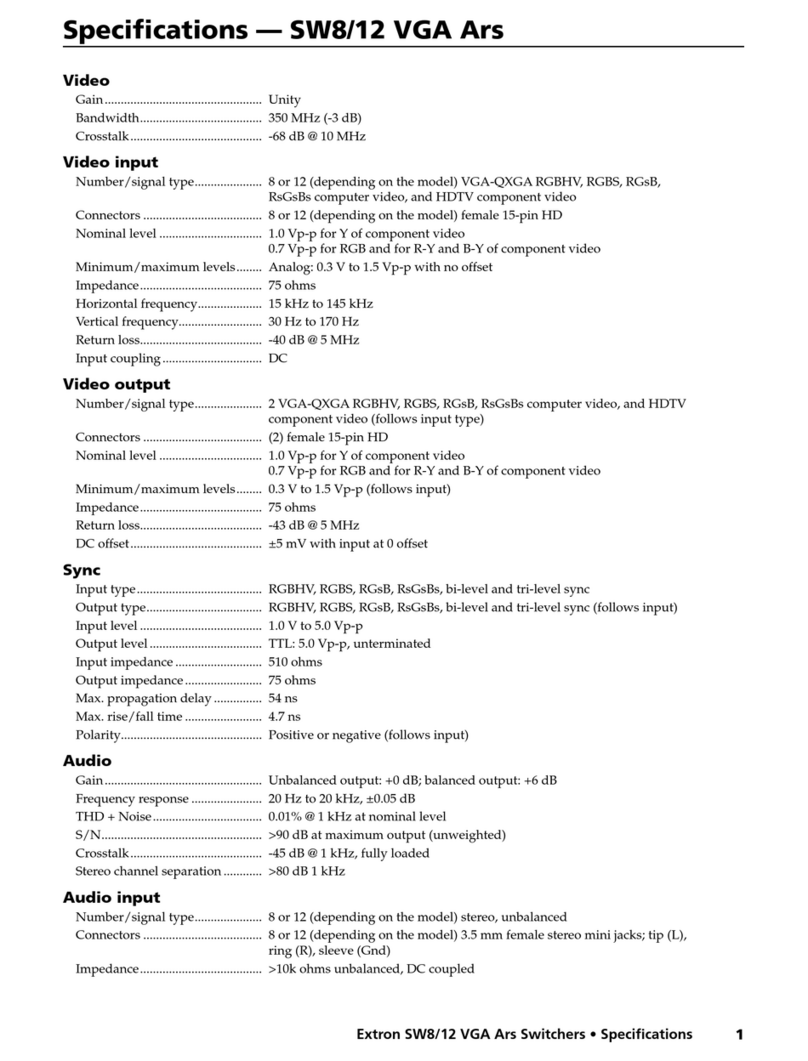
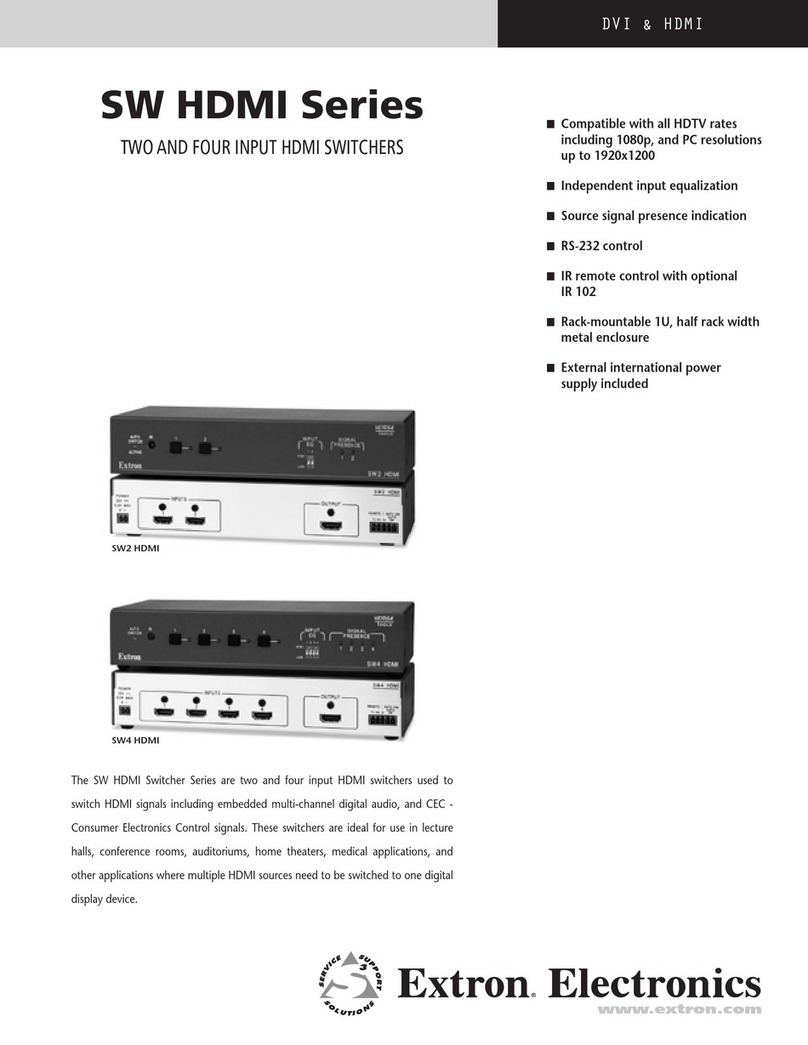
Other Extron electronics Switch manuals

Extron electronics IN1604 DTP User manual

Extron electronics

Extron electronics IN1604 DTP User manual

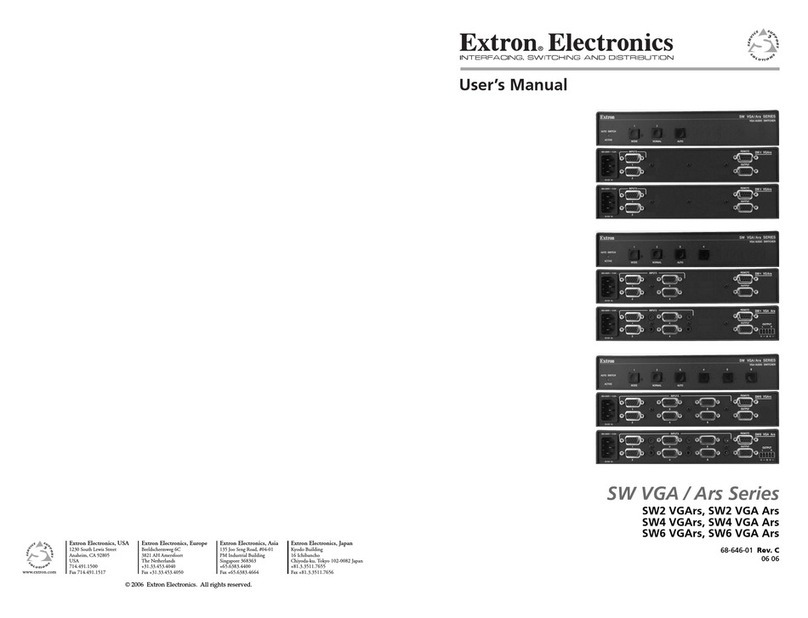
Extron electronics SW HDMI Series User manual

Extron electronics

Extron electronics SW HDMI Series User manual

Extron electronics SW4 12G HD-SDI User manual

Extron electronics

Extron electronics SW4 12G HD-SDI User manual

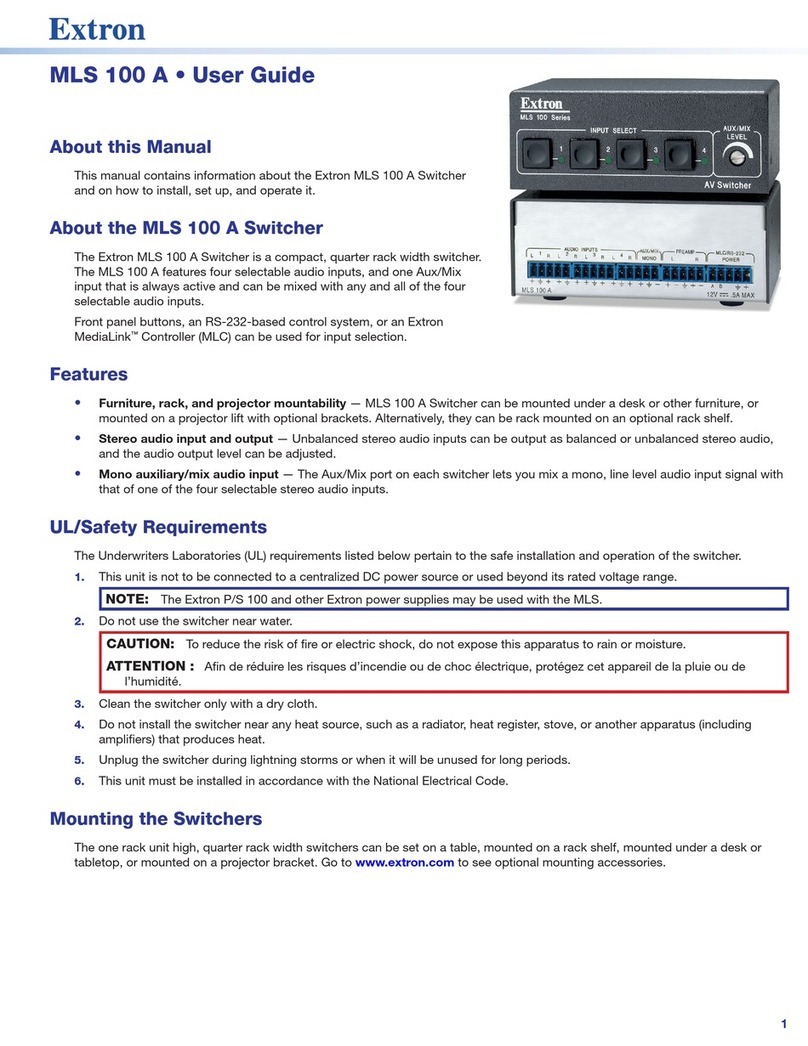
Extron electronics MSW 4V rs User manual

Extron electronics

Extron electronics MSW 4V rs User manual

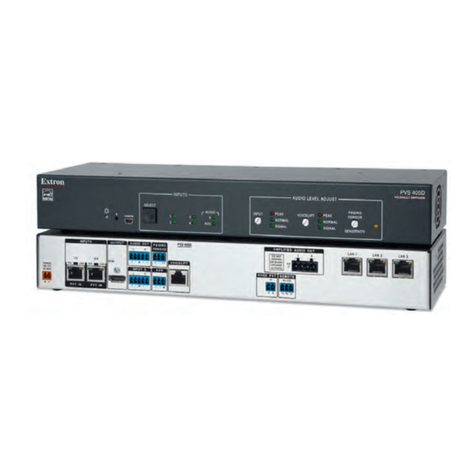
Extron electronics PVS 305SA User manual

Extron electronics

Extron electronics PVS 305SA User manual

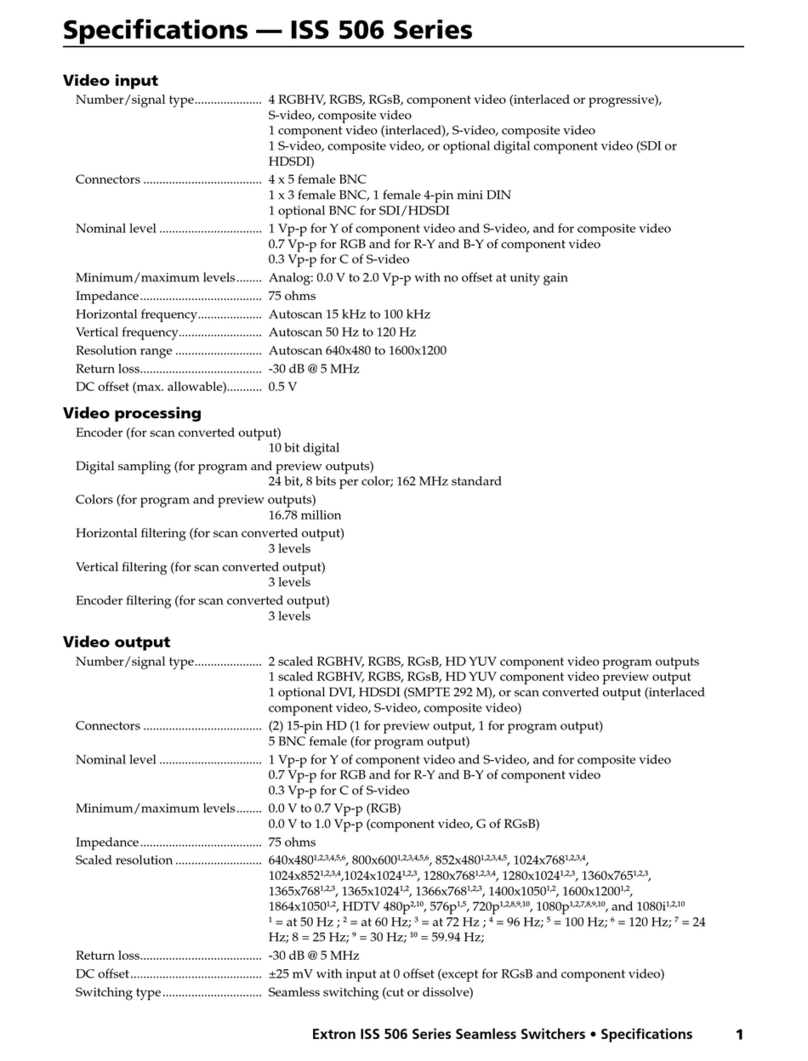
Extron electronics ISS 506 Series User manual

Extron electronics

Extron electronics ISS 506 Series User manual

Extron electronics MPS 409 User manual

Extron electronics

Extron electronics MPS 409 User manual

Extron electronics System 5 IP Series User manual

Extron electronics

Extron electronics System 5 IP Series User manual

Extron electronics IN1804 Series User manual

Extron electronics

Extron electronics IN1804 Series User manual

Extron electronics XTP T USW 103 User manual

Extron electronics

Extron electronics XTP T USW 103 User manual

Extron electronics YCS SW6 MX User manual

Extron electronics

Extron electronics YCS SW6 MX User manual

Extron electronics VSW 2VGA A User manual

Extron electronics

Extron electronics VSW 2VGA A User manual

Extron electronics System 4xi User manual

Extron electronics

Extron electronics System 4xi User manual

Extron electronics SW 4 AR MX HV User manual

Extron electronics

Extron electronics SW 4 AR MX HV User manual

Extron electronics YCS SW6 MX User manual

Extron electronics

Extron electronics YCS SW6 MX User manual

Extron electronics 650 UT User manual

Extron electronics

Extron electronics 650 UT User manual

Extron electronics USB HUB4 Series User manual

Extron electronics

Extron electronics USB HUB4 Series User manual

Extron electronics MPS 602 User manual

Extron electronics

Extron electronics MPS 602 User manual

Extron electronics MLS 306 User manual

Extron electronics

Extron electronics MLS 306 User manual

Extron electronics SW2 DP User manual

Extron electronics

Extron electronics SW2 DP User manual

Extron electronics IPL T SF24 Series User manual

Extron electronics

Extron electronics IPL T SF24 Series User manual

Extron electronics ISS 108 User manual

Extron electronics

Extron electronics ISS 108 User manual

Extron electronics VSW 2VGA A User manual

Extron electronics

Extron electronics VSW 2VGA A User manual

Extron electronics DTP CrossPoint 84 IPCP Manual

Extron electronics

Extron electronics DTP CrossPoint 84 IPCP Manual

Popular Switch manuals by other brands

SMC Networks SMC6224M Technical specifications

SMC Networks

SMC Networks SMC6224M Technical specifications

Aeotec ZWA003-S operating manual

Aeotec

Aeotec ZWA003-S operating manual

TRENDnet TK-209i Quick installation guide

TRENDnet

TRENDnet TK-209i Quick installation guide

Planet FGSW-2022VHP user manual

Planet

Planet FGSW-2022VHP user manual

Avocent AutoView 2000  AV2000BC AV2000BC Installer/user guide

Avocent

Avocent AutoView 2000 AV2000BC AV2000BC Installer/user guide

Moxa Technologies PT-7728 Series user manual

Moxa Technologies

Moxa Technologies PT-7728 Series user manual

Intos Electronic inLine 35392I operating instructions

Intos Electronic

Intos Electronic inLine 35392I operating instructions

Cisco Catalyst 3560-X-24T Technical specifications

Cisco

Cisco Catalyst 3560-X-24T Technical specifications

Asante IntraCore IC3648 Specifications

Asante

Asante IntraCore IC3648 Specifications

Siemens SIRIUS 3SE7310-1AE Series Original operating instructions

Siemens

Siemens SIRIUS 3SE7310-1AE Series Original operating instructions

Edge-Core DCS520 quick start guide

Edge-Core

Edge-Core DCS520 quick start guide

RGBLE S00203 user manual

RGBLE

RGBLE S00203 user manual

Thrustmaster FLIGHT SIMULATOR X quick guide

Thrustmaster

Thrustmaster FLIGHT SIMULATOR X quick guide

Southwire SURGE GUARD 41390 RVC troubleshooting guide

Southwire

Southwire SURGE GUARD 41390 RVC troubleshooting guide

Buhler Nivotemp NT 61 Brief instructions

Buhler

Buhler Nivotemp NT 61 Brief instructions

Kramer VS-41HDCP user manual

Kramer

Kramer VS-41HDCP user manual

Techly IDATA AU-270 user manual

Techly

Techly IDATA AU-270 user manual

Belkin F1U109 user manual

Belkin

Belkin F1U109 user manual

manuals.online logo
manuals.online logoBrands
  • About & Mission
  • Contact us
  • Privacy Policy
  • Terms and Conditions

Copyright 2025 Manuals.Online. All Rights Reserved.

1
EBDB Mini • Setup Guide
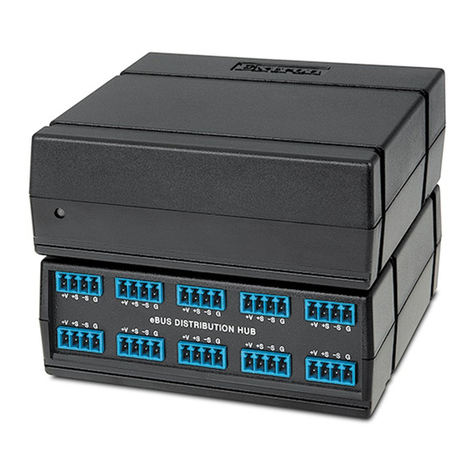
The Extron EBDB Mini is an eBUS®power and signal distribution hub for use with eBUS-enabled IP Link®Pro control processors.
It includes four eBUS ports, connected in parallel, which allows each port to act as an input or an output for communication
between IPCPPro control processors and other eBUS devices. A front panel LED indicates when power is present on one or
more of the ports.
The EBDB does not need to be set up. Other components of an eBUS-enabled system (an IPCPPro control processor and eBUS
peripheral products such as EBPs [eBUS button panels]) must be configured using Extron Global Configurator (GC) software (in
GCProfessional or GCPlus mode), which is available at www.extron.com.
Features
+V G
-S
+S
Extron
EBDB MINI
+V G
-S
+S+V G
-S
+S+V G
-S
+S
eBUS DISTRIBUTION HUB
Power
LED
eBUS
Distribution
Port
eBUS
Distr
ibution
Ports
Figure 1. EBDB Mini Rear and Front Panel Features
Cabling: eBUS Connections
Attach cables using the following diagrams as a guide. Extron STP20-2/1000 or STP20-2P/1000 cable is recommended for eBUS
connections.
ATTENTION: Installation and service must be performed by authorized personnel only.
+V G
-S
+S+V G
-S
+S+V G
-S
+S
eBUS DISTRIBUTION HUB
+V G
-S
+S
Extron EBDB MINI
eBUS port on an
EBP or other
eBUS endpoint
device
+
V+
SG
–
S
+
V+
SG
–
S
eBUS port on an
IPCP Pro Control
Processor or an
eBUS endpoint
device
Tie drain wires to ground.
G
-
S
+S
+V
G
-
S
+S
+V
+Signal
-
Signal
+12 VDC
G
-
S+S
+V
Ground
G
-
S+S
+V
3/16" (5 mm) Max.
eBUS Connections
• Connect up to three (3) eBUS endpoint devices
and one IPCP Pro control processor or four (4)
eBUS endpoint devices.
• Wire the connectors the same at both ends for
every eBUS device.
• Power is provided by the IPCP Pro or an
additional power supply.
Power LED Indications
LED unlit — No power is present.
LED lit — Power is present.
Rear Panel
Front Panel
Figure 2. Basic eBUS Wiring and Indications
2
EBDB Mini • Setup Guide (Continued)
Extron Headquarters
+1.800.633.9876 (Inside USA/Canada Only)
Extron USA - West Extron USA - East
+1.714.491.1500 +1.919.850.1000
+1.714.491.1517 FAX +1.919.850.1001 FAX
Extron Europe
+800.3987.6673
(Inside Europe Only)
+31.33.453.4040
+31.33.453.4050 FAX
Extron Asia
+65.6383.4400
+65.6383.4664 FAX
Extron Japan
+81.3.3511.7655
+81.3.3511.7656 FAX
Extron China
+86.21.3760.1568
+86.21.3760.1566 FAX
Extron Middle East
+971.4.299.1800
+971.4.299.1880 FAX
Extron Australia
+61.8.8351.2188
+61.8.8351.2511 FAX
Extron India
1800.3070.3777
(Inside India Only)
+91.80.3055.3777
+91.80.3055.3737 FAX
© 2016 Extron Electronics All rights reserved. All trademarks mentioned are the property of their respective owners. www.extron.com
+V G
-S
+S+V G
-S
+S+V G
-S
+S
eBUS DISTRIBUTION HUB
PWR OUT = 6W
VCG
VOL
POWER
12V
1.0A MAX
G
Tx Rx
RTSCTS
COM 1
3
12 4G
DIGITAL I/O
G
Tx Rx
COM 2
-S+V +S G
eBUS
C12
RELAYS
SG
IR/S
LAN
IPCP PRO 250
MAC: 00-05-A6-XX-XX-XX
S/N: ####### E######
IPCP Pro
eBUS port on an
EBP or other
eBUS endpoint
device
+
V+
S G
–
S
G
-
S+S
+V
Tie drain wires to ground.
G
-
S+S
G
-
S+S
Tie drain wires to ground.
G
-
S
+S
+V
+Signal
-
Signal
+12 VDC
Ground
G
-
S+S
+V
G
-
S+S
+V
Powered
eBUS
device(s)
eBUS Connections
• Connect up to four (4) eBUS devices to the
EBDB Mini eBUS Distribution Hub.
• Wire the connectors the same at both ends.
EBDB Mini Rear Panel
ATTENTION: Do NOT
connect the power pin
to any device that is
already powered by the
IPCP Pro control
processor or by an
additional power supply.
3/16" (5 mm) Max.
Figure 3. eBUS Wiring for a System with Two Power Sources
Installation
1. Mount the EBDB Mini as desired and mount the IPCPPro to a rack or furniture (see the IPCPPro User Guide at
www.extron.com).
2. Connect the EBDB Mini and any eBUS endpoint devices to each other in a daisy-chain or a star arrangement (see the eBUS
Technology Reference Guide for information about daisy chain and star topologies). Wire both ends of each cable the same

(pin 1 to pin 1, pin 2 to pin 2, and so forth).
3. Connect the IPCPPro to the EBDB Mini, making sure that both ends of the cable are wired the same.
NOTE: See the attention information in figure 3 so you do not connect the power pins (labeled V+) on the EBDBMini to

two powered devices. Power should be supplied to the EBDB Mini by only one source.
4. Connect power to the devices, connect the IPCPPro to a network, and set up the IPCPPro and its connected eBUS
endpoint devices.
Additional Instructions, Information, and Assistance
•Instructions on configuration are available in the user and setup guides for the IPCPPro control processor and in the Global

Configurator Help file. The Global Configurator Help file includes an introduction to the software and how to start a GC

project, as well as instructions on configuration.
•See the eBUS Technology Reference Guide for details about eBUS addresses, topologies, and firmware updates.
•Software, help files, and guides are all available at www.extron.com.
•If you have questions during installation and setup, call the ExtronS3 Sales & Technical Support Hotline or the Extron S3


Control Systems Support Hotline (1.800.633.9877).
Mounting
You can set an EBDB Mini on a tabletop or attach it to an equipment rack or furniture by using adhesive-backed hook-and-loop

tape.
68-3049-50
Rev. A
10 16 Contact Information