5
Shooting Guidelines
When using this camera, move your head SLOWLY. Twice as slow as
normal. You’ll be amazed how fast it looks in the camera - act like you’re
the Terminator –remember, if you move your eyes, the camera is not
moving. So keep your eyes stationery and move your head like an Owl. If
you’re walking, glide while you walk because it will look much jerkier in the
camera than you would think.
The lenses are polarized, but the camera is not. So be aware that if your
glasses are removing reflections/glare to your eyes with windows or with
water, the camera probably will still see the reflections/glare.
If you want to confirm the camera is still recording, simply pull the camera
away from your eyes about 1 inch and you will be able to see the blinking
blue LED with your right eye.
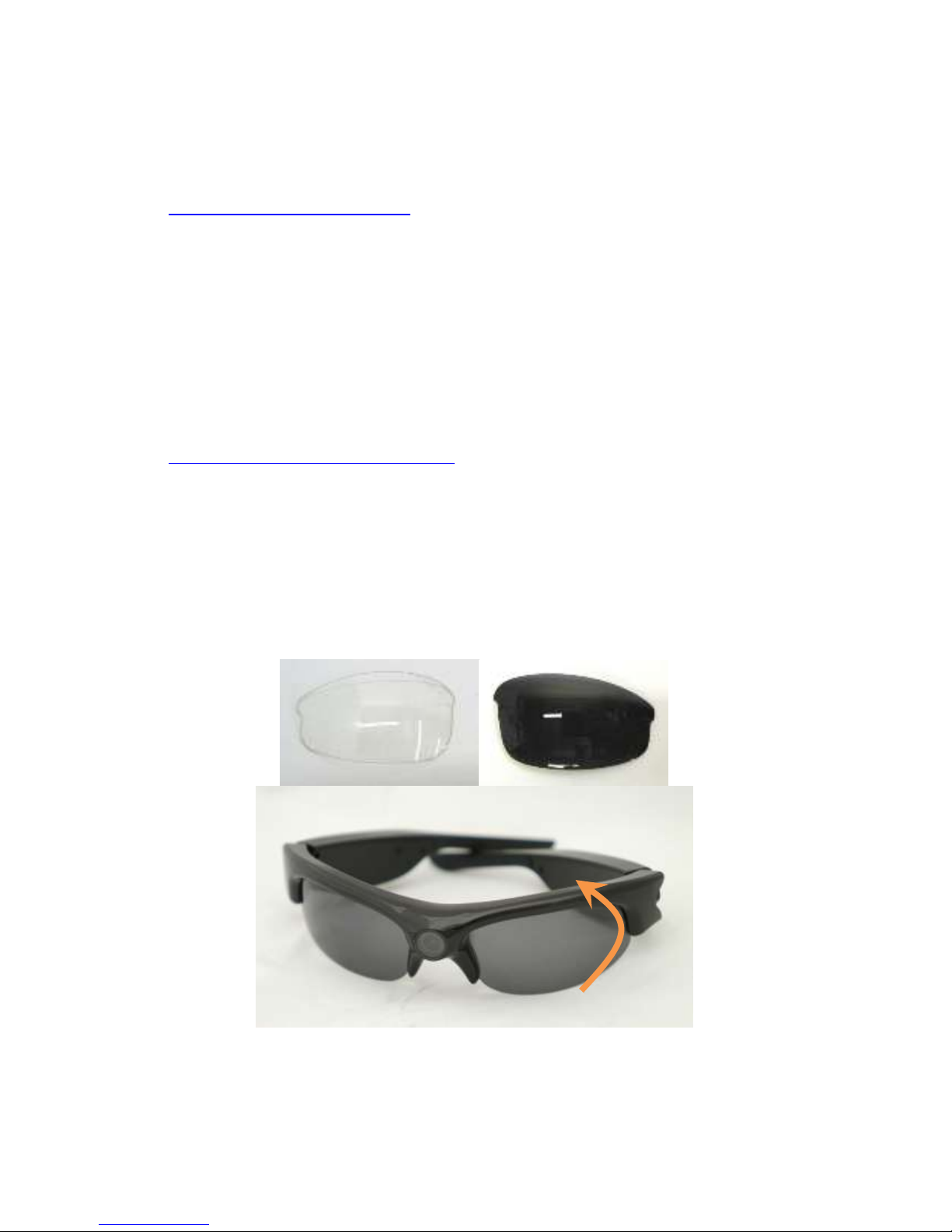
If the glasses need to be pushed back onto your nose, don’t push in the
center of the glasses. That will put a fingerprint right on the camera lens.
In editing, we suggest adding a little sharpening filter to the video if your
video editor supports this.
If you would like to take screenshots off your video, there are a couple great
free programs that will do this - and they are great HD video players too:
GOM player: www.gomlab.com VLC media player: www.videolan.org
SD Card Memory Storage
A 16GB card will give you about 5 hrs. of video.
A 32 GB card will give you about 10 hrs. of video.
A) The memory card slot can support max 32GB TF card (not included). It
can be class 4, 6 or 10.
B) When the TF card is full or the card is not in the glasses, the blue LED
light will be on for 1-2 seconds then will turn off.
C) It is recommended that you remove the TF card in when the camera is
being stored if you have files on the card.
D) Please format the Micro SD card before using with your computer.
Audio
These sunglasses can be subject to wind noise. We suggest putting the
enclosed small piece of clear tape over the small hold on the bottom side
next to the SD Card. This will not affect the audio quality, but will drastically
reduce wind noise.
These glasses do great in loud environments. But with very low ambient
environments you may hear slight occasional static. This is normal for these
glasses. Also, smart phones can cause interference. It will be heard as a
burst of static (chirping) every few seconds. Only option is to move the
phone away or turn it off. When in a quite environment for more than 10
seconds, the audio auto gain will go up increasing the background hiss.