Table of Content
Safety/Sicherheit/ Sécurité 5
Safety Precaution . . . . . . . . . . . . . . . . . . . . . . . . . . . . . . . . . .5
Sicherheitsvorkehrungen . . . . . . . . . . . . . . . . . . . . . . . . . 11
Précautions de sécurité . . . . . . . . . . . . . . . . . . . . . . . . . . . 17
About our Product 22
Product description . . . . . . . . . . . . . . . . . . . . . . . . . . . . . . 22
High-Resolution wide-screen panel � � � � � � � � � � � � � � � � � � � 22
3200 Kelvin version for TV studios� � � � � � � � � � � � � � � � � � � � � 22
Features � � � � � � � � � � � � � � � � � � � � � � � � � � � � � � � � � � � � � � � � � � � � 22
Packaging 23
Box content . . . . . . . . . . . . . . . . . . . . . . . . . . . . . . . . . . . . . 23
Way of packaging . . . . . . . . . . . . . . . . . . . . . . . . . . . . . . . . 23
Installation possibilities for EYE-LCD-M series 24
Optional wall mounting kit. . . . . . . . . . . . . . . . . . . . . . . . 24
Optional front service mechanism . . . . . . . . . . . . . . . . . 24
Optional stacking frame . . . . . . . . . . . . . . . . . . . . . . . . . . 25
Optional display rack . . . . . . . . . . . . . . . . . . . . . . . . . . . . . 25
Installation/Assembly 26
Video wall assembly . . . . . . . . . . . . . . . . . . . . . . . . . . . . . . 26
Equipment for mounting and moving � � � � � � � � � � � � � � � � 26
Stacking frame for video walls� � � � � � � � � � � � � � � � � � � � � � � � 26
Landscape/Portrait installation . . . . . . . . . . . . . . . . . . . . 27
Linking the displays . . . . . . . . . . . . . . . . . . . . . . . . . . . . . . 28
Dimensions of different video wall configurations . . 29
Video wall with 46” displays � � � � � � � � � � � � � � � � � � � � � � � � � � 29
Video wall with 55” displays � � � � � � � � � � � � � � � � � � � � � � � � � � 30
Connectors & Control 31
Power cord connection . . . . . . . . . . . . . . . . . . . . . . . . . . . 31
Input source connections . . . . . . . . . . . . . . . . . . . . . . . . . 31
Controlling the Display 32
The Remote Control . . . . . . . . . . . . . . . . . . . . . . . . . . . . . . 32
Opening the On-Screen-Display (OSD) � � � � � � � � � � � � � � � � 32
Navigating in the OSD-Menu � � � � � � � � � � � � � � � � � � � � � � � � � 32
Selecting a display� � � � � � � � � � � � � � � � � � � � � � � � � � � � � � � � � � � 32
Special keys and key sequences � � � � � � � � � � � � � � � � � � � � � � � 32
Changing the Remote Control batteries . . . . . . . . . . . . 33
The OSD Menu 34
Main Menu . . . . . . . . . . . . . . . . . . . . . . . . . . . . . . . . . . . . . . 34
Input. . . . . . . . . . . . . . . . . . . . . . . . . . . . . . . . . . . . . . . . . . . . 35
Picture Setup . . . . . . . . . . . . . . . . . . . . . . . . . . . . . . . . . . . . 36
Scaling . . . . . . . . . . . . . . . . . . . . . . . . . . . . . . . . . . . . . . . . . . 37
Matrix. . . . . . . . . . . . . . . . . . . . . . . . . . . . . . . . . . . . . . . . . . . 38
Analogue RGB Settings . . . . . . . . . . . . . . . . . . . . . . . . . . . 39
Network Configuration . . . . . . . . . . . . . . . . . . . . . . . . . . . 40
Tools . . . . . . . . . . . . . . . . . . . . . . . . . . . . . . . . . . . . . . . . . . . . 41
Status . . . . . . . . . . . . . . . . . . . . . . . . . . . . . . . . . . . . . . . . . . . 42
Info . . . . . . . . . . . . . . . . . . . . . . . . . . . . . . . . . . . . . . . . . . . . . 43
Power Scheduler . . . . . . . . . . . . . . . . . . . . . . . . . . . . . . . . . 44
Configuration 45
General information . . . . . . . . . . . . . . . . . . . . . . . . . . . . . . 45
Program installation and start � � � � � � � � � � � � � � � � � � � � � � � 45
Intelligent user interface � � � � � � � � � � � � � � � � � � � � � � � � � � � � � 45
TheeyeDevice SetupSoftware 46
Starting the eyeDevice Setup software . . . . . . . . . . . . . 46
The Load/Save area. . . . . . . . . . . . . . . . . . . . . . . . . . . . . . . 47
The selection area . . . . . . . . . . . . . . . . . . . . . . . . . . . . . . . . 47
The Parameter area. . . . . . . . . . . . . . . . . . . . . . . . . . . . . . . 48
Establishing Communication via eyeDevice Setup . . . 49
Establishing communication � � � � � � � � � � � � � � � � � � � � � � � � � 49
Entering the wall size � � � � � � � � � � � � � � � � � � � � � � � � � � � � � � � � 50
Reading the configurations � � � � � � � � � � � � � � � � � � � � � � � � � � 50
Saving the configuration� � � � � � � � � � � � � � � � � � � � � � � � � � � � � 50
Load the configuration � � � � � � � � � � � � � � � � � � � � � � � � � � � � � � 50
Settings of the parameter area . . . . . . . . . . . . . . . . . . . . 51
User � � � � � � � � � � � � � � � � � � � � � � � � � � � � � � � � � � � � � � � � � � � � � � � � 51
Setup � � � � � � � � � � � � � � � � � � � � � � � � � � � � � � � � � � � � � � � � � � � � � � � 52
Service� � � � � � � � � � � � � � � � � � � � � � � � � � � � � � � � � � � � � � � � � � � � � � 53
Status � � � � � � � � � � � � � � � � � � � � � � � � � � � � � � � � � � � � � � � � � � � � � � 54
Gamma� � � � � � � � � � � � � � � � � � � � � � � � � � � � � � � � � � � � � � � � � � � � � 54
Preference � � � � � � � � � � � � � � � � � � � � � � � � � � � � � � � � � � � � � � � � � � 55
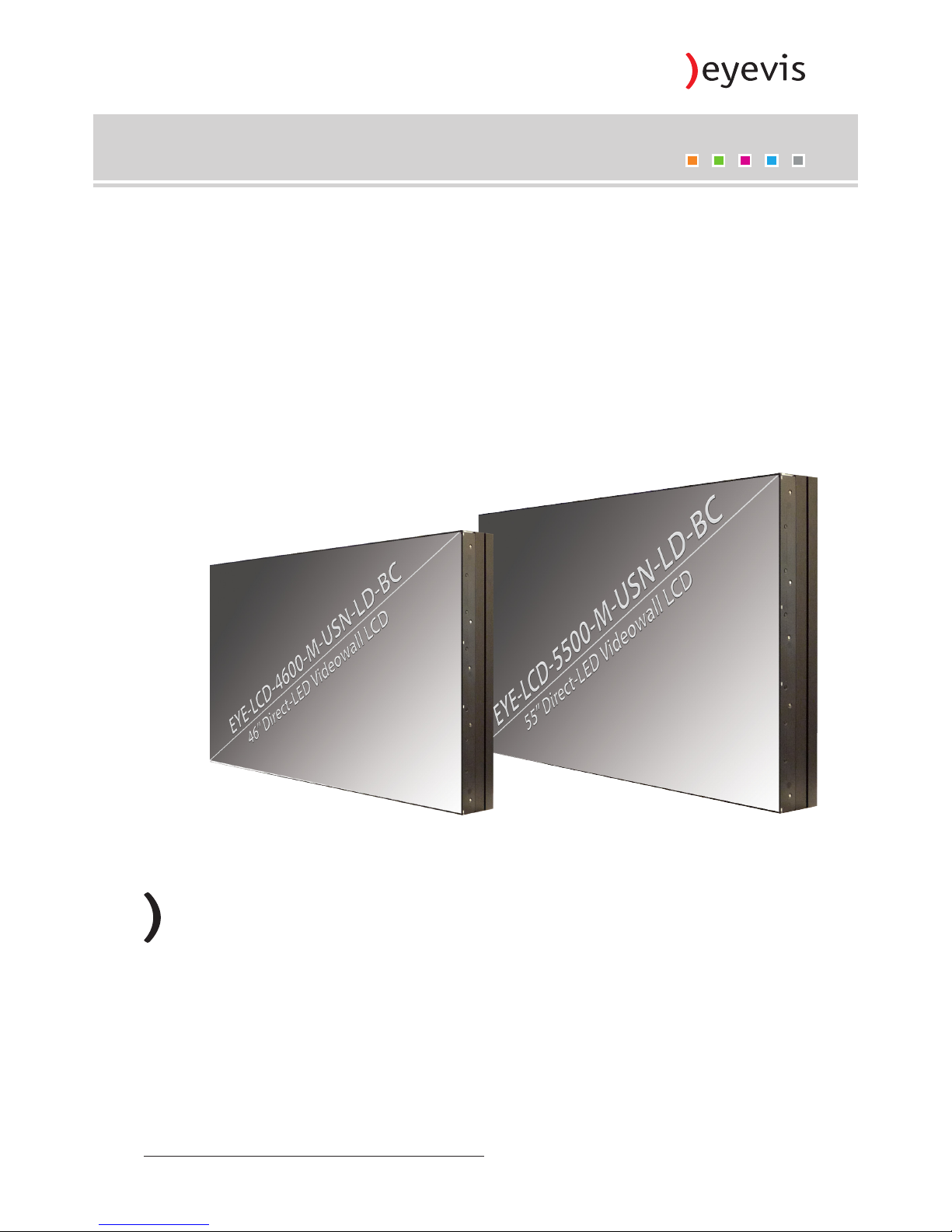
EYE-LCD-4600/5500-M-USN-LD-BC 1
Version 1.0 | Oktober 2014