EnglishDeutsch
 logo
Brands
  1. Home
  2. •
  3. Brands
  4. •
  5. EzwatchPro
  6. •
  7. Color Camera
  8. •
  9. EzwatchPro 480ZOOM SKU# 480ZOOM User manual

EzwatchPro 480ZOOM SKU# 480ZOOM User manual

Popular Color Camera manuals by other brands

FastVision FastCamera13 user manual

FastVision

FastVision FastCamera13 user manual

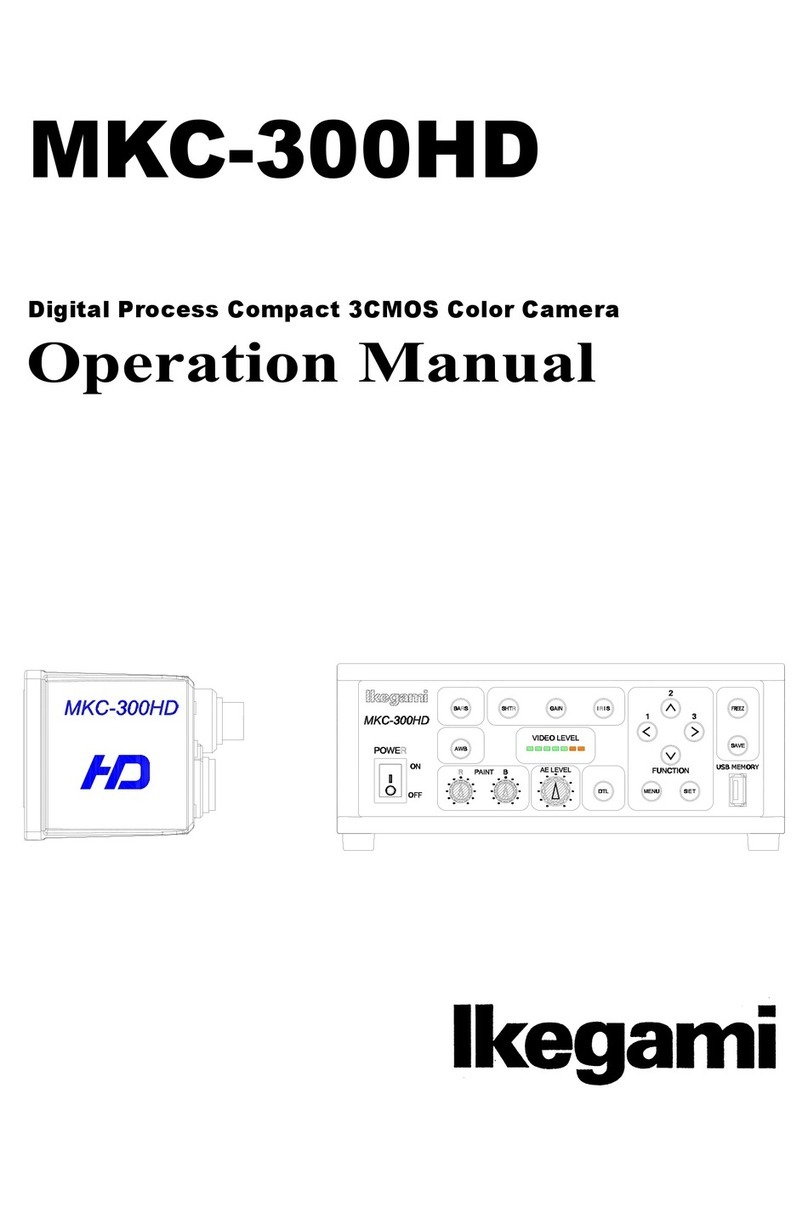
Ikegami MKC-300HD Operation manual

Ikegami

Ikegami MKC-300HD Operation manual

Sony XC-999 operating instructions

Sony

Sony XC-999 operating instructions

JAI SP-5000M-CXP2 user manual

JAI

JAI SP-5000M-CXP2 user manual

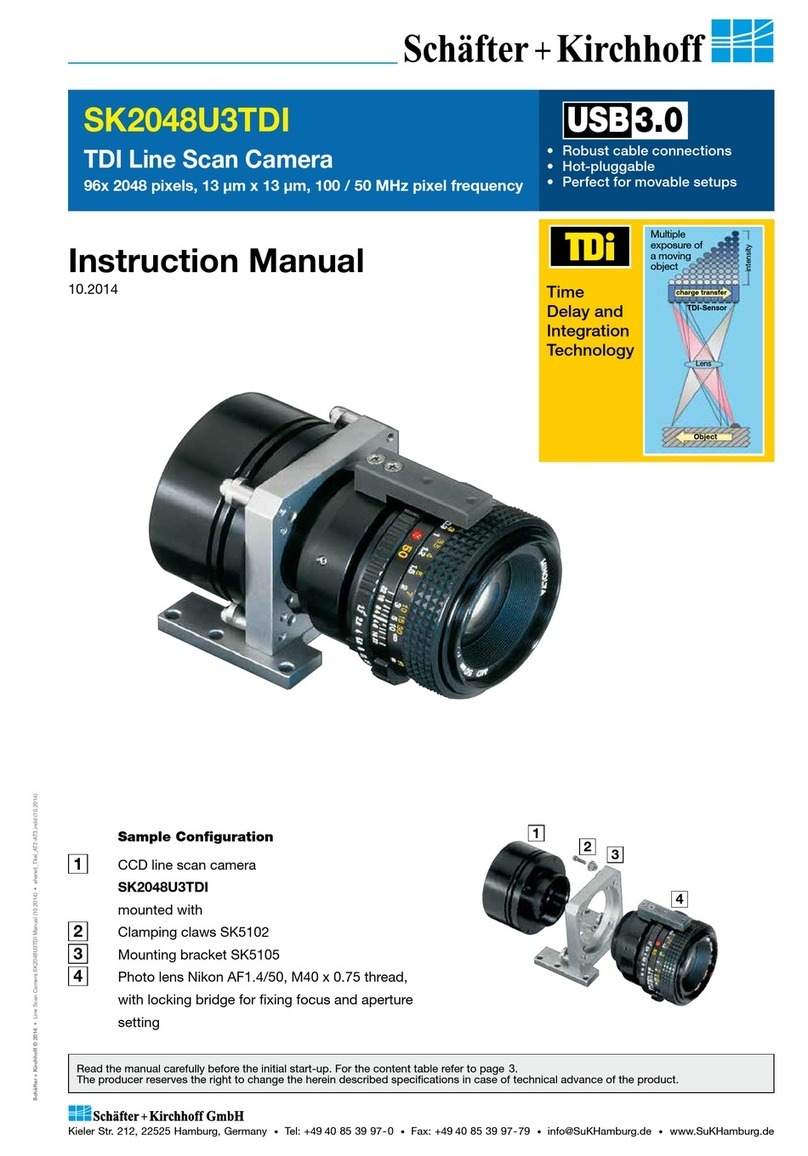
Schäfter+Kirchhoff SK2048U3TDI instruction manual

Schäfter+Kirchhoff

Schäfter+Kirchhoff SK2048U3TDI instruction manual

IAI LQ-201CL user manual

IAI

IAI LQ-201CL user manual

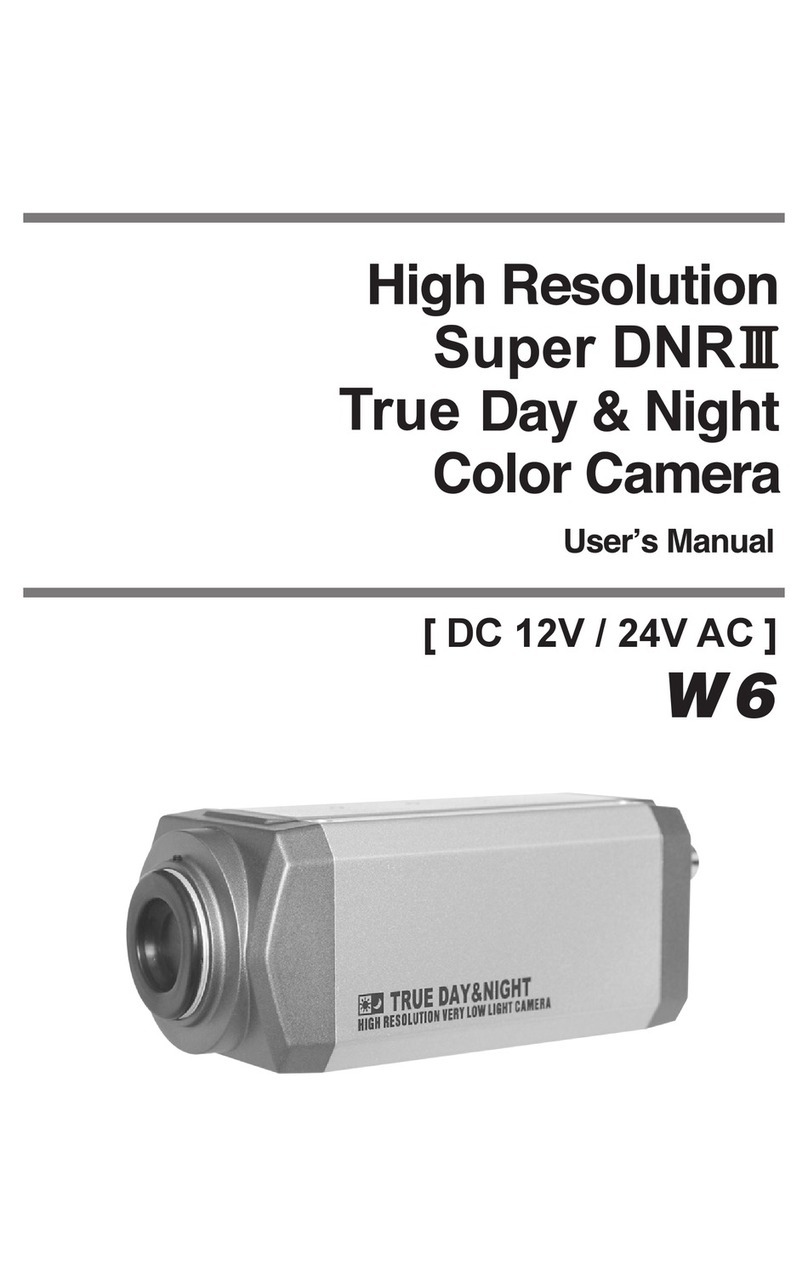
Dynamic CCTV DTV-VLLPRO-W6 user manual

Dynamic CCTV

Dynamic CCTV DTV-VLLPRO-W6 user manual

XENO XC700CM(DN) installation instructions

XENO

XENO XC700CM(DN) installation instructions

Ikegami ITC-270M Operating instructions manual

Ikegami

Ikegami ITC-270M Operating instructions manual

JAI CV-M77 Operation manual

JAI

JAI CV-M77 Operation manual

JAI Elite EL-2800M-GE2 user manual

JAI

JAI Elite EL-2800M-GE2 user manual

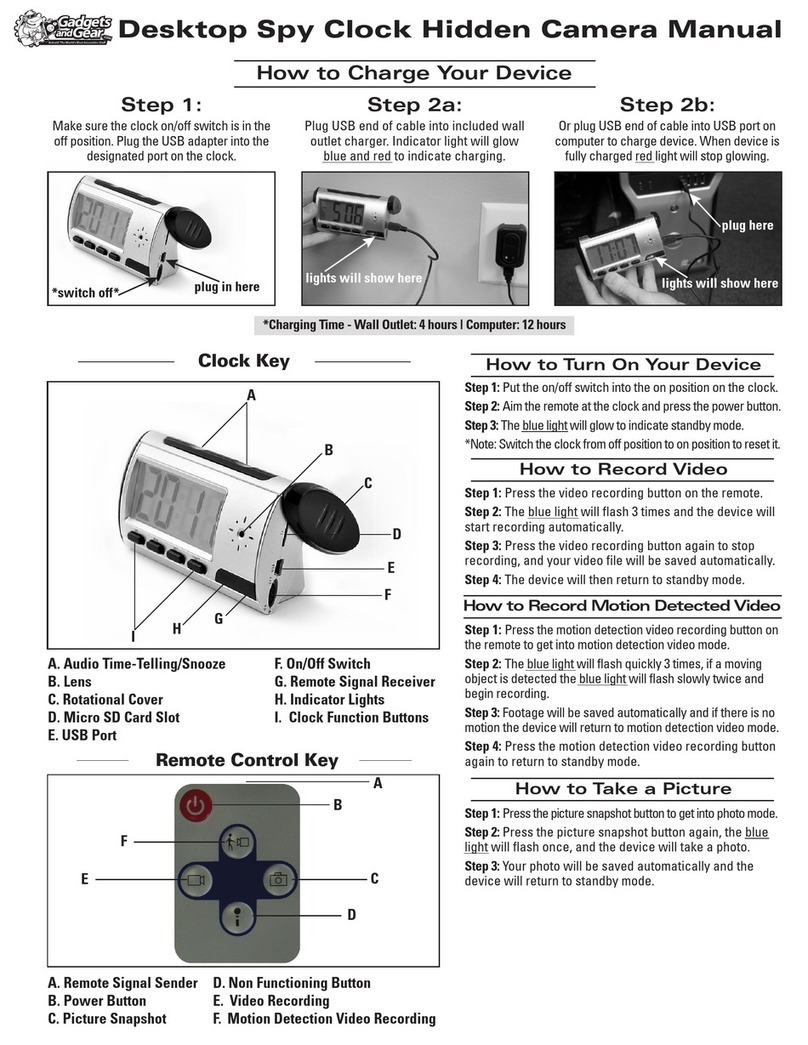
Gadgets and Gear Desktop Spy Clock Hidden Camera Manual guide

Gadgets and Gear

Gadgets and Gear Desktop Spy Clock Hidden Camera Manual guide

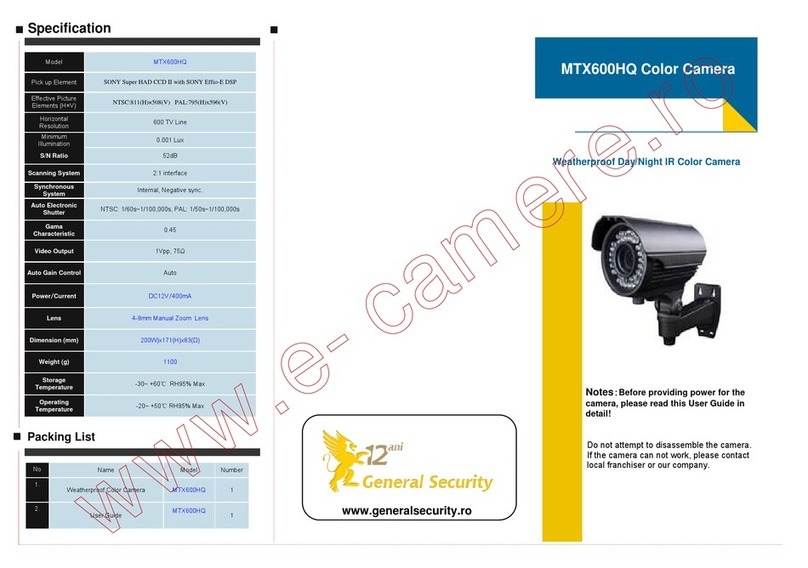
General Security MTX600HQ quick guide

General Security

General Security MTX600HQ quick guide

WofVision EYE-12 instructions

WofVision

WofVision EYE-12 instructions

Leopard LI-1080PTZOV user guide

Leopard

Leopard LI-1080PTZOV user guide

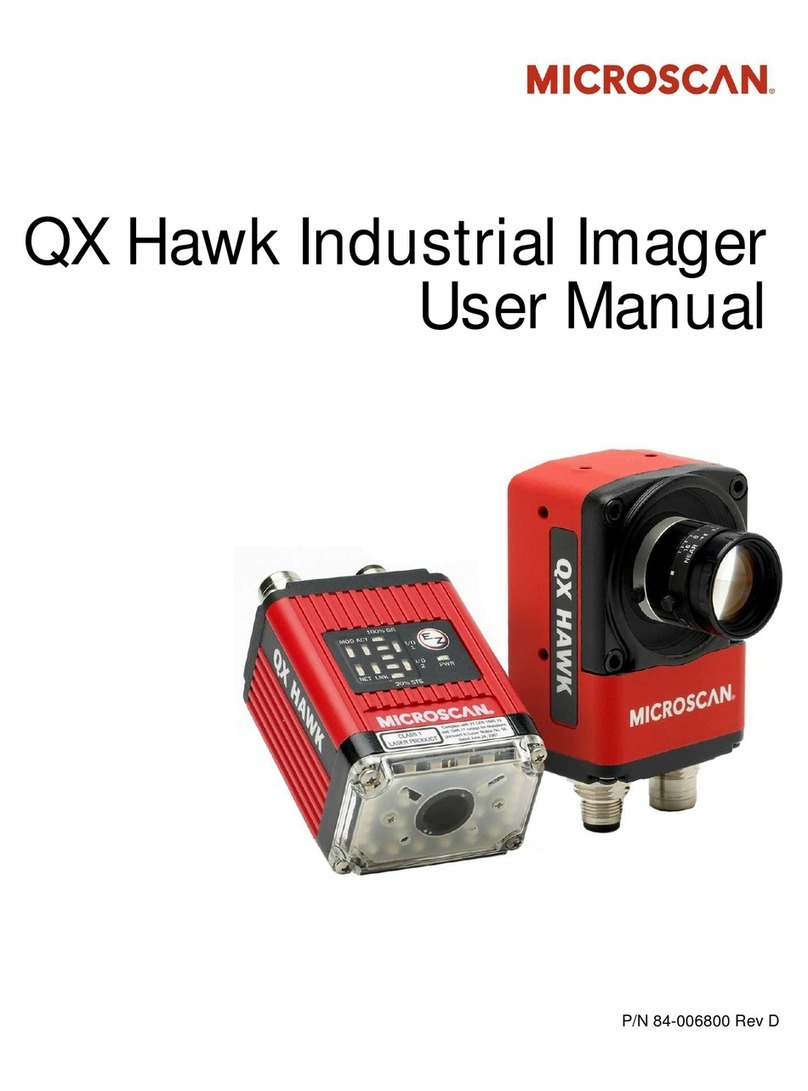
Microscan QX Hawk user manual

Microscan

Microscan QX Hawk user manual

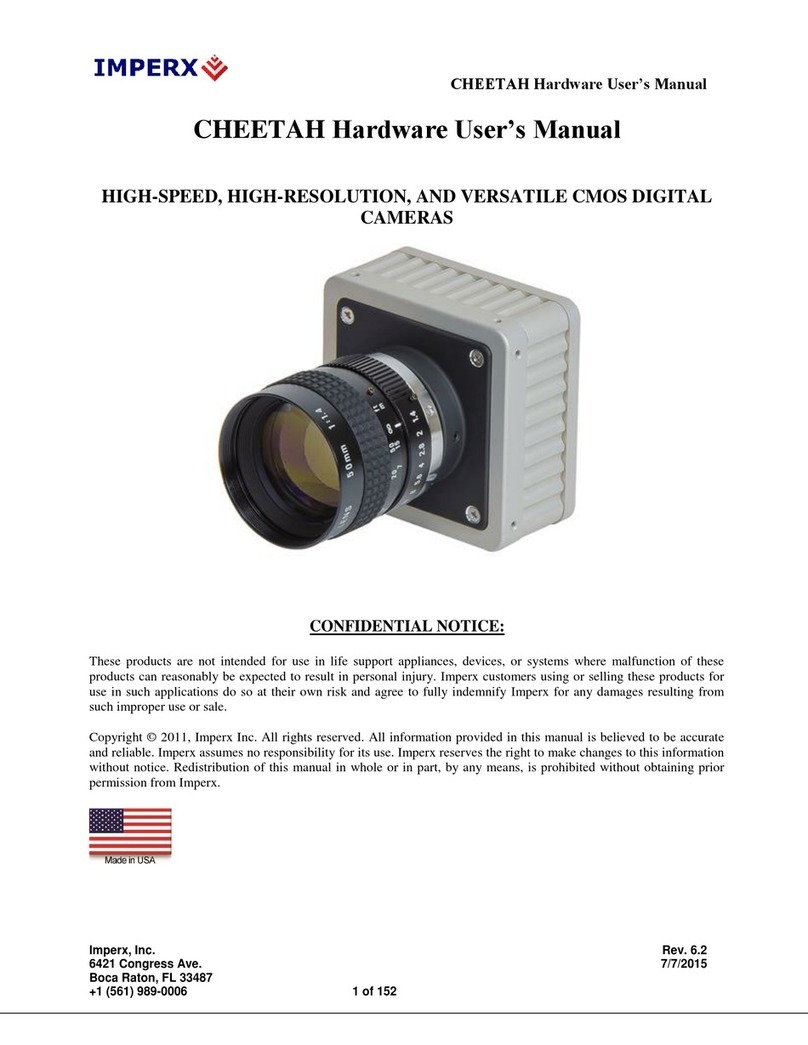
Imperx CHEETAH C4080M Hardware user manual

Imperx

Imperx CHEETAH C4080M Hardware user manual

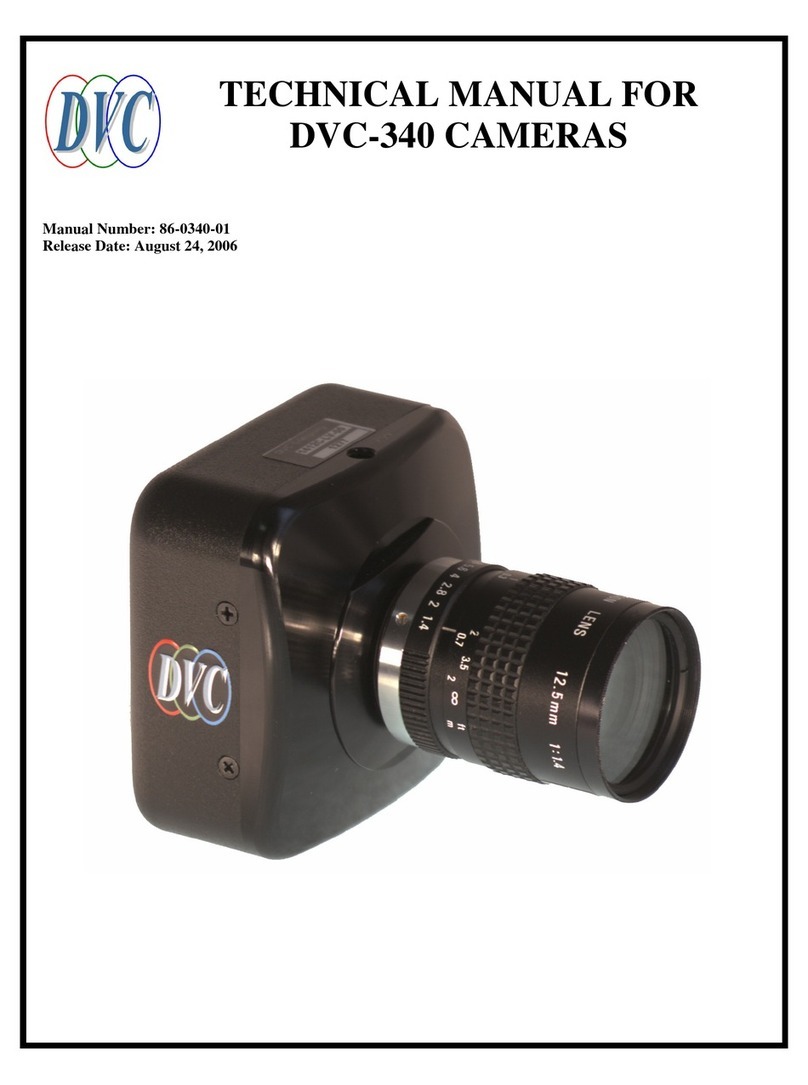
DVC DVC-340 Technical manual

DVC

DVC DVC-340 Technical manual

https://manuals.online logo
https://manuals.online logoBrands
  • About & Mission
  • Contact us
  • Privacy Policy
  • Terms and Conditions

Copyright 2026 Manuals.Online. All Rights Reserved.

AI: Auto Iris
AI: Auto Iris
BLC: Back Light Compensation
DIGITAL VIDEO CAMERA
ATW: Auto Trace White
ser's Manual
MWB: Manual White Balance
AWB: Auto White Balance
SK # 480ZOOM
SL: Slow-Shutter
SK # 480ZOOM
SL: Slow-Shutter
Indoor High Resolution Color Camera
AES: Auto Electronic Shutter
AGC: Auto Gain Control
MIR: Mirror
Y/C: Luminance(Y) & Chrominance
• Suggested mounting height 8'-12'
• Do not mount camera directly to a metal surface
• Do not point camera directly into light sources
WARNING
WARNING
Attention:
To reduce the danger of electric shock please do not open the case (or back
cover) of camera; everything needed for user operation is on the surface of
the camera; please seek help from a qualified professional for repair.
Image Sensor 1/3" SONY High Resolution CCD
Effective Pixels PAL:795(H)x596(V) NTSC:811(H)x508(V)
Sensor area 4.9mmx3.7mm
Signal system PAL/NTSC
Horizontal resolution 480TVL
Minimum illumination 0.1Lux
Attention items:
• Do not touch CCD or lens
• Do not use any unidentified power supply
• Avoid installation in unstable places
the camera; please seek help from a qualified professional for repair.
Minimum illumination 0.1Lux
Electronic shutter Auto:1/2(3/5)-1/120 000Sec
S/N ratio >55dB
Gamma 0.45
Lens 3.6-8mm Manual Zoom
Video output 1.0Vp-p 75
Ω
Power supply DV 12V±10%
• Avoid installation in unstable places
Temperature: -20⁰C/+50⁰C
Power supply DV 12V±10%
Power consumption less than 3.0W
• Do not use camera in the following conditions
Making a BNC Connection
Connecting a Pre-made Cable
Step 1: Strip away all of the cable and shielding so
you have 1/2" of the center conductor exposed as
shown in the picture.
Connect this end to the
camera.
Step 2: Then strip away the black outer jacket so
you have 1/4" of the shielding exposed. Do not
allow any of the copper shielding to touch the
center conductor.
The cables are labeled with a yellow wrap detailing the camera end
and the DVR end. It is very important that you identify these ends
before installing the cable so that you have the correct ends at the
correct location.
Step 3: Insert the cable into the fitting and gently
find the hole for the center conductor before you
press the fitting onto the wire. Now just twist the
fitting onto the wire while firmly pressing down
until the fitting is firmly on the cable.
Installing a power wire pigtail
Contact
Step 1: At the camera location take the power
cable and strip away the outer sheathing to
expose the inner two wires (black & red). Then
strip away about 1/4" of the wires jacket to
EZWATCHPRO
www.ezwatch-security-cameras.com
strip away about 1/4" of the wires jacket to
expose the copper wire. Do the same to the
power wire pigtail which connects to the camera
power connection as shown. Note: Do not strip or
cut the power lead coming directly from the
camera. You should strip the "pigtail" power
cable which came with your kit. You should have
www.ezwatch-security-cameras.com
Phone/Fax
Technical Support/Sales
Toll Free 1-866-241-3400
International 001-801-4783980
Fax 1-801-295-2191
cable which came with your kit. You should have
one "pigtail" for each camera.
Step 2: Now take the red power cable lead and
twist it together with the black & white lead from
the power pigtail. Now take the black lead from
the power cable and twist it together with the all
Fax 1-801-295-2191
Mail
Main Office/Mailing Address
Automated Video Systems
1600 S. State Street
the power cable and twist it together with the all
black lead from the pigtail. Use the gray wire nuts
provided with your system and twist them onto
the wires until they are firmly secured.

1600 S. State Street
Salt Lake City UT 84115