manuals.online logo
Brands
  1. Home
  2. •
  3. Brands
  4. •
  5. FARONICS
  6. •
  7. Software
  8. •
  9. FARONICS POWER SAVE Operational manual

FARONICS POWER SAVE Operational manual

Other manuals for POWER SAVE

2

Other FARONICS Software manuals

FARONICS POWER SAVE - REQUIREMENTS GUIDE User manual

FARONICS

FARONICS POWER SAVE - REQUIREMENTS GUIDE User manual

FARONICS DEEP FREEZE - User manual

FARONICS

FARONICS DEEP FREEZE - User manual

FARONICS DEEP FREEZE ENTERPRISE - UPDATE PROCEDURE... Technical manual

FARONICS

FARONICS DEEP FREEZE ENTERPRISE - UPDATE PROCEDURE... Technical manual

FARONICS WINSELECT ENTERPRISE User manual

FARONICS

FARONICS WINSELECT ENTERPRISE User manual

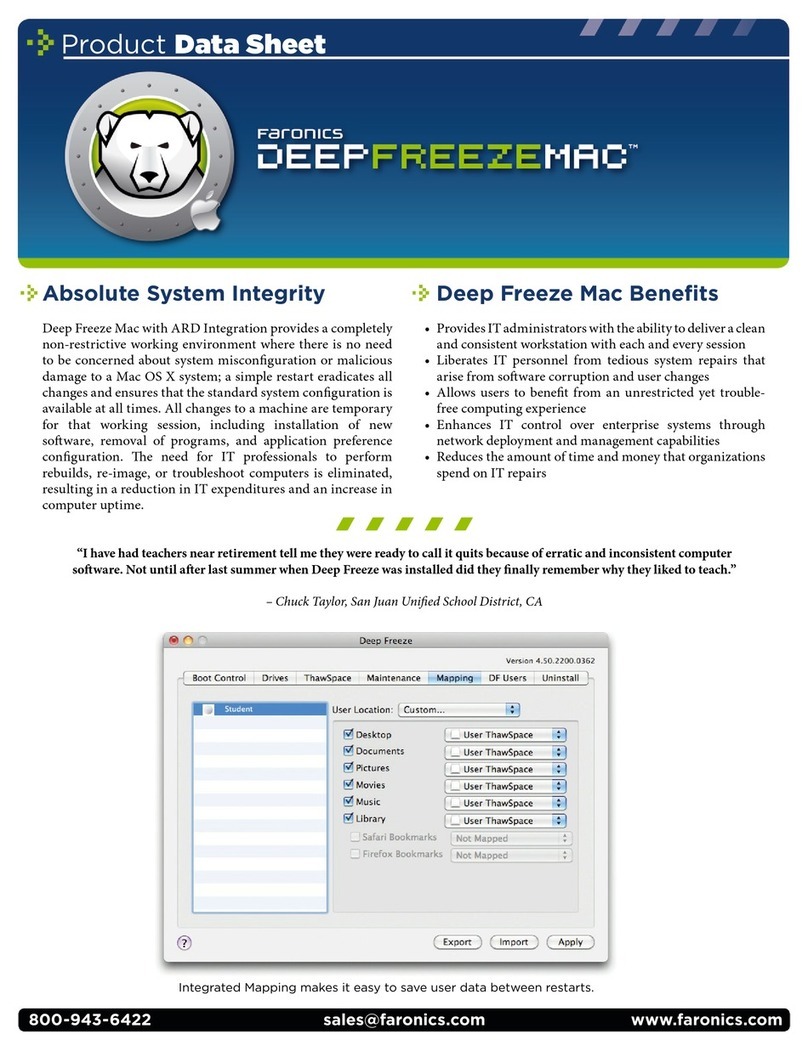
FARONICS DEEP FREEZE MAC User manual

FARONICS

FARONICS DEEP FREEZE MAC User manual

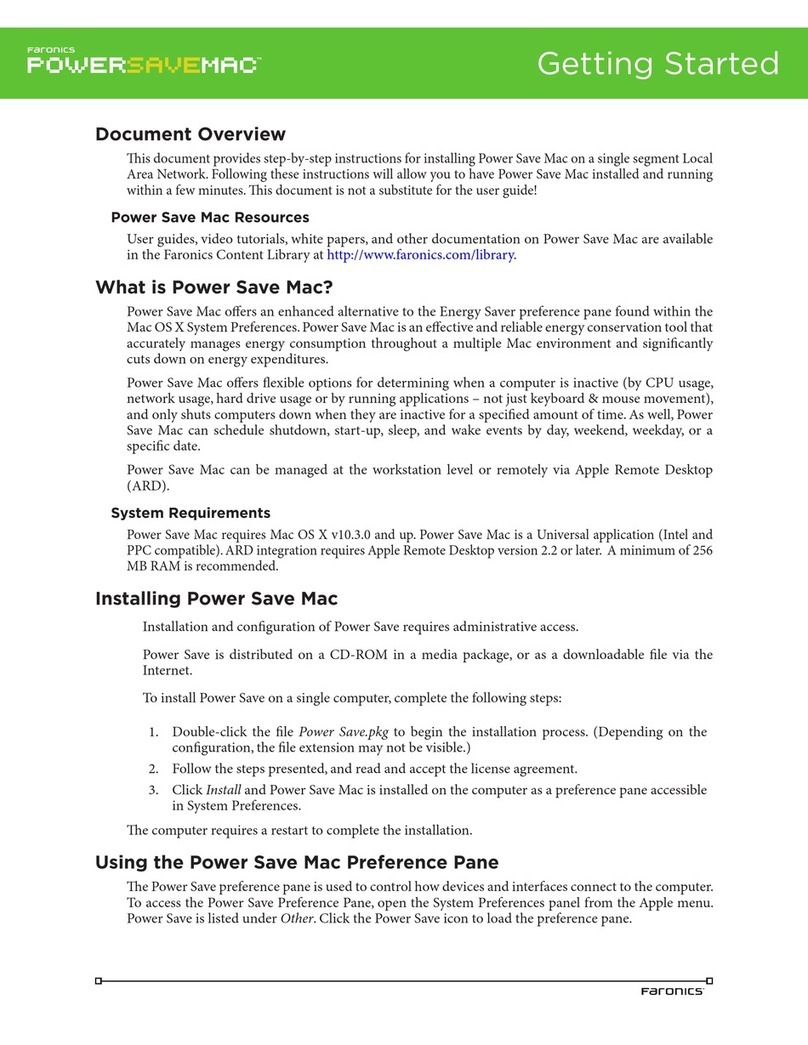
FARONICS POWER SAVE MAC Operational manual

FARONICS

FARONICS POWER SAVE MAC Operational manual

FARONICS DEEP FREEZER PROFESSIONAL 5 User manual

FARONICS

FARONICS DEEP FREEZER PROFESSIONAL 5 User manual

FARONICS WIN SELECT Operational manual

FARONICS

FARONICS WIN SELECT Operational manual

FARONICS DEEP FREEZE - Operational manual

FARONICS

FARONICS DEEP FREEZE - Operational manual

FARONICS DEEP FREEZE ENTERPRISE User manual

FARONICS

FARONICS DEEP FREEZE ENTERPRISE User manual

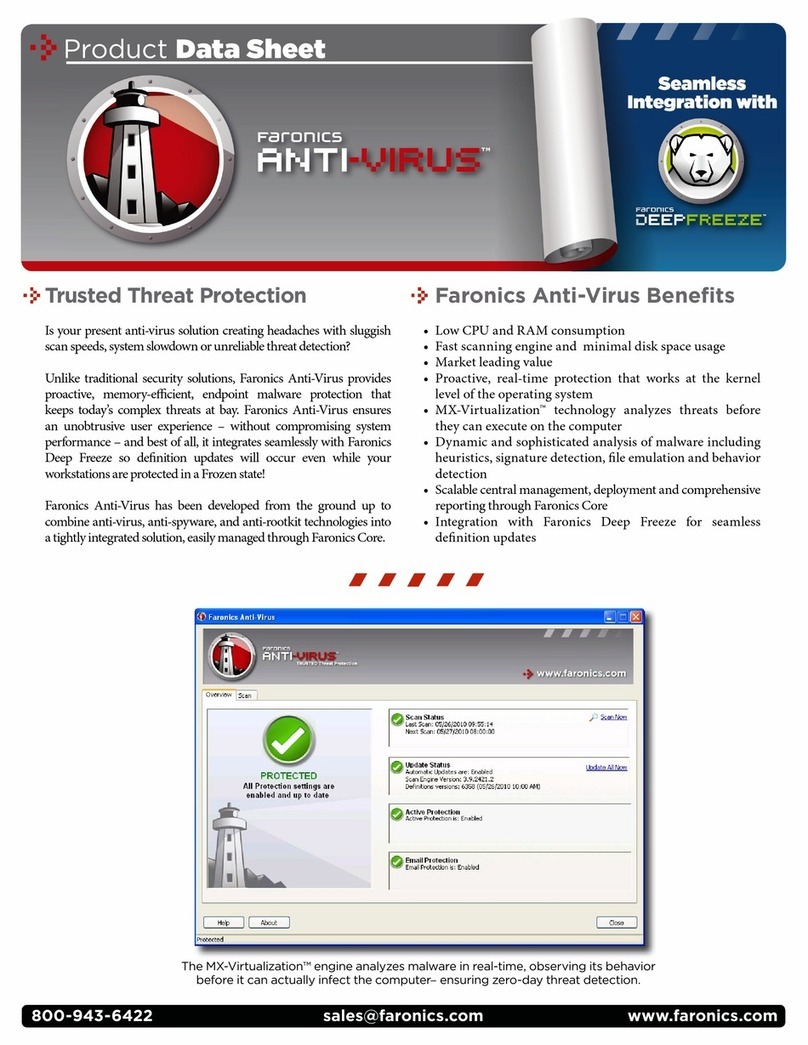
FARONICS ANTI-VIRUS User manual

FARONICS

FARONICS ANTI-VIRUS User manual

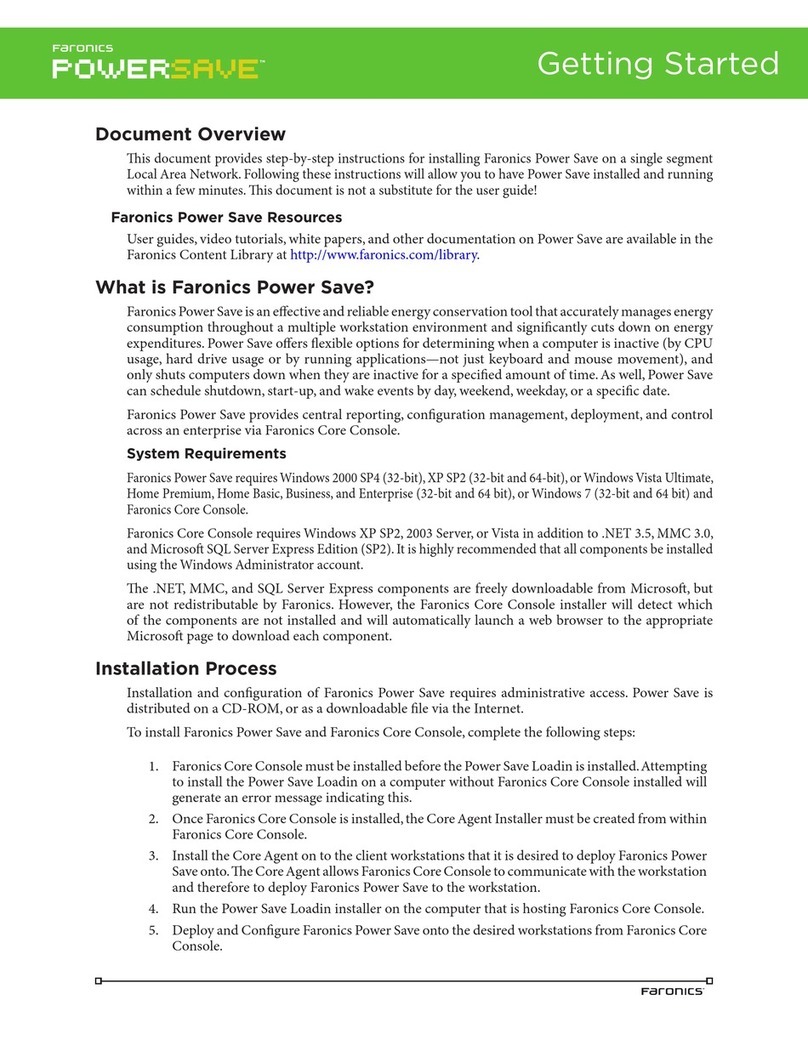
FARONICS POWER SAVE User manual

FARONICS

FARONICS POWER SAVE User manual

FARONICS WINSELECT STANDARD User manual

FARONICS

FARONICS WINSELECT STANDARD User manual

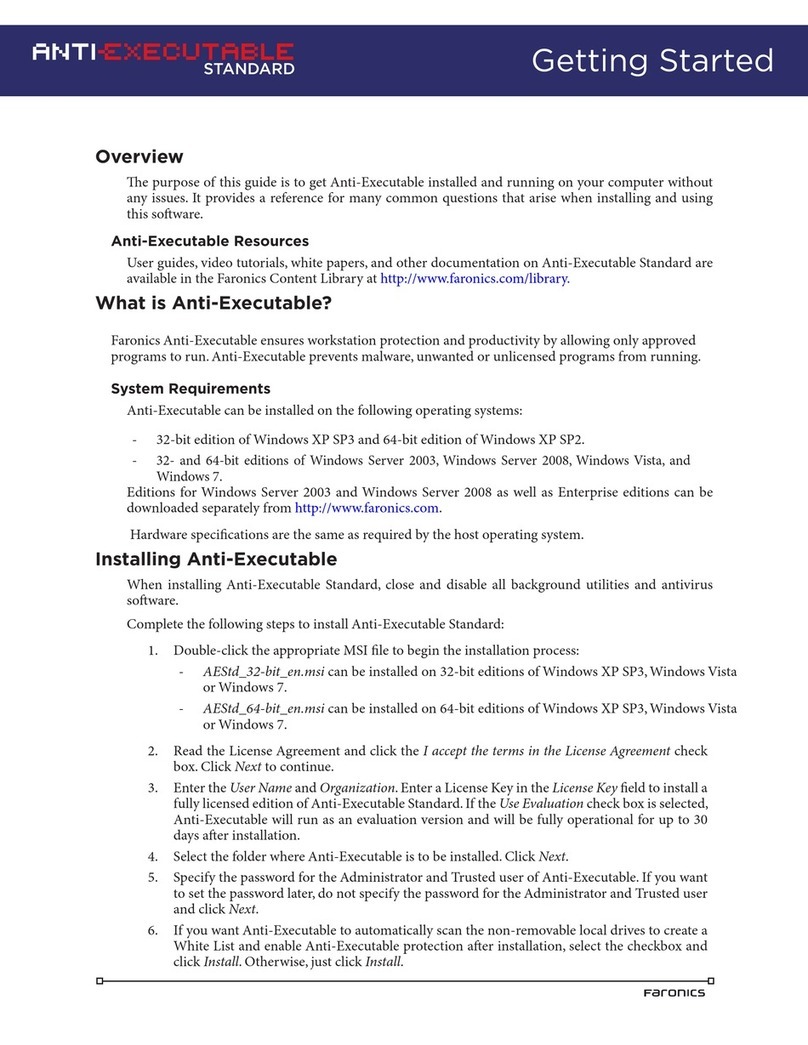
FARONICS ANTI-EXECUTABLE - PRODUCT Operational manual

FARONICS

FARONICS ANTI-EXECUTABLE - PRODUCT Operational manual

FARONICS DEEP FREEZE ENTERPRISE - PATCH MANAGEMENT... User manual

FARONICS

FARONICS DEEP FREEZE ENTERPRISE - PATCH MANAGEMENT... User manual

FARONICS DEEP FREEZE ENTERPRISE - TREND MICRO OFFICESCAN... User manual

FARONICS

FARONICS DEEP FREEZE ENTERPRISE - TREND MICRO OFFICESCAN... User manual

FARONICS DATA IGLOO User manual

FARONICS

FARONICS DATA IGLOO User manual

FARONICS DEVICE FILTER MAC User manual

FARONICS

FARONICS DEVICE FILTER MAC User manual

FARONICS POWER SAVE User manual

FARONICS

FARONICS POWER SAVE User manual

FARONICS DEEP FREEZE - User manual

FARONICS

FARONICS DEEP FREEZE - User manual

FARONICS DEEP FREEZE - INTEGRATING WITH NOVELL ZENWORKS... User manual

FARONICS

FARONICS DEEP FREEZE - INTEGRATING WITH NOVELL ZENWORKS... User manual

FARONICS DEEP FREEZE LINUX - 5-2007 User manual

FARONICS

FARONICS DEEP FREEZE LINUX - 5-2007 User manual

FARONICS DEEP FREEZE ENTERPRISE 6 User manual

FARONICS

FARONICS DEEP FREEZE ENTERPRISE 6 User manual

FARONICS DEEP FREEZE - Operational manual

FARONICS

FARONICS DEEP FREEZE - Operational manual

Popular Software manuals by other brands

Red Hat ENTERPRISE LINUX 4 -  FOR X86-ITANIUM AND... installation guide

Red Hat

Red Hat ENTERPRISE LINUX 4 - FOR X86-ITANIUM AND... installation guide

Avaya OAISYS NetSuite 4.2 Application notes

Avaya

Avaya OAISYS NetSuite 4.2 Application notes

Asante SmartBridge V1.0 user manual

Asante

Asante SmartBridge V1.0 user manual

Xerox Wide Format 6204 installation guide

Xerox

Xerox Wide Format 6204 installation guide

SAS Scalable Performance Data Server 4.5 Administrator's guide

SAS

SAS Scalable Performance Data Server 4.5 Administrator's guide

Lucid FM2A85X Extreme6 installation guide

Lucid

Lucid FM2A85X Extreme6 installation guide

Juniper JUNOS PUS MOBILE SECURITY SUITE datasheet

Juniper

Juniper JUNOS PUS MOBILE SECURITY SUITE datasheet

GRASS VALLEY NETCONFIG V2.0.12 instruction manual

GRASS VALLEY

GRASS VALLEY NETCONFIG V2.0.12 instruction manual

Epson Stylus Pro 9880 ColorBurst Edition - Stylus Pro 9880... Getting started

Epson

Epson Stylus Pro 9880 ColorBurst Edition - Stylus Pro 9880... Getting started

COMPRO COMPROFM manual

COMPRO

COMPRO COMPROFM manual

Muratec OFFICEBRIDGE ONLINE user guide

Muratec

Muratec OFFICEBRIDGE ONLINE user guide

Oracle Contact Center Anywhere 8.1 installation guide

Oracle

Oracle Contact Center Anywhere 8.1 installation guide

Avaya NULL One-X for RIM Blackberry user guide

Avaya

Avaya NULL One-X for RIM Blackberry user guide

HP ProLiant BL420c user guide

HP

HP ProLiant BL420c user guide

PS Audio PowerPlay Programming manual

PS Audio

PS Audio PowerPlay Programming manual

Brady LOCKOUT PRO 3.0 Administrator's guide

Brady

Brady LOCKOUT PRO 3.0 Administrator's guide

Avaya Interaction Center user guide

Avaya

Avaya Interaction Center user guide

Texas Instruments TI-83 Plus Silver Edition Guide book

Texas Instruments

Texas Instruments TI-83 Plus Silver Edition Guide book

manuals.online logo
manuals.online logoBrands
  • About & Mission
  • Contact us
  • Privacy Policy
  • Terms and Conditions

Copyright 2025 Manuals.Online. All Rights Reserved.

www.faronics.comsales@faronics.com800-943-6422
Product Data Sheet
Automated Energy Conservation
Faronics Power Save dramatically reduces an organization’s
operating costs by eliminating unnecessary computer energy
consumption. In fact,forevery 1,000 computersFaronics Power
Save is deployed on, organizations will save up to $50,000 per
year. Faronics Power Save keeps computers running when
users need them, powers them down when they are inactive,
and can prove its rapid return-on-investment through energy
savings reports. Power Save is also non-disruptive—it analyzes
CPU, disk, network, keyboard, mouse, and application status
before taking power management actions.
Power Save Benets
Computer energy management that is non-disruptive to IT•
and end-users
Provides tangible financial savings to organizations by•
reducing computer power consumption
Proves rapid return-on-investment through enterprise-wide•
tracking and reporting
Strengthens IT control over network systems while promoting•
user productivity at all times
Fosters feasible environmental responsibility that is easy to•
deploy and manage
Power Plans allow you to schedule different levels of energy management to be applied on specic days of the week
and at different times of the day. Organizations can now employ a daytime Power Policy that employs moderate energy
saving actions or an aggressive Power Policy for the weekend.
Canada/International
609 Granville Street, Suite 620
P.O. Box 10362
Vancouver, BC, V7Y 1G5
International Tel
+1-604-637-3333
[email protected]
International Fax
+1-604-637-8188
UK
Siena Court, The Broadway
Maidenhead, Berkshire,
SL6 1NJ eurosales@faronics.com
Tel
+44-162-850-9008
Fax
+44-162-850-9118
USA
2411 Old Crow Canyon Road, Suite 170
San Ramon, CA
94583
Toll Free Tel
800-943-6422
[email protected]
Toll Free Fax
800-943-6488
© 1999 - 2010 Faronics Corporation. All rights reserved. Faronics, Anti-Executable, Deep Freeze, Faronics Insight, Faronics Power Save, Faronics System Profiler and WINSelect are trademarks and/or registered trademarks of
Faronics Corporation. All other company and product names are trademarks of their respective owners.
Download a free, fully
functional evaluation copy at
www.faronics.com
For more information on joining our
Partner Program visit
www.faronics.com/partners
Download a free, fully
functional evaluation copy at
www.faronics.com
For more information on joining our
Partner Program visit
www.faronics.com/partners
Available for:
Enterprise Power Management
Override a workstation’s operating system power settings•
Match each workstation’s power use to an Energy Consumption•
profile
Multiple Power Plans and Policies allow for different levels of•
energy management on specified times and days
Distinct settings for AC power and battery power•
Enterprise Control
Faronics Core provides central workstation control•
Create workstation groups based on user-defined parameters,•
such as departments, physical locations, and user groups
Wakeup workstations via a web browser•
Workstation agent can be deployed via Faronics Core or third•
party desktop management tools.
Flexible Scheduling
Turn off monitors, & standby, hibernate or shutdown computers•
Schedule Wake-on-LAN, shutdown, or restart events•
Schedule Power Save configuration updates•
Schedule a temporary window when Power Save will not•
enforce energy management policies for maintenance tasks
Key Features
Intelligent Conguration Settings
Inactivity definitions can be based on multiple criteria•
Recognizes and accommodates to Deep Freeze maintenance•
schedules
Notify users before Power Save takes action•
Saves all open documents, spreadsheets, presentations and•
email dras, prior to powering down
Option to logoff user prior to computer powering down•
Stay awake option allows users to temporarily disable PC•
power management
Customized Inactivity Denitions
Employ energy saving actions when CPU, network or disk•
activity falls below a defined level
Prevent workstations from employing power saving actions•
when a specified application is running
Power down hard disks to reduce energy consumption•
Activity generated by programs in the non-critical applications•
list will be ignored
Savings Reports
Generate energy use and savings reports through Faronics Core•
Summary and detailed reports display power savings based•
upon your regional electricity cost
Audit mode provides a baseline measure of the consumed•
energy, making it easy to determine the value of the projected
savings generated when Power Save’s features are enabled
Reports related environmental benefits from reduced energy use•
System Requirements
e Power Save client computer requires Windows 2000 SP4, Windows XP SP2, Windows Vista and Windows 7.
Faronics Core system requirements can be found in the Faronics Core user guide. It is highly recommended that all
components be installed using a Windows Administrator account.
We’ve deployed Power Save enterprise-wide on all our workstations,
which is saving us over $50,000 per year in energy costs. at’s
$50,000 that we now have to buy new IT equipment and soware,
hire more personnel, or invest into employee training.
– Sung Lee,
Director of Computer Support,
Howard Community College