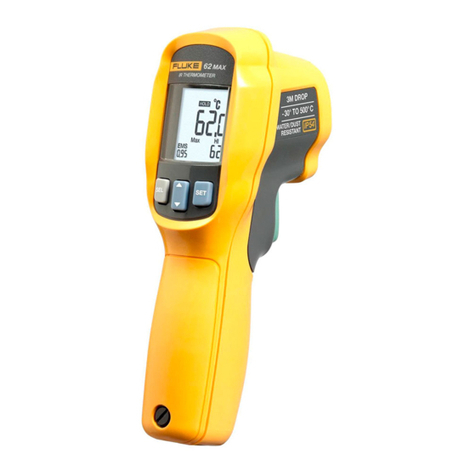
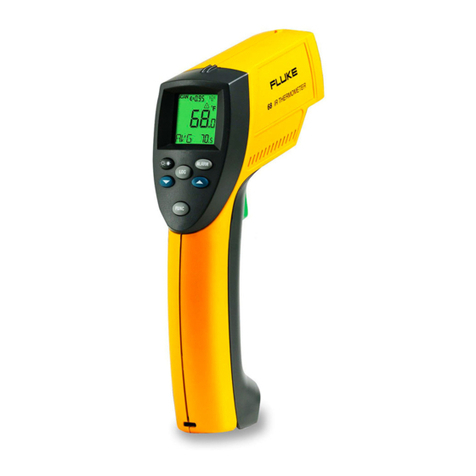
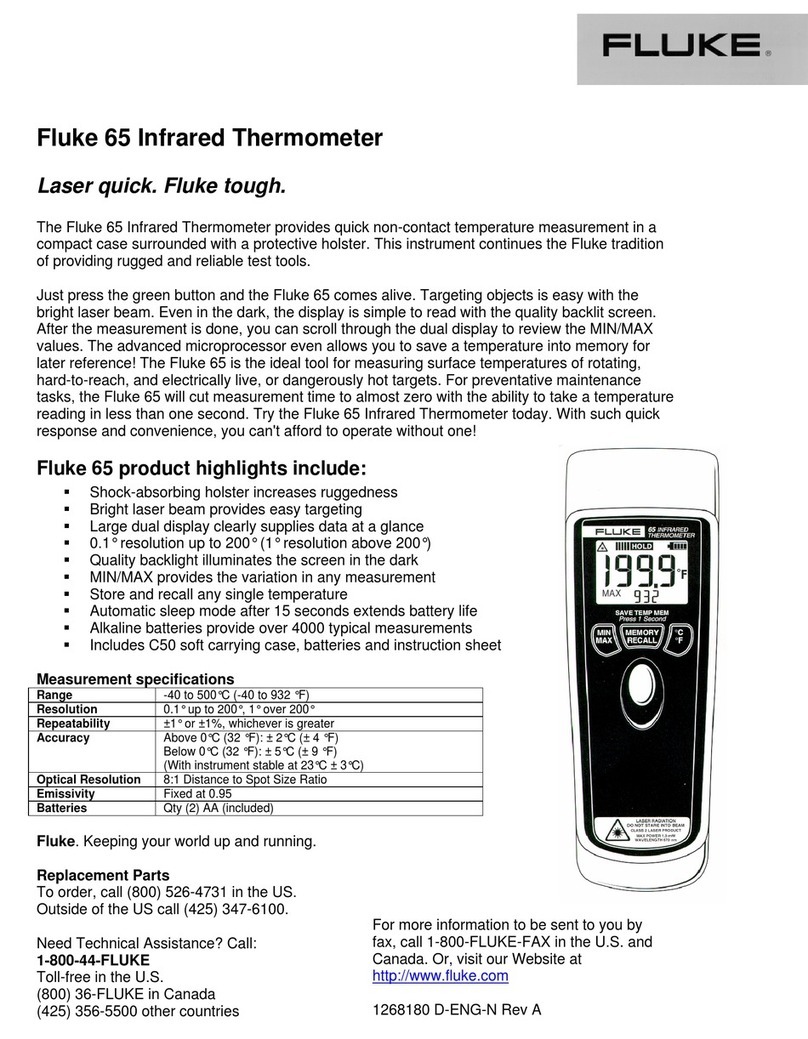
Fluke 61 User manual

Fluke-61
Users Manual
Bedienungshandbuch
Mode d‘emploi
Manual de uso
Manual do Usuário
PN 1645059
Rev.1 7/02
©2001 Fluke Corporation, All rights reserved. Printed in USA
All product names are trademarks of their respective companies
Noncontact Thermometer

Specifications
Temperature range -18 to 275°C (0 to 525°F)
Display Resolution 0.2°C or 0.5°F
Accuracy For targets at:
(assumes ambient operating -1 to 275°C (30 to 525°F) ±2% of reading
temperature of 23°C [73°F]) or ±2°C (±3.5°F), whichever is greater
-18 to -1°C (0 to 30°F) ±3°C (±5°F)
Temperature Coefficient 0.2K per °C or 0.2% per °C, whichever is greater
Repeatability ± 2% of reading, or ± 2°C (±3.5°F)
whichever is greater
Response time 500 mSec, 95% response
Spectral response 7–18 µm
Emissivity pre-set 0.95
Ambient operating range 0 to 50°C (32 to 120°F)
Relative humidity 10–90% RH noncondensing, @ up to 50°C (120°F)
Storage temperature -20° to 60°C (-4° to 140°F) without battery
Weight / Dimensions 227 g (0.5 lb);184 x 45 x 38 mm
(7.25 x 1.75 x 1.5 in) without holster
341 g (0.75lb);190 x 51 x 41 mm
(7.5 x 2.0 x 1.6 in) with holster
Power 9V Alkaline or NiCd battery
Battery life (Alkaline) 12 hrs
Distance to Spot Size 8:1
Specifications subject to change without notice.

• Battery Compartment
• Batteriefach
• Logement des piles
• Compartimento de las pilas
• Compartimento de bateria
•
•
• On Button
• Einschaltknopf
• Bouton Marche
• Botón de encendido
• Gatilho
•
•
HOLD
• Wrist Strap Connection
• Befestigung der Handschlaufe
• Point d’attache de la dragonne
• Correa de mano
• Conexão para alça
•
•
• °C/°F Switch
• °C/°F-Schalter
• Commutateur °C/°F
• Interruptor de °C/°F
• Chave °C/°F
•
•
• Laser
• Láser
•
•
• Battery Cover
• Batterieabdeckung
• Couvercle du lcompartiment pile
• Tapa de las pilas
• Tampa da bateria
•
•
• Serial Number Label
• Laser Warning
Label
• Display
• Anzeige
• Affichage
• Pantalla
• Display
•
•

2
English Warning
Do not point laser directly at eye or indirectly off
reflective surfaces.
Cautions
Use this unit only as specified in this manual or the
protection provided by the unit may be impaired.
All models should be protected from the following,
▲EMF (electro-magnetic fields) from arc welders,
induction heaters
▲Static electricity
▲Thermal shock (caused by large or abrupt ambi-
ent temperature changes—allow 30 minutes for
unit to stabilize before use)
▲Do not leave the unit on or near objects of high
temperature
Introduction
We are confident you will find many uses for your
handheld noncontact thermometer. Compact, rugged,
and easy to use—just aim, press the trigger, and read
surface temperatures in less than a second. You can
safely measure surface temperatures of hot, hazardous,
or hard-to-reach objects without contact.
How it Works
Infrared thermometers measure the surface tempera-
ture of an object. The unit’s optics sense emitted (E),
reflected (R), and transmitted (T) energy, which is
collected and focused onto a detector. The unit’s
electronics translate the information into a temperature
reading which is displayed on the unit. The laser is
used for aiming purposes only.

3
English
How to Operate the Unit
°C/°F and Battery
Open the battery compartment to access the C/F
switch or to insert/remove the battery. To switch
between °C and °F, toggle the switch (A). Insert the
9v battery positive side first into the battery
compartment.
Operating the Unit
To measure a temperature, point unit at object and
press the On Button. Be sure to consider distance-
to-spot size ratio and field of view. If the unit is
equipped with a laser, use the laser only for aiming.
See ‘How to Accurately Measure Temperatures’.
Display
The backlit LCD displays the current temperature in
Celsius or Fahrenheit. The unit will hold the reading
for 7 seconds after the On Button is released; the word
HOLD appears. The presence of the battery icon
indicates a low battery (B).
HOLD
B
CF
9v
Battery
+-
A

4
English How to Accurately Measure
Temperature
Locating a Hot Spot
To find a hot spot aim the thermometer outside the
area of interest, then scan across with an up and
down motion until you locate the hot spot.
Field of View
Make sure that the target is larger than the unit’s spot
size. The smaller the target, the closer you should be
to it. When accuracy is critical, make sure the target
is at least twice as large as the spot size.
Distance & Spot Size
As the distance (D) from the object increases, the
spot size (S) of the area measured by the unit
becomes larger.
Reminders
■Not recommended for use in measuring shiny
or polished metal surfaces (stainless steel,
aluminum, etc.). See Emissivity.
■The unit cannot measure through transparent
surfaces such as glass. It will measure the
surface temperature of the glass instead.
■Steam, dust, smoke, etc., can prevent accurate
measurement by obstructing the unit’s optics.
D8
3"@ 24"
2"@ 16"
1"@ 8"
25 @ 200mm
50 @ 400mm
75 @ 600mm
Yes No

5
English
Emissivity
Most organic materials and painted or oxidized surfaces have an emissivity of
0.95 (pre-set in the unit). Inaccurate readings will result from measuring shiny or
polished metal surfaces. To compensate, cover the surface to be measured with
masking tape or flat black paint. Allow time for the tape to reach the same tempera-
ture as the the material underneath it. Measure the temperature of the tape or paint-
ed surface.
Maintenance
Lens Cleaning: Blow off loose particles using clean compressed air. Gently brush
remaining debris away with a camel's hair brush. Carefully wipe the surface with a
moist cotton swab. The swab may be moistened with water.
NOTE: DO NOT use solvents to clean the plastic lens.
Case Cleaning: Use soap and water on a damp sponge or soft cloth.
NOTE: DO NOT submerge the unit in water.
Troubleshooting
Code Problem Action
– – – (on display) Target temperature Select target within specifications
is over or under range
Battery icon appears Possible low battery Check and/or replace battery
Blank display Possible dead battery Check and/or replace battery
Laser doesn’t work Low or dead battery Replace battery

6
English
LIMITED WARRANTY AND LIMITATION OF LIABILITY
This Fluke product will be free from defects in material and workmanship for one year
from the date of purchase. This warranty does not cover fuses,
disposable batteries, or damage from accident, neglect, misuse, alteration, contamina-
tion, or abnormal conditions of operation or handling. Resellers are not authorized to
extend any other warranty on Fluke’s behalf. To obtain service during the warranty
period, contact your nearest Fluke authorized service center to obtain return autho-
rization information, then send the product to that Service Center with a description of
the problem.
THIS WARRANTY ISYOUR ONLY REMEDY. NO OTHER WARRANTIES, SUCH AS
FITNESS FOR A PARTICULAR PURPOSE, ARE EXPRESSED OR IMPLIED. FLUKE
ISNOT LIABLE FOR ANYSPECIAL,INDIRECT, INCIDENTALORCONSEQUENTIAL
DAMAGES OR LOSSES, ARISING FROM ANY CAUSE OR THEORY. Since some
states or countries do not allow the exclusion or limitation of an implied warranty or of
incidental or consequential damages, this limitation of liability may not apply to you.
Fluke Corporation Fluke Europe B.V.
P.O. Box 9090 P.O. Box 1186
Everett,WA 98206-9090 5602 BD Eindhoven
U.S.A. The Netherlands
11/99
Register your product at: http://www.fluke-warranty.com
CE Certification
This instrument conforms to the following standards:
• EN 61326-1 Electromagnetic Emissions and Susceptibility
• EN 61010-1 General Safety
• EN 60825-1 Laser Safety
Between approximately 250Mhz and 800 Mhz at 3V/m, the instrument may not
meet its stated accuracy.

7
Warnung (bei Geräten mit Laser)
Richten Sie den Laser nicht direkt oder indirekt über
reflektierende Oberflächen auf die Augen.
Vorsichtsmaßnahmen
Alle Modelle müssen vor folgenden Zuständen
geschützt werden:
▲EMF (elektromagnetische Felder) von
Elektroschweißgeräten, Induktionsheizgeräten
▲statischer Elektrizität
▲Thermischer Schock (verursacht durch große oder
plötzliche Temperaturänderungen – Gerät vor
Gebrauch 30 Minuten lang stabilisieren lassen)
▲Gerät nicht auf oder in der Nähe von heißen
Objekten aufbewahren.
Einführung
Wir sind überzeugt, daß Sie für Ihr handgehaltenes
berührungsloses Thermometer zahlreiche
Anwendungen finden werden. Kompakt, robust und
einfach zu bedienen – einfach auf das Ziel richten,
den Knopf drücken, und in weniger als einer Sekunde
können Sie die momentane Oberflächentemperatur
ablesen. So lassen sich die Oberflächentemperaturen
von heißen, gefährlichen oder schwer erreichbaren
Objekten gefahrlos und ohne Berührung bestimmen.
Deutsch

8
Deutsch Funktionsweise
Infrarot-Thermometer messen die Oberflächen-
temperatur eines Objekts (target). Die Optik des
Gerätes erfaßt die emittierte (E), reflektierte (R) und
durchgelassene (T) Wärmestrahlung, die gebündelt
und auf einen Detektor fokussiert wird. Die
Geräteelektronik wandelt diese Information in einen
Temperaturwert um, der auf dem Display angezeigt
wird. Der Laser wird lediglich zum Zielen verwendet.
Bedienung des Gerätes
°C/°F und Batterie
Um zwischen Celsius und Fahrenheit umzuschalten,
müssen Sie das Batteriefach öffnen und mit dem
Schalter (A) C oder F wählen. Die 9-Volt-Batterie
wird wie in der Abbildung dargestellt, ausgetauscht.
Bedienung des Gerätes
Zur Temperaturbestimmung wird das Gerät auf ein
Objekt gerichtet und die Meßtaste gedrückt. Denken
Sie daran, das Verhältnis von Entfernung zu
Punktgröße sowie das Sichtfeld zu berücksichtigen.
Falls das Gerät mit einem Laser ausgerüstet ist,
benutzen Sie den Laser bitte nur zum Zielen. Siehe
Abschnitt „Korrekte Temperaturbestimmung“.
Anzeige
Die LCD-Anzeige zeigt die momentane Temperatur in
Grad Celsius oder Grad Fahrenheit an. Nach Freigabe
der Meßtaste wird der Meßwert weitere 7 Sekunden
lang angezeigt; dabei wird das Wort HOLD angezeigt.
Die Anzeige des Batteriesymbols weist auf einever-
brauchte Batterie hin (B).
CF
9v
Battery
+-
A
Reflected Energy
Transmitted Energy
Emitted Energy
Object
Infrared
Thermometer
HOLD
B
Other manuals for 61
3
This manual suits for next models
1
Table of contents
Languages:
Other Fluke Thermometer manuals

Fluke
Fluke 62 MAX User manual
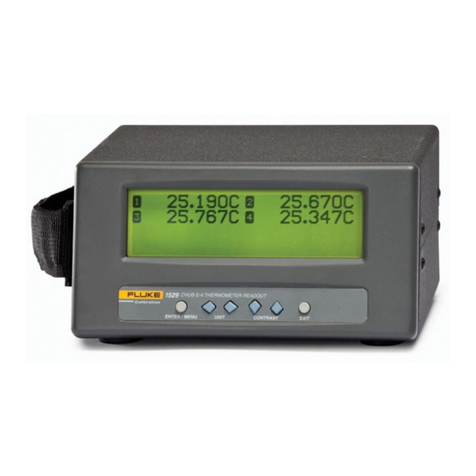
Fluke
Fluke 1529 Chub-E4 User manual

Fluke
Fluke Hart Scientific 1522 User manual
Fluke
Fluke 5624 User manual

Fluke
Fluke 62 Mini User manual

Fluke
Fluke 1552A Ex Use and care manual

Fluke
Fluke 568 EX User manual

Fluke
Fluke 900 Service User manual
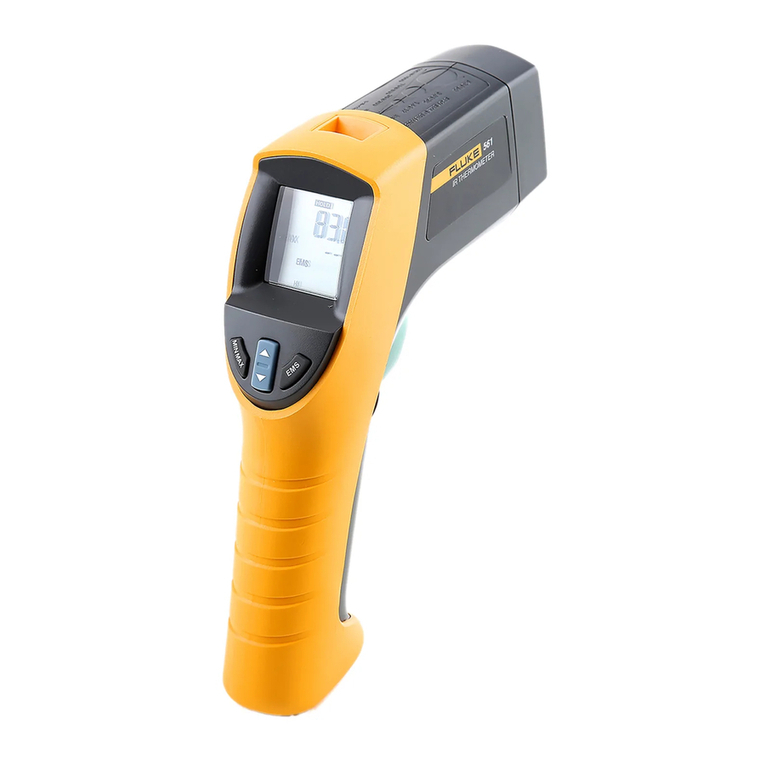
Fluke
Fluke 561 HVACPro User manual
Fluke
Fluke Nuclear Associates 07-402 User manual