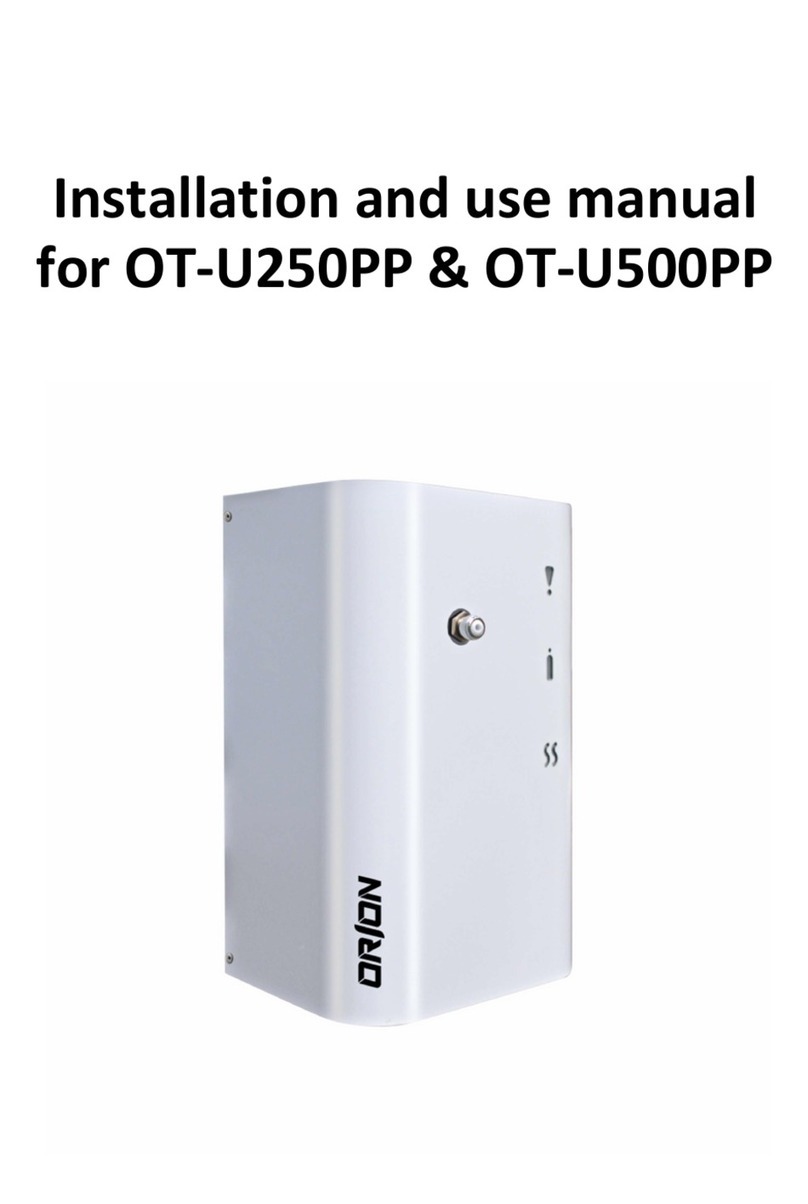
SENTINELII57007
MAINTENANCE
•Replacemotorbrushesasnecessary.
MOTOR BRUSH REPLACEMENT FOR THE SENTINEL II 5700
1. Unplugunittoavoidtheriskofelectricshock.
2. Removeplastic cooling fancoveron the topof themotor. Usingasmall
screwdriver,gentlyprybacktheplasticfingersthatholdcovertomotorbrush
housing.
3. RemovethetwoPhillipsscrewsandbrushretainingbracket.
4. Gentlyloosenandremoveleadwireterminalfromthebrush’snylonhous-
ing.Withasmallscrewdriver,gentlypushtheleadwireterminaltowardthe
commutator.Iftheterminalisstuckinthenylonhousing,softenthetopofthe
brushwithaheatgunorhairdrierandthentrytoremoveterminal.Remove
thebrush.
5. Placethenewbrushinposition.Inserttheleadwireterminalbetweenthe
nylonhousingandthebrassshellofthenewbrush.
6. Pushthebrushintonylonhousingandpositionintonotchonmotorhous-
ing.Replacetheretainingbracketandthetwoscrews.
7. Replace cooling fan housing. If you break the retaining clips, you can
purchaseadifferenttypeofretainingclipfromFogmaster.
TROUBLESHOOTING CHART
SYMPTOM POSSIBLE CAUSE(S) CORRECTIVE ACTION
Nofan,nofog Noelectricalpower Checkpoweratoutlet
Noinletpressure Checkpressureinliquidline
PowerswitchOFF TurnON
Brusheswornout Replacebrushes
Fanon,nofog Possibleliquidobstruction Checkmeteringvalve
Badpressureswitch Replace
Badsolenoidvalve Replace
Lowinletpressure Increasepressure
Loosepressuresensorhose Attach
Fanon,liquidspits Excessiveliquidfeedpressure Reduceto5–15psi
Motorstutters Lowinletpressure Increasepressure
Coverbowedin Inletairrestriction Enlargelinesorreplacefilters
Liquidplugging SentinelII5700nozzlesdonotcontainanysmallorifices,so
pluggingisnotusuallyaproblem.Ifanimpurityintheliquid
obstructsthemetering(needle)valve,notevalvepositionfrom
verniermarkings,temporarilyopenvalvewideenoughtopass
impurity,andreadjustvalvefordesireddropletsize.