EN
6
Control
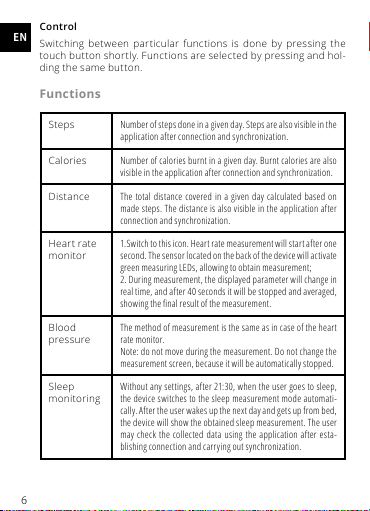
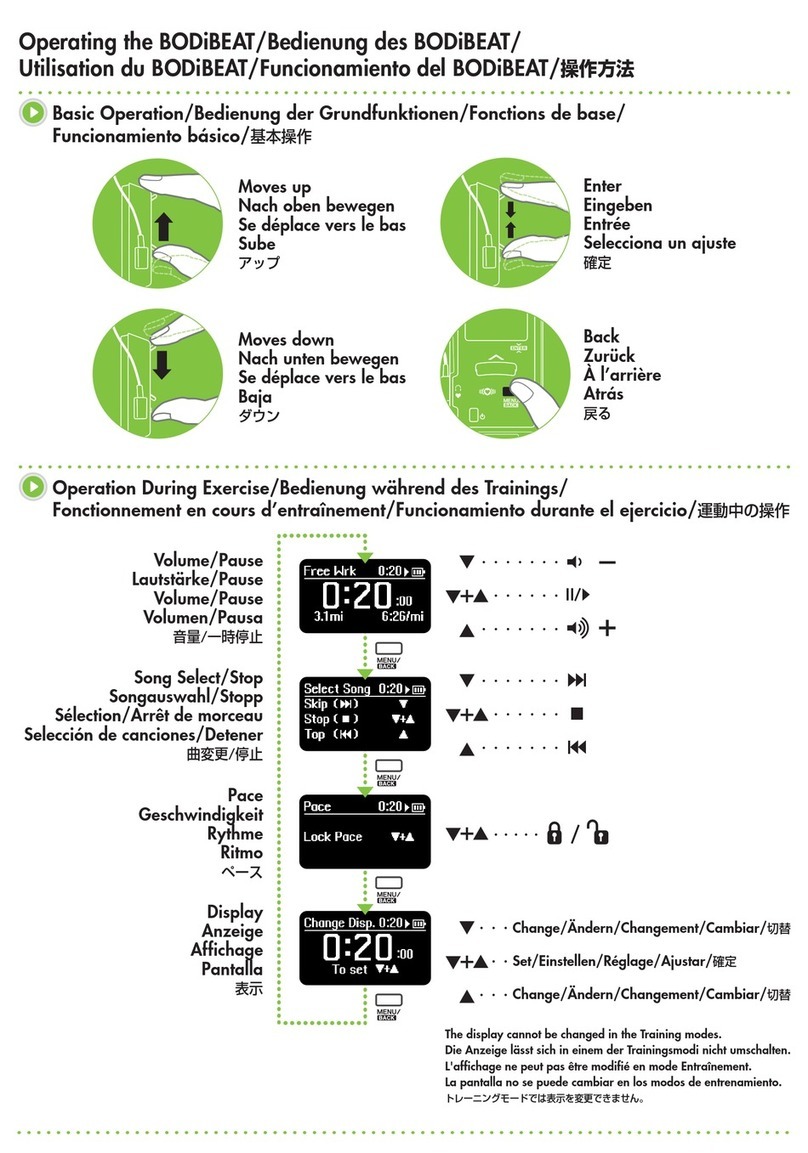
Switching between particular functions is done by pressing the
touch button shortly. Functions are selected by pressing and hol-
ding the same button.
Functions
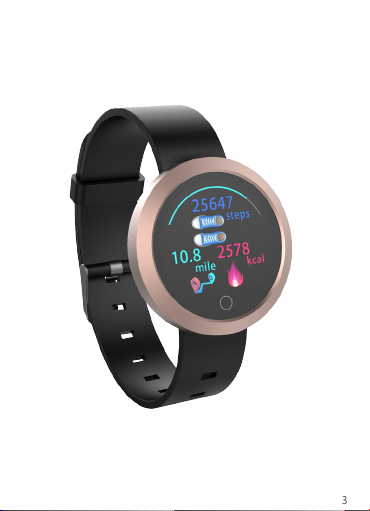
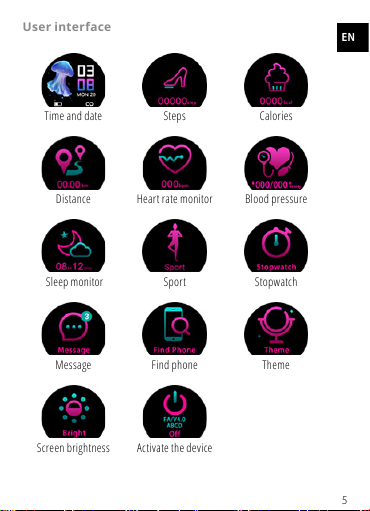
Steps Number of steps done in a given day. Steps are also visible in the
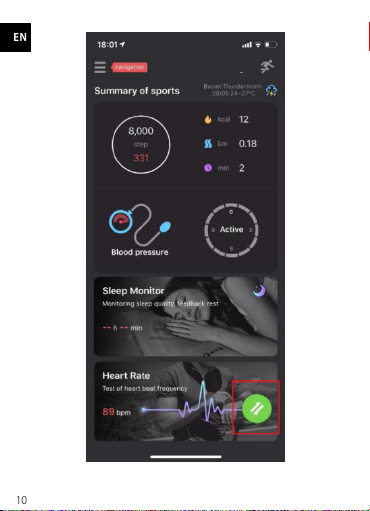
application after connection and synchronization.
Calories Number of calories burnt in a given day. Burnt calories are also
visible in the application after connection and synchronization.
Distance The total distance covered in a given day calculated based on
made steps. The distance is also visible in the application after
connection and synchronization.
Heart rate
monitor
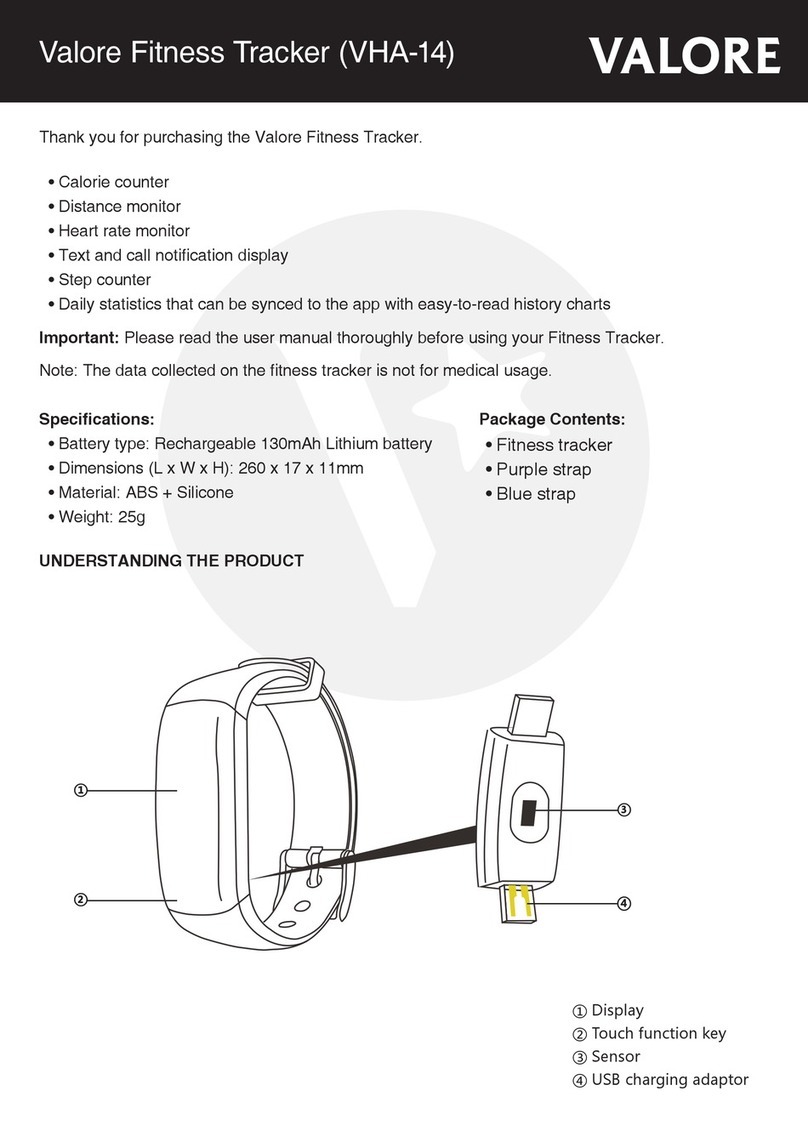
1.Switch to this icon. Heart rate measurement will start after one
second. The sensor located on the back of the device will activate
green measuring LEDs, allowing to obtain measurement;
2. During measurement, the displayed parameter will change in
real time, and after 40 seconds it will be stopped and averaged,
showing the nal result of the measurement.
Blood
pressure
The method of measurement is the same as in case of the heart
rate monitor.
Note: do not move during the measurement. Do not change the
measurement screen, because it will be automatically stopped.
Sleep
monitoring
Without any settings, after 21:30, when the user goes to sleep,
the device switches to the sleep measurement mode automati-
cally. After the user wakes up the next day and gets up from bed,
the device will show the obtained sleep measurement. The user
may check the collected data using the application after esta-
blishing connection and carrying out synchronization.