Operating Instructions
www.foxunhd.com
Step 5:after click “Apply”button,the green LED light on the device will go out,you have successfully set IP
address for TX and RX now
Note:if you need to restore the device to it’s factory default settings,please power on the device,the red
light becomes lighting,waiting about 10 seconds,the green LED starts working ,at this time to press the
reset button about 5-10 seconds,then the green light will go out,you have successfully restored IP address
to factory IP address now
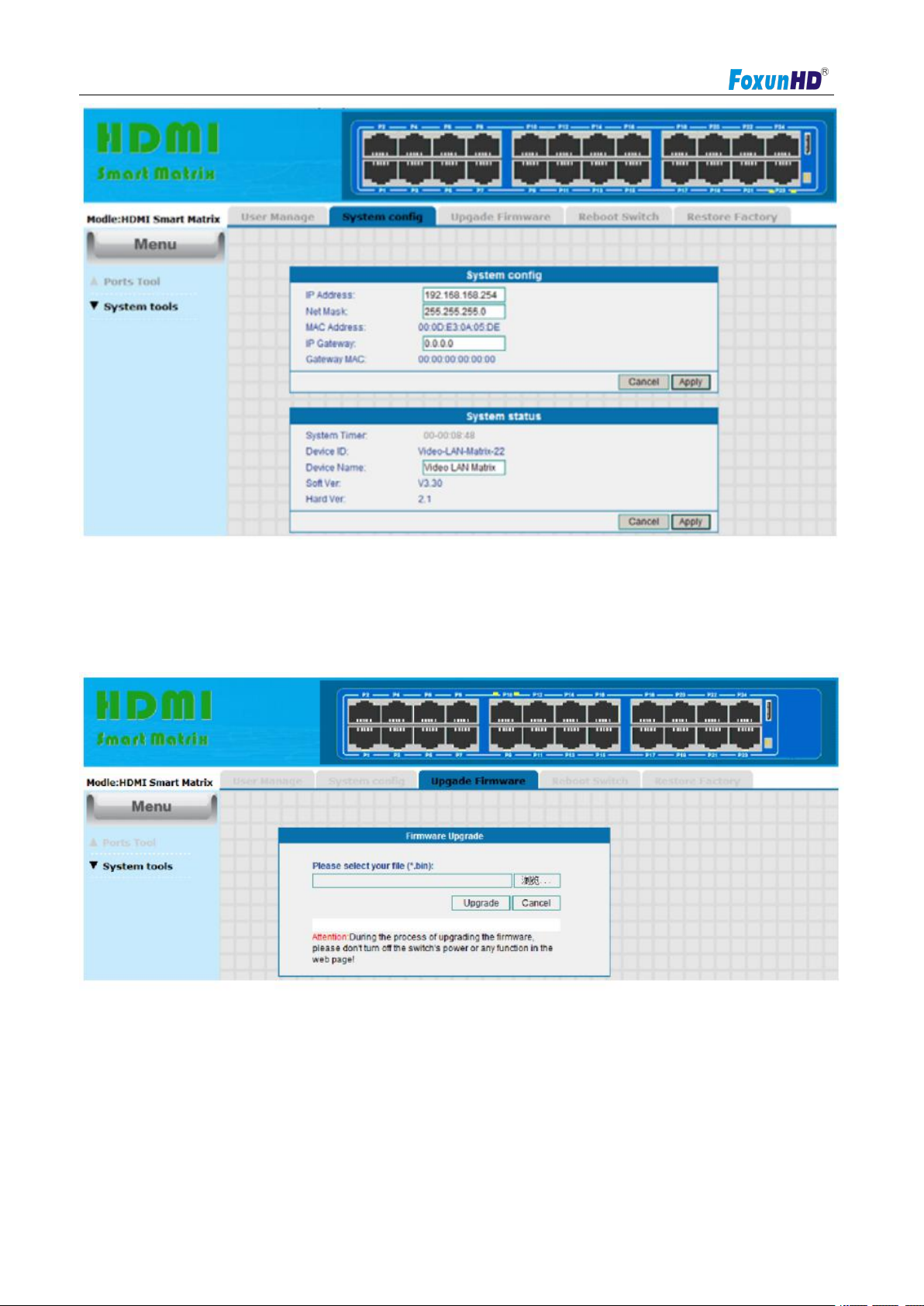
3) HDMI Smart matrix Operation(Connect port 23 or port 24 of the switch to the PC)
Default IP address for switch:192.168.168.254,Username:admin,Password:admin.
3-1) Log in (Connect port 23 or port 24 of the switch to the PC)
Step1:connect you PC(or laptop) with IP switch, revise you PC’s IP address firstly,PC’s
IP:192.168.168.11(0-255),PC’s IP address must be different with switch IP address.
Step 2:Log in IE:192.168.168.254,input Username:admin,Password:admin(all below picture)