CONTENT
1. Introduction ............................................................................................................... 4
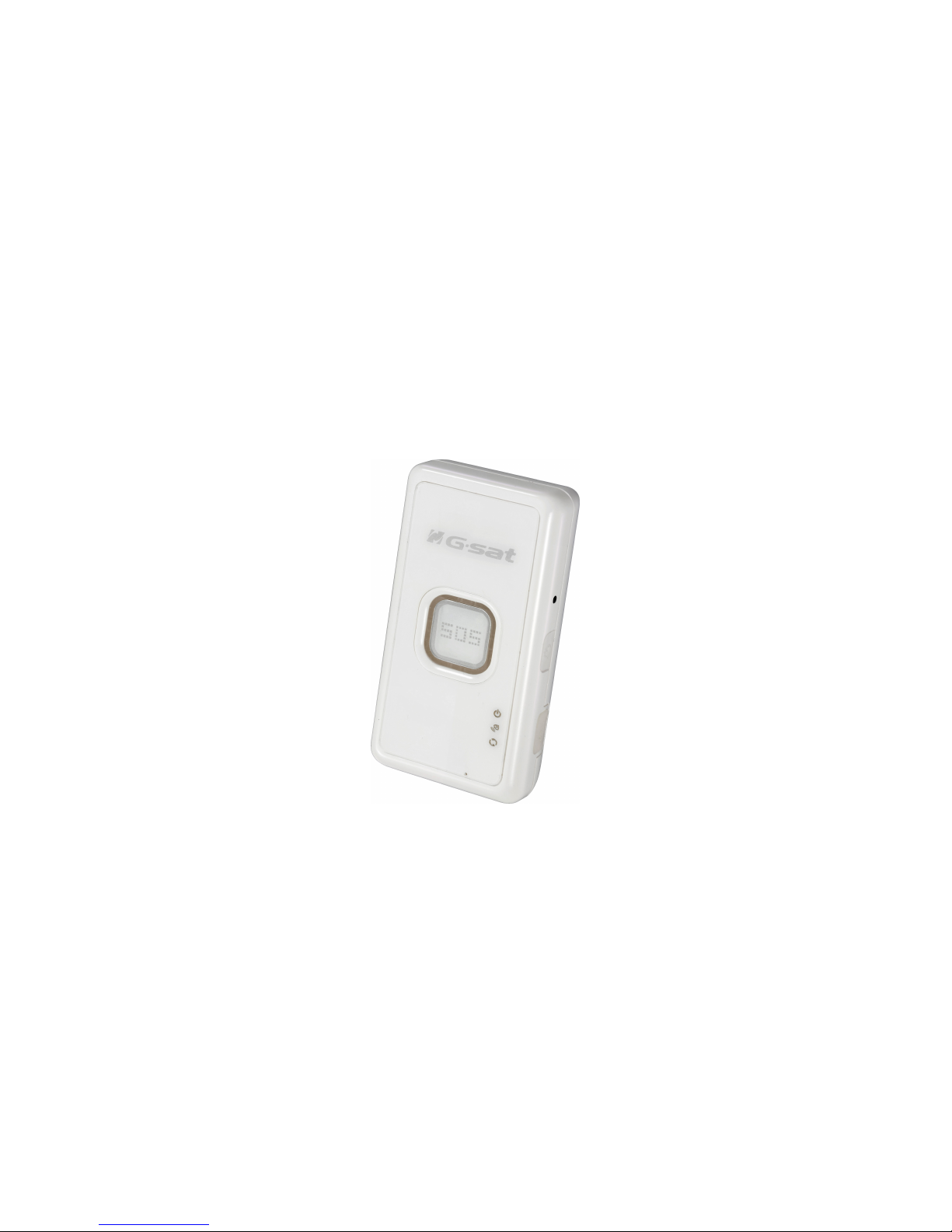
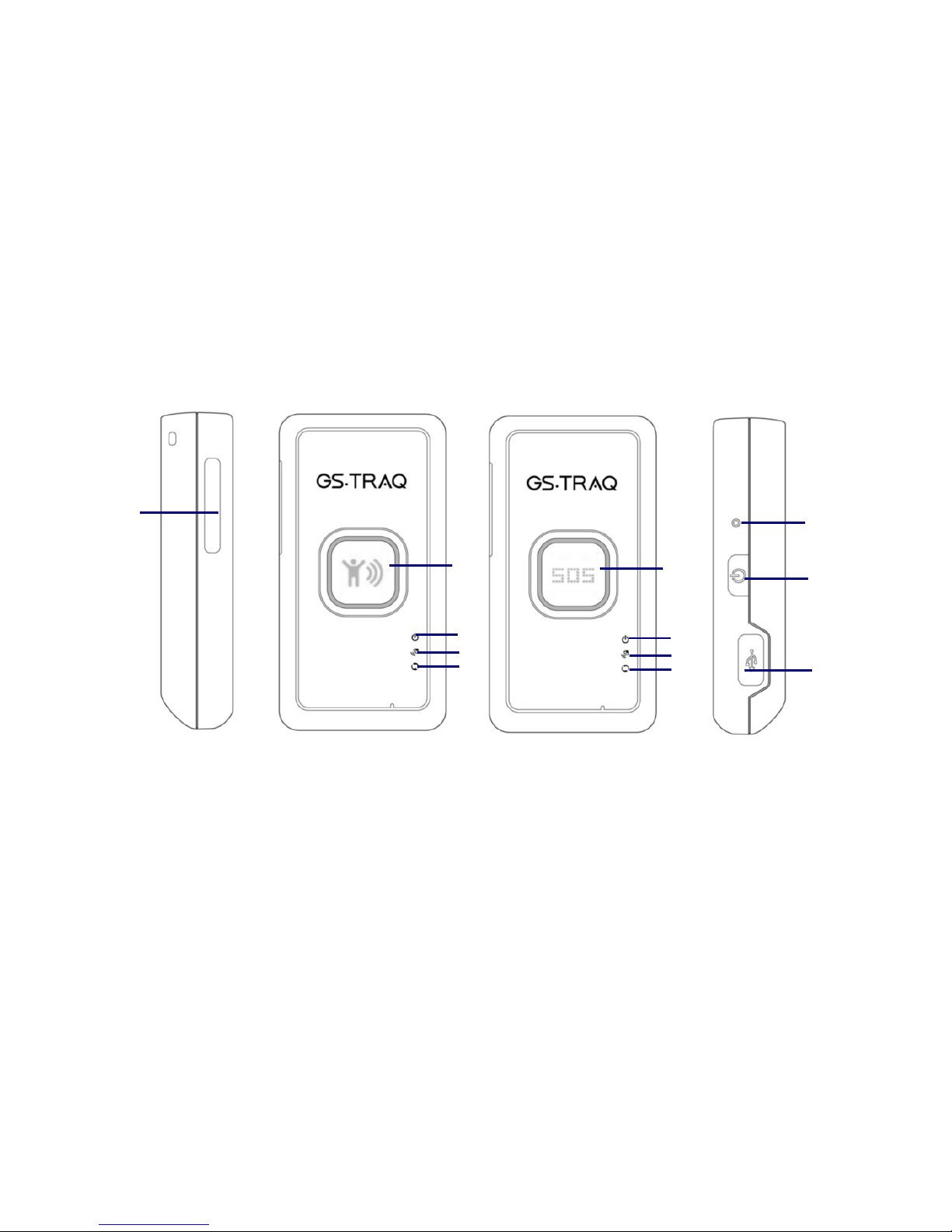
1.1 Delicate Appearance..................................................................................................... 4
1.2 LED Indicator.................................................................................................................. 5
1.3 Accessories...................................................................................................................... 6
2 TR-203 Operation ........................................................................................................ 7
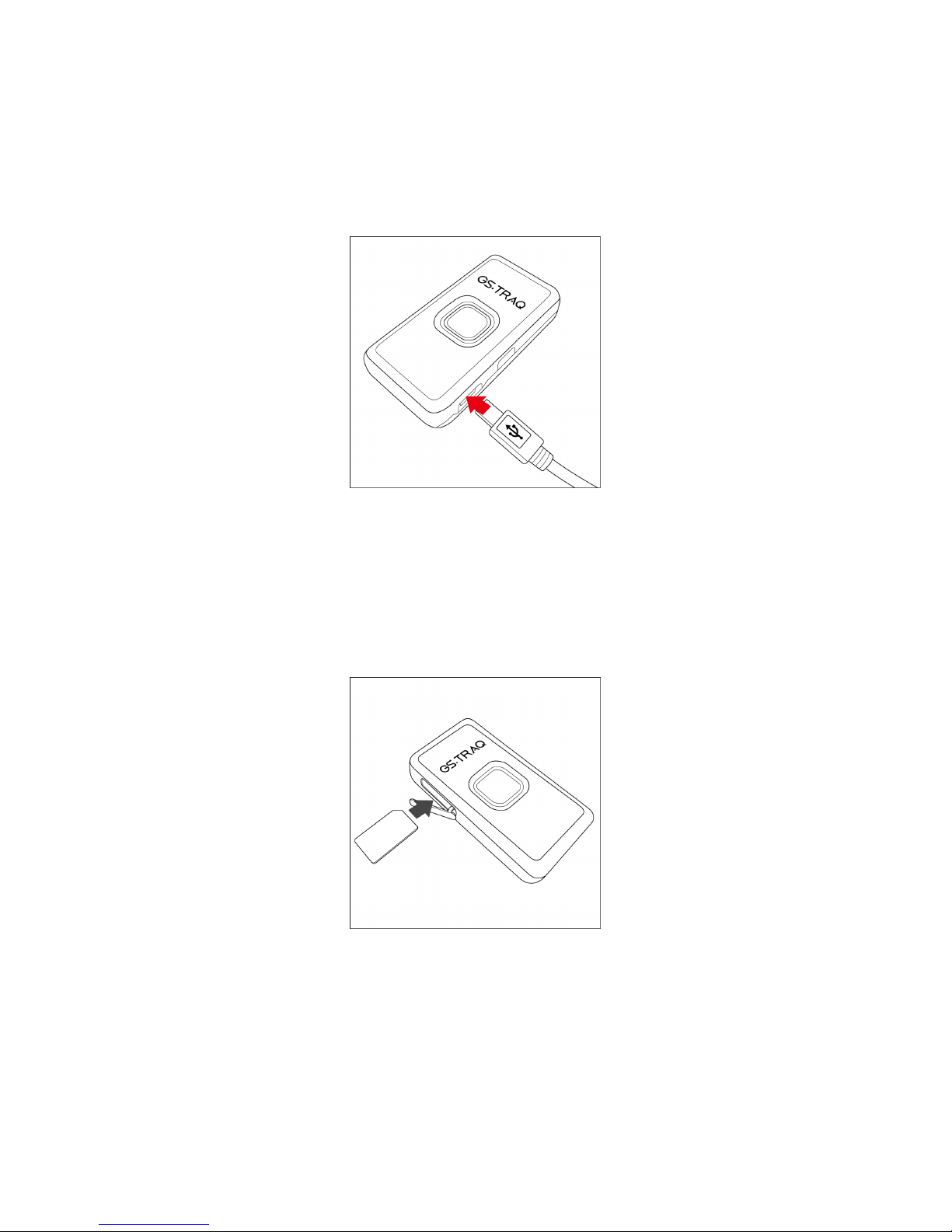
2.1 Charge the device ......................................................................................................... 7
2.2 Install SIM card.............................................................................................................. 7
2.3 Turn on/o the device ................................................................................................. 8
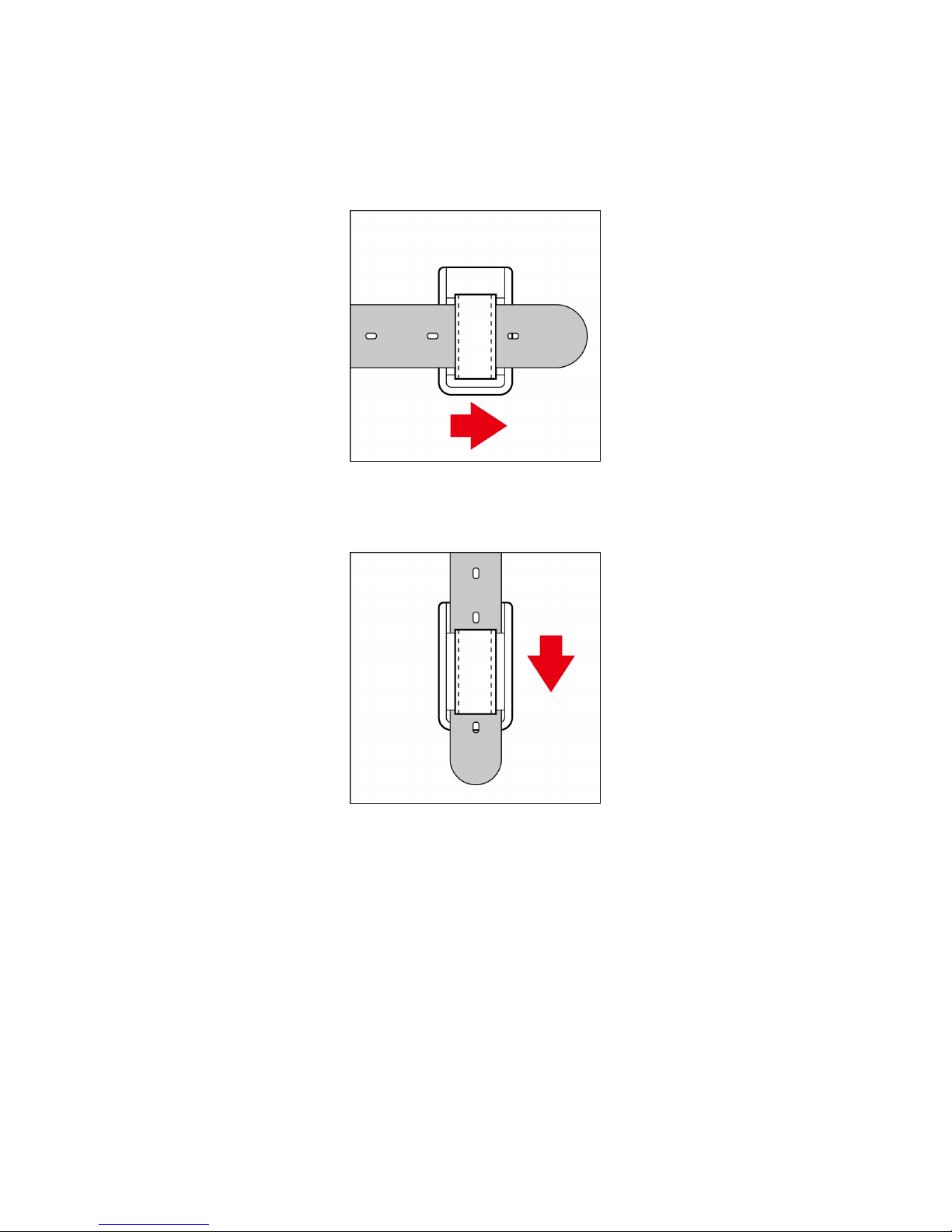
2.4 Use the carry bag.......................................................................................................... 9
3 TR Management Center 203 Setting .......................................................................... 11
3.1 The computer system requirements o the TR Management Center 203
program ................................................................................................................................. 11
3.2 The network requirements o the TR Management Center 203 program. 11
3.3 Copyrights and Example In ormation................................................................... 14
3.4 Install TR Management Center 203....................................................................... 16
3.5 TR Management Center 203 Screen Introduction ............................................ 19
3.5.1 Tracker and Main Tool Bar............................................................................. 20
3.5.2 Query Tool.......................................................................................................... 21
3.5.3 Data Output Area............................................................................................. 22
3.6 Skype Setup.................................................................................................................. 22
4 TR Management Center 203 Operation ...................................................................... 26
4.1 TR Management Center Basic Setup..................................................................... 26
4.2 Tracker Management.................................................................................................. 26
4.2.1 Set up TR-203................................................................................................... 27
4.2.2 Tracker Management ...................................................................................... 32
4.2.3 Deleting a TR-203 tracker............................................................................. 33
4.2.4 Editing a TR-203 tracker ............................................................................... 35
4.3 Tracker Group Management..................................................................................... 37
4.3.1 Add a Group ...................................................................................................... 37
4.3.2 Edit Group .......................................................................................................... 38
4.3.3 Rename Group.................................................................................................. 39
4.3.4 Delete Group ..................................................................................................... 41
4.4 Instruction o using TR Management Center...................................................... 43
4.4.1 Ping TR-203 ....................................................................................................... 43
4.4.2 TR-203 Periodic Report .................................................................................. 45
4.4.3 TR-203 Motion Report .................................................................................... 48
4.4.4 TR-203 Parking Mode ..................................................................................... 50