Instruction Manual
S410.100 Blood Pressure Training System with Speakers
Copyrig t 2010 by Gaumard® Scientific. All rig ts reserved.
8
To c ange previously selected values, proceed as follows:
1. Turn t e Tutor ON and observe t e previously selected values.
2. Press Systolic and observe t e value. If you agree, press Systolic again and t at
number is locked in. To increase or decrease t e Systolic pressure, press t e UP or
DOWN red arrows. W en t e desired value is reac ed, press Systolic once more and
t e new value is locked in.
3. Proceed wit Diastolic, Upper auscultation gap, lower auscultation gap, and eart Rate
in t e same manner. Once selected, eac value will disappear so t e student cannot
see t em.
D. Blood Pressure Training
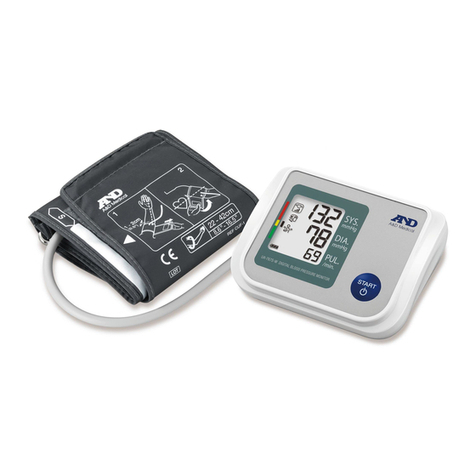
1. Instruct t e student to take t e blood pressure by installing t e BP cuff and place t e
bell of t e stet oscope over t e speaker concealed in t e antecubital region of t e arm
near t e elbow. T e instructor may wis to press on t e radial pulse so it is not easily
eard by t e student t roug t e stet oscope.
2. Instruct t e student to pump up t e cuff until e/s e can no longer feel a radial pulse.
Go about 10 mm furt er. Now slowly release t e cuff pressure until t e first Korotkoff
sound is eard indicating t e Systolic pressure. Decrease t e cuff pressure and ear
K2, K3, and K4. T e K5 sound is silence.
3. Ask t e student to record t e Systolic pressure, t e Diastolic pressure, t e limits of t e
Auscultation gap (if any) as well as t e pulse rate. Compare t e values recorded by t e
Student wit t ose originally selected in order to determine a pass or fail status.
If an Auscultation gap was programmed, t e student will
ear t e
Korotkoff sounds between t e upper and lower limits.