ENGLISH
PAGE
I. General Information
1. Overview
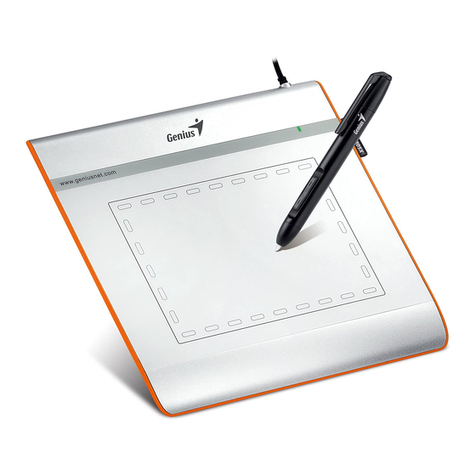
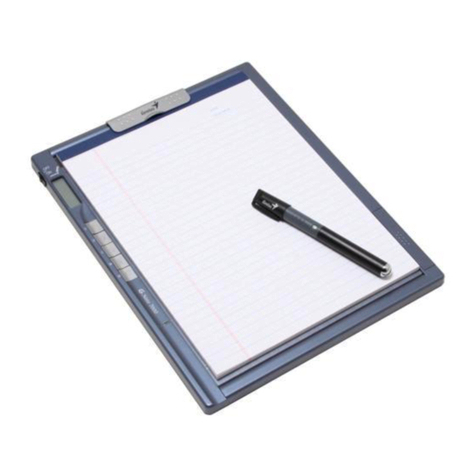
Welcome to the world of the computing pen! You are able to discover how easy
to control your personal computer by using a wireless stylus pen instead of a
mouse. The function of the stylus pen lets you draw a line very thin, thick, light
or dark (called “pressure sensitivity”). You also can write, sign, and annotate
documents, and draw, sketch or paint as easily as you would on normal paper
and simulate the functions like pencil, mark pen, brush, or watercolor pen by
using commercial software packages such as Adobe® PhotoShop™, Corel®
Painter™ and Corel® Paint Shop™.
2. Pen Tablet Functions
After installing the device driver, your pen tablet features the following functions:
1. Direct pointing – You can move the cursor to any location on the
screen by moving the stylus pen tip over the tablet’s surface (the pen tip
does not have to touch the surface).
2. Three-button mouse commands - Your pen tablet provides all
functions of a three- button mouse by using its pen tip and two buttons.
3. Pen scrolling – You can scroll documents and Web pages by pressing
the middle button of the pen over the tablet’s working area.
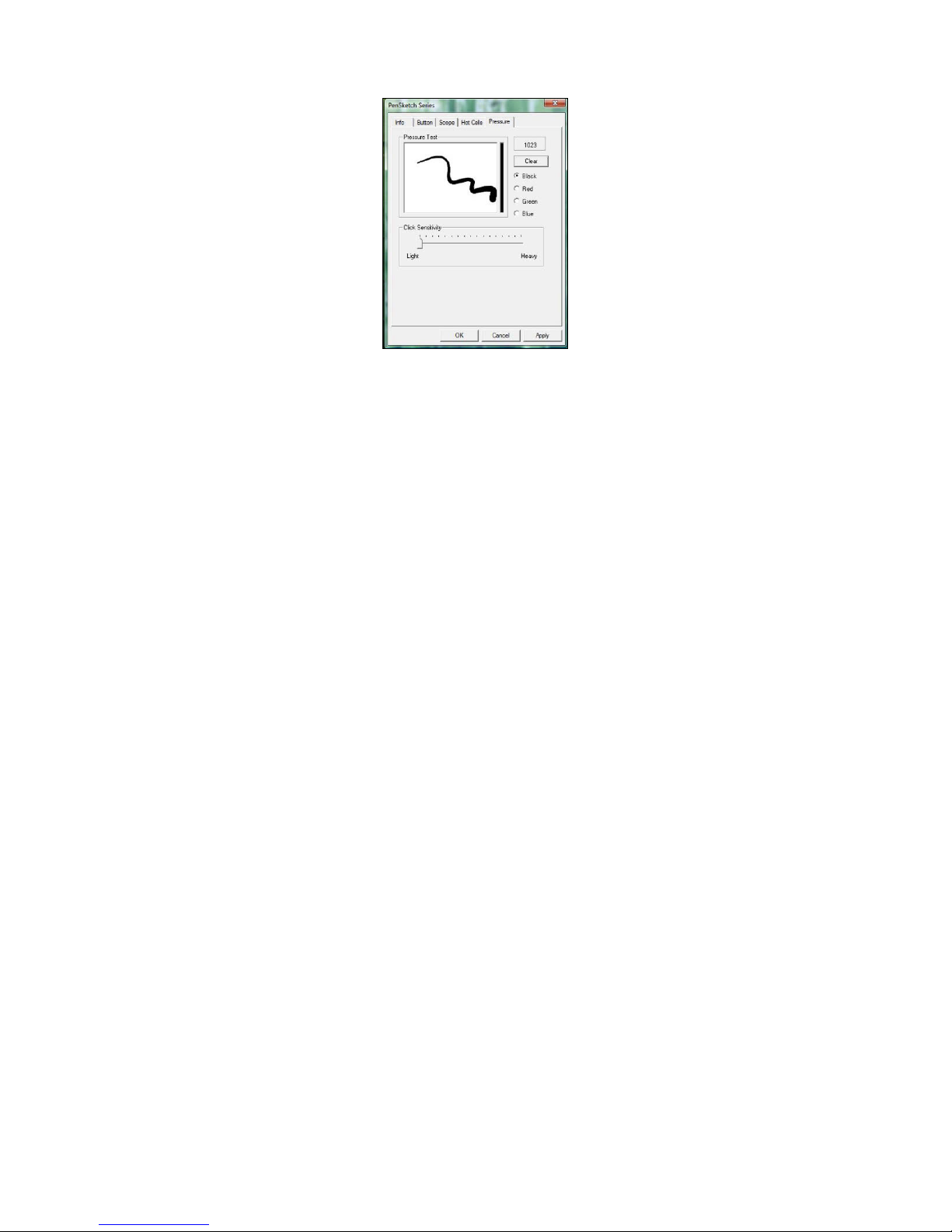
4. Pressure sensitivity – This feature allows you to emulate various
brushes and pencils and you can press down the pen tip harder, lighter,
stronger or thicker, and subtle pencil lines you will receive.
3. System Requirements
•Pentium III equivalent PC or higher.
•Microsoft Windows 2000, XP or Vista.
4. Installing the Driver Software in Windows
Under Windows 2000, XP or Vista:
(Caution! Before installing the driver, do not plug the tablet into your
computer, otherwise, the driver install process may have errors)
(1) Insert the Driver CD into the CD-ROM drive, and wait for main menu to
appear.
(2) On most systems, the setup program will start automatically. If not, you
can start the setup programs manually by selecting 【My Computer】►
【CD/DVD Rom】►Open the Drive ►Access【Setup】to start the
installation.
(3) Select Driver Setup and press the Enter key on all subsequent questions.
After completing the driver installation, restart the PC.