manuals.online logo
Brands
  1. Home
  2. •
  3. Brands
  4. •
  5. Geo
  6. •
  7. Monitor
  8. •
  9. Geo Solo PV User manual

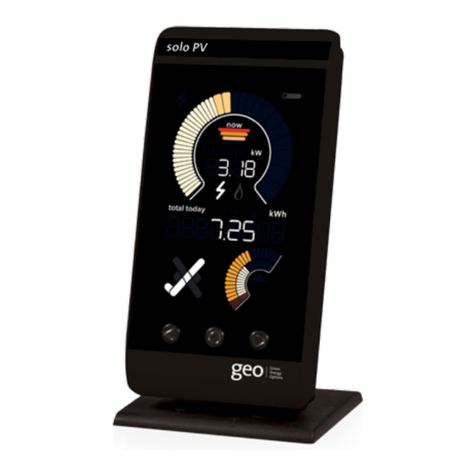
Geo Solo PV User manual

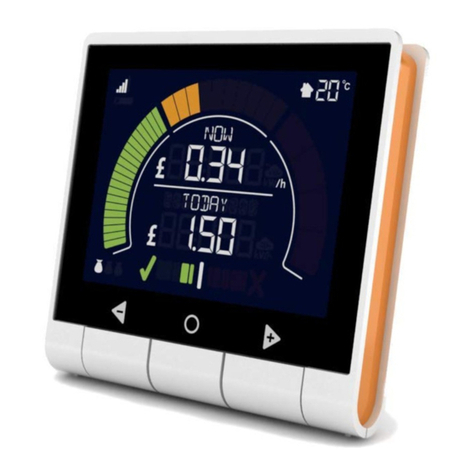
Other Geo Monitor manuals

Geo Trio II Touch Button User manual

Geo

Geo Trio II Touch Button User manual

Geo Ensemble User manual

Geo

Geo Ensemble User manual

Geo trio User manual

Geo

Geo trio User manual

Geo MAN-SO-002 User manual

Geo

Geo MAN-SO-002 User manual

Geo solo User manual

Geo

Geo solo User manual

Geo Minim+ User manual

Geo

Geo Minim+ User manual

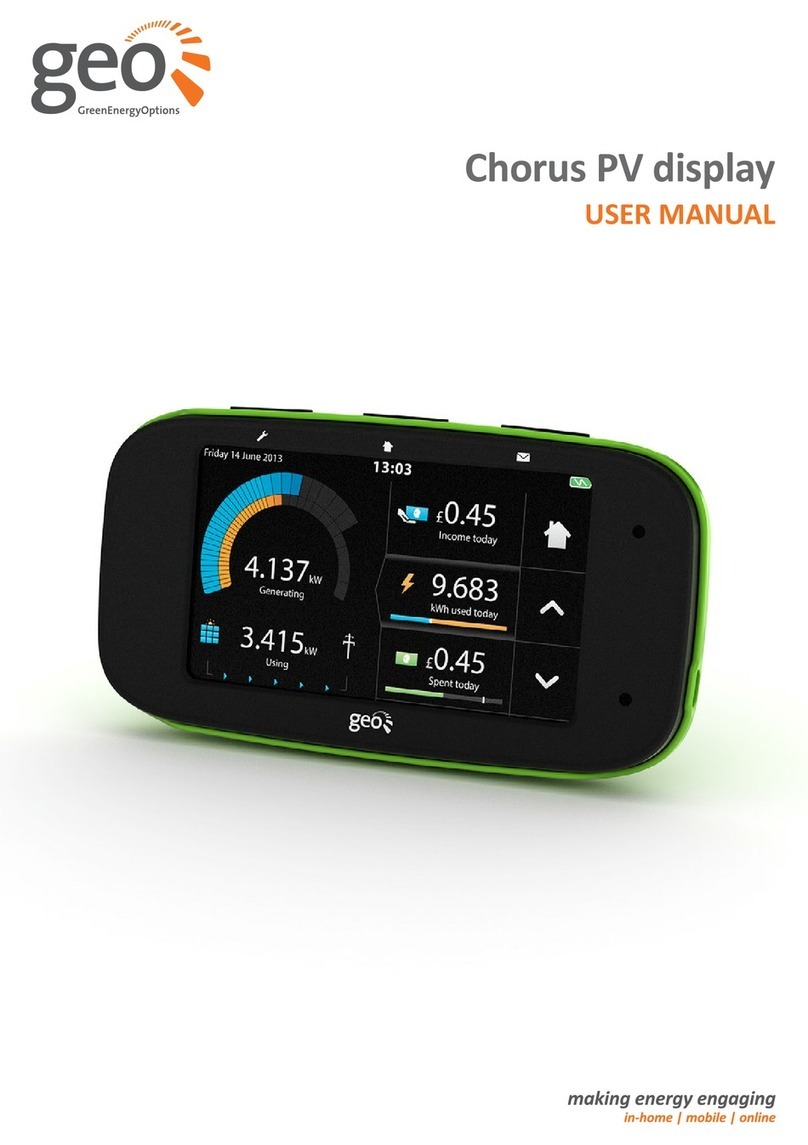
Geo Chorus PV display User manual

Geo

Geo Chorus PV display User manual

Geo Trio II User manual

Geo

Geo Trio II User manual

Geo trio User manual

Geo

Geo trio User manual

Geo Trio II Touch Button User manual

Geo

Geo Trio II Touch Button User manual

Geo Trio II User manual

Geo

Geo Trio II User manual

Popular Monitor manuals by other brands

Samsung ME32C user manual

Samsung

Samsung ME32C user manual

ViewSonic VA926-LED user guide

ViewSonic

ViewSonic VA926-LED user guide

Furuno Mu 120c Operator's manual

Furuno

Furuno Mu 120c Operator's manual

Asus VB171D - 17" LCD Monitor Service manual

Asus

Asus VB171D - 17" LCD Monitor Service manual

AOC 9GLR Technical specifications

AOC

AOC 9GLR Technical specifications

DMG RAFFAELLO manual

DMG

DMG RAFFAELLO manual

AOC LM720 - 17" Technical specifications

AOC

AOC LM720 - 17" Technical specifications

Sony Trinitron GDM-F500 Service manual

Sony

Sony Trinitron GDM-F500 Service manual

Memorex MT1701 user guide

Memorex

Memorex MT1701 user guide

ViewSonic VE510s-4 Service manual

ViewSonic

ViewSonic VE510s-4 Service manual

Farenheit T-1503CM instruction manual

Farenheit

Farenheit T-1503CM instruction manual

Ditel DINOS DN129/AT Quick installation guide

Ditel

Ditel DINOS DN129/AT Quick installation guide

Sony SDM-S51 Specifications

Sony

Sony SDM-S51 Specifications

Kenwood DMX1025BT quick start guide

Kenwood

Kenwood DMX1025BT quick start guide

Dell S2409WFP user guide

Dell

Dell S2409WFP user guide

EverFocus EN-7517E instruction manual

EverFocus

EverFocus EN-7517E instruction manual

Dell P3222QE user guide

Dell

Dell P3222QE user guide

Panasonic TH152UX1 - 152" PLASMA TV Service manual

Panasonic

Panasonic TH152UX1 - 152" PLASMA TV Service manual

manuals.online logo
manuals.online logoBrands
  • About & Mission
  • Contact us
  • Privacy Policy
  • Terms and Conditions

Copyright 2025 Manuals.Online. All Rights Reserved.

Further Information
Please refer to the user manual and our website:
www.greenenergyoptions.co.uk/our-products/solopv
MAN-SO-004
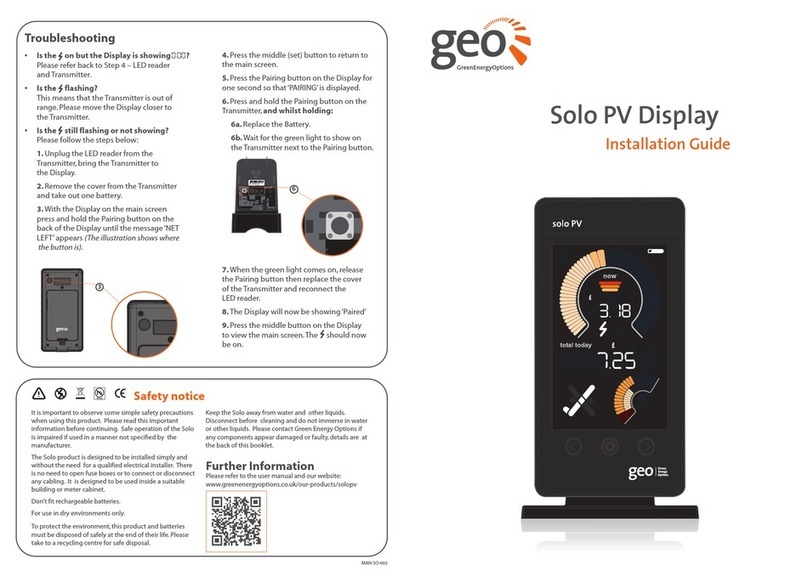
Solo PV Display
Installation Guide
Safety notice
It is important to observe some simple safety precautions
when using this product. Please read this important
information before continuing. Safe operation of the
Solo is impaired if used in a manner not specified by the
manufacturer.
The Solo product is designed to be installed simply and
without the need for a qualified electrical installer. There
is no need to open fuse boxes or to connect or disconnect
any cabling. It is designed to be used inside a suitable
building or meter cabinet.
Do not fit rechargeable batteries.
For use in dry environments only.
To protect the environment, this product and batteries
must be disposed of safely at the end of their life. Please
take to a recycling centre for safe disposal.
Keep the Solo away from water and other liquids.
Disconnect before cleaning and do not immerse in water
or other liquids. Please contact Green Energy Options if
any components appear damaged or faulty.
Troubleshooting
•Is the on, but the Display is showing
Please refer back to Step 3 – LED Reader
and Transmitter, checking with a light
source that the connection between the
LED Reader and Display is ok.
• Is the flashing?
This means that the Transmitter is out of
range. Please move the Display closer to
the Transmitter.
• Is the still flashing or not showing?
Please follow the steps below:
1. Unplug the LED reader from the
Transmitter, bring the Transmitter to
the Display.
2. Remove the cover from the Transmitter
and take out one battery.
3.With the Display on the main screen
press and hold the Pairing button on the
back of the Display until the message‘NET
LEFT’ appears (the illustration below
shows where the button is).
4. Press the middle (set) button to return to
the main screen.
5. Press the Pairing button on the back of the
Display for one second so that ‘PAIRING’
is displayed.
6. Press and hold the Pairing button on the
Transmitter and whilst holding it:
6a. Replace the battery.
6b. Wait for the green light to show on
the Transmitter next to the Pairing button.
7. When the green light comes on, release
the Pairing button then replace the cover
of the Transmitter and reconnect the
LED reader.
8. The Display will now be showing‘Paired’.
9. Press the middle button on the Display
to view the main screen.The should now
be on.
MAC : 00 00BC00 0B0 1 0 DA0
SN : 000000000 000 00
MAC: 00 00BC00 0B0 1 0 DA0
SN : 000000000 000 00
6
3
?
GreenEnergyOptions

Step 3 – LED Reader & Transmitter
1. Ensure the LED Reader is firmly connected to the
Transmitter, sometimes requiring a second push to make
a good connection.
2. The connection can be tested by using a light (e.g. torch) to
check that the LED Reader is working correctly.This is done
by flashing it at the velcro connected side of the LED Reader
and looking at the Display for readings.
AA BATTERIES
(in Transmier)
Step 5 – Final placement of the Display
1. Check that the is still on and not flashing, this shows that
the Display is within range of the Transmitter.
Congratulations, the Display is successfully set up and ready
to use.
Step 1 – Display
1. Begin the set-up by powering up the Display with the power
supply provided.
2. When powered up the Solo PV Display will cycle through the
software version (02.06) then‘Card in ’screen followed by
the main screen.
3. Hold the middle (set) button in for 3 to 4 seconds until‘set year’ is
displayed. To change the year use the left and right buttons and
press the middle (set) button to confirm.Continue navigating
through the settings by pressing the middle button until you are
back on the main screen (see Page 11 of the user manual).
What’s in the box?
1
Step 2 – Transmitter
1. Open the unit by pressing the button and pulling the outer
cover away from the bottom.
2. Remove the battery tab from the Transmitter.
3. The green light will flash to show that the batteries
are working.
4. On the Display, the should now be on (this could take up to
two minutes), otherwise please refer to the troubleshooting
section.
MAC: 00 00BC00 0B0 1 0 DA0
SN : 000000000 000 00
TRANSMITTER
SOLO PV DISPLAY
DISPLAY POWER SUPPLY
LED READER
DISPLAY STAND
SD CARD
(in Display)
2
3
2
1
Step 4 – LED Reader placement
1. Find the pulse output on the meter.
2. Stick the velcro circle over the pulse output on the meter.
3. Place the LED Reader over the velcro circle on the meter,
ensuring that the GEO logo is facing you.
1 2 3
3
1
Note: We strongly recommend that you only power up the
Display using the power supply provided.