7
Lombok / Greek en / A31008-M2401-T101-1-8U19 / Lombok.fm / 06.04.2017
Version 4, 16.09.2005
Operating the answering machine (A120A/A220A only)
The answering machine is operated from the handset. You can record your own announcement messages using the
handset. The pre-recorded announcement is used if no personal announcement is available.
If the memory is full, Memory full! appears in the display and the answering machine switches itself off automatically. It
activates again automatically when you delete old messages.
The answering machine has already been preset at the factory. Make individual settings using the handset.
How to set a delay time (time period after which you would like the answering machine to answer a call), as well as how
to set the recording length and activate call screening during the recording, see menu overview ¢page 15.
Activating/deactivating the answering machine
MENU ¤u Answer Machine ¤OK ¤u Answer Mach. ¤OK (‰= on)
When you switch on the answering machine, the ±icon appears in the display.
Recording your own announcement
MENU ¤u Answer Machine ¤OK ¤u Announcements ¤OK ¤Rec announce ¤OK ¤Speak after OK ¤OK
You hear the ready tone (short tone). Now say your announcement (at least 3 sec.). Press OK to confirm or press aor
”to reject your recording. After recording, the announcement is played back for you to check.
Please note:
Recording ends automatically when the max. recording time of 170 seconds is reached or if there is a break in speaking
of more than 2 seconds.
Playing back or deleting announcements
See menu overview ¢page 15.
Playing back/deleting messages
There are three ways to start playing back messages on the answering machine.
◆Start message playback via the Answer Machine menu:
MENU ¤u Answer Machine ¤OK ¤u Play Messages ¤OK
If you have entered a number for the network mailbox you still need to select the answering machine:
¤uAnswer Mach. ¤OK
◆Start message playback via the answering machine list:
MENU ¤Messages ¤OK ¤u Ans.Mach.
The list is displayed as follows:
Number of new messages + number of old, played back messages
Press OK to open the list.
◆Fast access to the answering machine:
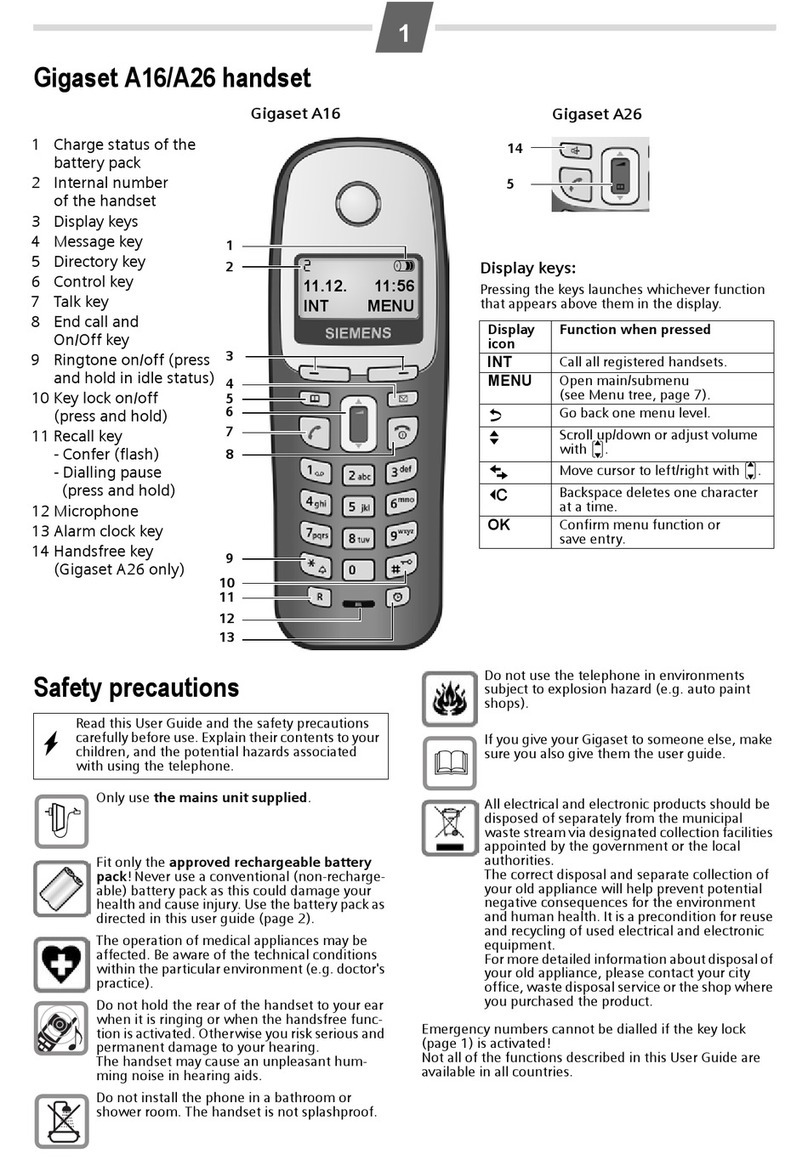
To access the answering machine, simply press and hold the1key. The integrated answering machine has already
been preset at the factory. However, if you have set the network mailbox for fast access, you can change this setting
(¢page 15).
If you have new messages, playback will start with thefirst new message, otherwise with the first old message.
Gigaset A220A only: The loudspeaker on the handset switches on automatically. To switch it off, press the handsfree
key d.
Messages consist of
◆the message header (number/date/time) and
◆the message body (recorded text).
The header is played back first, then the body. The phone number or the name is displayed.
Stopping and controlling playback
Controlling playback depends on the point in time at which the corresponding key is pressed.
During message playback:
2Pause playback. Press 2again to resume.
tor 1 During playback of message header: Go to the start of the previous message. Skipping back from the first
message jumps to the last message.
During playback of message body: Go to the start of the current message.
sor I Go to the start of the next message. Skipping forward from the last message jumps to the first message.
LDuring playback of message header: Skip header.
During playback of message body: Go to the body of the next message. Skipping forward from the last
message jumps to the first message.