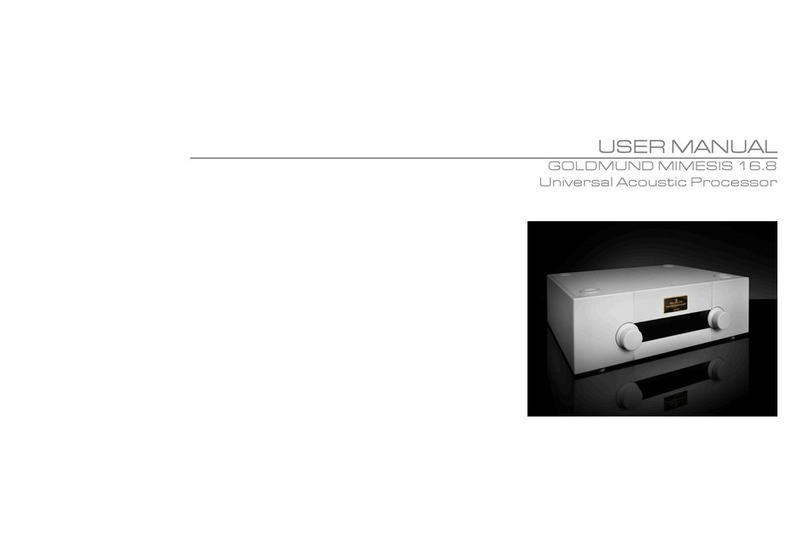
GOLDMUND MIMESIS 16.5 - UNIVERSAL ACCOUSTIC PROCESSOR - 6
1
11
1
SETTING UP THE MIMESIS
SETTING UP THE MIMESIS SETTING UP THE MIMESIS
SETTING UP THE MIMESIS 16
1616
16.5
.5.5
.5
( td.)
( td.)( td.)
( td.)
1.5 FIRST INSTALLATION & ONNE TIONS
POWER ONNE TION
POWER ONNE TIONPOWER ONNE TION
POWER ONNE TION
Plug the AC power cord to the power supply and into a wall socket.
The acoustic processor is and remains on power as soon as the power switch located on
the back panel is turned on. For best sonic results, Goldmund recommends to leave the unit
powered on permanently.
When the machine is in standby mode, the front panel Led controls are off except the red
STB Led, but the circuitry remains connected as long as the power supply switch is not
turned off. The standby mode is controlled by the remote.
OMPUTER ONFIGURATION
OMPUTER ONFIGURATIONOMPUTER ONFIGURATION
OMPUTER ONFIGURATION
Consult your official Goldmund distributor for configuration.
SOUR ES ONNE TION
SOUR ES ONNE TIONSOUR ES ONNE TION
SOUR ES ONNE TION
Connect the analog sources or tape machines to the back panel analog inputs and the
digital sources to the digital inputs of the Goldmund Mimesis 16.5, using the RCA input
connectors for analog sources and the choice of RCA for SPDIF, XLR for AES-EBU or
optical for the digital sources.
The inputs are numbered on the back panel.
Digital inputs are numbered from 1 to 10. Digital input 3 and 4 offer two different connector
standards. Only one must be used per input, both work equally well. Digital input 7 to 10 are
reserved for HDMI connection.
NOTE
NOTENOTE
NOTE
In all system and specially in HDMI wiring, to
guarantee the HD signal throughout the full
system, Goldmund recommends to perform all
the wiring when all units are turn off and
successively turn on the units according to the
following combination: screen, acoustic