Connecting the Device
WAVE RADAR (Wi-Fi Connection)
or
1. Turn on the power of Wave Radar.
2. Confirm the Booting of the Wave Radar has completed by checking LED status.
3. Check the SSID written on the back of Wave Radar and proceed with Wi-Fi communication
connection.
–PC: Enter [Search > Wi-Fi Settings] →Select product SSID →Enter Password
–Mobile: Enter [Settings > Wi-Fi Connection] →Select product SSID →Enter Password
SSID: WAVE_OOOOOOOO / Password: wave1234
※For network play, use a secondary channel to connect to the internet.
WAVE PUTT (Bluetooth Connection)
or
1. Connect the USB-C cable to the USB port on the side of Wave Putt to turn it on.
2. Verify the Wave Putt Ready LED and BT LED flicker at the same time.
※Wave Putt is automatically connected to Wave Radar.
※Wave Putt cannot be connected to communication network alone.
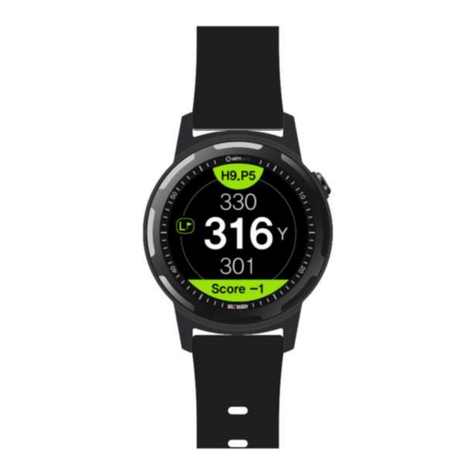
Smart Watch (Bluetooth Connection)
1. Check that Bluetooth is turned on in settings of the Smart Watch.
2. Launch Wave Watch app and confirm the connection status.
※You must set the Smart Watch in the Wave Skills app to use it.
※Please see the website for available devices.
※Smart Watch is not provided as a component of the WAVE package.