6
03
We have divided this user guide into seperate
sections, so that you can find the information you
are looking for easily. This section covers the day
to day functions that you will use most.
Radio
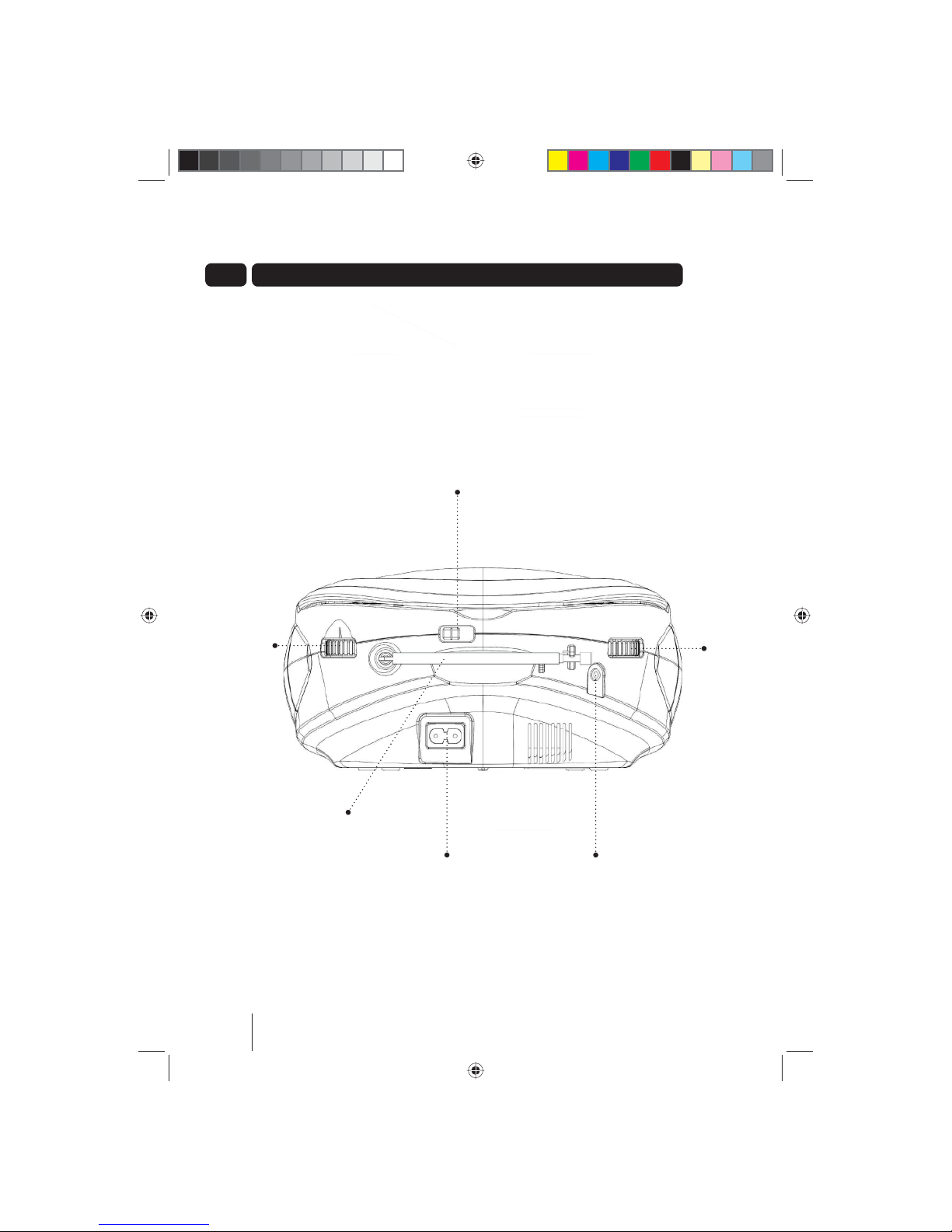
Raise and pull open the Aerial.
Slide the SELECTION SWITCH to FM.
Rotate the TUNING DIAL to select the
desired station.
CD Player
You can play audio, CD-R and CD-RW discs.
DON’T FORGET! You will not be able to
play CD-ROM, CDI, VCD, DVD or computer
discs.
Loading a CD
Slide the SELECTION SWITCH to CD/Line
In.
Open the CD compartment lid, insert the CD
with the label facing upwards and then close
the CD compartment lid.
Play a CD
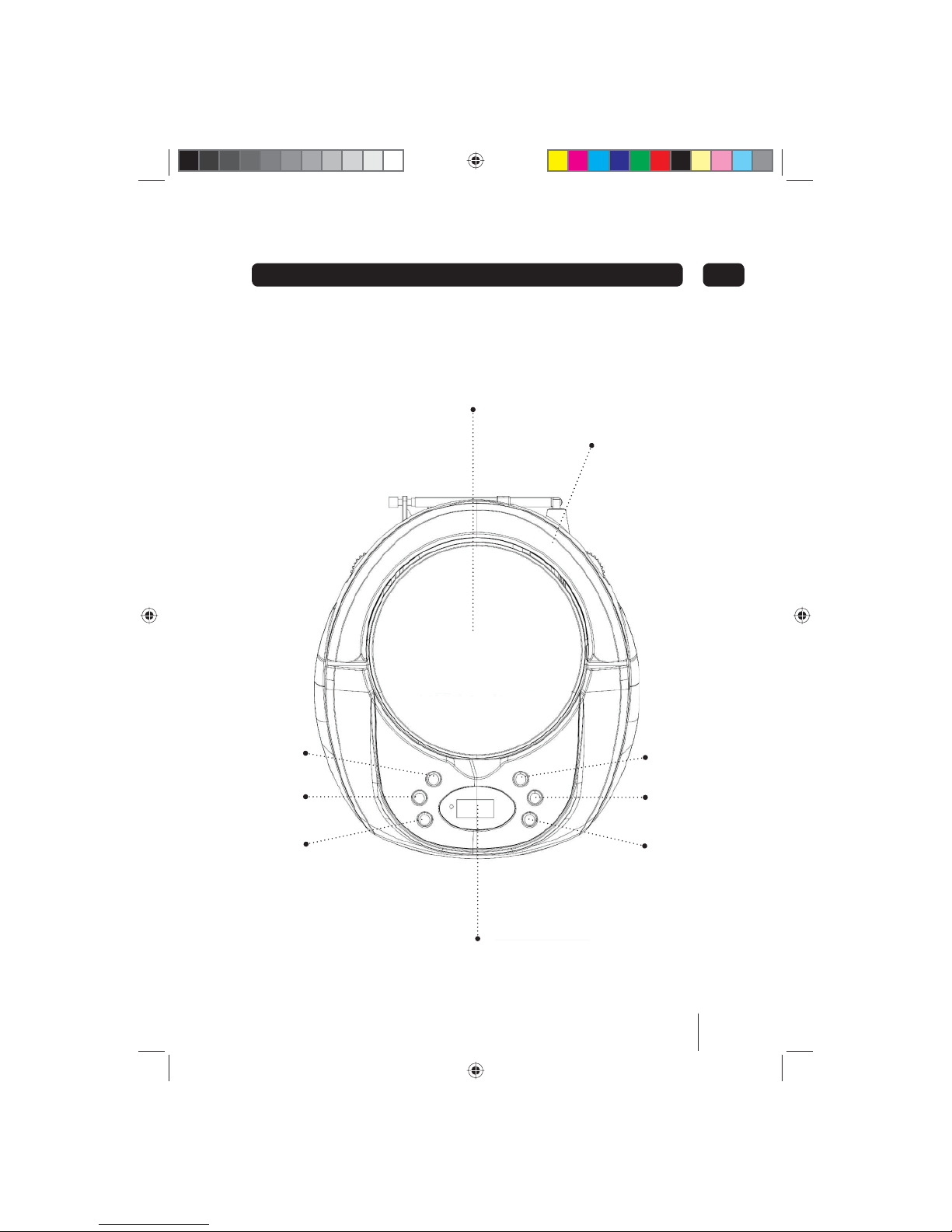
Press PLAY/PAUSE button to start playing a
CD.
Press PLAY/PAUSE button to pause a CD,
press the PLAY/PAUSE button to start
playing the CD again.
Press the STOP button to stop playing the
CD.
Skipping Forward or backwards
through CD
You can skip forwards or backwards through
the CD to select a particular track using
the FORWARD SKIP and REVERSE SKIP
buttons.
Repeat Current track on CD
You can repeat the current track or CD
continuously.
Repeat current track:
Press the REPEAT button once to repeat the
current track continuously, The REPEAT LED
flashes on the display.
Repeat CD:
Press the REPEAT button twice to repeat the
entire CD continuously. The REPEAT LED is solid
on the display.
Cancelling the Repeat option
You can cancel the repeat option at any time.
Press the REPEAT button again.
Programmed Track Selection
You can set the CD player to play a selection of
tracks from the CD.
Make sure the CD is not playing.
Press the Pbutton, the LCD DISPLAY and
the PROG LED will flash.
Use the FORWARD SKIP and REVERSE
SKIP buttons to skip forwards and backwards
to find the track you are looking for.
Press the Pbutton to store the selected track.
Repeat steps and until selected all the
desired tracks.
Playing the programmed selection
Press the PLAY/PAUSE button to play your
selection.
Deleting a selection
You can delete a selection, press the STOP
button twice, open the CD compartment or slide
the SELECTION SWITCH to choose another
function.
Daily use