Download the Gosund app from the App Store/
Google Play or via the OR code below.
How to Pair with the Gosund App?
1
2
3
Open Gosund App, create your account and tap “+”
icon in the top right corner and select “Switch (WiFi)”.
Follow on-screen instructions to complete
the connection.
Step 1: Shut OFF the power at the circuit breaker for
the switch you are replacing. You may need to shut
OFF more than one circuit breaker/switch tomake sure
the switch you are working on is powered OFF.
Step 2: Unscrew and disconnect the wires from the old
switch using a screw driver.
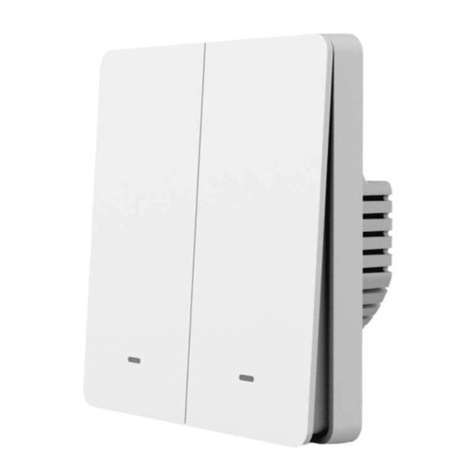
Step 3: Install the Gosund Flip V Wi-Fi Smart Switch.
Insert wire to terminal, then tighten the screw.
Step 4: Mount the device using the provided screws.
IMPORTANT:USE A NON-CONTACT VOLTAGE
DETECTOR OR FLIP YOUR LIGHT SWITCH A FEW
TIMES TO MAKE SURE THAT THE POWER IS OFF.