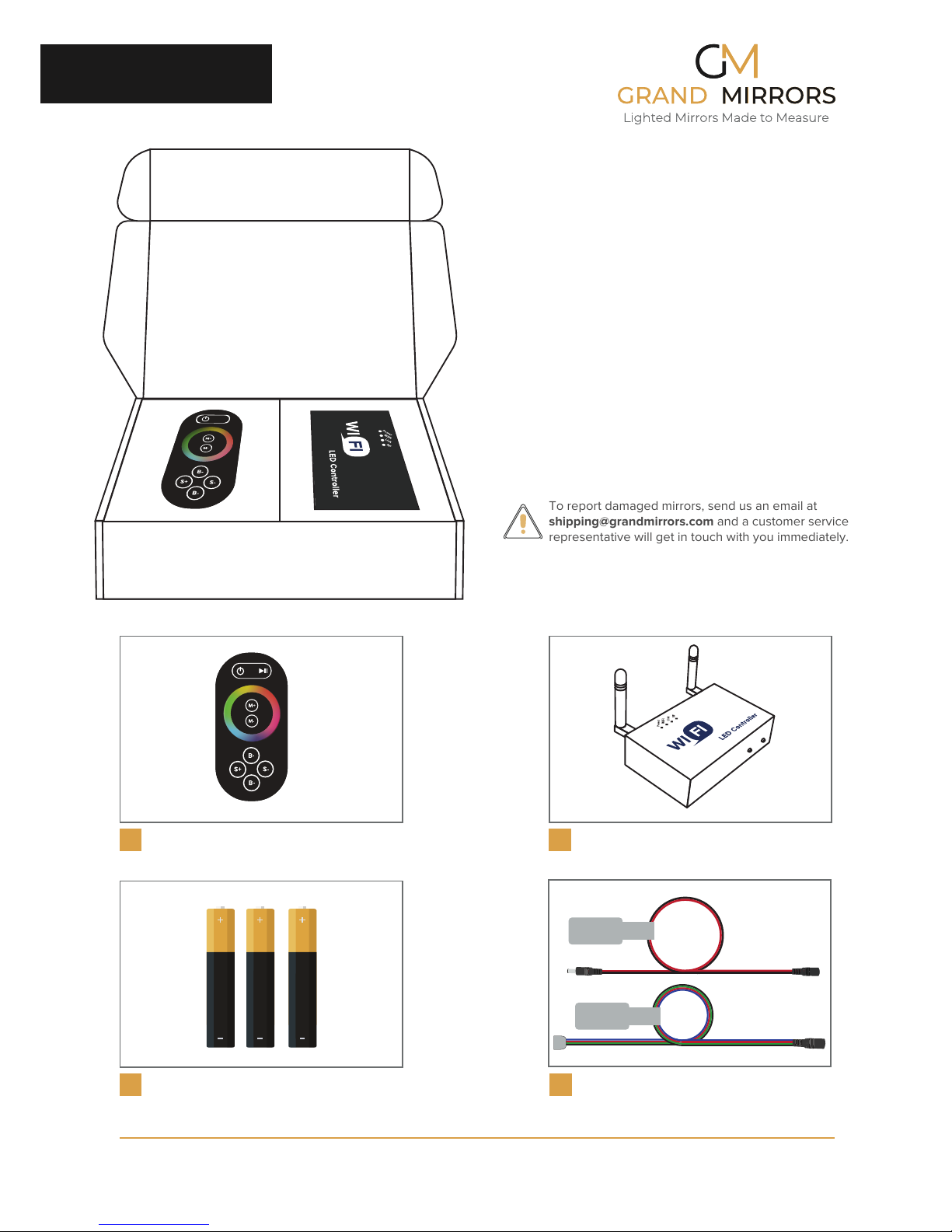
Parts and Function:
WIFI LED Controller
Copyright © 2012-2018 Grand Mirrors Inc., Cerritos, California.
All rights reserved. Patents Pending used under license.
Grand Mirrors Inc.
12611 Hiddencreek Way Unit M,
Cerritos, CA 90703 USA
MATCH
FUNCTION
D
C
B
A
Light Status Buttons
Function Button
Changes the current mode on the lights.
Pressing it for 10s or more will turn the
lights on or off.
Match Button
Pairs the remote to the WIFI
LED controller.
Parts and Function:
WIFI LED Controller
APOWER
Equipment is turned on and ready to use.
Equipment is not receiving power.
Equipment is emitting a steady wifi signal.
Equipment is not emitting any signal.
There are no signals being transmitted
to and from the WIFI controller.
The WIFI controller is actively sending and
transmitting signals to connected devices.
Not ready. Wait for lights to be solid before
trying to connect.
A device is trying to match with the WIFI
controller.
There are no devices trying to connect to
the WIFI controller.
BWIFI
CLINK
DRF
ON
OFF
ON
OFF
BLINKING
OFF
BLINKING
OFF
BLINKING
Light Status Activity