STORING MEMORY POSITIONS
DISPLAY
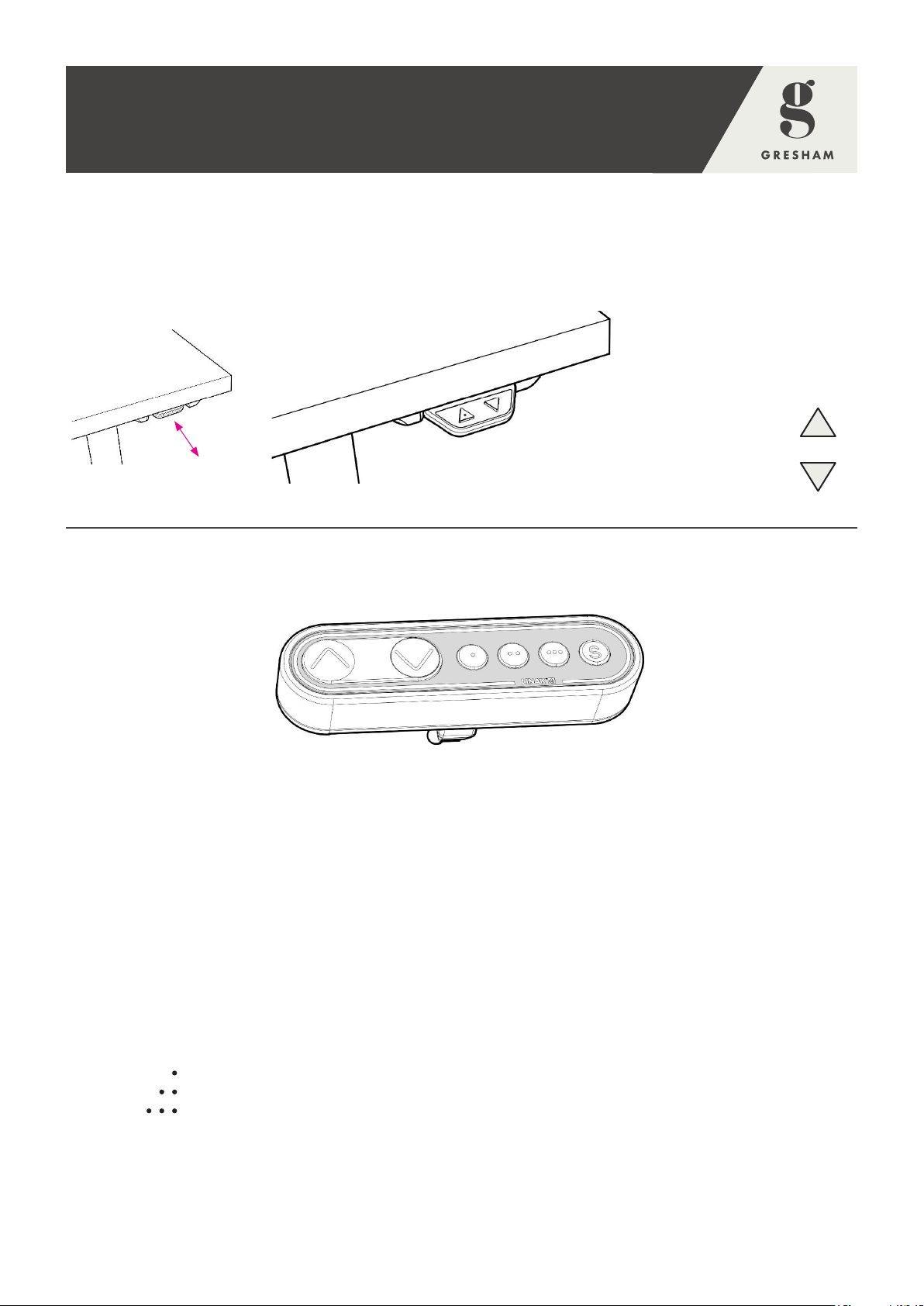
The Type ‘E’ control panel has an OLED display, which shows the height during drive of the desk and
many other texts to guide the user.
ADJUSTING THE INITIAL HEIGHT OF THE DESK
When first setting up the desk or if the height shown in the display is incorrect follow these simple steps:
• Drive the desk down to the lowest point by tilting the paddle downwards.
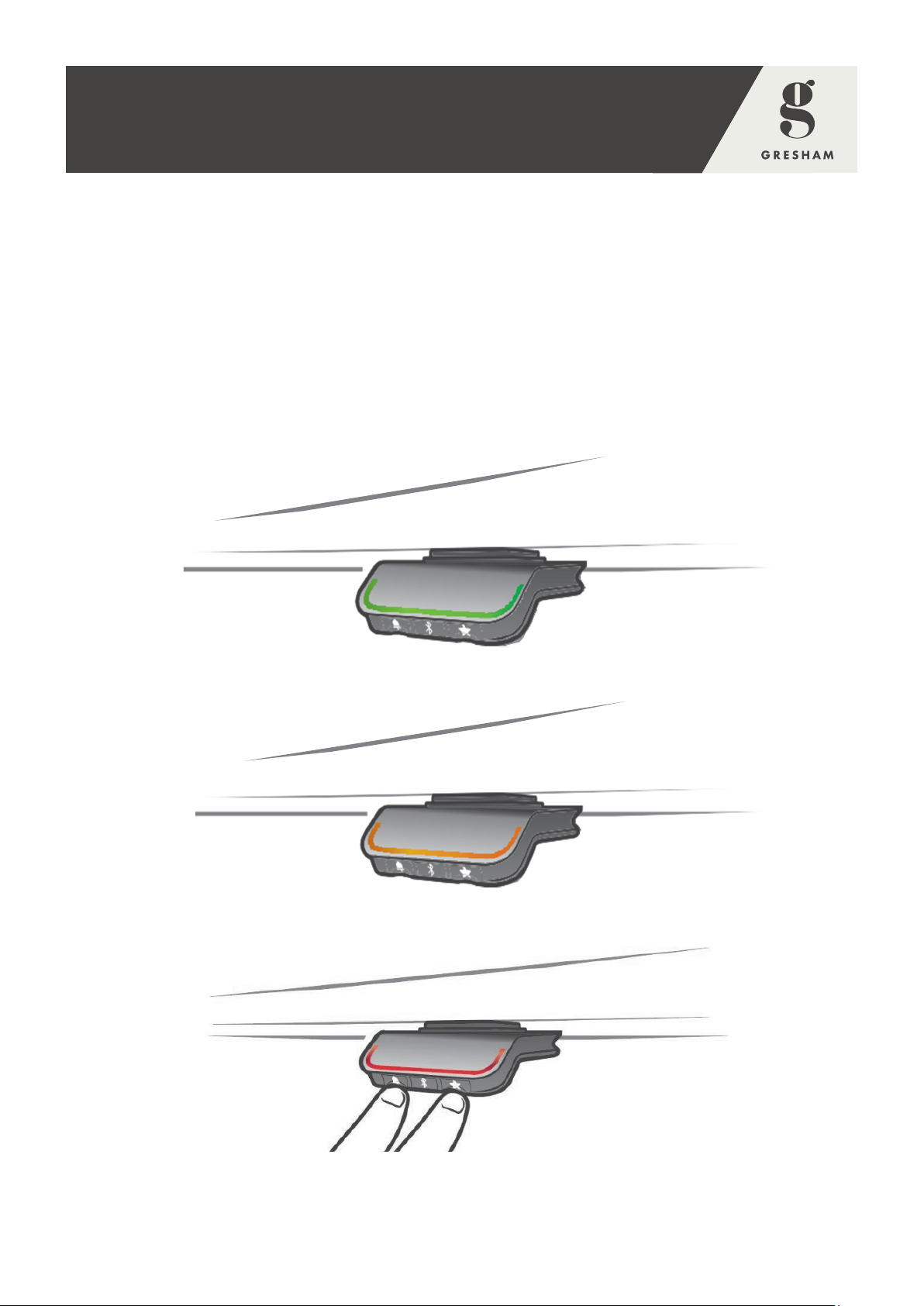
• Press the ‘Reminder – Bell’ and ‘Bluetooth’ buttons on the panel at the same time for 5 seconds.
- The height in the display will start to blink.
• Tilt the paddle will change the display without altering the height of the desk.
- Tilt up to increase the height.
- Tilt down to decrease the height in the display.
• Once the correct height is displayed, press any button to confirm the choice.
• Wait 10 seconds for confirmation to be applied.
• The desk can now be operated with the correct height displayed.
‘Rise’ – 63cm
‘Rise Lite’ – 72cm
‘Rise Squared’ – 63cm
SWITCHING BETWEEN CENTIMETRE AND INCH
• Pressing the ‘Memory – Star’ and ‘Bluetooth’ buttons on the control panel at the same time for 5
seconds.
- This will show the current unit of measurement blinking.
• To change – e.g. from centimetres to inches or inches to centimetres, tilt the paddle once.
- The alternative unit of measurement will now be displayed.
• Press any button to confirm the choice.
• Wait 10 seconds for confirmation to be applied.
• The desk can now be operated with the correct unit displayed.
ERROR CODES
The Type ‘E’ control panels shows error codes in case of errors in the system. The most common errors
loop between the error code (EXX) and the cause. Check the codes below and act accordingly:
Where collision or overload has occurred – remove the object preventing full movement. For
initialisation, see the Troubleshooting section.
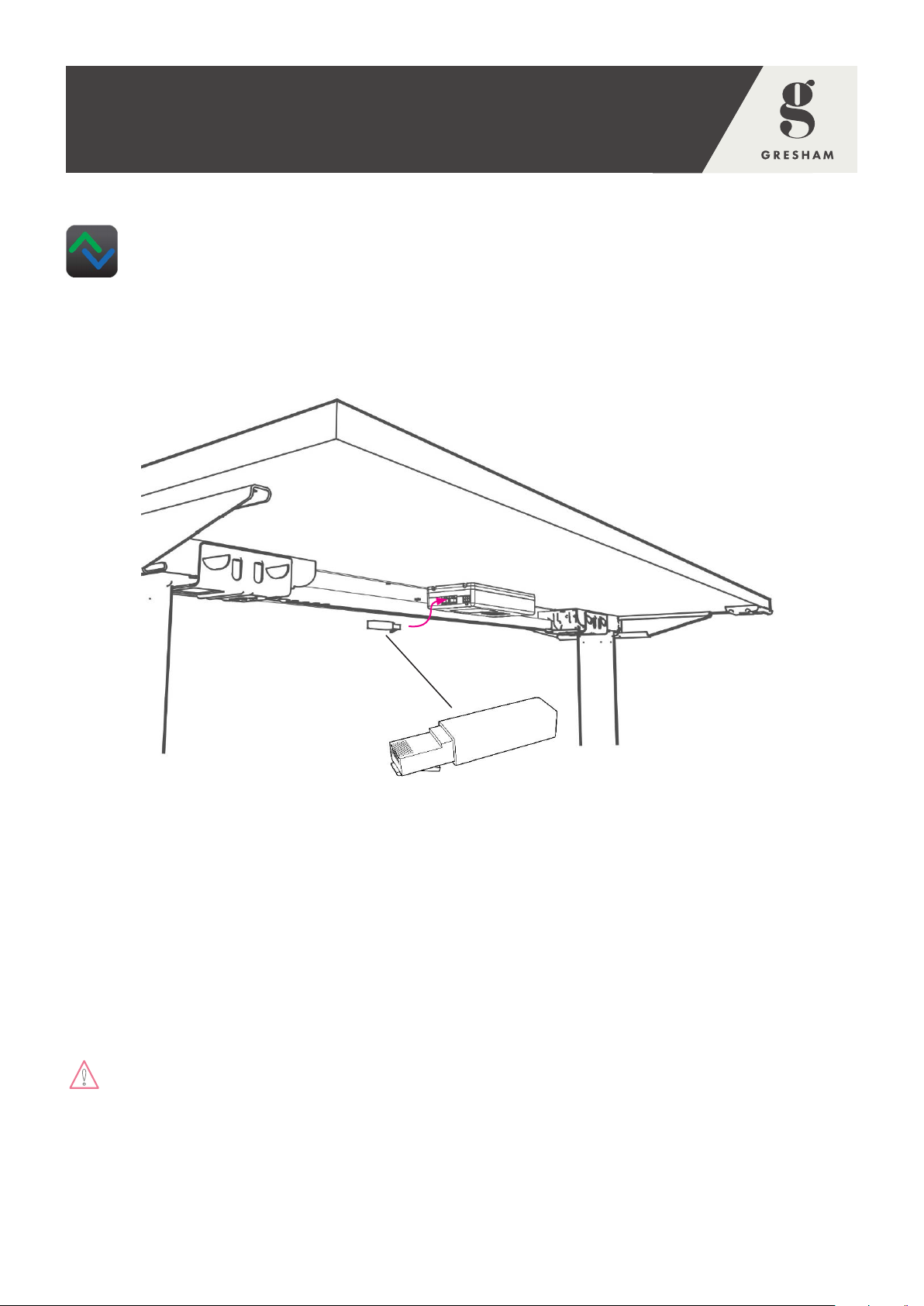
Desks may have to be disconnected from the mains and re-programmed if errors occur.
If others error codes continue to be displayed or the desk stops functioning, disconnect it from the mains
and contact our Customer Care Department for further information.
RISE FAMILY 096212 REV. A
USER INSTRUCTIONS
(RISE, RISE LT & RISE SQUARED)
Error codes shown on the control panel Cause
E53 – E64 Collision
E41 – E52 Overload
E01 Initialisation
9