Guardian Telecom Inc. Installation and Operation
Model WRR Series
Page 7
Installing the WRR
Follow all appropriate electrical codes and use only approved electrical
fittings for the installation.
Choose a wall location that is free of obstructions and permits space for
wiring.
Ensure mounting can support 5.5 lbs (2.5 kg) plus any additional,
foreseeable load.
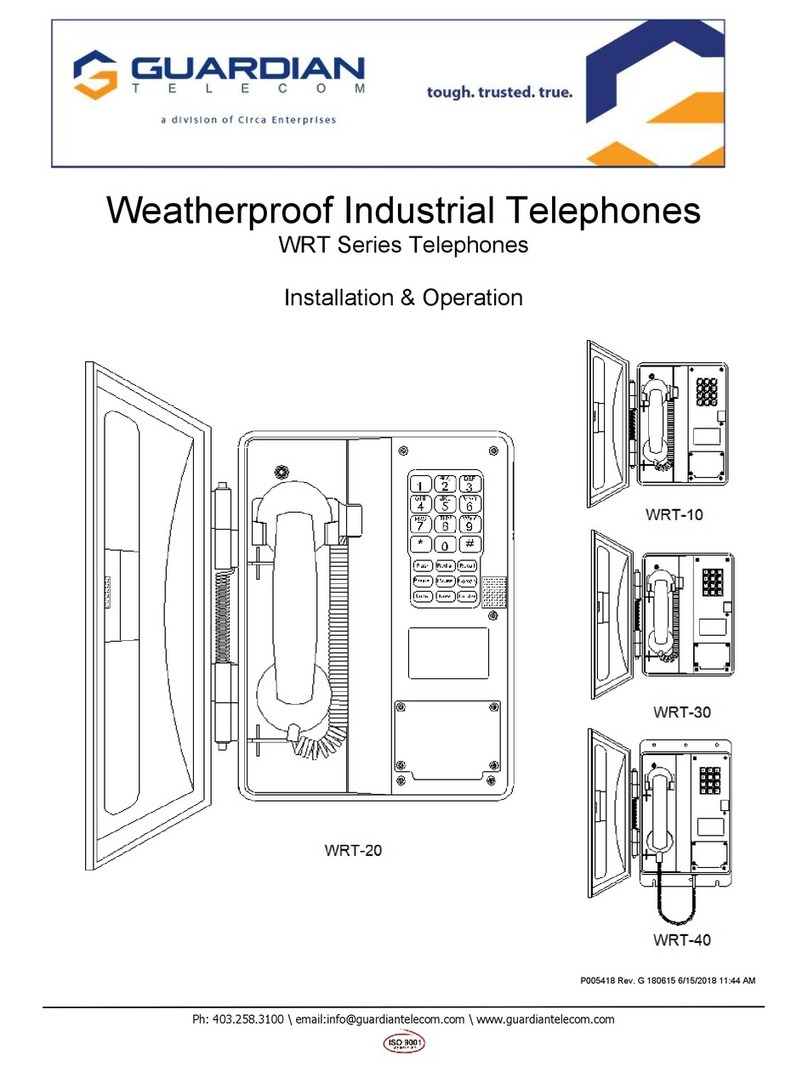
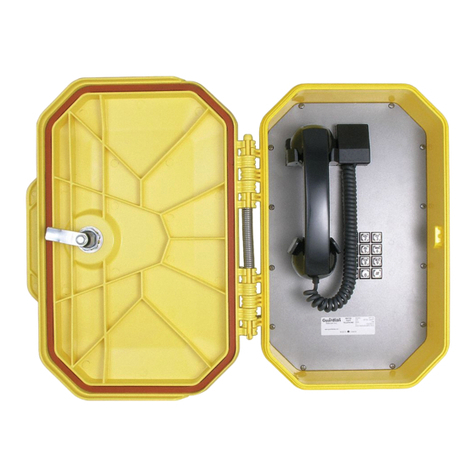
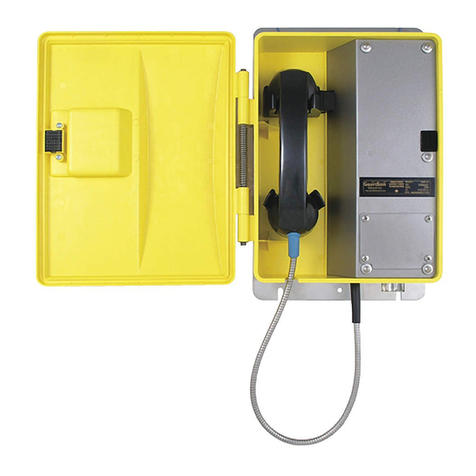
See: Figure 2 - WRR-11
Overall Dimensions &
Figure 4 - WRR-41
Overall Dimensions
Ensure that none of the electrical connection circuits are live.
Mounting Without Optional Mounting Plate
Use the appropriate template to locate and drill holes for mounting screws.
The #10 screws provided require a 3 mm (1/8”) hole for use in wood or
similar materials. Use anchors in plaster or cement to provide a firm grip for
the mounting screws. Use sturdy hollow-wall fasteners to mount the set to
drywall.
Loosen the five captive screws in the faceplate and swing the faceplate to
the left. If the set is on a vertical surface the faceplate will stay open like a
book in this position. Take care not to disturb the internal wiring.
See: Figure 2 - WRR-11
Overall Dimensions
Tip: Use #10 or M5
screws to secure the unit
to the wall
Secure the unit to the wall.
Replace the faceplate. Do not over tighten the screws.
Mounting With Optional Mounting Plate
Use the appropriate template to locate and drill holes for mounting screws.
Secure the unit to the wall.
Note: Ensure that
connections are secure
before replacing
faceplate.
Wiring the WRR to the Telephone System
Remove the wiring access cover plate.
Bring cable into the enclosure through the conduit entrance and attach
individual wires from the exchange – Tip/Ring/Ground – to the surge
arrestor (Tip & Ring are not polarity sensitive). If a conduit hub is used,
ensure it is grounded to the ground stud.
See: Figure 5 - Tip &
Ring Connection
Replace the wiring access cover plate.
Final Check
Check the set visually for loose screws and trapped wires. Check that the
handset hangs freely in the cradle and that the handset cord is not trapped
by the door.
Check that the faceplate is snug to its gasket, paying particular attention to
the area around the cradle. Check that the door closes flush to the housing.
The WRR Telephone may be supplied with an optional Auto Dialer or
dialing may be configured by the PABX. If an Auto Dialer is ordered with
the WRR, refer to the manual for the Auto Dialer for instructions on
programming and for compliances.
Test the unit by calling to and from another unit on the exchange.