manuals.online logo
Brands
  1. Home
  2. •
  3. Brands
  4. •
  5. Hanna Instruments
  6. •
  7. Accessories
  8. •
  9. Hanna Instruments HI 9815 User manual

Hanna Instruments HI 9815 User manual

Other Hanna Instruments Accessories manuals

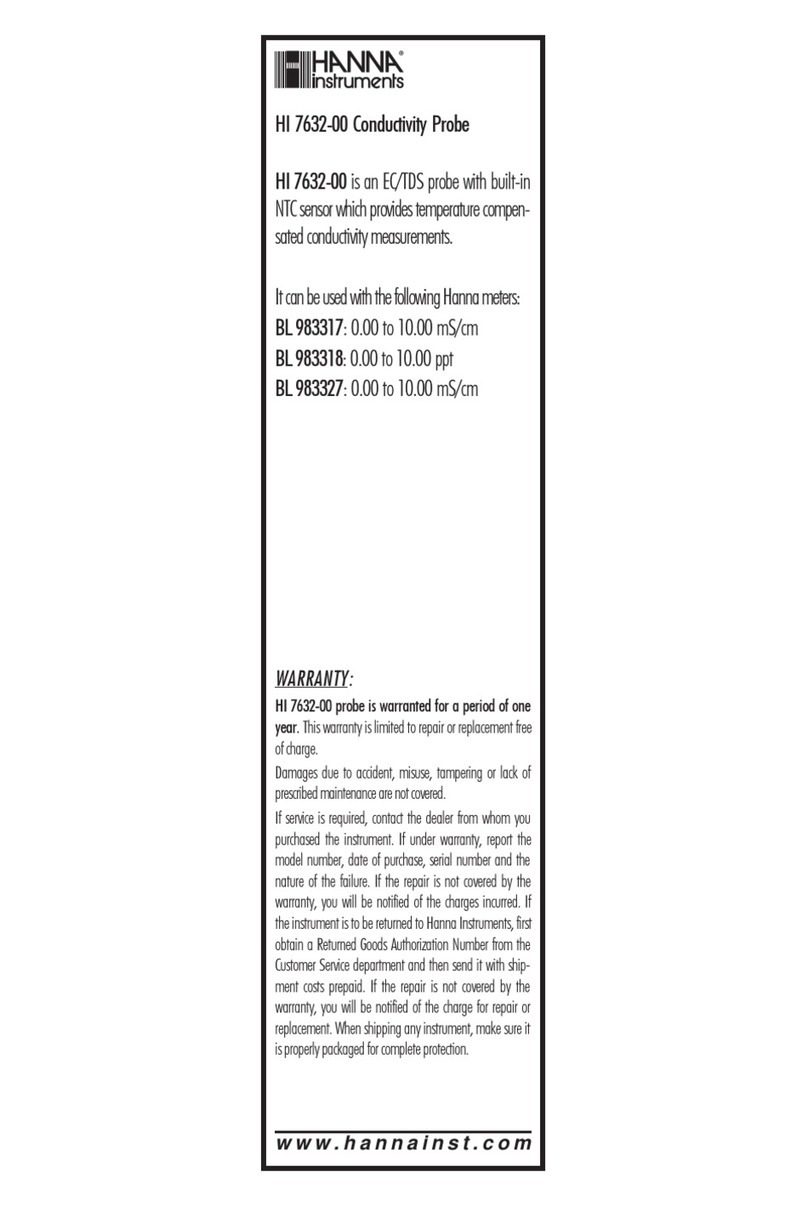
Hanna Instruments HI 7632-00 User manual

Hanna Instruments

Hanna Instruments HI 7632-00 User manual

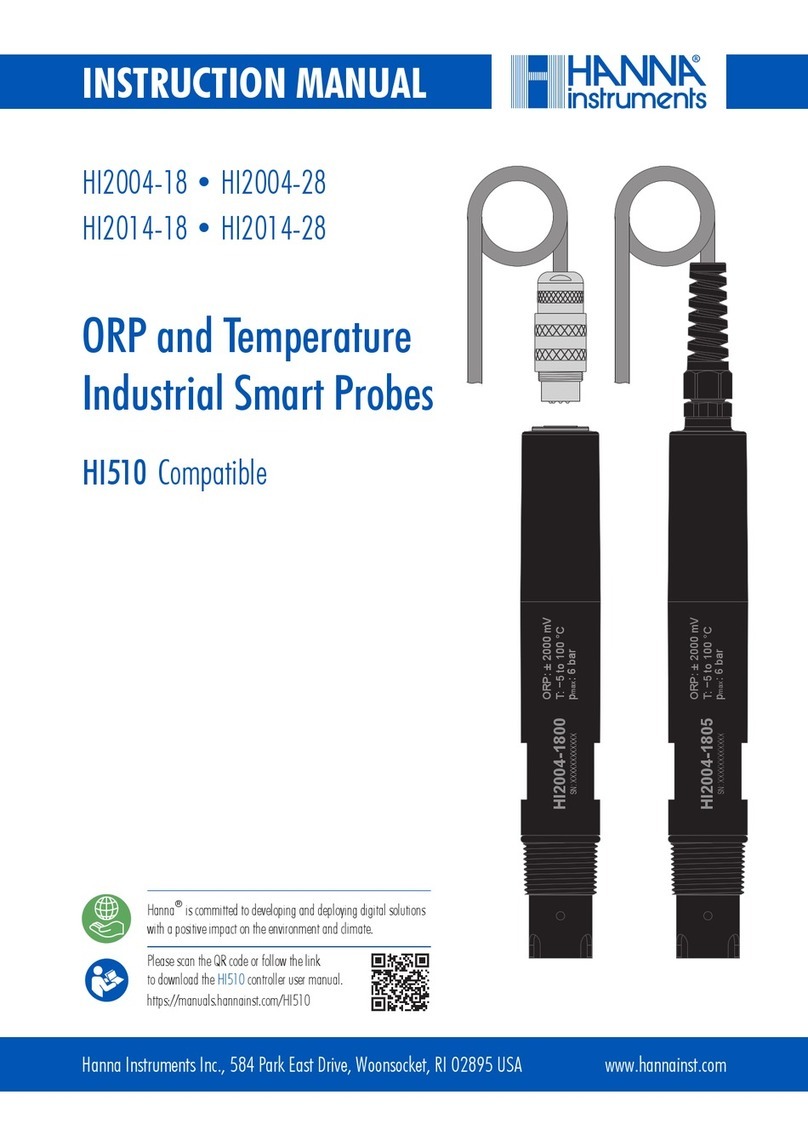
Hanna Instruments HI2004-18 User manual

Hanna Instruments

Hanna Instruments HI2004-18 User manual

Hanna Instruments HI 504901 User manual

Hanna Instruments

Hanna Instruments HI 504901 User manual

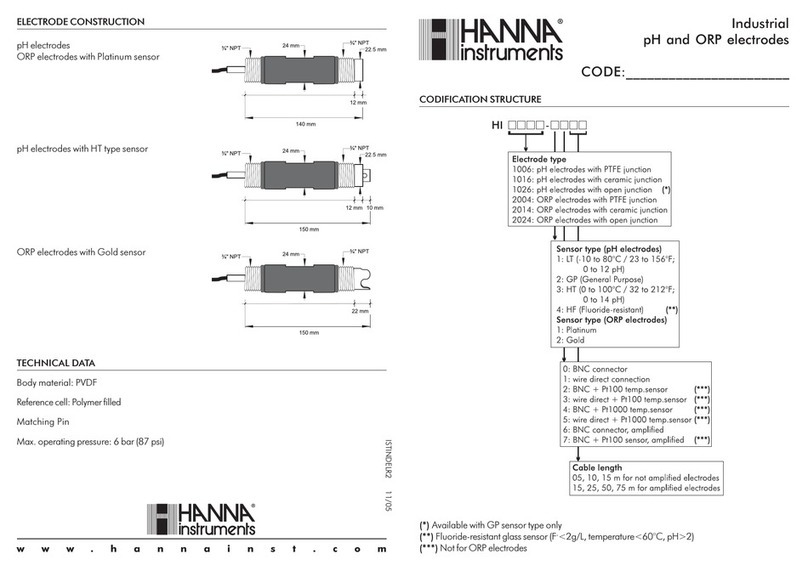
Hanna Instruments ELECTRODE User manual

Hanna Instruments

Hanna Instruments ELECTRODE User manual

Hanna Instruments HI 504900 User manual

Hanna Instruments

Hanna Instruments HI 504900 User manual

Popular Accessories manuals by other brands

Quincy lab 140AE-1 operating manual

Quincy lab

Quincy lab 140AE-1 operating manual

HomePro ZIR000 user manual

HomePro

HomePro ZIR000 user manual

DOL 20SCR Technical user guide

DOL

DOL 20SCR Technical user guide

RAB Smart Task installation manual

RAB

RAB Smart Task installation manual

Kemppi KMS 300 quick guide

Kemppi

Kemppi KMS 300 quick guide

Stearns 57,500 Series Installation and service instructions

Stearns

Stearns 57,500 Series Installation and service instructions

iGuzzini TWILIGHT COPENAGHEN manual

iGuzzini

iGuzzini TWILIGHT COPENAGHEN manual

Adelaide Annexe & Canvas Avan Deluxe installation guide

Adelaide Annexe & Canvas

Adelaide Annexe & Canvas Avan Deluxe installation guide

OHAUS 5000 instruction manual

OHAUS

OHAUS 5000 instruction manual

HOME8 WLS1300 quick start guide

HOME8

HOME8 WLS1300 quick start guide

MAXBOTIX MaxSonar quick start guide

MAXBOTIX

MAXBOTIX MaxSonar quick start guide

ioSmart iSmart56 Installation and user guide

ioSmart

ioSmart iSmart56 Installation and user guide

Focusrite Scarlett 18i8 user guide

Focusrite

Focusrite Scarlett 18i8 user guide

Velleman ED38105 user manual

Velleman

Velleman ED38105 user manual

JumpSport SkyBounce user manual

JumpSport

JumpSport SkyBounce user manual

Prima-Temp PRIYA Instructions for use

Prima-Temp

Prima-Temp PRIYA Instructions for use

Tefcold BC85I-BC85I W user manual

Tefcold

Tefcold BC85I-BC85I W user manual

Vaisala WMS302 user guide

Vaisala

Vaisala WMS302 user guide

manuals.online logo
manuals.online logoBrands
  • About & Mission
  • Contact us
  • Privacy Policy
  • Terms and Conditions

Copyright 2025 Manuals.Online. All Rights Reserved.

Instruction Manual
www.hannainst.com
(HI 9815)
pH system for PC
Dear Customer,
Thank you for choosing a Hanna product. This manual will
provide you with the necessary information for correct opera-
tion. Please read it carefully before using the pH system. If
you need additional technical information, do not hesitate to
e-mail us at [email protected].
This instrument is in compliance with the directives.
Remove the instrument from the packing material and exam-
ine it carefully. If any damage has occurred during shipment,
immediately notify your Dealer or the nearest Hanna Customer
Service Center.
HI 9815 comes complete with HI 1333B pH electrode with 1
meter (3.3’) cable and BNC connector.
Note: Conserve all packing material until the instrument has
been observed to function. Any defective item must be
returned to the Dealer in its original packing.
PRELIMINARY EXAMINATION
Range 0.0 to 14.0 pH
Resolution 0.1 pH
Accuracy ±0.2 pH
Typical EMC Deviation ±0.2 pH
Electrode HI 1333B (included)
Environment 0 to 50°C (32 to 122°F); RH 95% max
Dimensions Ø 88 x 40 mm (Ø 3.5 x 1.6’’)
Weight 250 g (8.8 oz.)
SPECIFICATIONS
ACCESSORIES
HI 981500 Windows®compatible software
HI 1333B Double junction, plastic-body pH electrode
with 1 m (3.3’) cable and BNC connector.
The HI 9815 pH Turtle is a pH
transmitter equipped with an
RS232 connector and cable as
well as a BNC input for the pH
electrode.
Any communication with the meter
is performed through the PC.
Before starting any operation, the
HI 981500 software must be installed on your PC (refer to the
software on-line help for details).
Connect the RS232 cable of HI 9815 to a serial port of your
PC. Connect the pH electrode and dip it in the sample. Then
run the pH Turtle software on your computer.
Refer to the software on-line help for measurement and
calibration.
The pH Turtle software allows you to log measurements, view
real-time graphs, compensate for the temperature variance and
set the alarm limits right from the PC keyboard.
Data can be saved and further elaborated with common spread
sheet programs (e.g. Excel®, Lotus 1-2-3®, etc.).
DESCRIPTION & START UP WARRANTY
HI 9815 pH transmitter is guaranteed for 2 years against de-
fects in workmanship and materials when used for their intended purpose
and maintained according to instructions. The electrode is guaran-
teed for 6 months. This warranty is limited to repair or replacement
free of charge. Damages due to accident, misuse, tampering or lack of
prescribed maintenance are not covered. If service is required, contact
the dealer from whom you had purchased the instrument. If under
warranty, report the model number, date of purchase, serial number
and the nature of the failure. If the repair is not covered by the war-
ranty, you will be notified of the charges incurred. If the instrument is to
be returned to Hanna Instruments, first obtain a Returned Goods Autho-
rization Number from the Customer Service department and then send
it with shipment costs prepaid. When shipping any instrument, make
sure it is properly packaged for complete protection.
All rights are reserved. Reproduction in whole or in part is prohib-
ited without the written consent of the copyright owner.
Hanna Instruments reserves the right to modify the design,
construction and appearance of its products without advance notice.
Recommendations for users
Before using this product, make sure that it is entirely suitable for the environment in which it is
used. Operation of this instrument in residential areas could cause unacceptable interferences to
radio and TV equipments. The glass bulb at the end of the electrode is sensitive to electrostatic
discharges. Avoid touching this bulb at all times. During operation, ESD wrist straps should be
worn to avoid possible damage to the electrode by electrostatic discharges. Any variation
introduced by the user to the supplied equipment may degrade the instruments’ EMC perfor-
mance. To avoid electrical shock, do not use this instrument when voltages at the measurement
surface exceed 24 Vac or 60 Vdc. To avoid damages or burns, do not perform any measurement
in microwave ovens.
CE DECLARATION OF CONFORMITY
ISTPHTUR2 05/05