manuals.online logo
Brands
  1. Home
  2. •
  3. Brands
  4. •
  5. Byron
  6. •
  7. Accessories
  8. •
  9. Byron Victoria Bell User manual

Byron Victoria Bell User manual

This manual suits for next models

1

Other Byron Accessories manuals

Byron W-251i Owner's manual

Byron

Byron W-251i Owner's manual

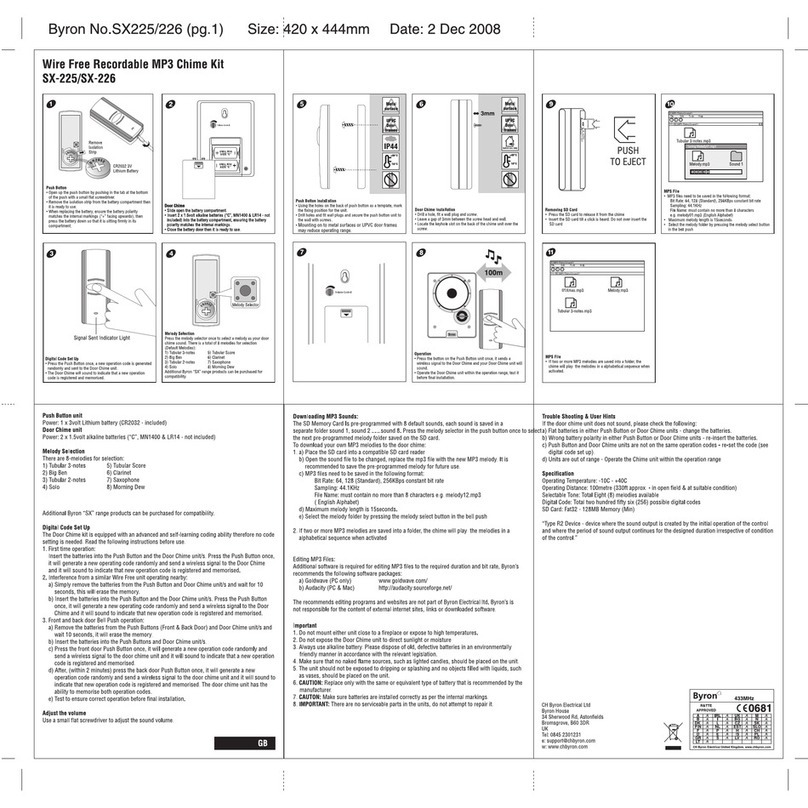
Byron SX-225 Owner's manual

Byron

Byron SX-225 Owner's manual

Byron BY102 Owner's manual

Byron

Byron BY102 Owner's manual

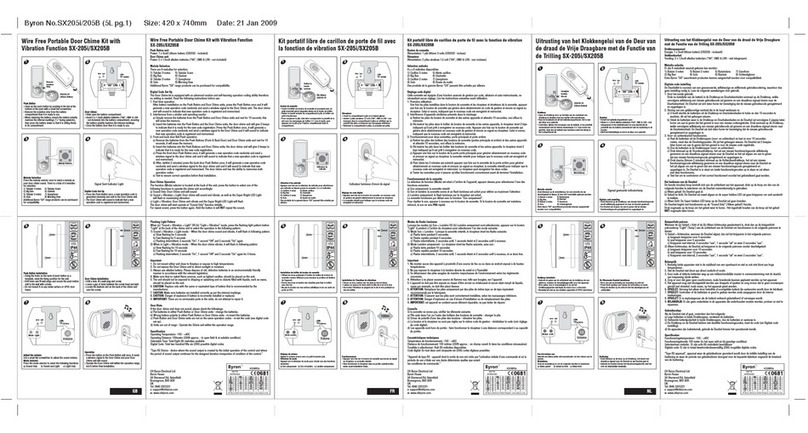
Byron SX-205B Owner's manual

Byron

Byron SX-205B Owner's manual

Byron B304 User manual

Byron

Byron B304 User manual

Byron SX-203 User manual

Byron

Byron SX-203 User manual

Byron DB303 Owner's manual

Byron

Byron DB303 Owner's manual

Byron SX-6 Owner's manual

Byron

Byron SX-6 Owner's manual

Byron SX-15i User manual

Byron

Byron SX-15i User manual

Byron Home Easy HE-202 User manual

Byron

Byron Home Easy HE-202 User manual

Byron SX-39 Owner's manual

Byron

Byron SX-39 Owner's manual

Byron SX-245 Owner's manual

Byron

Byron SX-245 Owner's manual

Byron B002E User manual

Byron

Byron B002E User manual

Byron TX-414 User manual

Byron

Byron TX-414 User manual

Byron TX-2 User manual

Byron

Byron TX-2 User manual

Byron SX-60i Owner's manual

Byron

Byron SX-60i Owner's manual

Byron BY201F Owner's manual

Byron

Byron BY201F Owner's manual

Byron DB313 User manual

Byron

Byron DB313 User manual

Byron DIC-24815 User manual

Byron

Byron DIC-24815 User manual

Byron Home Easy HE-207 User manual

Byron

Byron Home Easy HE-207 User manual

Byron SX-36 User manual

Byron

Byron SX-36 User manual

Byron MP001 User manual

Byron

Byron MP001 User manual

Byron 1217 Owner's manual

Byron

Byron 1217 Owner's manual

Byron 776 User manual

Byron

Byron 776 User manual

Popular Accessories manuals by other brands

Quincy lab 140AE-1 operating manual

Quincy lab

Quincy lab 140AE-1 operating manual

HomePro ZIR000 user manual

HomePro

HomePro ZIR000 user manual

DOL 20SCR Technical user guide

DOL

DOL 20SCR Technical user guide

RAB Smart Task installation manual

RAB

RAB Smart Task installation manual

Kemppi KMS 300 quick guide

Kemppi

Kemppi KMS 300 quick guide

Stearns 57,500 Series Installation and service instructions

Stearns

Stearns 57,500 Series Installation and service instructions

iGuzzini TWILIGHT COPENAGHEN manual

iGuzzini

iGuzzini TWILIGHT COPENAGHEN manual

Adelaide Annexe & Canvas Avan Deluxe installation guide

Adelaide Annexe & Canvas

Adelaide Annexe & Canvas Avan Deluxe installation guide

OHAUS 5000 instruction manual

OHAUS

OHAUS 5000 instruction manual

HOME8 WLS1300 quick start guide

HOME8

HOME8 WLS1300 quick start guide

MAXBOTIX MaxSonar quick start guide

MAXBOTIX

MAXBOTIX MaxSonar quick start guide

ioSmart iSmart56 Installation and user guide

ioSmart

ioSmart iSmart56 Installation and user guide

Focusrite Scarlett 18i8 user guide

Focusrite

Focusrite Scarlett 18i8 user guide

Velleman ED38105 user manual

Velleman

Velleman ED38105 user manual

JumpSport SkyBounce user manual

JumpSport

JumpSport SkyBounce user manual

Prima-Temp PRIYA Instructions for use

Prima-Temp

Prima-Temp PRIYA Instructions for use

Tefcold BC85I-BC85I W user manual

Tefcold

Tefcold BC85I-BC85I W user manual

Vaisala WMS302 user guide

Vaisala

Vaisala WMS302 user guide

manuals.online logo
manuals.online logoBrands
  • About & Mission
  • Contact us
  • Privacy Policy
  • Terms and Conditions

Copyright 2025 Manuals.Online. All Rights Reserved.

Installing your
Byron
Victoria Bell
Battery Operation.
Transformer Operation.
Transformer
input- 220 - 240v
output- 8v 1 amp
Byron model: 7770
is recommended

For battery operated bells, take twin bell wire from your bell push to termi-
nals 1 & 4, on the terminal blo k.
1. For exsisting installed

transformer operated bells, take
twin bell wire from your bell push
to terminal 3, on the terminal
blo k, and the other wire to your
transformer. Also take your bell
wire from the transformer to
terminal 2, on the terminal blo k.
1. Insert 4 x Size C (HP11, 1.5 volt) batteries in the battery pa k provided.
(Alkaline batteries re ommended) Take are to mat h the polarity of ea h bat-
tery.
2. Take the twin bell wire from the bell push and onne t to the two outer
terminals of the terminal blo k provided. (Terminals 1 & 4 printed on the ir-
uit board). When the bell wire has been onne ted, slide the blo k onto the
pins of the ir uit board.
3. Conne t the battery pa k to the fly lead oming from the ir uit board.
4. Test by pressing your bell push.
5. Repla e the onne ted bell in position (see mounting your bell).
6. Test again.
N.B. Please ensure you are using an 8 volt, 1 amp transformer.
2. Test by pressing your bell push.
3. Repla e the onne ted bell in position (see mounting your bell).
4. Test again
Mounting your bell.
1. Fix the top brass bra ket to the rear of the bell ase with the 2 small
s rews provided.
2. Using the template provided, drill 2 holes for the large brass s rews to
se ure onto the keyhole plate fixed to the ba k of your bell. When tightening
these s rews, allow the head of the s rew to be proud of the wall by about
10mm (1/
2 in h). Do not fix the bell to the wall yet.
Use this template to drill for the
keyhole plate.
44mm (13/
inch)
New Installationxisting Installation
1. For new installed transformer
operated bells, take twin bell wire
from your bell push to terminals
3 & 4, on the terminal blo k. Also
take twin bell wire from the
transformer to terminals 2 & 4,
on the terminal blo k.
Transformer
input- 220 - 240v
output- 8v 1 amp
Byron model: 7770
is recommended